
Xiaomi HyperOS Update 3.1 : New Features, Performance & More
Yaskar Jung Shah
Senior Tech Writer
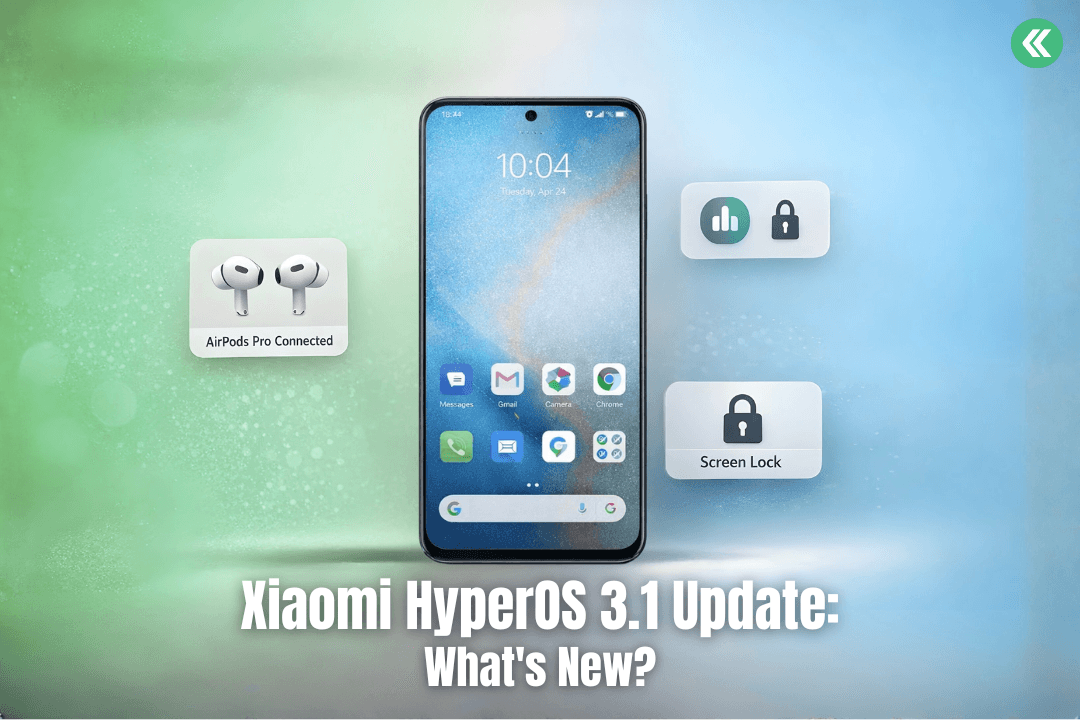
Xiaomi HyperOS Update 3.1: Eligible Devices & New Features
Xiaomi has consistently pushed the boundaries of smartphone software, and the HyperOS 3.1 update is a strong continuation of that vision. Rolled out in early 2026, HyperOS 3.1 focuses on smoother performance, stronger privacy controls, intelligent battery optimization, and deeper integration with Apple devices.
This guide offers a complete overview of HyperOS 3.1, covering its new features, UI enhancements, eligible devices, performance upgrades, and what users can expect after updating.
Overview of HyperOS 3.1
HyperOS is Xiaomi’s unified operating system designed to deliver a smooth and efficient experience across phones, tablets, and ecosystem devices. HyperOS 3.1 builds on HyperOS 3 and HyperOS 2, introducing refined system animations, improved multitasking, enhanced privacy tools, and expanded cross-platform compatibility.
The update aims to:
Optimize system performance
Reduce UI latency
Improve security and privacy
Strengthen interoperability with Apple accessories
Also Read: Prepare Your Smartphone for Resale | Sell Smart with Cashkr
What Is HyperOS 3.1?
HyperOS 3.1 is Xiaomi’s latest major software update, based on Android 15, with selective system elements inspired by Android 16. It is engineered to deliver a faster, more secure, and more intuitive user experience by optimizing system apps, background processes, and UI behavior.
Key New Features in HyperOS 3.1
The HyperOS 3.1 update introduces several notable improvements across software, UI, privacy, and ecosystem connectivity:
Improved iOS integration for Apple devices such as AirPods
Redesigned lock screen with advanced customization
New real-time notification system inspired by iOS
Built-in Password Manager app
AI-based battery and performance optimization
Performance Improvements & UI Redesign
HyperOS 3.1 brings visible performance upgrades designed to make Xiaomi devices feel faster and more fluid.
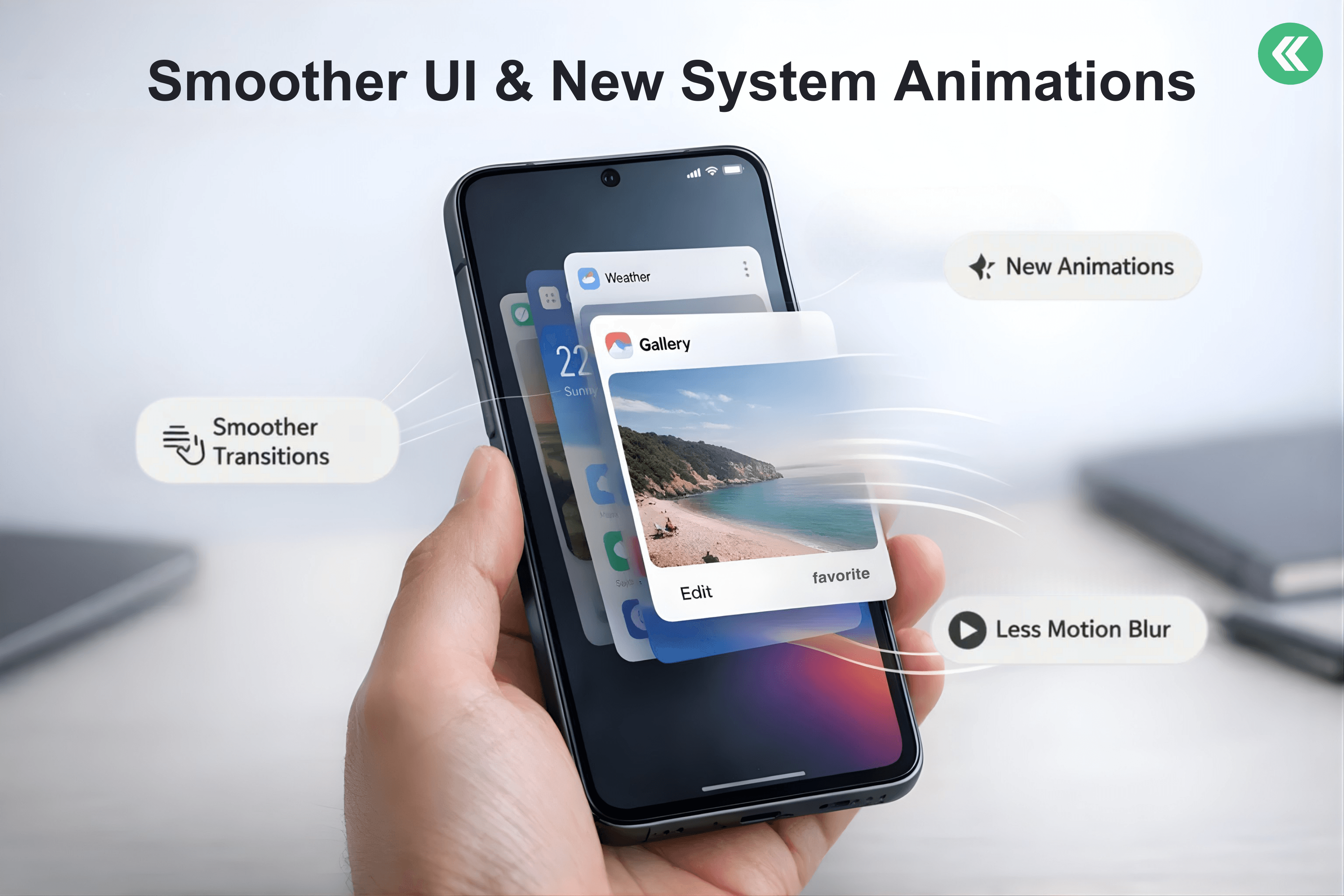
Smoother UI Animations
New system animations ensure seamless transitions between apps and screens, creating a more responsive and natural user experience.
iOS-Style Recent Apps View
The multitasking interface now adopts a card-style layout, improving app switching speed and usability.
AI Battery Optimization
Artificial intelligence dynamically manages background tasks and power usage, extending battery life without impacting performance on supported devices.
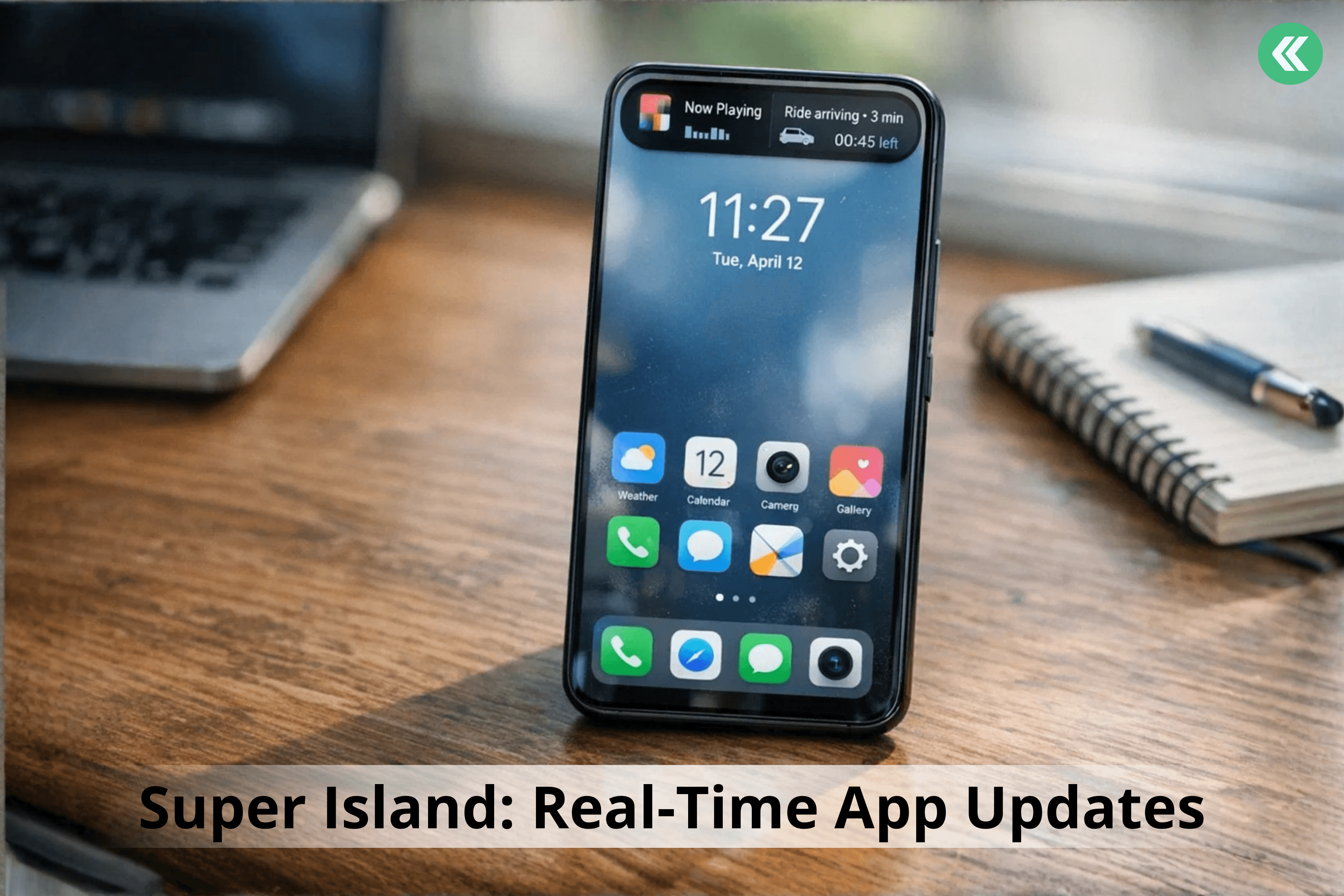
Super Island: Xiaomi’s Dynamic Island-Style Feature
Inspired by iOS Dynamic Island, Super Island introduces a live interactive interface that displays real-time updates from supported apps such as
Music playback
Ride tracking
Navigation updates
QR codes and tasks
Users can view important updates without leaving their current screen.
Also Read: Samsung Galaxy S26 Series Leaks: Price & S26 Ultra Details
iOS Integration: Apple Features on Xiaomi Devices
HyperOS 3.1 significantly improves Apple ecosystem compatibility:
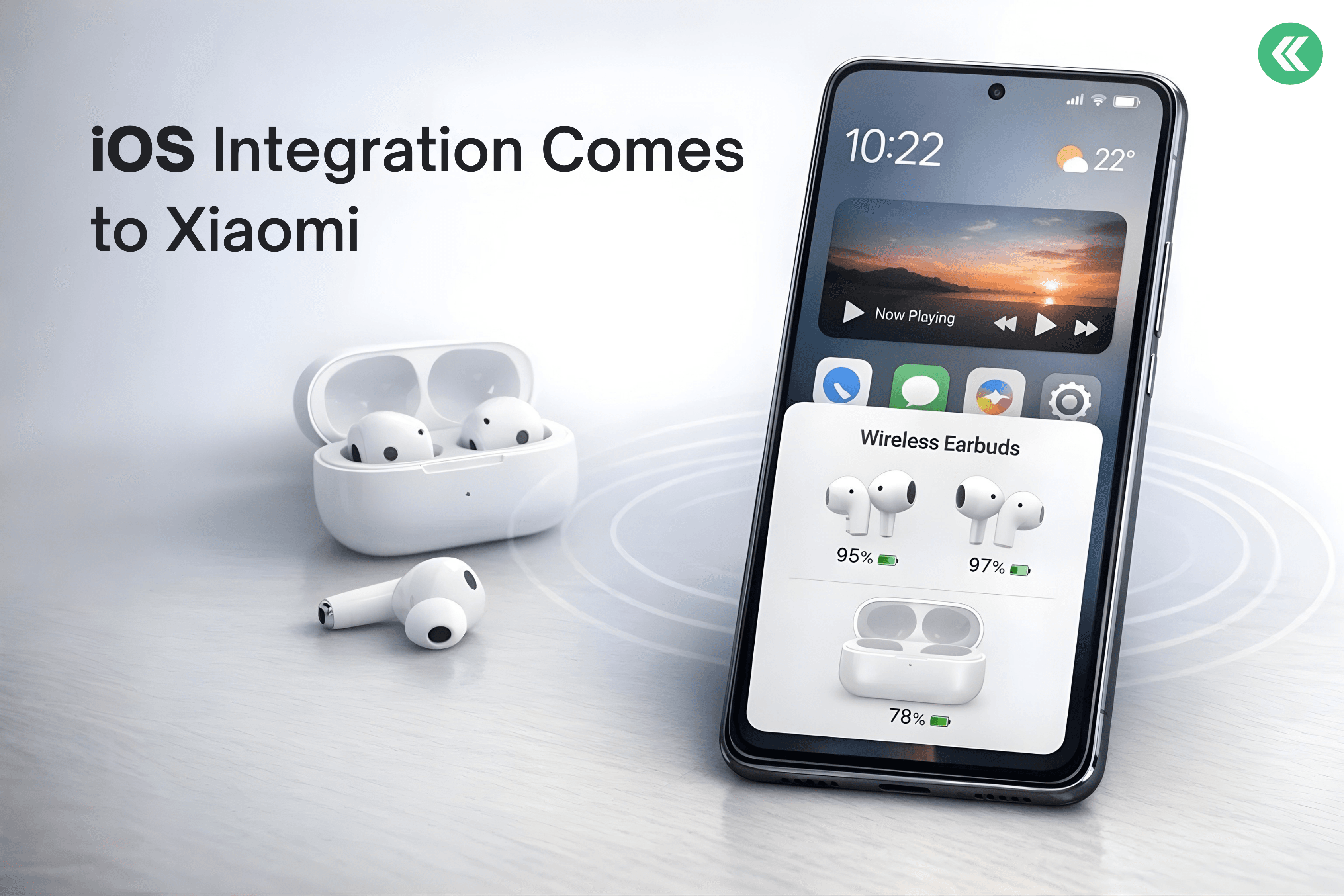
AirPods Native Pop-Up
Opening an AirPods case near a Xiaomi phone now triggers a native pop-up showing battery levels and connection status.
Spatial Audio Support
Users can enjoy 360-degree immersive audio with compatible AirPods for music, movies, and gaming.
Find My AirPods
AirPods can be located directly through Xiaomi’s system tools—no Apple ID required.
iPhone + Xiaomi Call Support
Xiaomi users can answer Xiaomi phone calls directly on their iPhone, improving cross-platform continuity.
Privacy & Security Enhancements
New Password App
HyperOS 3.1 introduces a secure password manager that stores:
App passwords
Wi-Fi credentials
Passkeys
This feature is comparable to Apple Keychain and deeply integrated into Xiaomi’s system.
Shake Permission Update
Apps can access the camera, microphone, or location only when the screen is active, preventing background tracking.
Eligible Devices for HyperOS 3.1 Update
Xiaomi has not released the final official list, but early rollouts indicate support for newer models.
Expected Xiaomi Devices
Xiaomi 14 Series
Xiaomi 15 Series
Xiaomi Pad 7
Redmi & Poco Devices
Select Redmi K-series models
Newer Poco flagship and upper mid-range phones
Availability may vary by region and model variant.
How to Download & Install HyperOS 3.1
Check for the Update
Go to Settings
Tap About Phone
Select Software Update
Before Updating
Back up important data.
Ensure sufficient storage space
Charge battery above 50%.
Disable custom themes (recommended)
What to Expect After Updating
After installing HyperOS 3.1, users can expect:
A refreshed UI with smoother animations
Better multitasking performance
Enhanced privacy controls
Improved Apple device compatibility
Optimized battery life on supported devices
Conclusion
HyperOS 3.1 represents a major step forward for Xiaomi’s software ecosystem. With features like Super Island, AI battery optimization, advanced privacy controls, and deep iOS integration, the update significantly enhances both usability and system performance.
As Xiaomi continues to evolve HyperOS, future updates are expected to further refine performance, security, and ecosystem connectivity.
FAQs
1. What devices are eligible for the HyperOS 3.1 update?
Determining HyperOS 3.1 eligible devices involves checking the official full list provided by Xiaomi. Typically, newer models such as the Xiaomi 14, Xiaomi 15 series, and Xiaomi Pad 7 are among the first to get HyperOS. Redmi and Poco devices will also receive HyperOS 3.1, but the specific models will be confirmed later.
2. What are the new features of HyperOS 3.1?
HyperOS 3.1 brings a host of enhancements to the user experience. These improvements are showcased through:
Improved iOS integration for Apple devices
Redesigned lock screen with customizable widgets and wallpaper options
Enhanced UI animations
Additionally, Xiaomi's HyperOS allows users to enjoy the benefits of AI-enhanced performance optimization and privacy features, which can improve the overall user experience on Xiaomi devices.
3. How does the update improve user experience?
HyperOS 3.1, which is an update, makes the user experience better by improving the smoothness of UI animations, browsing, and multitasking. The new lock screen lets you make it your own, and speed optimizations have made system apps on your Xiaomi device faster and more efficient, if supported by your device.
4. Will my Xiaomi device receive updates regularly?
Xiaomi is also committed to keeping its devices' software up to date. Some of these updates may include security patches and better speed. The HyperOS updates may last for a different amount of time based on the device's model and location. The time between updates will be longer for newer models than for older models. The full list can be found on the Xiaomi website.
5. How can I troubleshoot issues after updating?
If you encounter any problems during the upgrade process to HyperOS 3.1, you can restart your device, clear the cache memory of system apps that might be creating problems for you, and also look for common problems with their solutions on online forums where users have posted them. You can also contact Xiaomi customer service if the problem persists, especially after the final rollout.
6. Are there any known bugs in HyperOS 3.1?
Just like other updates, there are possible bugs associated with the new update, which could be major or minor. Xiaomi usually fixes these bugs in subsequent updates, and therefore, it is necessary to update your device to the latest update, especially after the beta update.
7. What should I do if the update fails?
If the HyperOS 3.1 update doesn't work during installation, the first thing you need do is make sure your device has enough battery life and storage space. Try downloading the update again after restarting your device. You might have to do a factory reset if the problem keeps happening, but make sure to back up all your data first.
8. How do I revert back to the previous version?
Going back to a previous version of HyperOS is not advisable, as it could void your warranty or cause other problems. But if you are experiencing problems after the HyperOS 3.1 update, you can look for ways to downgrade online.
9. What are the battery optimization features?
HyperOS 3.1 includes several battery optimization features that use AI to manage power consumption and extend battery life. These features include adaptive battery management, app standby optimization, and background process limitations. By intelligently managing power usage, HyperOS 3.1 helps users get the most out of their device's battery on the new Xiaomi Pad.
10. Can I access HyperOS 3.1 features without updating?
No, HyperOS 3.1 features won't work on your device until you update it. The HyperOS 3.1 version brings some changes and improvements to the system. You can't get to them until you bring your computer up to date with HyperOS 3.1. You can still use Xiaomi's app shop to update system apps on your phone.
If you want to sell your old devices then, click here.
Yaskar Jung Shah
Senior Tech Writer
Yaskar Jung Shah is a technology enthusiast with over 5 years of experience covering AI, machine learning, and has contributed to major tech publications worldwide. He holds a Master's Degree in Computer Science from leading institutions.