QR Code Scam Alert: How Small Payments Become Big Losses
 Yaskar Jung ShahUpdated: Aug 20, 2026·12 min read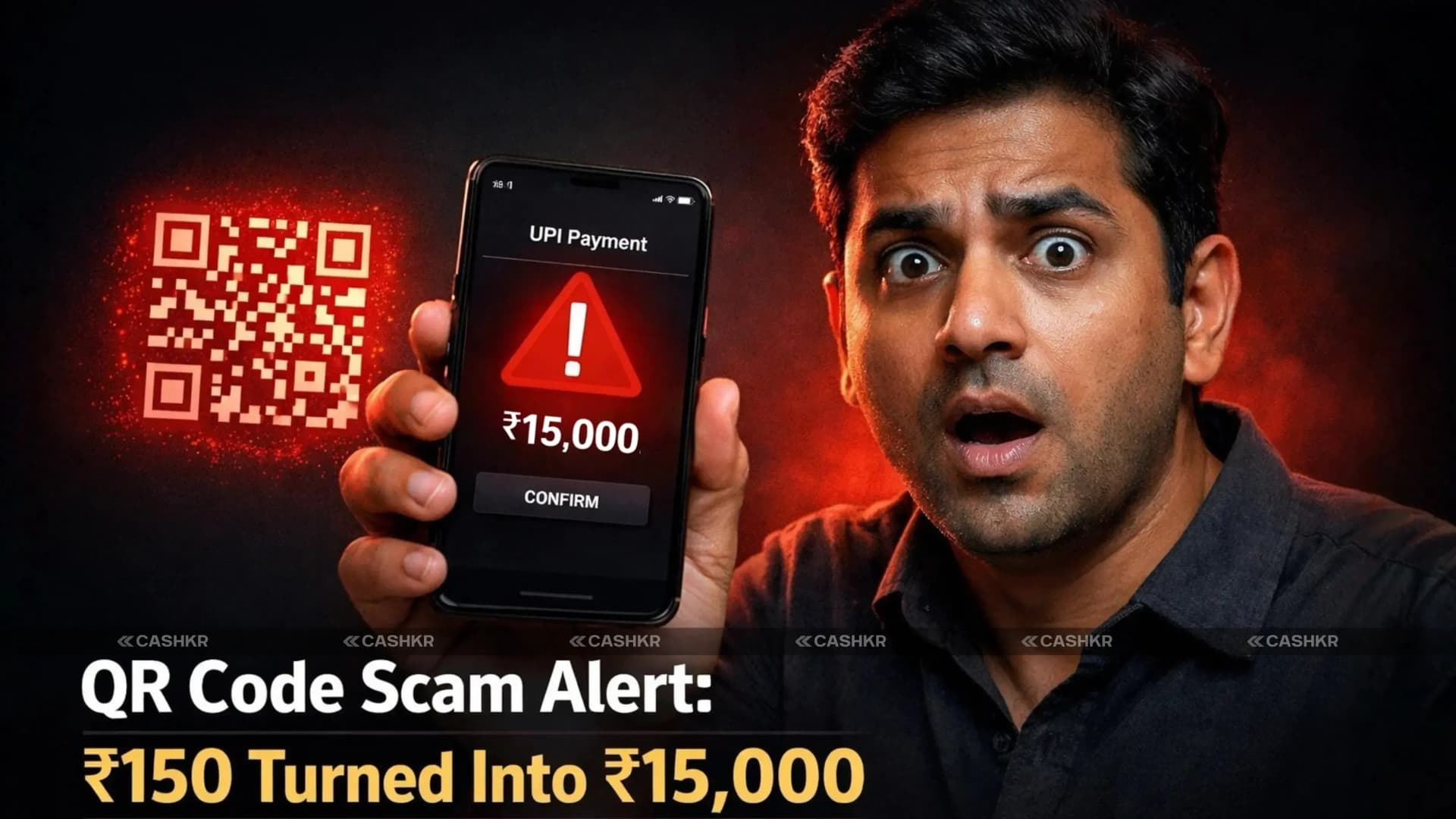
Learn how a QR code scam turned ₹150 into ₹15,000

Get the Cashkr app for faster payouts

Digital payments have made life easier. Whether it’s paying at a grocery store, sending money to a friend, or booking tickets, UPI has simplified transactions across India. But along with convenience comes risk. A recent viral video shocked many people. A small payment of ₹150 turned into a loss of ₹15,000 all because of a QR code collect request scam.
The victim believed he was paying ₹150. Instead, he unknowingly approved a ₹15,000 collect request and entered his UPI PIN. Within seconds, the money was gone. Let’s understand how this scam works, why it’s dangerous, and how you can protect yourself.
A QR code scam is a type of fraud in which scammers exploit QR codes to deceive individuals. Instead of leading to legitimate websites or services, scanning a QR code leads the victim to a fraudulent website designed to steal personal information or install malware. These scams can result in significant financial loss and identity theft.
In the widely shared video:
The biggest mistake?
He entered his UPI PIN on a collect request, thinking it was a normal payment.
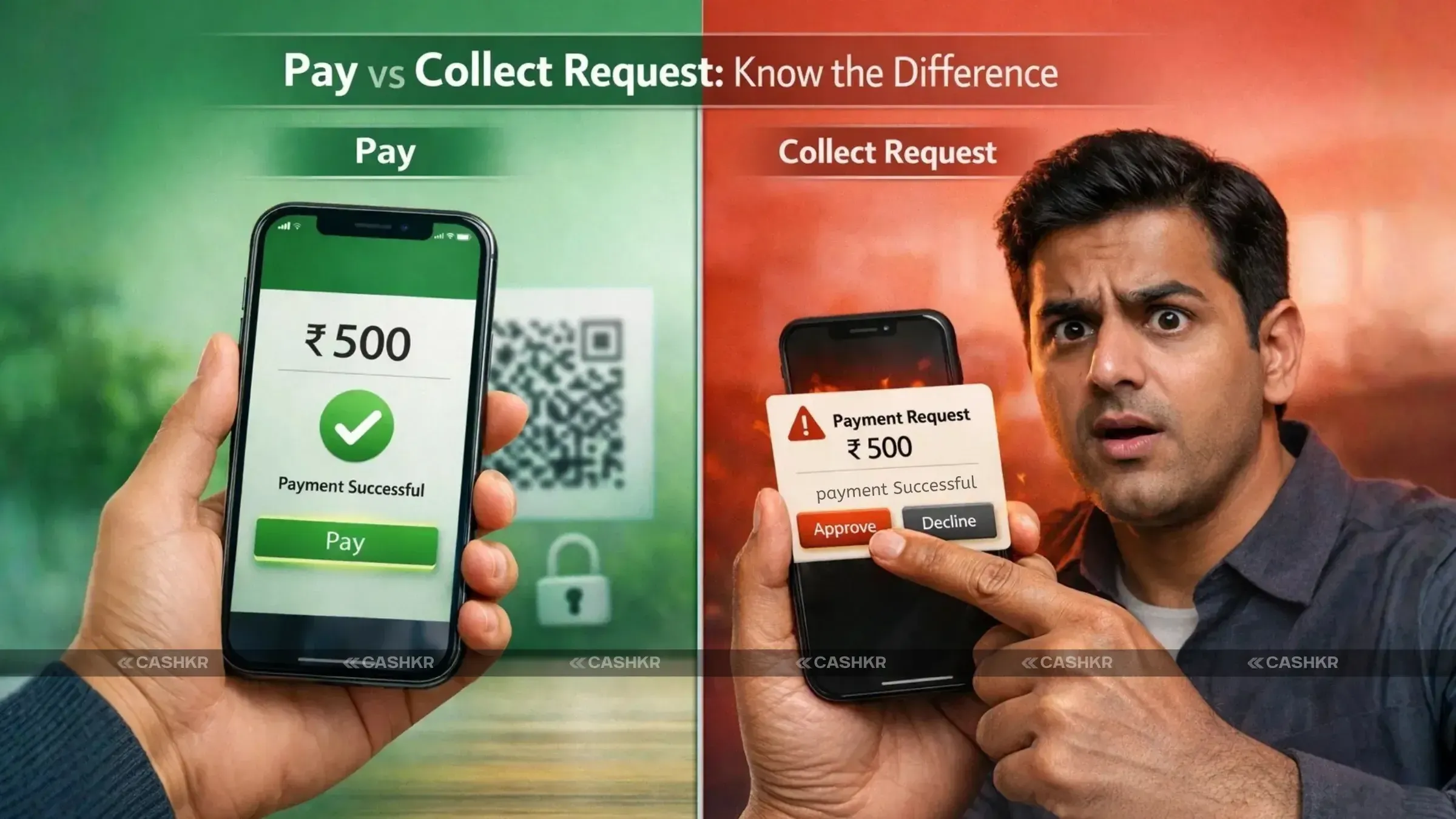
UPI (Unified Payments Interface), regulated by the National Payments Corporation of India (NPCI), allows two main types of transactions:
Also Read: MacBook Resale Value Calculator: Get the Best Price Online
You scan a QR code or enter a UPI ID and send money to someone.
You receive a notification asking you to approve a payment request.
In a collect request:
Scammers misuse this feature by confusing users into approving large deductions.
This scam works because of confusion and a lack of awareness.
Most people assume:
But here is the golden rule:
You never need to enter your UPI PIN to receive money.
Entering your UPI PIN always means money is being debited from your account.
In the viral case, the victim did not check the amount carefully before entering the PIN.
Fraudsters use psychological pressure and confusion. Some common tricks include:
They create urgency so that you don’t verify the details properly.
Before entering your UPI PIN:
Even a five-second pause can prevent a big loss.
If someone says:
It is almost always a scam.
Receiving money does NOT require a PIN.
If you receive an unexpected collect request:
Canceling stops the deduction instantly.
If you become a victim:
Quick reporting increases the chance of recovering your money.
PIN = Sending money
No PIN needed to receive money
Always double-check the amount
Never trust unknown QR codes
Do not rush under pressure
Avoid sharing OTP or UPI details
Digital payments are safe, but only if you stay alert.
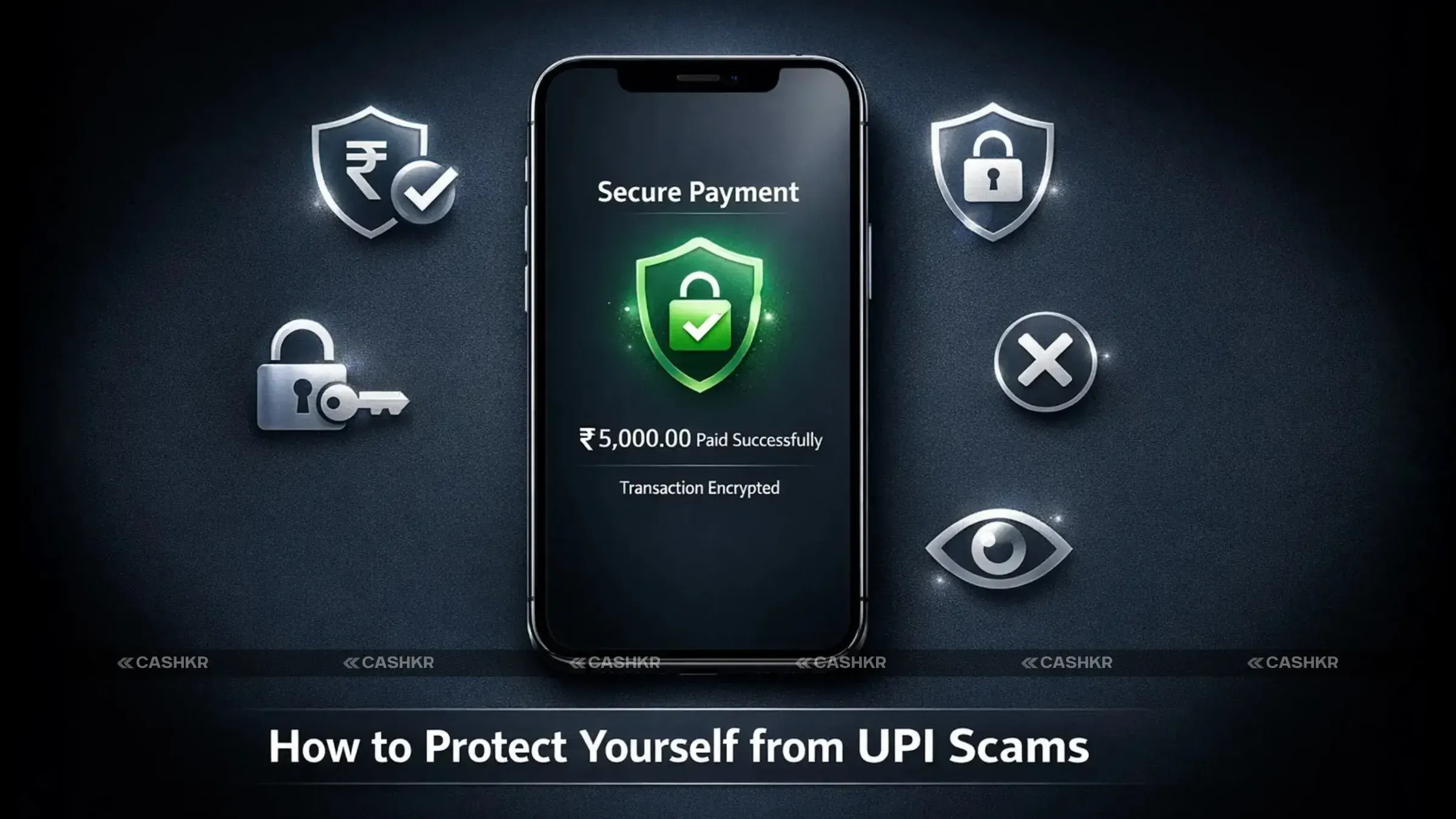
The viral ₹ 150-to-₹ 15,000 case is not just a mistake. It’s a warning. QR codes are not dangerous by themselves. The danger lies in misuse and lack of awareness. Scammers rely on panic, speed, and confusion.
If you slow down and check the details carefully, you remove their power.
The ₹150 turning into ₹15,000 incident teaches us a powerful lesson about digital safety—always pause and verify before entering your UPI PIN. Remember, you never need a PIN to receive money; entering it means you are approving a payment. Scammers rely on confusion and urgency, but a simple five-second check of the payment details can save you from losing thousands. Stay alert, double-check every collect request, and spread this awareness among your family, friends, students, and elderly relatives—because informed users are the strongest defense against digital fraud.
1. What should I do if I scanned a suspicious QR code?
If you have scanned a suspicious QR code, immediately disconnect from the internet to prevent further data compromise. Change your passwords, especially if you entered sensitive information via QR. Run a malware scan on your device to detect and remove any potential threats. Contact your bank if you shared any financial information to protect yourself from QR code fraud.
2. How can I tell if a QR code is safe?
To determine if a QR code is safe, inspect its origin and placement. Legitimate QR codes are typically found in trusted locations and from known sources. Hover over the URL (if possible) to preview the destination before scanning. A secure website should start with "HTTPS." If anything seems out of place, it's better not to scan it and avoid potential QR code scams.
3. Can QR codes contain malware?
Yes, QR codes might indeed contain malware. Scammers exploit technology by embedding malicious URLs in fake QR codes. People who scan codes might not realize they are downloading and installing malware on their devices, which could put their personal and financial information at risk. Always be careful when scanning QR codes from sites you don't know about to avoid scam notifications.
4. What information can scammers obtain through QR codes?
A QR code scam can expose scammers to a lot of personal information. They can steal login information, credit card numbers, and other financial information by sending victims to bogus websites. They can even install malware to access more sensitive data. To protect yourself from QR code fraud, be careful and avoid scanning QR codes from untrustworthy sources.
5. Are there specific places where QR code scams are more common?
QR code scams are more common in public places where scammers often replace real QR codes with fake ones. These locations include parking meters, public transportation, and even restaurants. Scammers send emails or text messages containing fraudulent QR codes, attempting to engage in phishing or quishing. Always inspect the QR code and its surroundings before scanning QR codes to avoid potential scams.
6. How do I know if a QR code leads to a fraudulent website?
To determine if a QR code leads to a fraudulent website, carefully examine the URL after scanning (but before entering any information). Look for misspellings, unusual domain names, or if the URL doesn't match the expected destination. A secure site should start with "HTTPS," and the content should align with what you anticipate. If something seems amiss, it's best to exit the site immediately and avoid entering any sensitive information via a QR code.
7. What measures can I take to secure my financial information?
To protect your financial information from QR code scams, always verify the legitimacy of the source before scanning. Use a reputable QR code scanner app with security features. Enable multi-factor authentication for your accounts. Monitor your bank and credit card statements regularly for unauthorized transactions. Never enter your password or financial information on a website accessed via QR code without confirming its authenticity.
8. Can QR codes be used for legitimate purposes?
Yes, QR codes are commonly used for legitimate purposes. Businesses use QR codes to provide quick access to websites, payment portals, discounts, and contact information. They are also used for event ticketing and verifying information. Always ensure the QR code comes from a trusted source, and verify the destination URL before entering any personal information.
9. How often do QR code scams occur?
QR code scams, including phishing attempts, are becoming increasingly prevalent as scammers exploit the widespread use of QR codes for transactions and information access. It's essential to stay informed and adopt preventative measures to protect yourself from QR code fraud. Regularly update your knowledge of the latest scammer tactics to stay one step ahead and avoid falling victim to them.
10. What are the signs of a phishing attack?
Signs of a phishing attack include receiving unsolicited QR codes in email or text messages from unknown senders. The messages often create a sense of urgency or promise rewards to entice you to scan the QR code without thinking. Always inspect the destination URL carefully and be wary of requests for personal information or login credentials via QR to protect yourself from QR code fraud.
If you want to sell your old devices then, click here.
Sell with Cashkr
Cashkr buys used devices at a fair price with free doorstep pickup and same-day payment across 2,000+ pincodes. Get an upfront quote in seconds.
Sell Old Phone OnlineCheck your phone's value in seconds
Written by
Best camera phones 2026 — ranked for every type of shooter.
Xiaomi HyperOS update 3.1 : Check the full list of eligible devices.
Cashkr makes it easy and safe to sell your used phone. No hassle!
Reduce e-waste by selling old devices responsibly with Cashkr.
Sell old devices and reduce e-waste with Cashkr’s green initiative.
Phone recycling with Cashkr helps reduce e-waste and support sustainability.


