Selling your phone privately often gets you the best price, but it also comes with the most risk. Most of that risk is about how you get paid and how you hand over the phone.
This page explains both of those risks. It also covers an important step that many people miss, which can end up costing more than any scam.
We buy used phones for a living, so we hear about these scams as soon as they happen.
Advertisement
The Payment Scams
These scams are designed to take your money. They often target people who are polite or in a rush.
The collect request
This is the most common scam, and it’s also the easiest to fall for.
The buyer says they are sending the money. Your phone buzzes with a UPI notification. You tap it, enter your PIN, and the money leaves your account instead of arriving.
What actually happens is they send you a collect request instead of a payment. A collect request means they are asking you for money. If you approve it, you end up paying them.
Yaskar Jung Shah leads content at Cashkr, an Indian device buyback service. He writes about resale value, data safety and what actually happens to a device after it is sold. He checks every figure against a dated, named source, and says so when a number cannot be verified.
The rule that stops this is simple, and it comes from NPCI, which runs UPI:
"UPI PIN is NOT required for receiving money."
You never need to enter your PIN to receive money. If you are asked for your PIN during a sale, it means money is leaving your account, not coming in.
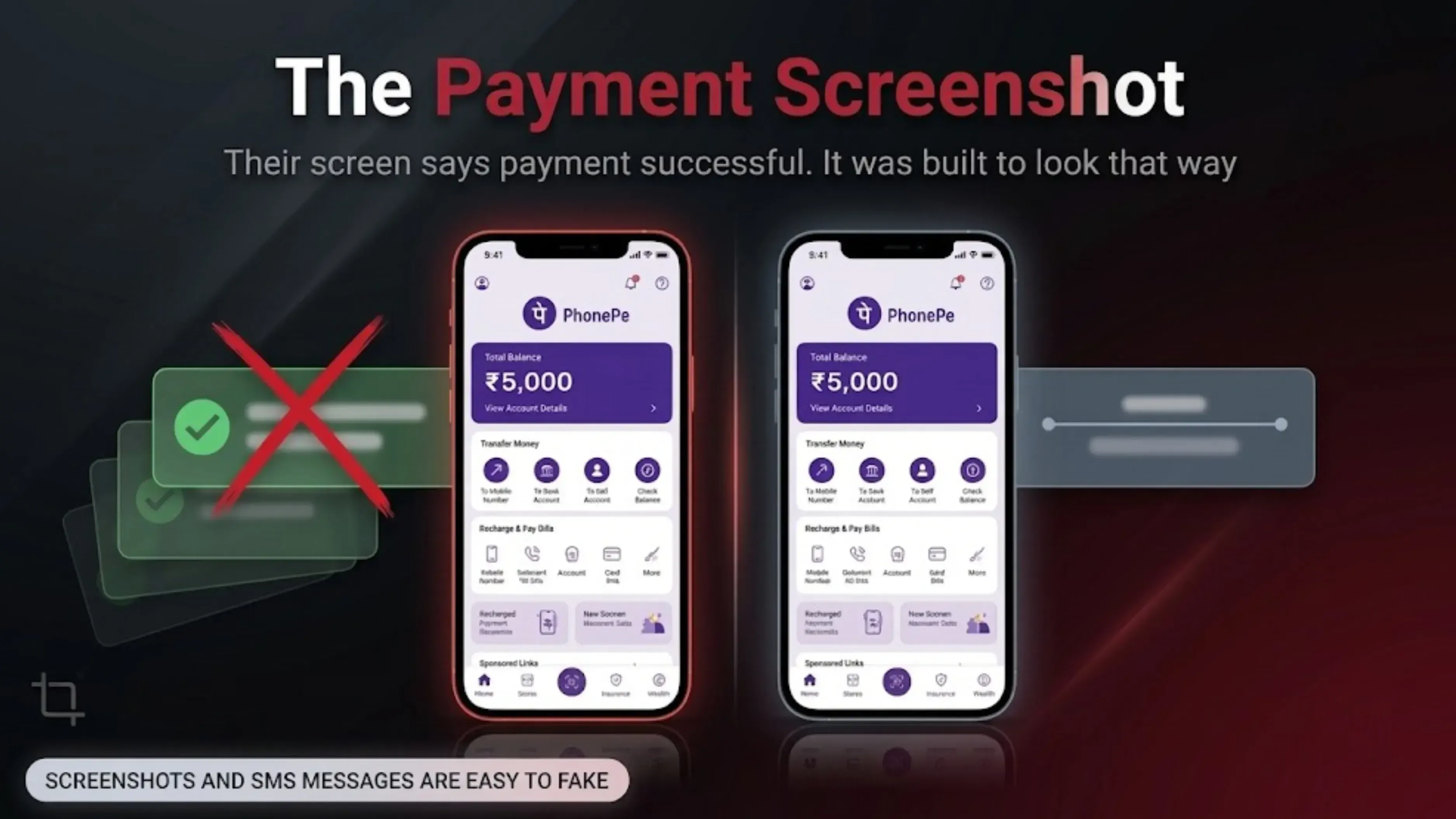
The payment screenshot
The buyer shows you their phone screen, and it says the payment was successful. It looks real because it was made to look that way.
Nothing arrives.
Always check your own bank app or UPI app for the payment. Don’t trust their screen or an SMS, since both can be faked. Make sure you see the money in your own account before you hand over the phone.
The overpayment
They send you more money than you agreed on, then apologize and ask you to send back the extra. If you do, the original payment can be reversed, and you lose both your phone and the refund.
If someone sends you too much money, don’t send any refund. Tell them to sort it out with their own bank.
The QR code
They send you a QR code and claim that scanning it will put money into your account.
Scanning a QR code always sends money out; it never brings money in. NPCI says you should only scan a QR code to make a payment, not to receive one.
The screen sharing app
They claim there’s a problem with the payment and ask you to install an app so they can help. Once you do, they can see your screen, including your PIN and one-time passwords.
Never install any app just because a stranger asks you to during a sale. NPCI warns against screen-sharing and SMS-forwarding apps.
The advance fee
A so-called buyer or service offers a price that seems too good, then asks you to pay a small fee first. It might be called a pickup fee, registration fee, refundable deposit, or GST charge.
A real buyer will never ask you to pay anything. The money should go to you, and the phone should go to them.
The Handover Scams
These scams are about stealing your phone instead of your money.
The swap: The buyer looks at your phone, lowers their head, hands something back, and then points out a problem. What they return is actually a different phone or a dummy. Always keep your phone in your hand while they inspect it, and check the screen yourself before accepting it back.
The test drive: The buyer asks you to step away so they can check the signal or show the phone to a friend. They don’t come back. Never let your phone out of your sight before you’ve been paid.
The rush: Someone is late, someone is calling, or the lighting is bad, and they want to finish quickly. Rushing is a common part of almost every scam story we hear. A genuine buyer will wait while you check your bank app.
Where to meet: Choose a public, busy, and well-lit place during the day, with people around. Meeting at a bank entrance is ideal because you can confirm the payment and there are security cameras.
Before You Hand It Over
This is the step most people skip, and it often ends up costing more than any scam.
Follow these steps in order. The order is important.
Back up your phone, then check the backup to make sure it worked.
Move your authenticator app to your new phone. If your bank or email codes are in Google Authenticator or a similar app, transfer them first. Otherwise, you might get locked out of important accounts.
Sign out of your Google account or your Apple account.
Remove the SIM card and memory card. If you use an eSIM, transfer it to your new phone or ask your operator to reissue it before you reset.
Factory reset.
Make sure you do step 3 before step 5.
If you reset your phone while still signed in, it will lock itself to your account. Factory Reset Protection on Android and Activation Lock on iPhone both do this. After that, nobody else can set up the phone. Not a buyer, not a shop, not a buyback service, not even us.
A locked phone is worth much less than an unlocked one. In our experience, this is the most common reason a sale or doorstep pickup fails, even if the phone is otherwise perfect.
You don’t need any special wiping software.
Modern phones encrypt their storage. Android has done it by default since version 6 and required it from version 10. iPhones have done it longer.
A factory reset destroys the encryption key. Without the key, the storage cannot be read.
So you do not need to delete your photos one by one first, and you do not need to buy special software. Be cautious of anyone who tells you otherwise, including anyone offering to wipe the phone for you. The reset you run yourself is what protects your data, and it is the only step that needs to.
Check the Phone Is Clear, and Let the Buyer Check Too
If you are buying rather than selling, run the IMEI check before you pay. Dial *#06# for the number, then send KYM and that number to 14422, or use ceir.sancharsaathi.gov.in. It tells you whether the handset has been reported lost, stolen or duplicated.
If you are selling, offer the IMEI up front. A seller who hands over the number without being asked is a seller the buyer trusts, and trust is worth money in this market.
If Something Goes Wrong
If you lose money to fraud, call 1930 or report it at cybercrime.gov.in right away. The sooner you report a fraudulent transfer, the better your chances of stopping the money from going further.
If you get a suspicious call, SMS, or WhatsApp message, report it using Chakshu on the Sanchar Saathi portal.
If your phone is stolen, file a police complaint and then block the IMEI at ceir.sancharsaathi.gov.in. This will stop the phone from working on any network in India.
The Honest Comparison
Selling your phone privately usually gets you the most money, but it takes the most time and comes with all the risks listed here.
Selling to a local shop is quick but pays the least. You’ll often end up negotiating the price down once you’re there.
A buyback service is a middle option. You get a quote first, then the phone is collected and checked. If your description matches, the price stays the same. You get less money, but you avoid the risks and hassle.
Disclosure: Cashkr is our own buyback service, so we are the third option mentioned. Still, all the advice on this page applies no matter how you sell your phone. We’d rather you sell safely elsewhere than have a bad experience with anyone.
FAQs
1. How do I avoid getting scammed when selling my phone?
Confirm the money in your own banking app before the phone leaves your hands. Never enter your UPI PIN during a sale. Meet in a public place in daylight, and don't let the phone out of your sight. Most scams depend on you being rushed, so slow down.
2. Why would entering my UPI PIN take money out when someone is paying me?
Because what you approved was a collect request, which is a request for money, not a payment. NPCI, who run UPI, state plainly that a UPI PIN is not required to receive money. If they ask for a PIN, money is going out.
3. The buyer showed me a payment screenshot. Is that proof?
No. Screenshots and SMS messages can both be faked, and it's easy to do so. Open your own bank or UPI app and look at your own balance. That is the only proof.
4. A buyer sent too much and wants a refund. What should I do?
Do not refund anything. The original payment can be reversed afterwards, leaving you out of pocket twice. Ask them to take it up with their own bank.
5. Someone asked me to scan a QR code to receive payment. Is that normal?
No. Scanning a QR code sends money out. It never brings money in. NPCI recommends scanning a QR code only when making a payment.
6. Do I have to sign out before I factory reset?
Yes, and it matters more than anything else on this page. Resetting while signed in triggers Factory Reset Protection on Android or Activation Lock on iPhone. The phone locks to your account and nobody else can set it up, which makes it worth a fraction of its value.
Sources
NPCI UPI Safety Shield, npci.org.in, for the rules that a UPI PIN is not required to receive money, that a PIN is entered only on the app's own PIN screen, that a QR code is scanned only to make a payment, and the warning about screen sharing and SMS forwarding apps
Central Equipment Identity Register, Department of Telecommunications, ceir.sancharsaathi.gov.in, for the Know Your Mobile IMEI check, the 14422 shortcode, and the lost or stolen blocking process
Chakshu, Sanchar Saathi portal, for reporting suspected fraud calls, SMS and WhatsApp messages
National Cyber Crime Reporting Portal, cybercrime.gov.in, and helpline 1930
Android storage encryption by default from Android 6 and required from Android 10


 Yaskar Jung ShahPublished at: Oct 26, 2026·11 min read