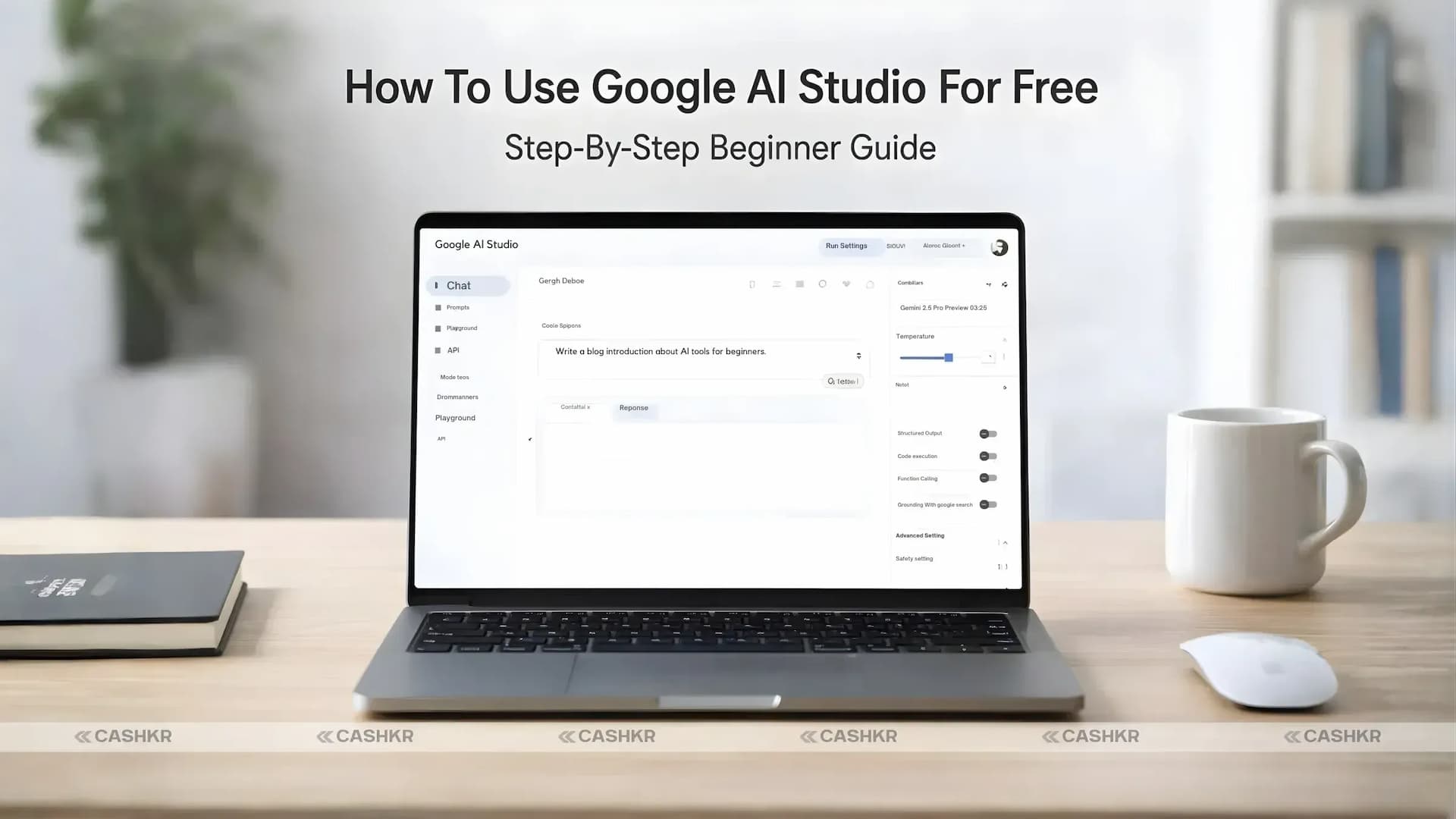
How To Use Google AI Studio For Free (Step-By-Step Beginner Guide)
If you’re wondering how to use Google AI Studio for free, you’re in the right place. Google AI Studio is a free web-based platform where you can experiment with powerful Gemini AI models, create prompts, generate code, and even build small AI-powered applications.
Whether you’re a developer, content creator, student, or just someone curious about artificial intelligence, Google AI Studio makes it easy to explore AI without needing advanced technical knowledge.
In this guide, you’ll learn how to use Google AI Studio for free step by step, along with some useful tips to get the best results.
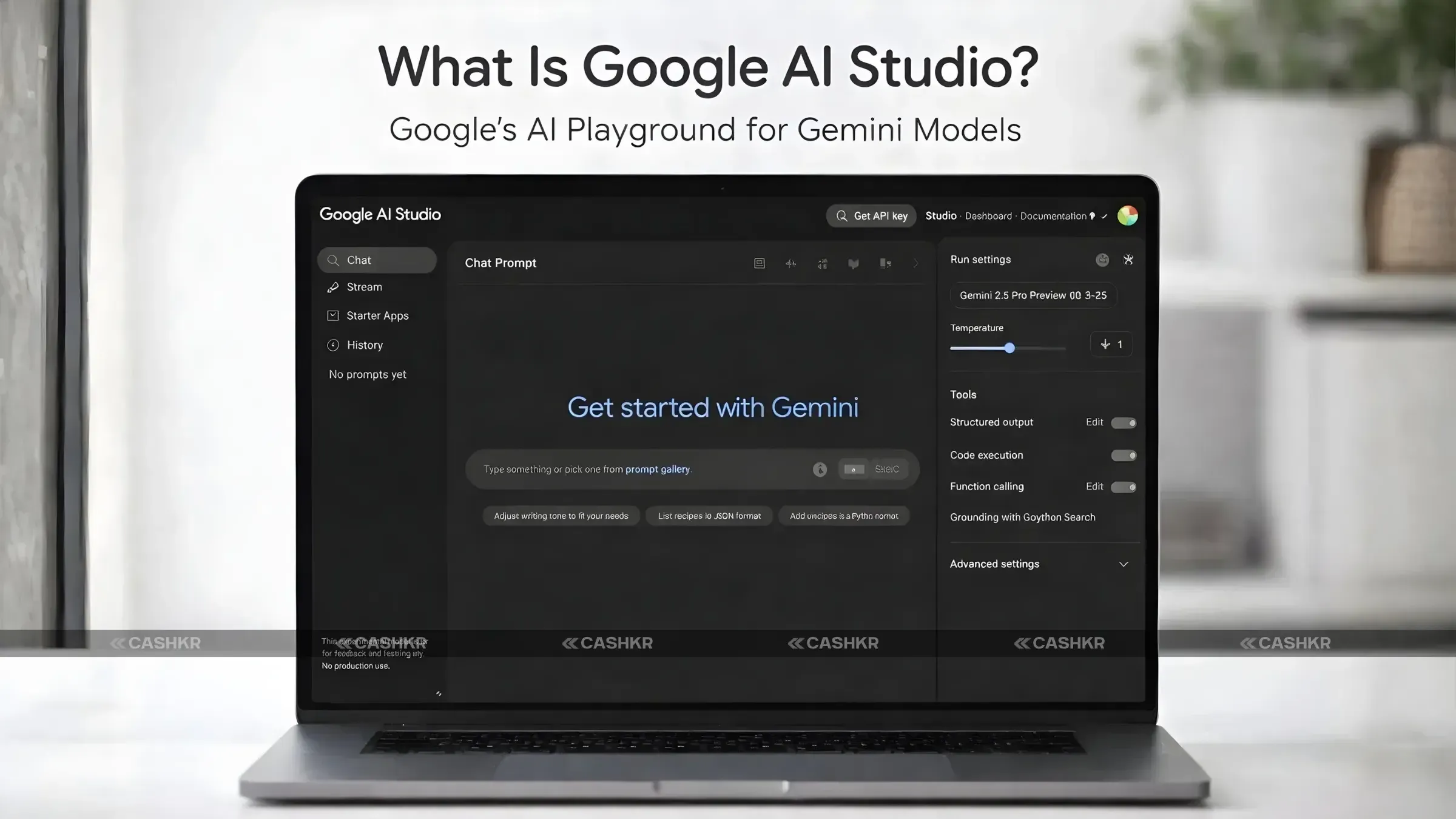
What Is Google AI Studio?
Google AI Studio is a browser-based tool created by Google that allows users to test and build applications using Gemini AI models.
Think of it as a playground for artificial intelligence, where you can:
- Create prompts for AI models.
- Generate text and code.
- Experiment with multimodal AI (text, images, audio, and video)
- Build simple AI-powered applications.
- Test and compare AI responses.
The platform works directly in your browser, so there is no complicated setup required. All you need is a Google account to start experimenting with AI tools.
Many developers and creators use Google AI Studio to test ideas before integrating AI features into their applications.
Why Use Google AI Studio?
There are several reasons why Google AI Studio has become popular among beginners and developers.
Free Access to Powerful AI Models
You can experiment with advanced AI models like Gemini Pro without paying anything initially.
No Complex Setup
Since the tool runs directly in a browser, you don’t need to install heavy software or configure servers.
Easy Prompt Testing
You can quickly test prompts and refine them to get better results.
AI App Development
The platform allows developers to generate API keys and integrate AI capabilities into applications.
How To Use Google AI Studio For Free (Step-By-Step)
If you want to learn how to use Google AI Studio for free, follow these simple steps.
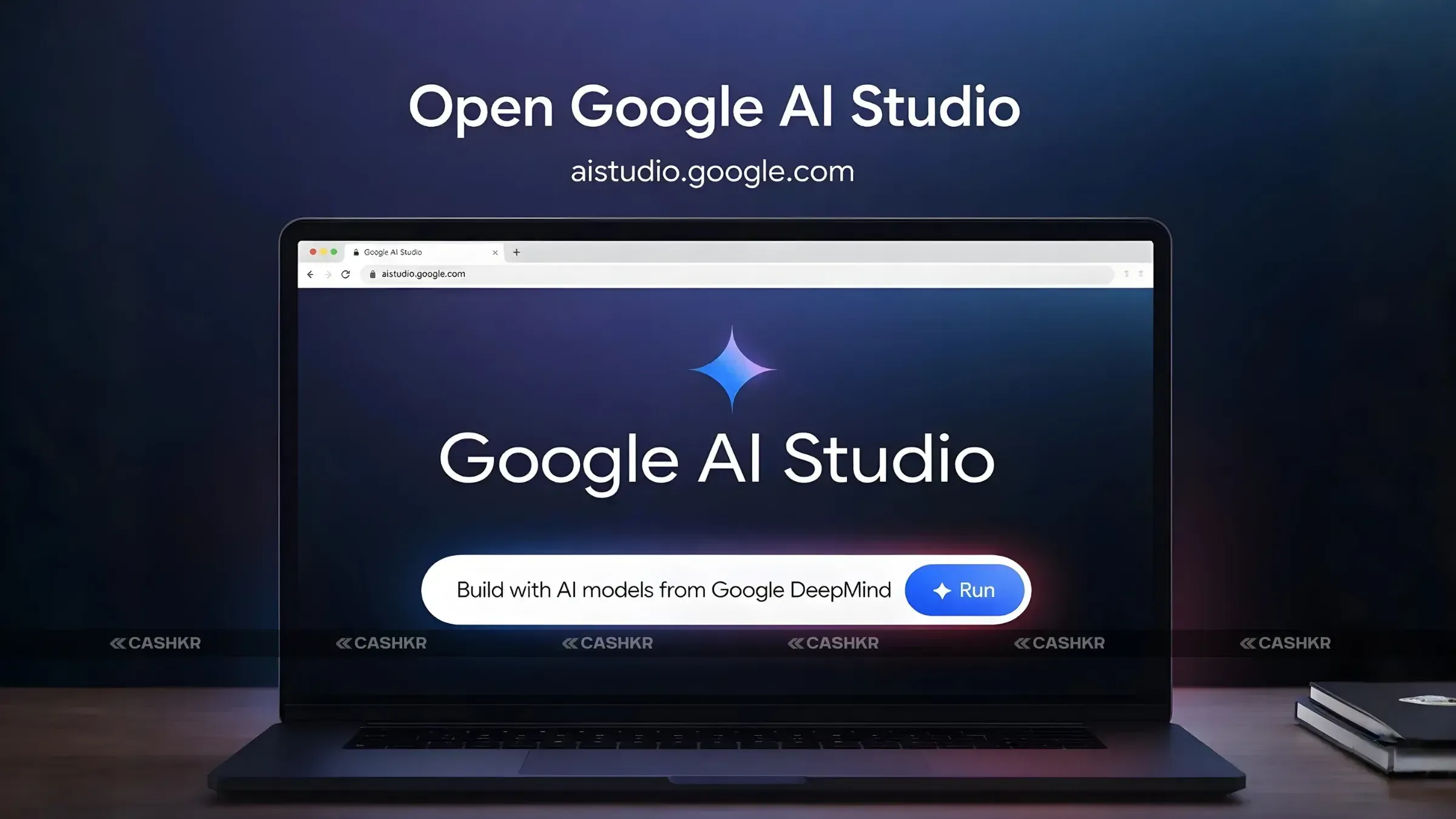
Step 1: Open Google AI Studio
Go to the official website:
Once the page loads, you may see a cookie consent message. Click Accept to continue.
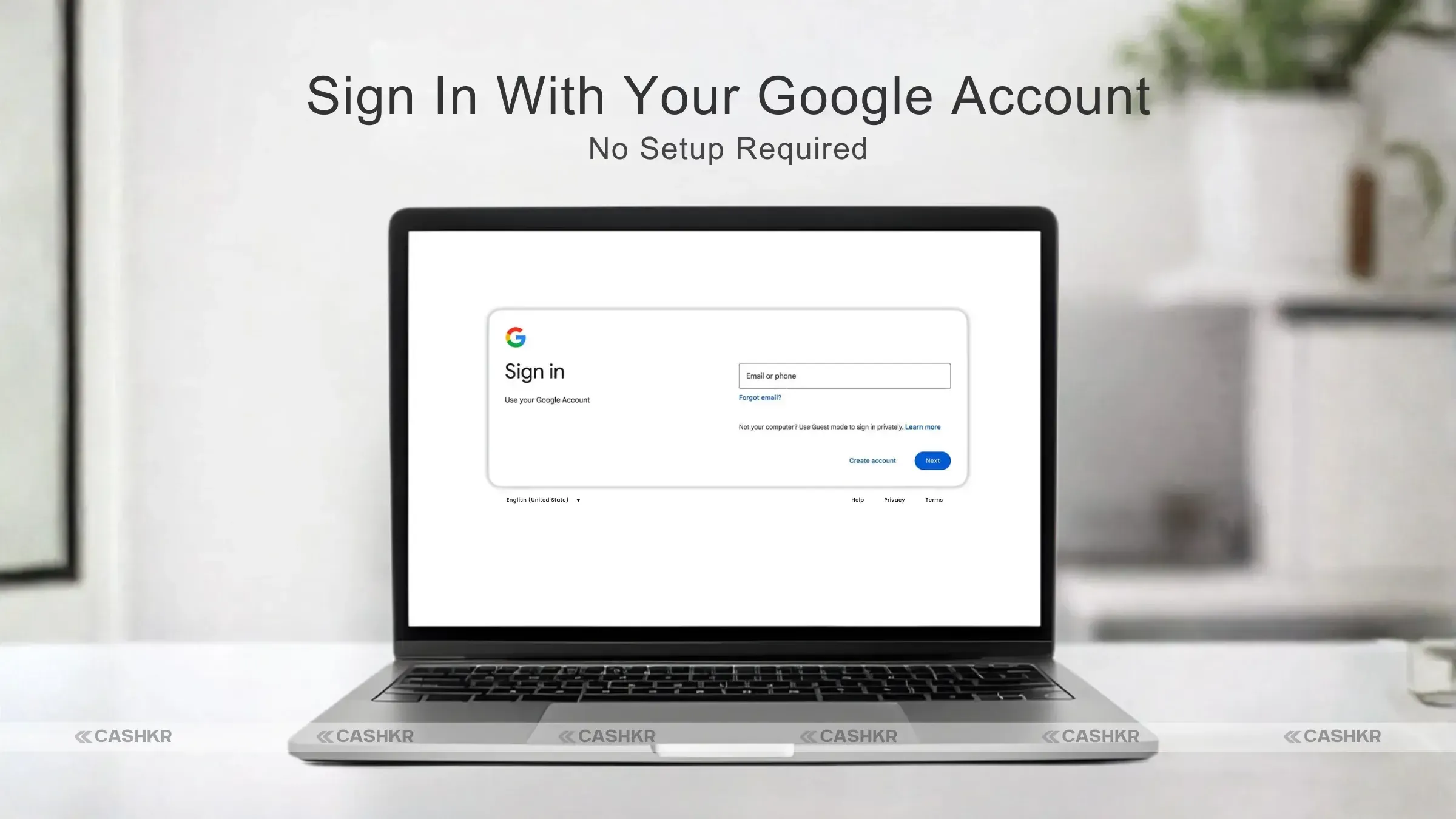
Step 2: Sign In With Your Google Account
To use Google AI Studio, you need to log in with a Gmail or Google account.
There are no signup fees or hidden costs, and the platform offers a free tier for experimentation.
After signing in, you’ll be taken to the Google AI Studio dashboard.
Step 3: Create a New Prompt
To start experimenting:
- Click the “New Prompt” button on the dashboard.
- Enter a simple instruction for the AI.
Example prompt:
“Explain Indian geopolitics in simple terms.”
Then click Generate to see how the AI responds.
Step 4: Choose an AI Model
Google AI Studio lets you choose different AI models based on your task.
For example:
- Gemini Pro: Best for text generation and coding.
- Imagen: Image generation.
- Multimodal models: Work with text, images, and audio.
For beginners, Gemini Pro works well for most tasks.
Step 5: Adjust Model Settings
You can customize the AI’s behavior using different settings.
One important setting is Temperature.
- Low temperature → More factual responses.
- High temperature → More creative responses.
Adjusting these parameters helps control how the AI responds.
Step 6: Generate an API Key (Optional)
If you want to build AI applications, you’ll need an API key.
Here’s how to create one:
- Open the left-side menu.
- Click API Keys.
- Generate a new API key.
This key allows you to connect Google AI Studio with your applications or scripts.
Step 7: Test AI in Code
Once you have an API key, you can integrate AI into applications using programming languages like Python.
For example, developers can create simple AI-powered apps such as:
- Quote generators
- Chatbots
- Content generation tools
- AI assistants
Google also provides a quickstart guide and SDK to make development easier.
Practical Tips for Using Google AI Studio
If you want better results when using Google AI Studio, these tips can help.
Keep Prompts Simple
Avoid writing very long prompts. Short, clear prompts usually elicit better responses.
Monitor Usage Limits
The free version has usage limits. If you reach the limit, wait a while before continuing.
Experiment With Multimodal Prompts
You can upload images and ask the AI to describe or analyze them.
Track Your Usage
The dashboard helps you monitor usage to stay within the free tier.
Google AI Studio Key Features
Here are some of the most important features available in Google AI Studio.
Prompts
Prompts are the instructions you give to the AI. This is where you define what you want the model to generate.
Models
Different AI models power different tasks. Gemini handles text and code, while other models support image generation.
API Keys
API keys allow developers to connect AI models to websites, apps, or services.
Response Testing
You can test multiple prompts, regenerate responses, and compare outputs side-by-side to improve results.
Final Verdict
Learning to use Google AI Studio for free is a great way to explore artificial intelligence without spending money.
With access to Gemini AI models, prompt-testing tools, and API integration, the platform enables both beginners and developers to experiment with AI in a simple environment.
Whether you want to create content, test prompts, or build small AI-powered applications, Google AI Studio offers a powerful and beginner-friendly starting point.
FAQs
1. What is Google AI Studio?
Google AI Studio is a web-based platform developed by Google that allows users to experiment with Gemini AI models directly in their browser. It enables users to generate text, test prompts, create code, and build simple AI-powered applications without requiring complex installations.
2. Is Google AI Studio free to use?
Yes, Google AI Studio offers a free tier for users who want to experiment with AI models like Gemini. You only need a Google account to start using the platform. However, usage limits may apply to the free version.
3. How do I access Google AI Studio?
You can access Google AI Studio by visiting https://aistudio.google.com in your browser. After opening the website, simply sign in with your Google account to start experimenting with AI prompts and models. 4. What AI models are available in Google AI Studio?
Google AI Studio supports several AI models, including Gemini Pro for text generation and coding, as well as multimodal models that can work with text, images, audio, and video. Some models are also designed for image generation and advanced AI tasks.
5. Do I need coding skills to use Google AI Studio?
No, you do not need programming knowledge to start using Google AI Studio. Beginners can simply create prompts and generate responses directly in the interface. However, developers can also use API keys and SDKs to integrate AI into applications.
6. What is a prompt in Google AI Studio?
A prompt is the instruction or question you give to the AI model. For example, you can ask the AI to explain a topic, generate content, write code, or analyze information. Well-written prompts usually produce better AI responses.
7. How do you generate an API key in Google AI Studio?
To generate an API key, open the left-side menu in the dashboard, click API Keys, and select Generate New API Key. This key allows developers to connect Google AI models to websites, apps, or scripts.
8. What can you build with Google AI Studio?
With Google AI Studio, users can build AI-powered tools such as chatbots, content generators, coding assistants, quote generators, and automation tools. Developers can also integrate AI capabilities into their own applications.
9. What is the temperature setting in Google AI Studio?
The temperature setting controls how creative or predictable the AI responses are. A lower temperature produces more accurate, factual responses, while a higher temperature yields more creative, varied outputs.
10. Is Google AI Studio good for beginners?
Yes, Google AI Studio is beginner-friendly because it works directly in a browser and requires no complex setup or software installation. Its simple interface allows students, creators, and developers to easily experiment with AI models.
If you want to sell your old devices then,
click here.
 Yaskar Jung ShahUpdated: Jul 24, 2026·10 min read