IMEI Number Check in India: How to Do It and What It Means
Every phone has an IMEI number. It is the handset's own identity, separate from your SIM and your phone number.
In India, you can check any IMEI for free using a government service. It only takes about a minute and shows you the manufacturer, model, and whether the phone has been reported as lost, stolen, or duplicated.
If you’re buying a used phone, taking this minute to check the IMEI is crucial.
Advertisement
Since we buy used phones, we run this check on every device we take in, Here’s how you can do it yourself.
Finding the IMEI
There are three ways to find the IMEI, and all should give you the same number.
Dial *#06# on the phone. The IMEI appears on screen straight away. This works on Android and iPhone.
You can also check in the settings. On Android, go to Settings and then About phone. On iPhone, go to Settings, then General, then About.
Rabin Khadka covers smartphones, laptops and India’s growing market for used devices. She spends most of her time tracking launch prices, price drops and resale values, and has a particular interest in why two phones that cost the same on launch day can be worth very different amounts two years later.
Advertisement
Advertisement
You’ll also find the IMEI printed on the retail box or on a proper purchase invoice.
An IMEI has 15 digits. Dual SIM phones have two IMEI numbers, one for each SIM slot, and both are valid.
If the number on the screen doesn’t match the one on the box, stop right there. On a genuine phone, they always match. If not, the box might belong to a different phone, or the handset may have been tampered with.
Checking it on the government portal
The Department of Telecommunications in India runs the Central Equipment Identity Register (CEIR), which is available on the Sanchar Saathi portal. The IMEI checking service there is called Know Your Mobile, or KYM.
You can use this service in two ways.
By SMS. Send a message reading KYM 123456789012345, with the phone's real IMEI in place of those digits, to 14422. You get a reply with the details.
Whichever method you use, you’ll get details like the manufacturer, device type, brand, model, and the phone’s current status.
Reading the result
The status is the most important part to check.
A normal result will show the make and model, with nothing unusual. This means the phone is registered and there are no complaints against it.
If a phone is blacklisted, it means it has been reported lost or stolen and is blocked. Don’t buy it. It can be disabled on all networks in India.
Duplicate means the IMEI shows up on more than one phone. A real IMEI is unique, so a duplicate usually means the number was copied onto another device.
Already in use means the IMEI is active on a network, but not on the phone you’re checking.
If you see any of these three statuses, the portal advises you not to buy the phone. Just walk away; there are always other options.
There are some things the check won’t tell you. It doesn’t show if the phone was imported without duty, if the warranty is valid, or what condition it’s in. It only tells you if the handset is clear, which is a specific but important check.
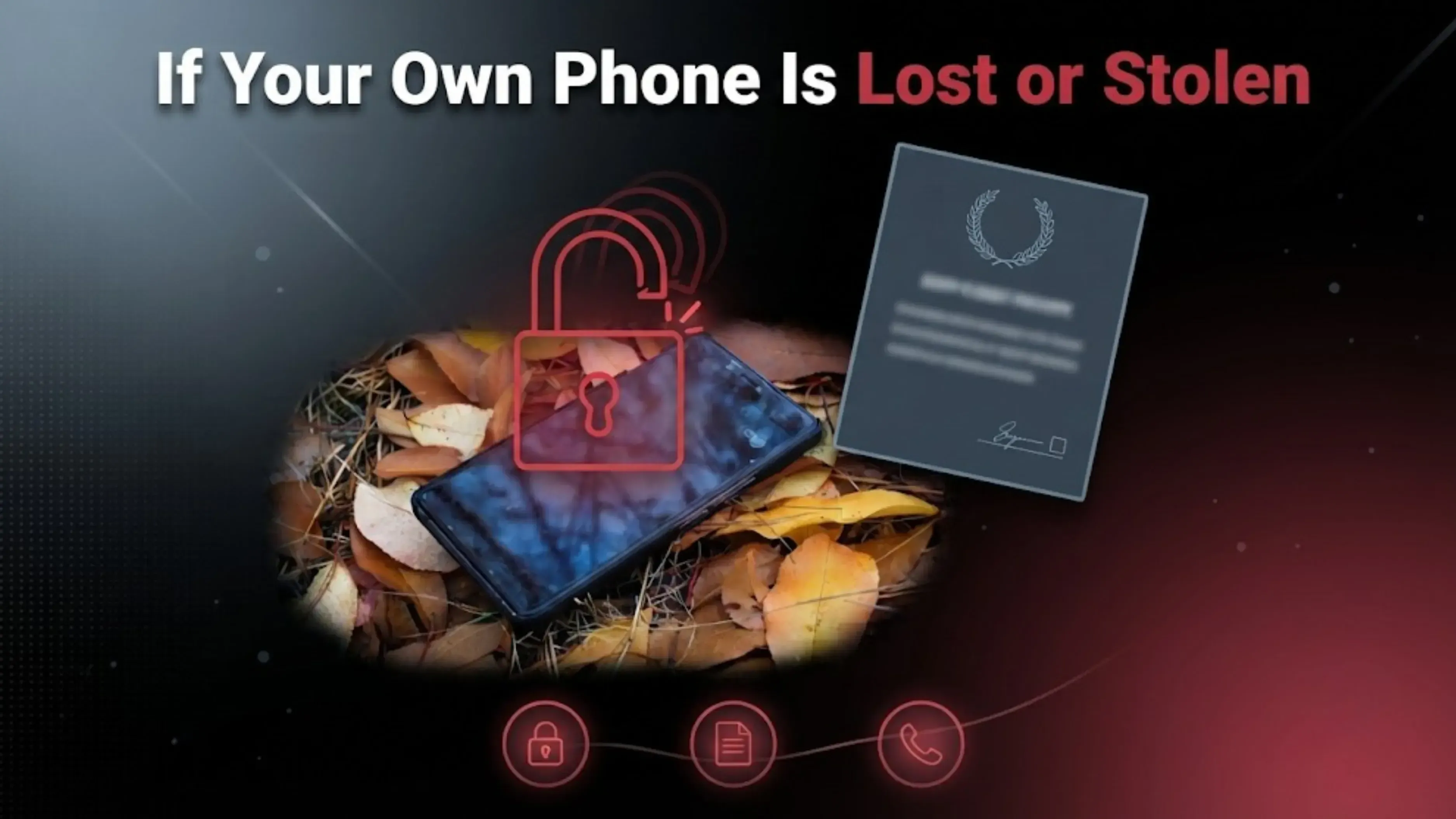
If Your Own Phone Is Lost or Stolen
The same portal offers three services, though most people only know about the first one.
Block it: Report your handset as lost or stolen, and it will stop working on all networks in India. You’ll need to file a police complaint first.
Unblock it: If your phone is found, you can use the same portal to reverse the block.
You can also check the status of any request you’ve already made.
Blocking a stolen phone is more important than most people realize. Once blocked, a handset is worth almost nothing, which helps remove the incentive for theft.
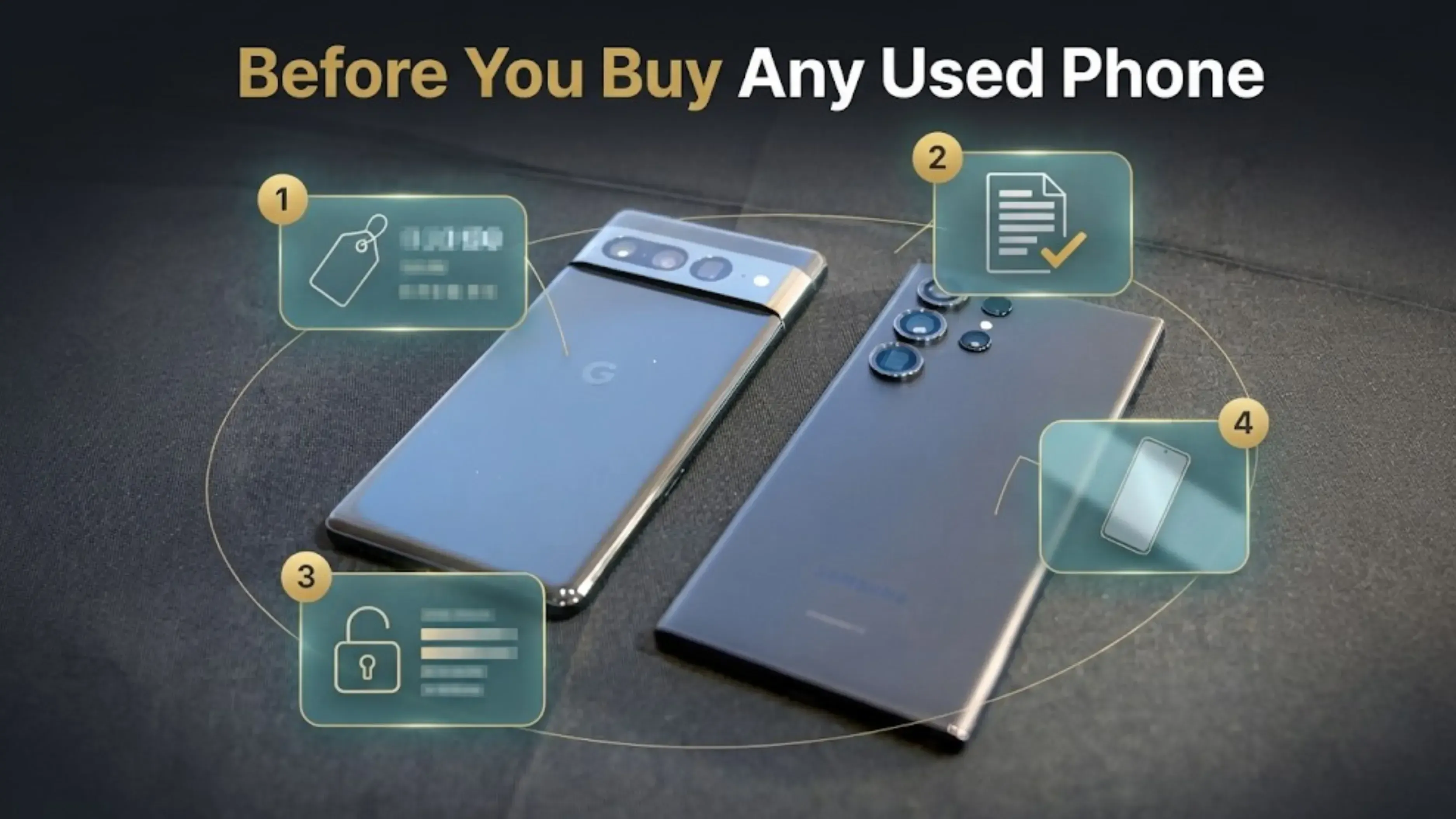
Before You Buy Any Used Phone
The IMEI check is one of four important steps to take, and it’s the quickest one.
Always run the IMEI check before you pay, not after.
Ask for the original bill. A genuine invoice will have the IMEI, so make sure it matches the phone.
Make sure the phone is signed out. Turn it off and on in front of the seller. If it asks for someone else’s Google or Apple account, the phone is locked to them and you won’t be able to use it. This can’t be fixed later.
Check the phone in daylight with the screen off and tilted, so you can spot any scratches that might not show up in the seller’s photos.
If Something Goes Wrong
There are two government options for help, and both are free.
If you’ve lost money to fraud, call 1930 or report it at cybercrime.gov.in. This is the national cybercrime reporting line. Report it as soon as possible; the sooner you act, the better the chance of stopping the money from moving further.
If you get a fraudulent call, SMS, or WhatsApp message, report it through Chakshu on the Sanchar Saathi portal. That’s what it’s there for.
A Note on Selling
If you’re selling instead of buying, the IMEI number is just as important.
Hold on to the box and the bill. They make it easy to match the IMEI, and buyers who can check it usually pay more and negotiate less.
Sign out of your Google or Apple account before you do a factory reset. If you reset while still signed in, the phone will be locked to your account. No one else, including a buyer or buyback service, will be able to set it up, and the phone’s value drops a lot.
Disclosure: Cashkr is our own device buyback service. We buy used phones, so we do benefit when people sell to us. The IMEI check described above is a free government service and is not connected to us. You can use it on any phone, even one you’re thinking of selling to us.
FAQs
1. How do I check an IMEI number in India?
Dial *#06# on the phone to see the IMEI. Then send an SMS reading KYM followed by the 15-digit number to 14422, or use the IMEI verification page at ceir.sancharsaathi.gov.in. You will get the manufacturer, model, and current status.
2. Is the IMEI check free?
Yes. The Department of Telecommunications runs CEIR, and the check costs nothing. Standard SMS charges apply if you use the 14422 route.
3. What does it mean if an IMEI shows as blacklisted?
The handset has been reported lost or stolen and blocked. It can be stopped from working on Indian networks. Do not buy it.
4. What does duplicate mean?
The same IMEI appears on more than one handset. A genuine IMEI is unique to one phone, so a duplicate usually means the number has been copied onto another device. The portal advises against buying it.
5. My phone shows two IMEI numbers. Is that a problem?
No. A dual SIM phone has one IMEI per SIM slot. Both are genuine.
6. The IMEI on the box does not match the phone. What now?
Do not buy it. On a genuine handset the two match. A mismatch means the box belongs to a different phone, or the handset has been tampered with.
Sources
Central Equipment Identity Register, Department of Telecommunications, ceir.sancharsaathi.gov.in, for the Know Your Mobile service, the 14422 shortcode, the status meanings, and the lost or stolen blocking and unblocking process
Chakshu, Sanchar Saathi portal, for reporting suspected fraud calls, SMS and WhatsApp messages
National Cyber Crime Reporting Portal, cybercrime.gov.in, and helpline 1930


 Rabina KhadkaPublished at: Oct 27, 2026·8 min read