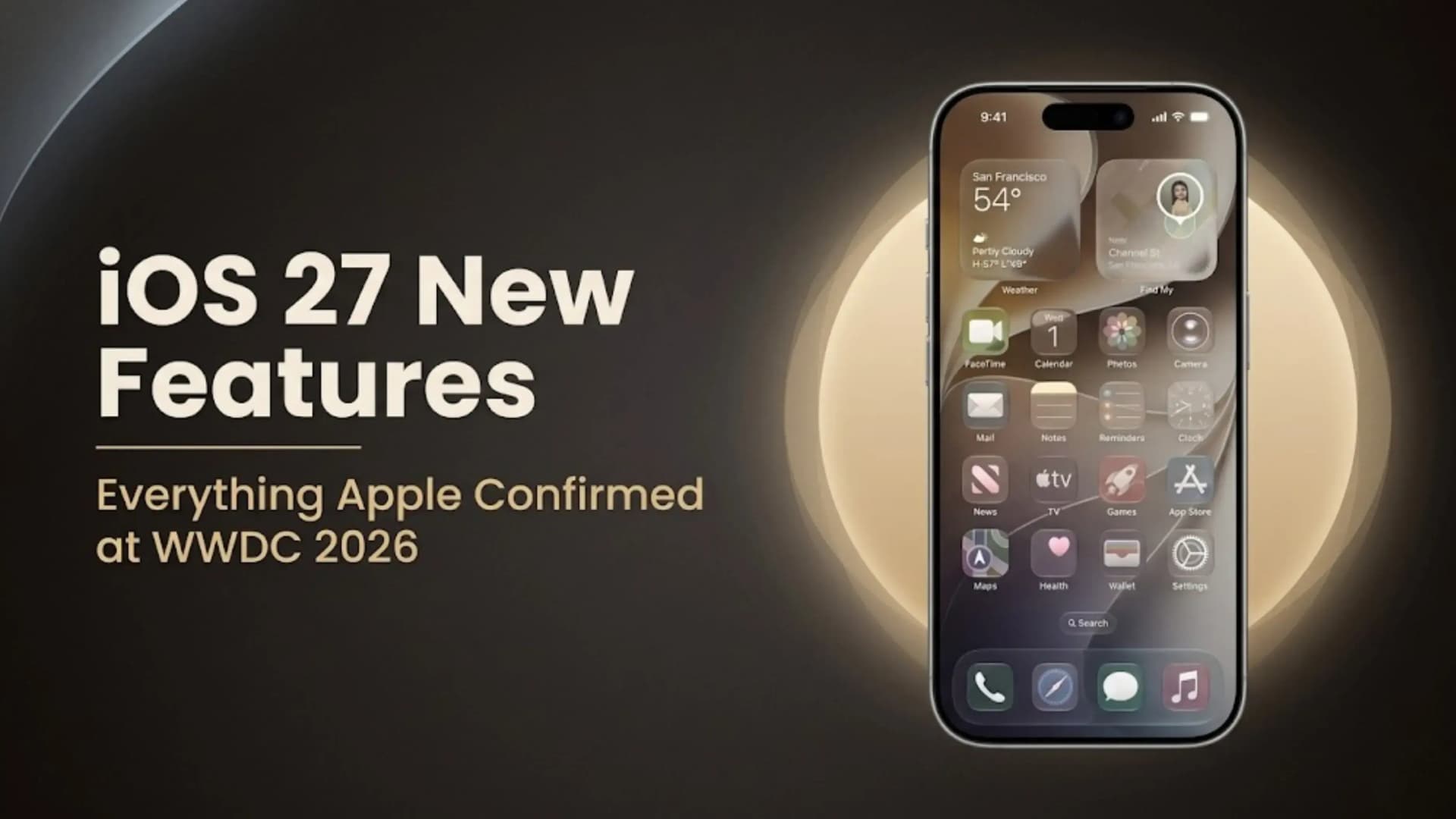
iOS 27 Features: Complete Guide to Everything Apple Announced at WWDC 2026
Apple introduced iOS 27 at WWDC 2026, calling it the biggest iPhone software update in years. The main highlights include a rebuilt Siri that works as its own AI app with conversation history and Google Gemini integration, more Apple Intelligence features in every core app, and noticeable performance boosts like apps opening 30 percent faster and AirDrop transfers being 80 percent quicker. There are also new AI photo editing tools and updates to the Liquid Glass design, now with adjustable transparency and smoother animations.
iOS 27 updates nearly every part of the iPhone. The Camera app now features Siri-powered visual search. Safari can alert you to price drops or restocks. When you call businesses, the Phone app shows useful info from Mail. Messages and Mail provide smart suggestions, and parental controls now let parents approve websites with Ask to Browse. In general, everything from opening apps to switching networks is faster than before.
Below is a complete breakdown of all confirmed iOS 27 features, including details on which iPhones support each feature and which models support Apple Intelligence.
iOS 27 key new features: Siri as standalone app with conversation history and Google Gemini | Apps 30% faster, Photos 70% faster, AirDrop 80% faster | Liquid Glass transparency controls | Apple Intelligence across Safari, Mail, Messages, Wallet, Photos, Shortcuts | AI Photos: Spatial Reframing, AI Expansion, prompt-based editing | Camera visual search | Customisable Siri voice | Phone app Call Context | Safari website update alerts | Parental controls with Ask to Browse | Developer beta available now | Public release expected Q3 2026
iOS 27 Release Date and Availability
Apple confirmed iOS 27 at WWDC 2026 with developer beta versions immediately available after the keynote. The public beta is expected to follow within weeks of the developer beta. The full public release is targeted for Q3 2026, following Apple’s standard September release cadence aligned with new iPhone hardware launches. iOS 27 supports iPhone 11 and newer models. Apple Intelligence features within iOS 27 require an iPhone 15 Pro, iPhone 15 Pro Max, or any iPhone 16 or iPhone 17 series model, with an A17 Pro or later Neural Engine, which provides the on-device AI processing capability that Apple Intelligence depends on.
The developer beta period through the summer allows third-party developers to update their apps to take advantage of iOS 27’s APIs, particularly the new Apple Intelligence integration points across Siri, Shortcuts and the App Intents framework. Users interested in testing iOS 27 features early can enrol in the Apple Beta Software Program at beta.apple.com after the public beta launches.
iOS 27 Features: The New Siri Standalone App
The most significant structural change in iOS 27 is Siri’s evolution from a voice-command overlay to a standalone application. For the first time Siri has its own app on the Home Screen that users can open, scroll through previous conversations, continue ongoing AI chats, and pick up where they left off in earlier sessions. This makes Siri behave more like the conversational AI assistants users have come to expect from ChatGPT and Google Gemini, with the added advantage of deep iPhone integration that standalone third-party apps cannot match.
The conversation history means that context carries over between sessions. If you asked Siri yesterday to research a topic and then continue the conversation today, Siri picks up the thread rather than starting fresh. The contextual responses are significantly improved, with Siri understanding the intent behind requests rather than pattern-matching keywords. The natural language command handling covers everything from creating reminders and scheduling events to launching Shortcuts and querying information across Apple’s apps.
A notable new addition is the integration with Google Gemini as an alternative foundation model alongside Apple’s own Foundation Models. Users can switch between Apple’s on-device Foundation Models and Google Gemini-powered responses, giving access to Gemini’s strengths in certain query types while maintaining Apple’s privacy-focused on-device processing for requests where data should not leave the device. This is Apple’s first formal integration of a third-party AI foundation model into Siri.
Standalone Siri app with conversation history: Opening the Siri app shows a scrollable conversation history similar to a chat interface. Previous requests, answers and follow-up exchanges are preserved and searchable. This makes Siri usable as a research tool where multi-step conversations are built up over multiple sessions, a capability that the previous overlay-based Siri could not provide.
Customizable Siri voice pitch, speed, and accent: iOS 27 lets you fine-tune Siri’s voice. You can change the pitch, adjust how fast Siri speaks, and pick from more accent options. For people who use Siri often while commuting, cooking, or exercising, a more natural and personal voice makes the experience feel less artificial.
Apple Foundation Models and Google Gemini side-by-side: The switch between Apple’s on-device Foundation Models and Gemini is available in the Siri app interface. Apple processes Foundation Model queries on the device for privacy. Gemini queries go to Google’s servers, granting access to Gemini’s knowledge and reasoning strengths, while Apple clearly discloses this. For most everyday requests the Foundation Models handle everything without sending data off-device.
iOS 27 Performance Improvements: Numbers and What They Mean
At WWDC 2026, Apple shared specific performance numbers for iOS 27, which is rare, as they usually show speed improvements rather than percentages. The announced figures suggest that everyday iPhone tasks will feel much faster:
What Gets Faster Improvement Practical Impact App launch speed Up to 30% faster Apps open noticeably faster across the board, especially large apps like Camera and Maps Photos app loading Up to 70% faster Large photo libraries load thumbnails and full images significantly faster than iOS 26 AirDrop transfer speed Up to 80% faster Large file transfers between iPhones and Macs complete in a fraction of the previous time Network switching Improved Faster switching between Wi-Fi and cellular reduces connectivity interruptions CPU task scheduling Optimised Background and foreground tasks managed more efficiently for smoother multitasking
The Photos app now loads up to 70 percent faster, so you’ll notice your pictures appear much more quickly. Since many users have thousands of photos, waiting for thumbnails has been a common frustration—iOS 27 solves this. AirDrop is also 80 percent faster, making it easier to send large videos, RAW photos, and documents between your Apple devices.
Every supported iPhone gets these speed improvements, not just the ones with Apple Intelligence. For instance, if you have an iPhone 13, you’ll still notice faster app launches, quicker photo loading, and better AirDrop speeds. These upgrades come from iOS 27’s system updates, not the Apple Intelligence neural engine.
iOS 27 Apple Intelligence: Smarter Across Every App
Apple Intelligence in iOS 27 is more deeply integrated across the operating system than in iOS 26. The core capability is the same — on-device AI processing using the Neural Engine in A17 Pro and later chips — but the surface area where Apple Intelligence appears has expanded significantly. Natural language commands now extend to Shortcuts, allowing users to trigger complex automation with conversational instructions rather than manually navigating the Shortcuts menus. Contextual suggestions appear proactively based on what is in Mail, Messages and Calendar.
The app integration list in iOS 27 covers Safari, Wallet, Photos, Shortcuts, Mail and Messages. In Safari, Apple Intelligence reads page content to provide summaries, answer questions about what is on the page and suggest follow-up searches. In Wallet, Apple Intelligence can surface relevant payment context when a purchase matches a recent email or message. In Mail, the AI drafts responses, creates tasks from email content and organises threads by importance. The common thread across all these integrations is Apple Intelligence connecting data from one app to action in another — the kind of cross-app intelligence that makes the iPhone feel like it understands the user’s context rather than treating each app as an isolated silo.
iOS 27 Features in Photos and Camera
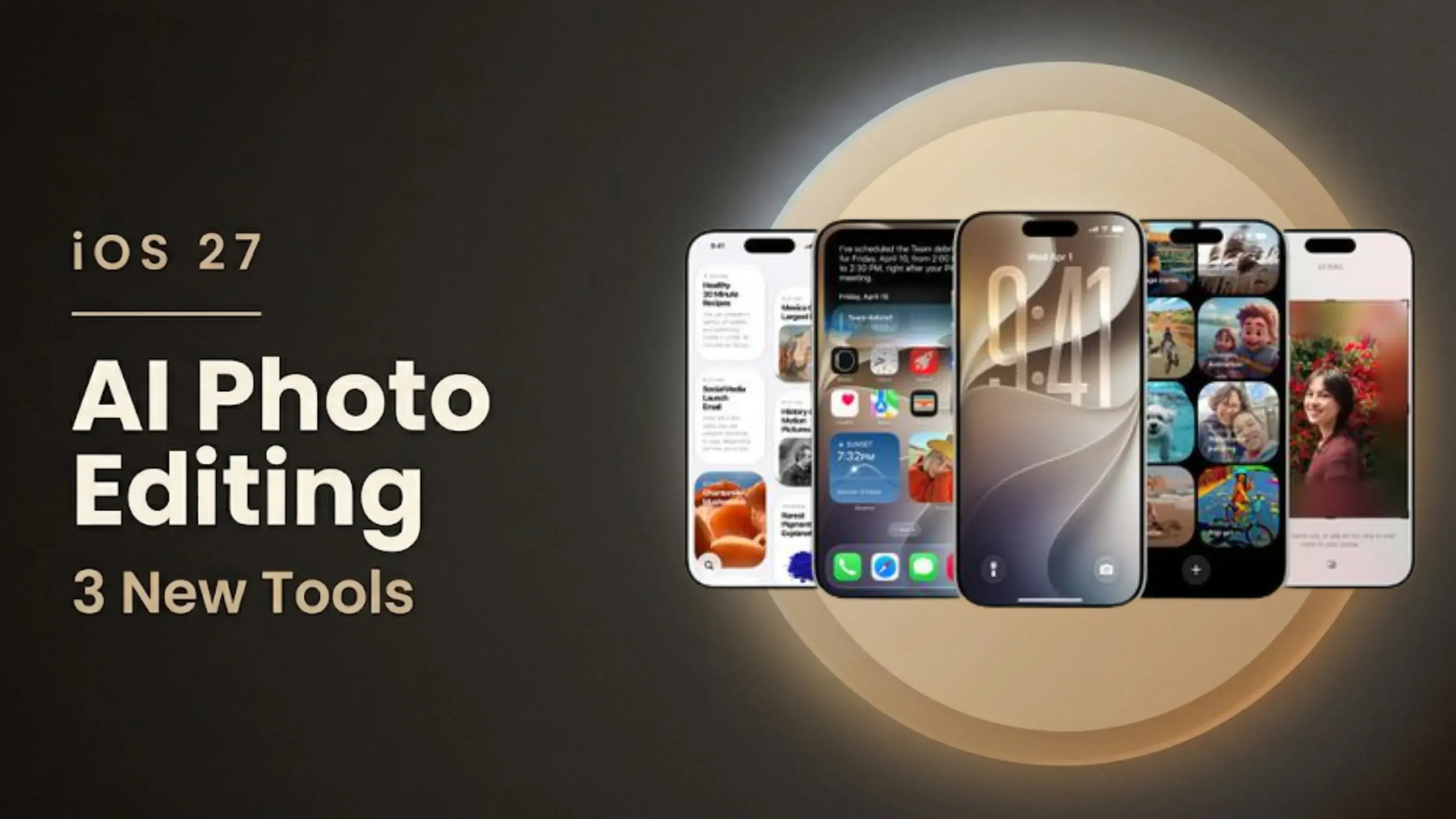
The Photos and Camera apps get some of the most noticeable iOS 27 upgrades, like AI-powered editing tools and smarter visual features right in the viewfinder.
Spatial Reframing intelligent composition adjustment: Spatial Reframing analyses the subjects and content in a photo and allows the user to adjust the composition — shifting the focal point, changing the crop direction or rebalancing the frame without manually dragging a crop box. The AI identifies what matters in the image and reframes around it. For photos where the subject ended up off-center or the crop needs adjustment for a different platform’s aspect ratio, Spatial Reframing handles the adjustment more intelligently than manual cropping.
AI Image Expansion extends beyond the original frame: it's AI-powered image outpainting that generates plausible additional content beyond the edges of the original photograph. A portrait taken too close to a wall can be expanded to show a wider room. A landscape photo with a clipped sky can be extended to include more sky. The AI uses the existing image content and lighting to generate the extended area. Results vary with scene complexity; simple uniform backgrounds expand cleanly, whereas detailed architectural or natural environments require more AI inference to produce convincing results.
Prompt-based photo editing: Rather than using editing sliders, you can now type or say what you want to change—like 'make this warmer,' 'add a sunset mood,' or 'remove the person in the background.' The AI understands your request and makes the changes for you. This is especially helpful for edits that would normally take several steps, making the process much simpler.
Camera app Siri visual search: The Camera app now includes a Siri-powered visual search mode activated from within the viewfinder. Point the camera at an object, landmark, product label, or text, and Siri identifies what it sees and surfaces relevant information: what the landmark is and its history, where to buy the product and at what price, what the text says, and what actions to take. This extends the visual intelligence that was previously limited to tapping on photos in the Photos app into live, real-time camera use.
Safari in iOS 27 introduces two handy features for frequent browsers. Automatic Tab Organization sorts your open tabs by topic, such as research, shopping, or news, so you don’t have to do it yourself. Website Update Alerts let you ask Safari to notify you when a product restocks, a price drops, or a webpage changes, so you don’t have to keep checking on your own.
Messages and Mail in iOS 27 adopt proactive suggestion behavior. In Messages, the app can identify an action mentioned in a conversation and suggest creating a reminder, adding a calendar event or noting a task — without the user explicitly requesting it. In Mail, the same applies: an email about a meeting can generate a calendar event suggestion, an email about a delivery can surface tracking information. The Phone app gains Call Context, which reads relevant Mail content when the user is calling a business — pulling up the email thread with that business, any order numbers or account references, making the information available without switching apps mid-call.
Liquid Glass Design Refinements
Liquid Glass, first introduced in iOS 26, is Apple’s design style with translucent, depth-aware UI elements that show what’s underneath. iOS 27 improves this with adjustable transparency controls, so you can choose how see-through these elements are. This helps users who find full transparency makes text hard to read. New readability modes preserve the visual depth of Liquid Glass while ensuring text remains clear and accessible.
The animations connected to Liquid Glass elements are smoother and more consistent in iOS 27. In iOS 26 some interactions produced glass-blur effects that varied in quality across different parts of the interface. iOS 27’s refinements standardize the animation quality and make the visual language more cohesive across third-party apps that have adopted the Liquid Glass design guidelines.
Parental Controls: Time Allowances and Ask to Browse
Apple has improved parental controls in iOS 27 with more detailed time management tools and a new way to approve websites. Time Allowances and Schedules let parents set different screen time limits for different times of day, like more time after school and less before bed, instead of just one daily limit. These schedules sync across iPhone, iPad, and Mac for the whole family.
Ask to Browse is a new parental control that lets parents decide which websites their child can visit, rather than relying on automatic content filters. When a child tries to open a new website, iOS 27 sends a request to the parent’s device for approval. The parent can see the site and approve or deny it with one tap. This method is more accurate than category filters, which sometimes block useful sites or miss some that should be restricted.
Apple Intelligence requires on-device Neural Engine processing power only available from the A17 Pro chip onwards. The iPhone 15 Pro and Pro Max are the oldest devices that qualify. All standard iPhone 15 models, all iPhone 14 models (including Pro models with A16 Bionic) and older do not support Apple Intelligence features. All supported iPhones receive the performance improvements, design changes, Safari features, parental controls and other non-AI features regardless of Apple Intelligence eligibility.
All iOS 27 Features at a Glance
Feature Area
What Is New in iOS 27
Siri
Standalone Siri app, conversation history, Google Gemini integration, customizable voice controls including pitch, speed, and accent
Apple Intelligence
Natural language commands and contextual suggestions across Safari, Wallet, Photos, Shortcuts, Mail, and Messages
Photos App
Spatial Reframing, AI Image Expansion, and prompt-based text editing
Camera App
Siri-powered visual search for objects, landmarks, products, and text
Safari
Automatic tab organization by topic and website update alerts for price changes and restocks
Messages
Proactive suggestions to create reminders and tasks directly from conversations
Mail
Create notes, reminders, and scheduled tasks from emails
Phone App
Call Context surfaces relevant information from Mail when contacting businesses
Liquid Glass UI
Adjustable transparency, improved readability, smoother animations, and better visual consistency
Parental Controls
Time allowances, usage schedules, and Ask to Browse website approval system
Performance
Faster app launches, improved CPU scheduling, quicker Photos processing, and faster AirDrop transfers
iOS 27 Features: What Changes Day-to-Day
The most noticeable iOS 27 features in daily use vary by iPhone model. If you have an iPhone 15 Pro or newer, Apple Intelligence brings a new Siri app with conversation history, smarter Mail and Messages, and AI photo editing, all of which will change how you use your phone every day. For iPhone 11 to iPhone 14 users, the biggest improvements are faster Photos loading, quicker AirDrop, Liquid Glass updates, customizable Siri voice, Safari website alerts, and better parental controls. The customizable Siri voice may seem like a small feature, but it makes a big difference for people who use Siri often. Slowing down Siri’s speaking speed helps if you find the default too fast, and more accent options make long conversations more comfortable. Call Context in the Phone app also solves a common problem: it shows account numbers and order details when you call customer service, so you don’t have to switch between Phone and Mail apps during the call.
Thinking About Upgrading for the Full iOS 27 Experience?
If you have an iPhone 14 or older and want all the new iOS 27 features, including Apple Intelligence, you’ll need to upgrade to an iPhone 15 Pro or any iPhone 16 or 17 model. All supported iPhones get the performance and non-AI features, but the full Siri app, AI photo editing, and Apple Intelligence across apps need a Pro-level Neural Engine.
If you’re thinking about upgrading your iPhone for the full iOS 27 Apple Intelligence experience, selling your current phone can help cover the cost. Cashkr, an Indian platform for selling old electronics, offers instant price checks, free doorstep pickup, certified data wiping, and payment by UPI or bank transfer. It’s a good idea to check your iPhone’s value before deciding to upgrade.
Final Verdict
The iOS 27 features announced at WWDC 2026 make this Apple’s biggest update in years. The new Siri, faster performance, AI photo editing, and smarter cross-app features all solve real problems for iPhone users rather than just adding features for marketing. Improvements like apps opening 30 percent faster, Photos loading 70 percent faster, and AirDrop being 80 percent faster are changes you’ll notice right away after installing iOS 27.
All users get iOS 27’s performance, design, and non-AI improvements, while Apple Intelligence features are only for iPhone 15 Pro and newer. The public release is expected in Q3 2026, likely September, alongside new iPhones. For iPhone 15 Pro, 16, and 17 owners, iOS 27 finally puts the Neural Engine to full use, making it feel like a core part of the iPhone experience instead of just a demo feature.
iOS 27 in summary: Confirmed at WWDC 2026 | Developer beta available | Public release Q3 2026 | Supports iPhone 11 and newer | Apple Intelligence on iPhone 15 Pro and newer | Top features: Standalone Siri app, Google Gemini integration, 30-80% speed improvements, AI Photos editing, Camera visual search, Safari website alerts, Call Context, Ask to Browse parental controls, Liquid Glass transparency controls, customisable Siri voice
Advertisement
FAQs
1. What are the main iOS 27 features?
The top iOS 27 features include a completely rebuilt Siri as a standalone app with conversation history and Google Gemini integration, apps launching 30 percent faster, Photos loading 70 percent faster, AirDrop transferring 80 percent faster, AI-powered photo editing (Spatial Reframing, AI Image Expansion, prompt-based editing), Siri visual search in the Camera app, Safari website update alerts, Call Context in the Phone app, parental controls with Ask to Browse and Liquid Glass design refinements.
2. When will iOS 27 be released?
Apple confirmed iOS 27 at WWDC 2026 with developer beta versions immediately available. The public beta is expected within weeks of the developer beta. The full public release is targeted for Q3 2026, likely September, following Apple’s standard release cadence aligned with new iPhone hardware.
3. Which iPhones support iOS 27?
iOS 27 supports iPhone 11 and all newer models, including iPhone 11 Pro, iPhone SE (all generations), and iPhone 12 through iPhone 17 series. Apple Intelligence features in iOS 27 require an iPhone 15 Pro, iPhone 15 Pro Max, or any iPhone 16 or 17 series model.
4. Does iOS 27 support my iPhone 14?
Yes, iPhone 14 models receive iOS 27 with all the performance improvements, design changes, Safari features, parental controls and non-AI features. However, iPhone 14 models (including the iPhone 14 Pro with the A16 Bionic) do not qualify for Apple Intelligence features, which require the A17 Pro Neural Engine or later.
5. What is the new Siri in iOS 27?
In iOS 27 Siri becomes a standalone app with conversation history, enabling multi-session AI chats where context carries over between conversations. Users can switch between Apple’s Foundation Models processed on-device and Google Gemini for certain requests. The customizable voice with adjustable pitch, speed and accent is also new in iOS 27.
6. What AI photo editing features does iOS 27 add?
Three AI photo editing features in iOS 27: Spatial Reframing for intelligent composition adjustment without manual cropping, AI Image Expansion for extending photo borders beyond the original frame, and prompt-based editing where users describe the edit they want in plain language and AI applies it.
7. What is Liquid Glass in iOS 27?
Liquid Glass is Apple’s translucent depth-aware design language introduced in iOS 26. iOS 27 refines it with adjustable transparency controls so users can set how transparent the glass elements appear, improved readability options and more consistent animations across the interface.
8. What is Apple Intelligence and which iOS 27 features require it?
Apple Intelligence is Apple’s on-device AI processing system powered by the Neural Engine in A17 Pro and later chips. In iOS 27, Apple Intelligence enables advanced Siri capabilities, cross-app contextual suggestions, AI photo editing and the Camera app’s visual search. These features require iPhone 15 Pro or newer.
9. What are the iOS 27 Safari improvements?
Safari in iOS 27 gains Automatic Tab Organization that groups tabs by topic without user intervention, and Website Update Alerts that notify users when a tracked product restocks, changes price or when a watched webpage updates. Apple Intelligence also enables reading comprehension in Safari, with page summaries and questions.
10. What parental control features are new in iOS 27?
iOS 27 adds Time Allowances and Schedules for more granular screen time management by time of day, and Ask to Browse, which sends website access requests to parents for approval when a child attempts to visit an unfamiliar site. These features sync across iPhone, iPad and Mac under the same family account.
If you want to sell your old devices, then click here.
 Yaskar Jung ShahUpdated: Jul 16, 2026·21 min read