Why Does iPhone Battery Health Decline? Causes, Prevention and Everything You Need to Know
Many iPhone owners keep an eye on the Battery Health percentage in their settings, often with a bit of worry. It begins at 100 percent when the phone is new and gradually drops with each charge, hot day, and month of use. After two or three years, most people see it fall below 90 percent and start to wonder if this is normal, if they did something wrong, and if there’s anything they can do to slow it down.
It’s normal and expected for iPhone battery health to decline over time. All iPhones use lithium-ion batteries, and these naturally wear out as part of how rechargeable batteries work. The real question is how quickly battery health drops, what speeds up this process, and what simple steps you can take to slow it down without changing your daily habits too much.
This guide explains why iPhone battery health declines, how quickly it typically happens, how to slow it, and how battery health can affect your phone’s resale value when you decide to upgrade.
Quick Summary: iPhone battery health declines due to charge cycles, heat, prolonged 100% charging, deep discharges, and natural aging. After a year, it’s normal to see 90-100%; after two years, 85-95% is typical. You can slow this by enabling Optimized Battery Charging, keeping the battery between 20% and 80%, avoiding heat exposure, and using certified chargers. Replace the battery if it drops below 80% or if your phone shuts down unexpectedly.
What iPhone Battery Health Means and How to Check It
Battery Health in iOS shows how much charge your battery can hold compared to when it was new. At 100 percent, it holds the full charge. At 85 percent, it only holds 85 percent of the original amount, so your phone won’t last as long between charges and you’ll need to charge it more often.
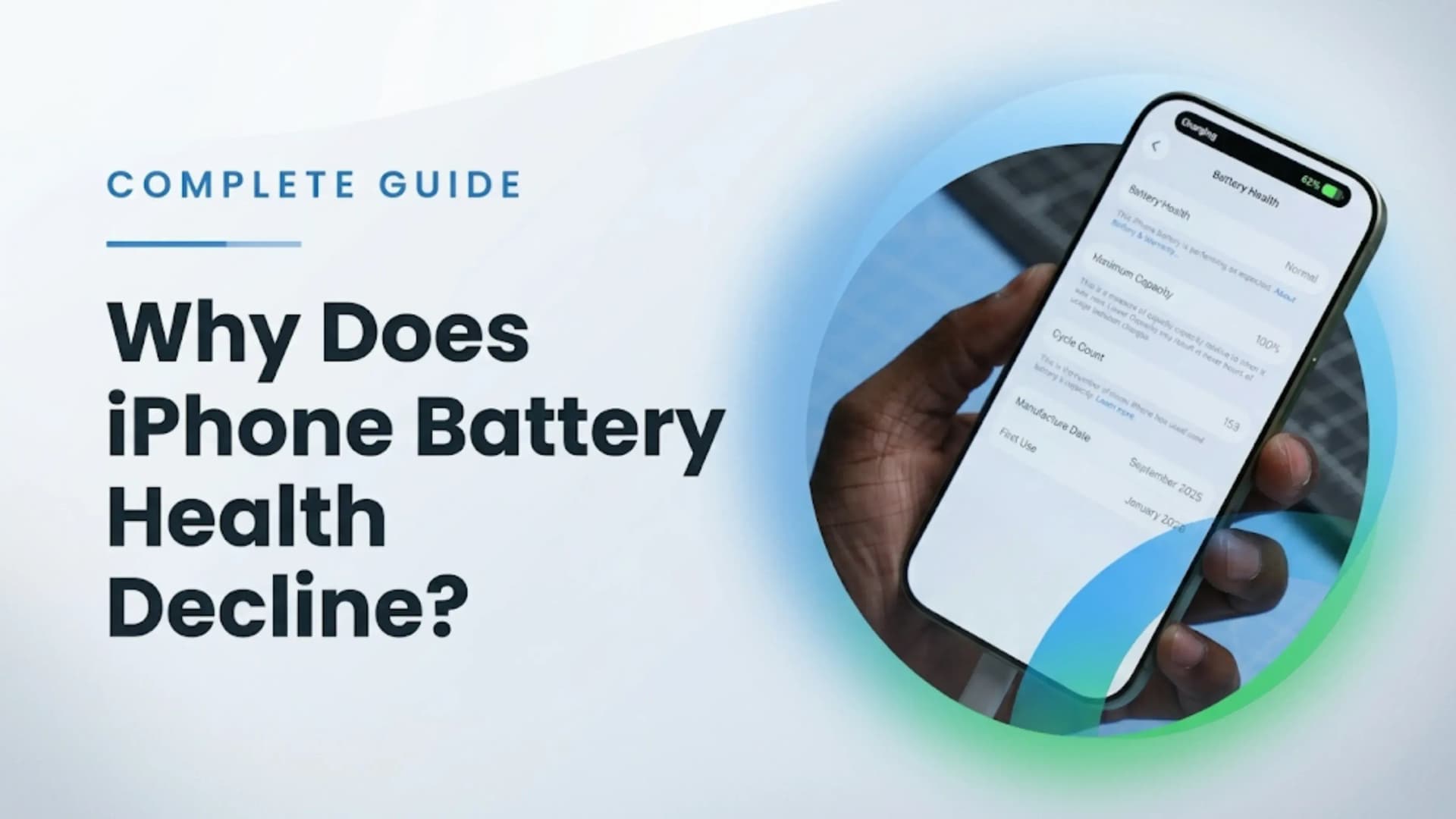
To check your iPhone’s battery health, go to Settings, tap Battery, then Battery Health and Charging. The Maximum Capacity percentage shows your battery’s health. Apple will also let you know if your battery is still supporting normal performance or if performance management is on to prevent unexpected shutdowns. If your battery drops below about 80 percent, your phone might slow down to avoid sudden shutdowns.
To check Battery Health, open Settings, then Battery, then Battery Health and Charging. The Maximum Capacity number is what matters. 100% means your battery is new. Apple recommends replacing the battery at 80%. If you see a message about performance management, your battery has worn down enough to affect your phone's performance.
Why iPhone Battery Health Declines: Six Causes Explained
There are real reasons why iPhone battery health drops. There are six main causes, and you can control some of them. Knowing these helps you see which habits actually harm your battery and which are just normal use.
1. Charge cycles are the main reason batteries wear out. A charge cycle means using and recharging a total of 100 percent of your battery’s capacity, not just one full charge from 0 to 100 percent. For example, charging from 50 to 100 percent twice in a day counts as one cycle. Apple’s batteries are built to last about 500 full cycles before dropping to 80 percent of their original capacity. If you use less than one cycle per day, your battery health usually stays above 90 percent for two years or more.
2. Heat speeds up battery aging more than anything else. High temperatures make the battery’s parts wear out faster and reduce its capacity. Common causes of heat for iPhones include long gaming sessions while charging, using GPS in direct sunlight, leaving your phone in a hot car, and wireless charging with a thick case. If your phone often gets hot while charging, its battery health will drop faster than if it stays cool.
3. Keeping your battery at 100% for long periods puts extra stress on it. Lithium-ion batteries last longer when they aren’t always fully charged. Leaving your phone plugged in overnight every night keeps it at 100% and causes high-voltage stress, which wears out the battery. Apple’s Optimized Battery Charging learns your routine and waits to finish charging until just before you usually unplug your phone, so it spends less time at 100%.
4. Letting your battery drain all the way to 0% also stresses it, but in a different way. When the battery is completely empty, it enters a low-voltage state that speeds up aging. Doing this often makes the battery wear out faster than recharging at 20 or 30 percent. An occasional full drain is fine, but making it a habit will cause faster capacity loss.
5. Fast charging makes your battery heat up more than regular charging. iPhones can fast-charge at 20W or 27W, depending on the model, which is much faster than standard charging. But this extra speed generates more heat, and over time, that heat accumulates and wears out the battery. Apple’s chips slow charging as the battery approaches full, but the heat from fast charging still contributes to long-term battery wear.
6. Batteries get older even if you don’t use them. The chemicals inside slowly break down over time, so even an iPhone left in a drawer for two years will have lower battery health when you take it out. This kind of aging can’t be stopped; it’s just how lithium-ion batteries work.
iPhone Battery Health Decline Timeline: What to Expect
How fast your battery health drops depends on how you charge your phone, how much you use it, and the temperatures it faces. Here’s what you can expect for different types of use:
Age of iPhone
Expected Battery Health
What to Expect
0 to 6 months
98% to 100%
Battery performs at or near original capacity. Normal usage has minimal visible impact.
6 to 12 months
93% to 100%
Slight decline may start in heavy-use devices. Fast charging and gaming users may see faster drop.
1 to 2 years
88% to 95%
Typical healthy range. Heavy users may already fall below 90%.
2 to 3 years
82% to 90%
Noticeable reduction in battery life. Replacement may be considered at the lower end.
Battery replacement recommended. Performance management (throttling) may activate to avoid shutdowns.
Battery health can vary a lot over time. For example, an iPhone 15 that’s used lightly, kept cool, charged slowly overnight, and never run below 20 percent could still have 96 percent health after two years. The same model, if used heavily for gaming, fast-charged every day, often drained to zero, and exposed to heat, might drop to 85 percent in the same time. Both results are normal. The difference comes from charging habits and heat, not a defect.
How to Maintain iPhone Battery Health Longer: Eight Practical Tips
You can slow the decline in iPhone battery health with simple habits that aren’t hard to follow. Small changes to how you charge and use your phone can help your battery last longer over two to three years.
Good for Battery Health
Avoid — Accelerates Degradation
Charge up to ~80% and unplug when possible
Keeping phone plugged at 100% for long periods (especially overnight daily)
Keep battery between 20% to 80% for daily use
Frequently draining battery to 0% and charging to 100%
Enable Optimized Battery Charging in Settings
Turning off optimized charging without reason
Use Apple-certified chargers and cables
Using cheap or uncertified chargers with unstable voltage
Remove thick case when phone gets warm
Gaming or heavy use while fast charging with heat buildup
Keep iPhone in cool environment
Leaving phone in direct sunlight or hot environments (car dashboard, etc.)
Use normal overnight charging (slow charging preferred)
Relying on high-watt fast charging as primary daily charging method
Keep iOS updated regularly
Running outdated iOS with older battery optimization
Charge gradually (small top-ups)
Deep cycling (0% to 100%) frequently
The best setting to enable is Optimized Battery Charging, found in Settings> Battery> Battery Health and Charging. This feature learns your routine and waits to charge the last 20 percent until just before you unplug. It means your battery spends less time at 100 percent, which helps prevent long-term wear. Most people who use this see their battery health decline more slowly over two years than those who charge to 100 percent or decline in ernight.
The best habit is to keep your battery between 20 and 80 percent. This avoids stress from deep discharges and from staying fully charged. Try to unplug at 80 percent when you can, and plug in at 20 to 30 percent instead of waiting for 0 percent. For most people, this doesn’t require big changes—just paying a bit more attention to charging before the battery gets too low.
When to Replace Your iPhone Battery
Apple recommends replacing your battery when its health drops below 80 percent. At this point, the battery holds only 80% of its original charge, so your phone won’t last as long each day. Getting a replacement at an Apple Store or Apple Authorized Service Provider restores your phone to 100 percent battery health and full performance, giving it another 1 to 2 years of strong daily use.
Practical signs that it is time to replace your phone's battery include certain signals. The first signal is a sudden phone shutdown even though there is still some juice in the battery. Another signal is performance management problems like a slowed-down phone because of the attempts of iOS to avoid a shutdown. The third sign is reduced battery life or battery longevity.
Phone battery replacement costs differ. Apple will charge you between Rs. 3,500 and Rs 6,000 for replacement batteries. The replacement battery will come with real components and certification, improving its efficiency and eliminating the performance management feature. There are also non-genuine replacements, which are relatively cheap, but iOS will display alerts about incompatible batteries.
Performance throttling happens when a worn-out battery can’t give enough power for the processor to run at full speed without risking a sudden shutdown. iOS then slows down the processor to match what the battery can safely provide. That’s why an older iPhone can feel slower even though the hardware hasn’t changed. Replacing the battery removes this limit, and your phone will run at full speed again.
iPhone Battery Health and Resale Value
Battery health is one of the most important things people check when buying or selling a used iPhone. Unlike the phone’s appearance, which is easy to see, battery health is hidden but directly affects how long the phone lasts each day. A used iPhone that looks perfect but has 75 percent battery health will quickly disappoint the buyer. One with 93 percent battery health will feel almost like new.
Battery Health
Resale Impact
What Buyers Think
95% to 100%
Best resale value
Buyers trust the battery is in near-new condition. Strong negotiating position.
90% to 94%
Very good
Above the threshold most buyers set. Competitive used market pricing.
85% to 89%
Good
Some buyers negotiate a discount but device is still attractive and functional.
80% to 84%
Moderate
Many buyers factor in upcoming battery replacement cost. Expect lower offers.
Below 80%
Significantly reduced
Apple flags this for replacement. Most buyers either avoid or offer heavily discounted prices.
Keeping your iPhone’s battery health high isn’t just about daily use; it’s also a smart financial move. An iPhone with 95 percent battery health can sell for much more than the same model at 80 percent. The difference can be Rs. 2,000 to Rs. 5,000 for a mid-range iPhone and Rs. 5,000 to Rs. 12,000 for a premium model, depending on how much buyers want to avoid having to replace the battery soon.
Cashkr tip: If you want to know your used iPhone’s current market value, Cashkr is an Indian online platform for selling old electronics. It offers instant price checks based on your iPhone’s model, storage, condition, and battery health. They provide free doorstep pickup, certified data wiping to keep your information safe, and payment through UPI or bank transfer.
Final Verdict
The natural decline in iPhone battery health can’t be avoided because of how lithium-ion batteries work, charge cycles, heat, and time. Knowing the causes helps you control most factors with simple habits: keep the battery between 20 and 80 percent, enable Optimized Battery Charging, avoid excessive heat during charging or gaming, and use certified chargers. These are small changes that add up to better battery life over two to three years.
If your battery health drops below 80 percent, replacing the battery is a cost-effective way to get your phone working like new again without buying a whole new device. When it’s time to upgrade, battery health is one of the biggest factors in your iPhone’s resale value. Taking care of it means you’ll get better trade-in or resale offers when you decide to move on.
Bottom Line: iPhone battery health declines due to charge cycles, heat, high-voltage stress at 100%, deep discharges and chemical aging. Enable Optimized Battery Charging. Keep battery between 20-80% where possible. Avoid heat during charging. Replace below 80% or when shutdowns begin. Battery health above 90% significantly improves resale value. Battery replacement costs Rs. 3,500 to Rs. 6,000 at Apple Authorized Service.
FAQs
1. Why is my iPhone battery health decreasing so fast?
Fast battery health decline is most commonly caused by one or more of these factors: frequent fast charging generating heat, gaming or intensive tasks while charging with the phone in a case that traps heat, regularly draining the battery to 0 percent, leaving the phone plugged in at 100 percent for extended periods and exposure to high ambient temperatures. Enabling Optimized Battery Charging and keeping the battery between 20 and 80 percent are the most effective changes to slow the decline.
2. Is it normal for iPhone battery health to drop to 90% in one year?
Yes. Dropping to 90 to 95 percent after one year of heavy use is normal for a lithium-ion battery. Heavy users who fast-charge frequently, game extensively and regularly drain to zero may see faster decline. Light users with careful charging habits may still be at 97 to 100 percent after one year. Apple's design target is for the battery to retain at least 80 percent of its original capacity after 500 complete charge cycles.
3. How do I check iPhone battery health?
Go to Settings, tap Battery, then tap Battery Health and Charging. The Maximum Capacity percentage is your battery health. This feature is available on iPhone 6 and later running iOS 11.3 or newer.
4. Does fast charging damage iPhone battery health?
Fast charging contributes to battery degradation over time because it generates more heat than standard charging. The heat generated during the fast-charge phase accelerates the battery's chemical aging. For occasional use fast charging's impact is minimal. As the primary daily charging method over two or more years, repeated heat exposure from fast charging contributes measurably to a faster decline in health compared to standard overnight slow charging.
5. What is Apple's Optimized Battery Charging and should I enable it?
Optimized Battery Charging is a feature in iOS that learns your daily charging routine and delays the final portion of charging — from 80 percent to 100 percent — until shortly before you typically unplug the phone. This reduces the time the battery spends at 100 percent, a known source of high-voltage stress on lithium-ion batteries. Enable it in Settings then Battery then Battery Health and Charging. Yes, it is recommended for all iPhone users.
6. What battery health percentage should I replace my iPhone's battery at?
Apple recommends battery replacement when battery health drops below 80 percent maximum capacity. In practice, many users choose replacement when they notice poor daily endurance, unexpected shutdowns or iOS performance management (the phone feeling slower) — which typically begins to occur at 80 to 85 percent battery health.
7. Does keeping the iPhone plugged in all night damage the battery?
The act of plugging the phone in every night increases battery degradation because the battery remains at full capacity for an extended period. Optimizing battery charging solves this problem, since the phone remains charged for nearly the waking hours after the charge reaches 80 percent.
8. How does heat affect iPhone battery health?
"Heat is one of the environmental factors that damage batteries. Heat above 35-40°C increases the rate of chemical degradation within lithium-ion batteries. The three most common causes of overheating in iPhones are playing games and charging simultaneously when an iPhone has a case on, using GPS in direct sunlight, and leaving it inside a hot car. It is important to remove the case from an iPhone during intense use or during charging."
9. Does iPhone battery health affect resale value?
Remarkably. A second-hand iPhone with a battery in good condition (more than 90%) offers the best trade-in value, since consumers expect the battery life to be nearly as good as that of a brand-new one. From 80% to 89%, the resale price gets affected as consumers consider future replacement of the battery. An under-80 % rating means reduced resale value. This shows that taking care of the battery's charging contributes significantly to the consumer's finances.
10. How much does it cost to replace an iPhone battery in India?
The cost of getting your iPhone’s battery changed is Rs. 3,500 to Rs. 6,000, depending on the model, at any of the Apple Stores or authorized service centers located across India. While third-party options will cost you less, it might end up getting you an alert from iOS about your iPhone’s battery condition. Once you replace your battery, you can bid farewell to performance throttling, as the phone runs at full speed.
If you want to sell your old devices, then click here.


 Yaskar Jung ShahUpdated: Jul 17, 2026·15 min read