Don't Sell Your Phone Until You Read This: 15 things to do before selling your smartphone
Let’s be honest. When most of us decide to sell smartphone devices, we think it’s just about deleting a few selfies and wiping the screen clean. Hand it over, collect the cash, done. Right?
Not so fast.
Your phone isn’t simply a gadget anymore. It's a digital safe. Bank details, passwords, private chats, saved payment cards, access to your email. Everything is contained there. Miss one minor step, and you’re not just losing data. You are almost practically handing a stranger.
Plus, skipping the basics can actually cost you money. A poorly prepped phone looks suspicious to buyers, and they’ll lowball you without a second thought.
The good news? Getting your phone ready doesn’t require a computer science degree. Just set aside 20 minutes, follow this list, and you’ll protect your privacy while making your device way more attractive to the next owner.
Whether you’re upgrading to the latest model or finally cleaning out that old drawer phone, here are the crucial things to do before you sell your smartphone. Intelligently, safely, and regretlessly.
1. Back Up Everything That Actually Matters
Prior to pausing pausing pausing pausing pausing pausing pausing pausing pausing pausing pausing. Take a moment. Take a moment. Take a moment.
I'm referring to pictures and movies that you would genuinely weep over losing. Contacts, because no one remembers numbers anymore. Notes and Documents. Messages and WhatsApp talks. Calendar reminders.
Android users, Google Drive and Google Photos have your back. iPhone users, iCloud does the heavy lifting. Or just plug it into your laptop and drag everything to a folder. Whatever works for you, just do it before the wipe.
2. Double Check That Your Backup Actually Worked
Here’s where people mess up. They didn't recognize that they backed backed backed backed backed backed backed them.
Thus, unlock your cloud storage. Sign in. Examine the area.
Ask yourself, are my recent photos showing up? Are all my contacts saved to my Google or Apple account? Can I open that one important PDF from my phone on my tablet?
It feels like overkill, but trust me. Taking two minutes here is way better than spending two weeks mourning lost memories.
3. Move Your Stuff to Your New Phone First
If you have your replacement gadget on hand, don’t wait. Migrate your data before wiping the old one.
Many manufacturers today offer transfer tools built in that move all your stuff at once. Logins & apps. Pictures and videos. Messages . Wallpaper, even settings.
Get that done first. You won't have to start from scratch when setting up your new phone, since your old one is already factory reset, and the entire move seems smooth.
4. Sign Out of Your Google or Apple Account. Seriously, Don’t Skip This.
This is hands down one of the most critical things to do before you sell your smartphone.
Android phones have Factory Reset Protection, or FRP. iPhones have Activation Lock. These are awesome security features, until you forget they exist.
If you reset the phone while your account is still logged in, the next person won’t be able to set it up. It’ll ask for your old password, and you’ll end up with an angry buyer at your doorstep.
So before anything else, remove your Google Account on Android. Sign out of your Apple ID on iPhone.
Do this first. Then reset.
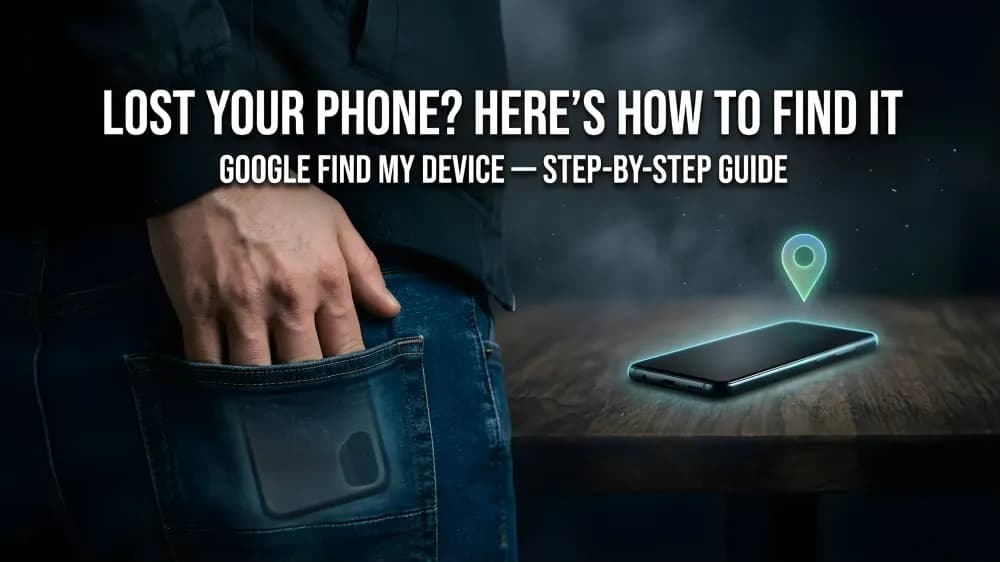
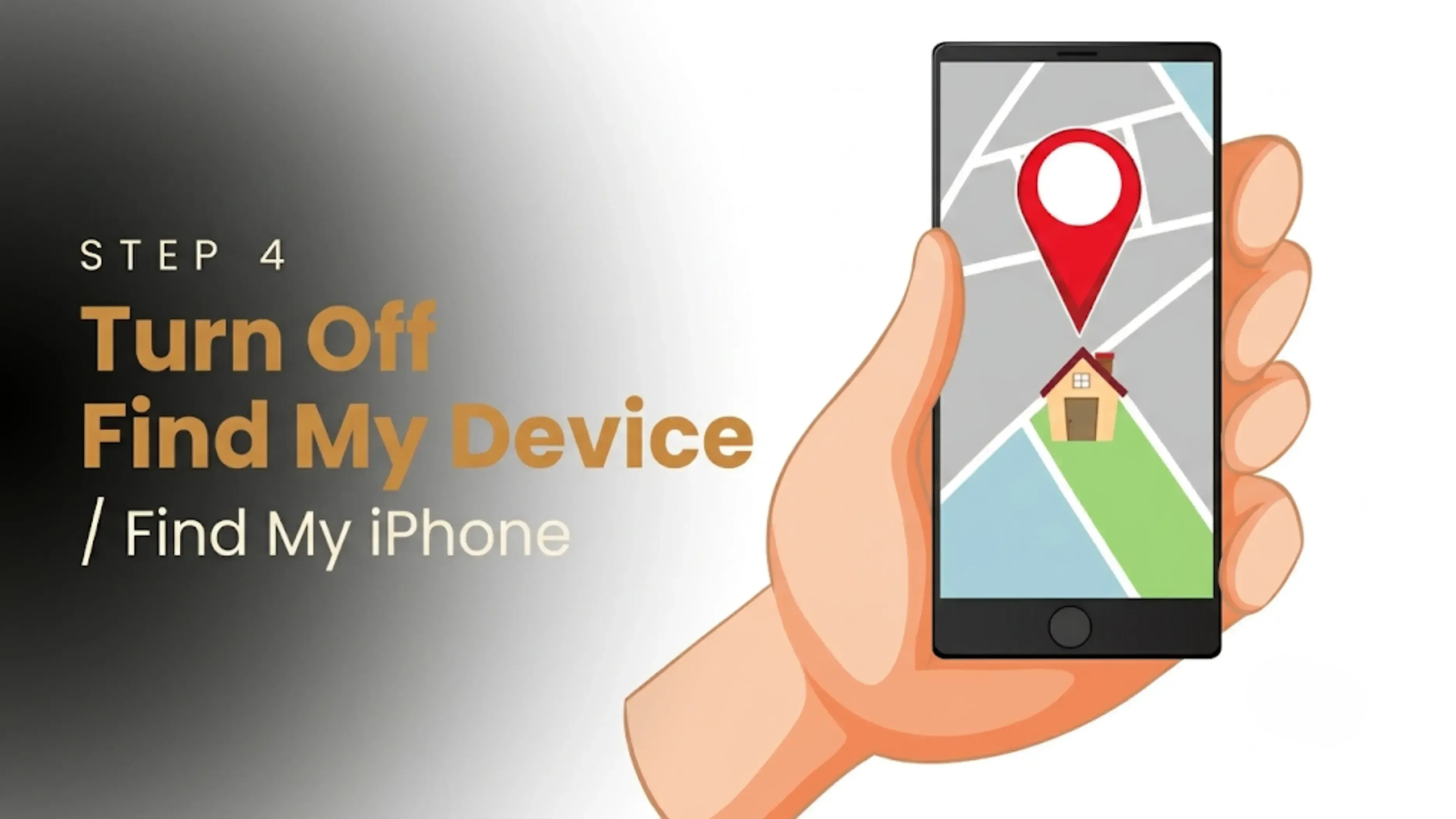
5. Turn Off Find My Device or Find My iPhone
This goes hand in hand with the previous point.
“Find My” is great when you drop your phone between the couch cushions. But if it’s still enabled when you sell, the new owner literally can’t activate the phone. It’ll be locked to you.
So check. On Android, turn off “Find My Device.” On iPhone, disable “Find My iPhone.”
Make sure Activation Lock is fully removed before you hand it over.
6. Pop Out Your SIM Card
This sounds obvious, but you’d be surprised how many people forget.
Your SIM card stores your mobile number and may even hold old contacts or texts.
Before you pack the phone, remove the SIM. Keep it safe for your new phone. If you lose it, ask your carrier for a replacement.
Never, and I mean never, leave your SIM in a phone you’re selling. That’s just asking for trouble.
7. Don’t Forget the Memory Card
If you’re using an Android with a microSD card, that little piece of plastic is full of your photos, music, and files.
Before you sell a smartphone model with an expandable storage slot, eject the memory card. Copy any files you still want. Format it only if you’re selling the card separately.
Keep the card. Your new phone will thank you.
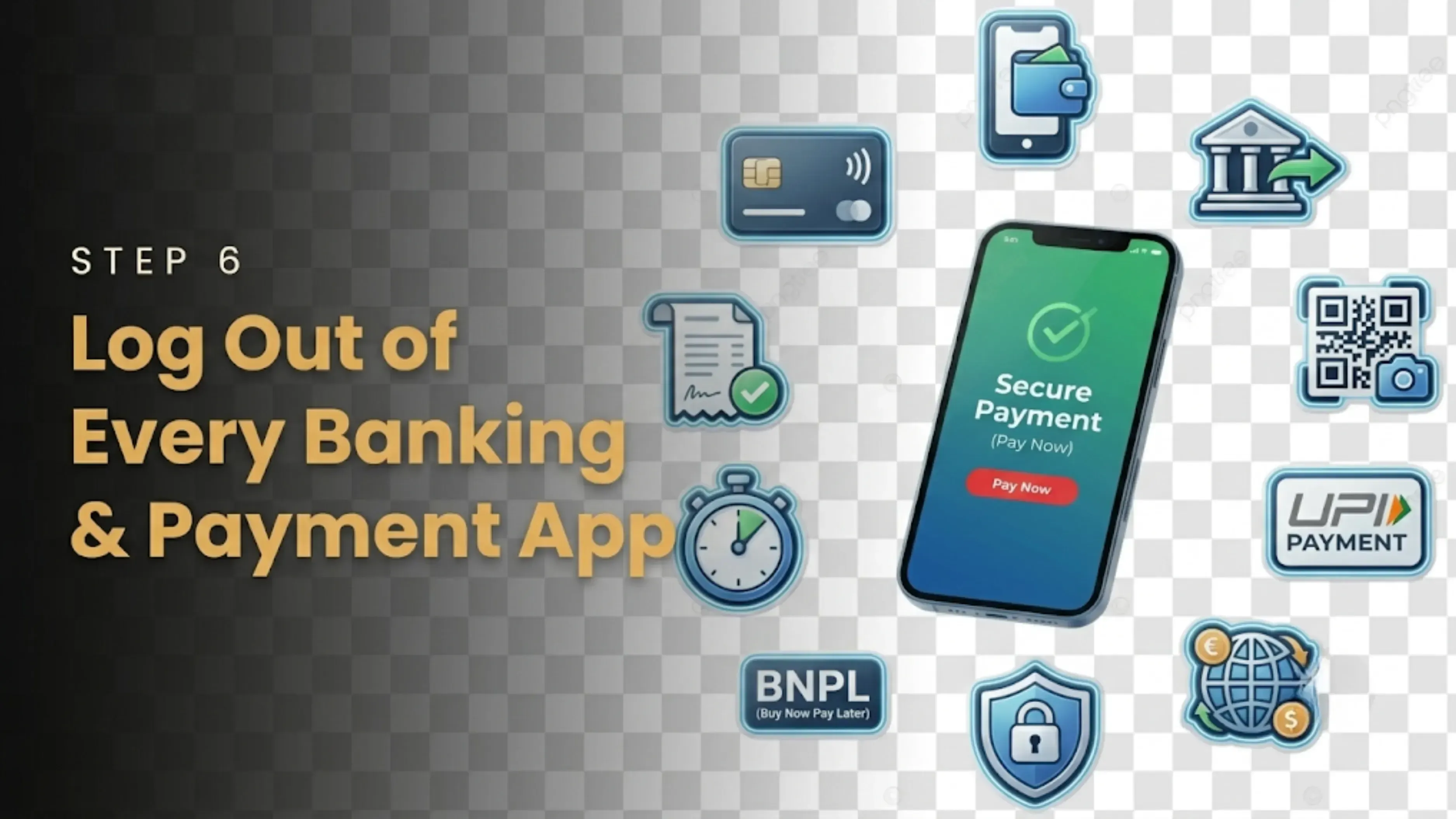
8. Log Out of Every Banking and Payment App
This is a no-no.
Your phone may be linked to your bank app, UPI, payment wallets, investing platforms, and shopping apps where cards are maintained.
Open each one manually, log in, log out, log in, log out, log out, and log out. Don't think that a factory reset will solve your problems. There are several apps that can cache cache cache cache cache cache cache cache cache cache cache cache. Better safe than sorry.
9. Unpair All Your Bluetooth Devices
Think about everything you’ve connected to this phone. Your smartwatch or fitness band. Wireless earbuds. Car stereo or infotainment system. Bluetooth speakers.
Go into your Bluetooth settings and unpair them.
This stops the buyer from accidentally connecting to your car (yes, that happens) and makes pairing with your new phone way less annoying.
10. Delete Any Active eSIM Profiles
If your phone uses an eSIM, removing the physical SIM isn’t enough.
Open your network settings and manually delete all active eSIM profiles.
You don’t want your mobile plan accidentally staying active on a device that’s no longer in your hands.
11. Factory Reset. The Real Deal.
Alright, now you’re ready.
You’ve backed everything up, signed out, and double-checked. Time to erase it all.
A proper factory reset wipes out all personal files, apps and their data, passwords and saved accounts, messages and photos.
When the phone restarts, it should look exactly like it did the day you unboxed it.
If you’ve been wondering how to sell your smartphone without exposing your private life, this is the step that makes it happen.
12. Give It a Proper Clean. Make It Shine.
Let’s be real. Nobody wants to buy a greasy, dusty phone.
Grab a microfiber cloth and gently clean the screen, front and back. Clean the camera lenses. Wipe the frame and edges.
Use a toothpick or a soft brush to clear dust from the charging port, speaker grills, and the SIM tray area.
Skip the harsh chemicals. A slightly damp cloth is all you need. A clean phone just feels more valuable.
13. Dig Out the Original Accessories
Here’s a pro tip. Phones with their original box and charger sell faster, and often for more money.
Take a minute to gather the original charger and cable. The retail box, if you still have it. Manuals or paperwork. The purchase invoice, which is great for proving ownership.
Even if you’re missing a few bits, include whatever you have. It tells buyers you actually took care of your device.
14. Be Brutally Honest About the Condition
Before you list it, inspect your phone as a buyer would.
Look closely. Look closely. Look closely. Verify the quality of the camera. Are there any odd spots? How’s the battery life? Does the drain drain drain drain drain drain fast? Are There Any Charging port issues? Speaker and mic clarity? Buttons that are loose, loose, or sticky, or sticky, or sticky, or sticky, or sticky?
You’ve done all the hard work. Now comes the last decision. Where to actually sell your smartphone.
A good platform should give you clear, fair pricing with no hidden fees. An easy evaluation process. Safe and secure pickup. Fast payment with no endless haggling.
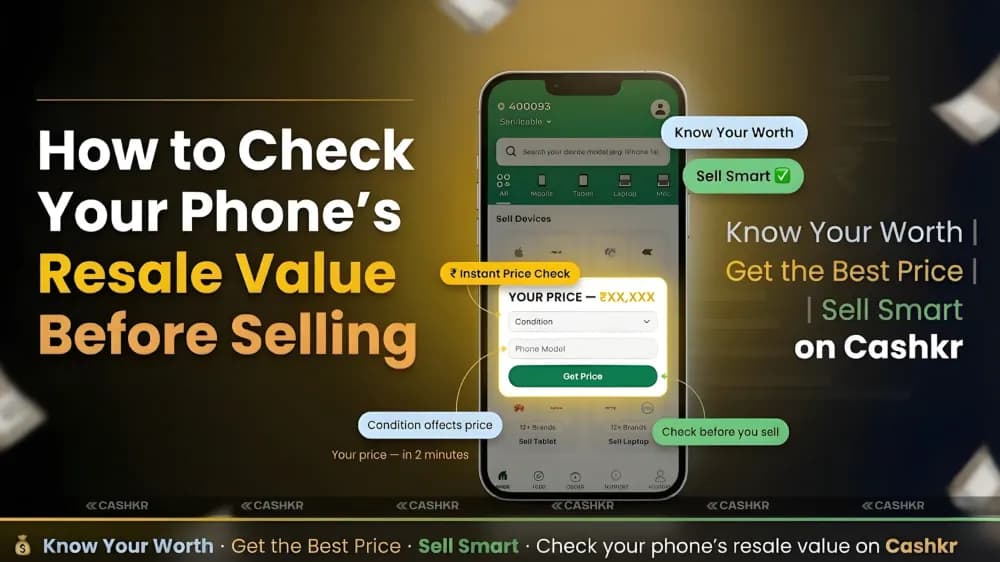
Dealing with random online buyers can be difficult. Lowball lowball lowball lowball lowball lowball lowball lowball lowball lowball shows, and continual offers, and constant queries. That’s why many people now prefer services like Cashkr. You obtain a fast price, schedule a doorstep pickup, and they pay you after a quick inspection. No drama
Final Thoughts
Prepping your phone properly doesn’t take much time, but it makes a massive difference, both for your peace of mind and your wallet. From saving your data and removing your accounts to giving them a thorough wipe-down, these are the real steps to take before you sell smartphone devices.
Want to learn the best way to sell your smartphone without the hassle? Use this checklist. You’ll keep your personal information safe, you’ll make a better impression on purchasers, and you’ll feel good about the transaction you walk away with.
Tick all the boxes on the list, choose a reputable platform, and you're ready to go. Your old phone goes to a good home, your data is safe, and you get to use your new phone, without looking back.
FAQ’s
1. How long before selling should I start preparing my phone?
You can do everything in like 20-30 minutes, honestly. Just take a little time, go through the checklist, and you’re good to go. Don’t rush through the backup section though. This is where folks are wrong.
2. What happens if I forget to sign out of my Google or Apple account?
Big trouble. The new owner will not be able to set up the phone as it will be tied to your account. If you have already wiped it, they will need to contact you to delete it remotely, and that becomes tricky fast. Best case scenario? You’re wasting everyone’s time. What if . . . ? The buyer sends the phone back, and you lose the sale.
3. Can I just delete my files manually instead of doing a factory reset?
You could, but why take a chance? Manual deletion leaves traces. Hidden directories, cached data, saved logins- they can all survive a simple deletion. A factory reset is meant to wipe everything out systematically. That’s the only way to be sure.
4. Will a factory reset remove my eSIM profile too?
Not always. Some phones preserve eSIM profiles after a reset. You need to erase them yourself in your network settings before wiping the device. Otherwise, your mobile plan may still be active on a phone you no longer own.
5. Should I sell my phone with the original charger or keep it?
Please include the original charger and package if you have it. This makes your listing appear more complete and more trustworthy. Generally, buyers may pay a little more for the complete set as it demonstrates the phone has been well cared for. “Just tell me if you need the charger for your new phone.
6. How do I check if my phone’s battery is still good?
Most phones feature capabilities to assess the health of the battery. iPhone: Settings > Battery > Battery Health. On Android, it depends on the brand, but usually in settings, or you may use an app like AccuBattery. Please provide the truth about the battery status in your listing. “Surprises are not welcome.
7. What if my phone has a small crack or scratch? Should I still sell it?
Definitely. Just be honest about it in your listing. If there is any damage, take clear photos of it. Buyers want honesty, and many are willing to buy a phone with cosmetic faults if the price is right. Covering up damage almost always backfires.
8. Is it safe to sell a phone that’s still under warranty?
Yes, and it’s really a major selling factor. Just make sure the warranty transfers to the new owner. Some brands accept it, some do not. Mention it in your listing since it adds value and fosters trust with potential purchasers.
9. What’s the best way to price my used phone?
Check out what comparable models are selling for on different sites. Check the condition, storage capacity, and accessories provided. Price it a bit more than your lowest price so you have some negotiating room. And remember, a clean, beautifully presented phone with clear images will always get a better price.
10. Can a buyer recover my deleted photos after a factory reset?
For the majority of individuals, no. Doing a factory reset will make data almost impossible to restore. If you're extra concerned, or you're dealing with important information, you can encrypt your phone before resetting it. That adds another layer of protection. But a normal factory reset is more than enough for 99% of users.
To sell your old smartphone click here