How Cashkr Works: Selling Your Old Device, Step by Step
Most people have a phone or laptop sitting unused at home. The reason it stays there is usually not indecision about whether to sell it. It is uncertainty about what happens if you do.
This page explains the whole process, including the parts people worry about: what happens if the inspector disagrees with your description, what happens to your data, and what you can do if you change your mind.
We buy phones, laptops, tablets, smartwatches and wearables.
Advertisement
The Process in Six Steps
1. Pick your device
Choose the category, then the brand and model. For a laptop or phone, the model number matters, so check it in Settings rather than guessing from the look of the device.
2. Describe its condition
You answer a few questions: whether the screen is cracked, whether everything works, what the body looks like, and for phones, what the battery health figure is.
This is the step that determines everything else. An accurate description means the quote you see is the amount you are paid. An optimistic one means the figure changes at your door. More on that below, because it is the single most common source of disappointment in this industry.
3. Get a price
You see a figure immediately, based on the model, the storage variant, the condition you described, and current demand for that device. There is nothing to negotiate and no waiting for a callback.
If the number is lower than you hoped, it costs nothing to close the page. It also costs nothing to check a second service and compare, and we would rather you did that than felt rushed.
4. Book a free pickup
Enter your address and choose a date and time. There is no charge for collection.
5. The device is checked at your door
Someone comes to you and inspects the device against what you described. They check that it powers on, that the screen and buttons work, and that the physical condition matches.
If it matches, you are paid the quoted amount.
If it does not match, the price is adjusted and the reason is explained to you. You can accept the revised figure or cancel. There is no charge for cancelling and no obligation to go ahead. The device stays with you.
This is worth being plain about rather than glossing over. A quote is based on your description. If a crack, a fault or a battery problem was not mentioned, the figure changes, because the device is not the one that was quoted for. That is not a tactic. It is why describing faults accurately upfront is in your own interest.
6. Get paid
Payment goes to your UPI ID or bank account once the check is complete. You do not wait days for it.
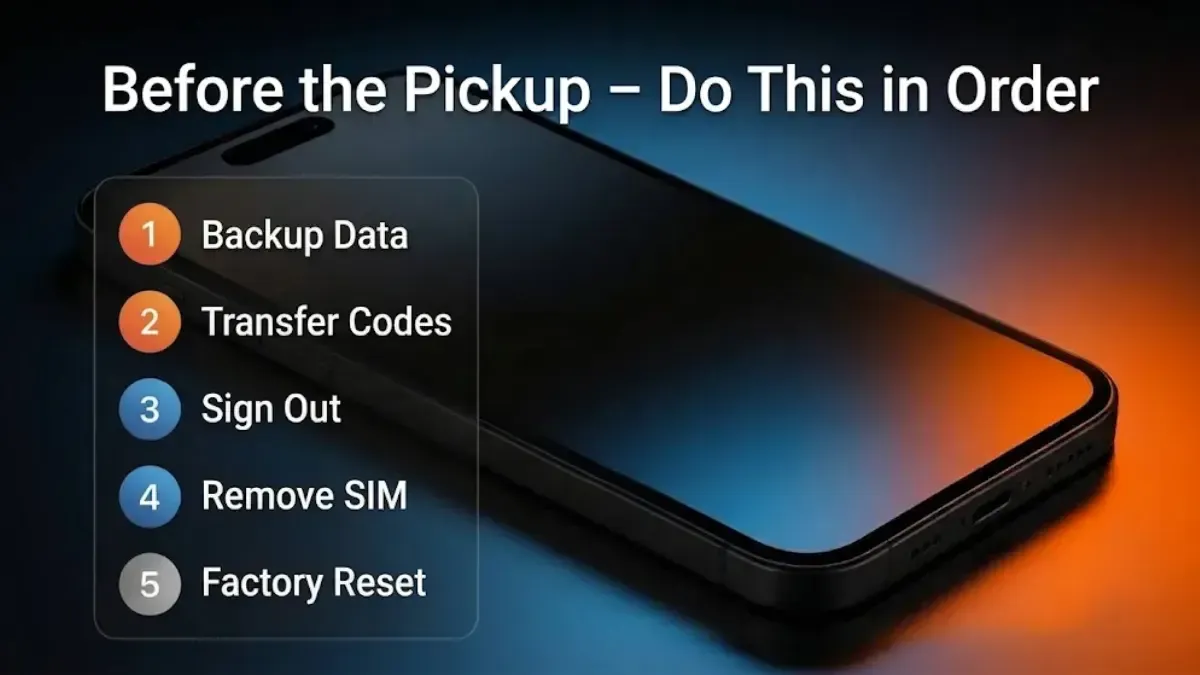
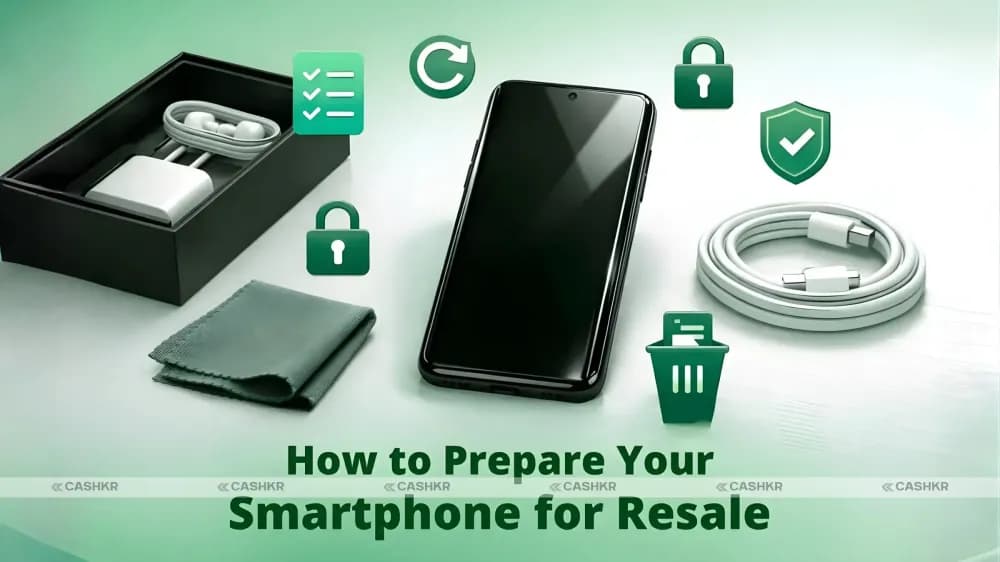
Before the Pickup: Do This in Order
This sequence matters more than anything else on this page, and getting it wrong is the most common reason a collection cannot be completed.
1. Back up your data. Photos, contacts, messages, WhatsApp chats and media, and anything in Downloads. Verify the backup by signing in on another device before you go further.
2. Move your authenticator app accounts to your new device if you use one for two factor codes. These are the hardest thing to recover once the old device is gone.
3. Sign out of your Google or Apple account. On iPhone: Settings, then your name, then Find My, switch off Find My iPhone, then Sign Out. On Android: Settings, then Accounts, then remove your Google account.
4. Remove the SIM, memory card and any eSIM profile. A factory reset does not always clear an eSIM.
5. Then factory reset.
Signing out has to come before the reset. If you reset while still signed in, Activation Lock on iPhone or Factory Reset Protection on Android ties the device to your account. Nobody else can set it up, and the sale cannot complete. The device is usually in perfect condition when this happens, which is what makes it frustrating.
What Happens to Your Data
A factory reset on any device from the last decade is genuinely sufficient. Storage is encrypted by default on modern phones and laptops, so a reset destroys the encryption key and the data with it. You do not need to buy erasure software, and you should be sceptical of anyone selling it to you for an ordinary consumer device.
What matters far more is step 3 above: signing out of your accounts. That is the step people actually skip.
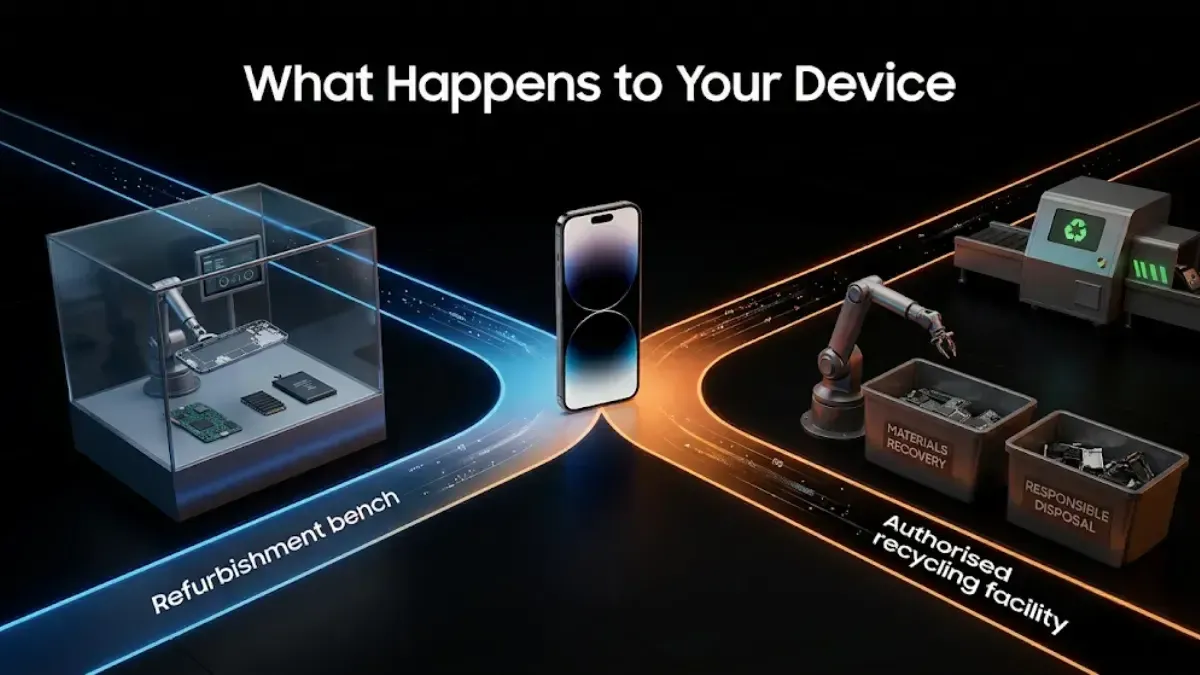
What Happens to Your Device
One of two things.
If it can be repaired and resold, it is refurbished and goes to a new owner. That is the better outcome for everyone, including environmentally, because a reused device prevents a new one being manufactured.
If it is beyond economic repair, it goes for recycling so the recoverable materials are extracted rather than ending up in landfill.
Getting the Best Price
Describe the condition accurately. Repeated because it matters most. The gap between what people say and what the inspector finds is where almost every disappointing pickup comes from.
Check your battery health and state the figure. On iPhone: Settings, Battery, Battery Health and Charging. It is the first thing checked and the number most owners have never looked at.
Find the box, charger and invoice. They add to the figure and speed up the check.
Clean the device and remove the case and screen protector so the real condition is visible.
Do not repair cosmetic damage first. This is worth saying because plenty of advice says the opposite: replacing a cracked screen before selling usually costs more than it adds, and a non genuine replacement part can leave the device worth less than it was with the original damage. Sell it as it is and declare the damage. The exception is a swollen battery, which is a safety problem and should be dealt with regardless.
Do not wait. Used prices fall every month and step down further when a successor model launches. Today's figure is almost always better than next quarter's.
Comparing Us Against the Alternatives
Worth being straightforward about, because we are not the right answer for everyone.
Selling privately on classifieds usually pays more, because no company is taking a margin. It also takes longer, involves meeting strangers, and carries genuine payment fraud risk. If you have time and you are careful about payment, you will probably get more money.
Exchange offers at Amazon or Flipkart are convenient if you are buying a replacement there anyway, particularly during a sale when bonuses are added. The value arrives as a discount rather than as cash.
We pay less than a private sale would. That gap is what you are trading for finishing in a day, not listing anything, and not meeting anyone. Whether that is worth it depends on how you value your time, and it is a reasonable thing to weigh rather than assume.
Check what your device is worth. It takes about a minute, and you are under no obligation at any point before the payment goes through.
FAQ's
1. How does Cashkr work?
Choose your device and describe its condition, get an instant price, book a free doorstep pickup, and the device is checked against your description when collected. If it matches, you are paid the quoted amount by UPI or bank transfer. If it does not, the price is adjusted with an explanation and you can accept or cancel free of charge.
2. How long does the whole thing take?
The online part takes a few minutes. Pickup is scheduled when it suits you, and payment follows the check on the same visit. From quote to money is usually a day.
3. Is the doorstep pickup free?
Yes. There is no charge for collection, and no charge if you cancel.
4. Can I cancel after booking?
Yes, at any point up to the moment payment is made, including during the pickup visit itself. There is no cancellation fee and the device stays with you.
5. What if the price changes at pickup?
It changes only if the device does not match what you described, and the reason is explained at the time. You can accept the revised figure or cancel. This is why describing faults accurately upfront matters: an accurate description means the quote holds.
6. How is the price decided?
From the model and storage variant, the condition you describe, and current demand for that device. Battery health and screen condition move the figure most on phones.
7. What should I do before the pickup?
Back up your data, move any authenticator accounts to your new device, sign out of your Google or Apple account, remove the SIM and any eSIM, and then factory reset. The order matters: resetting while still signed in locks the device and the sale cannot complete.
8. Is a factory reset enough to protect my data?
On any device from the last decade, yes. Storage is encrypted by default, so a reset destroys the key along with the data. Signing out of your accounts beforehand is the step that actually needs attention.
9. Which devices can I sell?
Phones, laptops, tablets, smartwatches and wearables, across a wide range of brands and models.
10. Can I sell a device that is damaged or will not switch on?
Yes, at a lower figure. The components still have value. Say clearly that it is damaged or not powering on when you get the quote, so the number does not change at collection.
11. What happens to my device afterwards?
It is either refurbished and resold, or recycled if it is beyond economic repair.


 Yaskar Jung ShahUpdated: Sep 29, 2026·11 min read