How to Extend Battery Life on Electronic Devices: 15 Simple Tips That Actually Work
We've all been there, right? When you're in the middle of a critical video conversation, navigating with your phone, or working on a laptop project, the dreaded low battery indication appears. And it always seems to happen at the worst time, doesn’t it?
The truth is, many battery troubles are caused by ordinary activities, not just an aged battery. Leaving your phone to charge to 100%, letting it overheat, running dozens of programs in the background, or using the wrong charging devices will progressively chip away at your battery’s capacity over time. I’ve fried a number of batteries myself before learning this the hard way.
The good news? Most current smartphones , laptops , tablets , smartwatches, and other electronic gadgets are powered by lithium-ion batteries . With the appropriate care , you can considerably increase battery life , slow down battery degradation, and keep your devices running efficiently for years .
In this article, I'll give you real, science-backed suggestions for battery health, explain what actually impacts battery life, and help you create healthier charging habits to safeguard your devices long-term.
Why Do Batteries Lose Capacity Over Time?
Let’s get one thing straight right away. Every rechargeable battery has a limited lifespan. There’s no way around it.
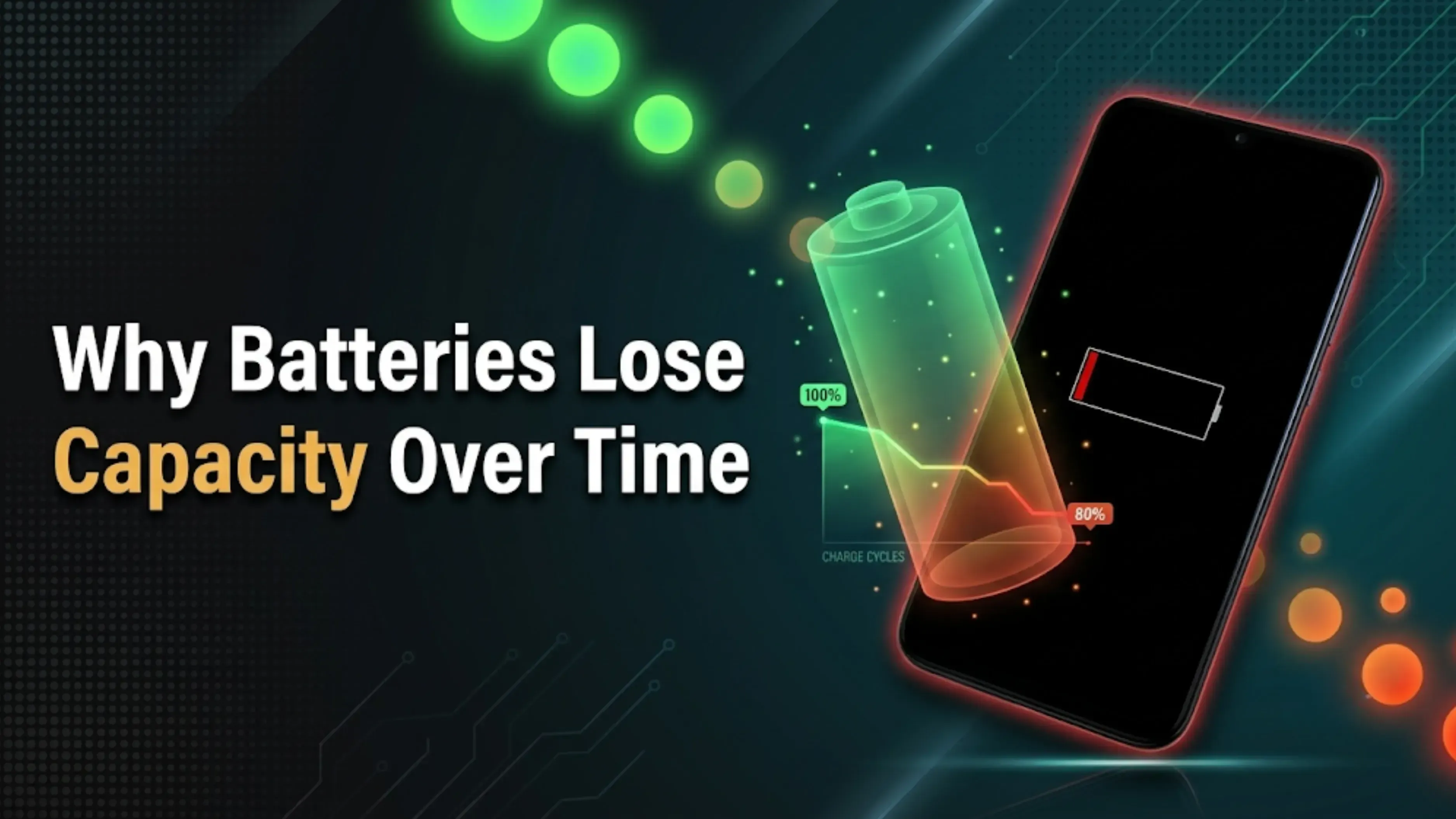
Lithium-ion batteries slowly wear out as they go through charging cycles. A charging cycle is completed when you’ve used and recharged a total of 100% of the battery’s capacity, even if that happens over multiple charging sessions. So if you use 50% today and 50% tomorrow, that’s one cycle.
Over time, as these cycles accumulate, the battery’s capacity to store a charge slowly decreases. Most current batteries are rated for around 300 to 500 full cycles before you will really notice the decline. This is a natural process, but too much heat, bad charging practices, and intense workloads can speed up battery degeneration.
The goal isn’t to stop battery aging; it’s to slow it down as much as possible. And honestly, that’s easier than you might think.
15 Tips to Extend Battery Life on Electronic Devices
Here’s the good stuff. These aren’t complicated, and you don’t need to be a tech nerd to follow them.
1. Avoid Extreme Battery Levels
One of the greatest methods to extend the life of your battery is to avoid leaving it sitting at 0% or 100% for long durations. I know it feels good to see that 100% symbol, but your battery doesn’t truly like it.
A lot of experts recommend keeping the battery between 20% and 80% when you can. This relieves stress on the lithium-ion cells and helps sustain the longevity of the battery. Think of it like eating. You don't want to be starving or stuffed all the time.
2. Keep Your Device Cool
Heat is one of the biggest enemies of battery health. Period.
Leaving your phone in direct sunlight, using your laptop on a bed or couch that blocks ventilation, or charging devices in hot environments can permanently reduce battery capacity. I’ve seen phones lose 20% of their battery health in one summer just from sitting on a car dashboard.
Whenever possible, keep your device in a cool, well-ventilated place. Your battery will thank you.
3. Use the Original or Certified Charger
Not all chargers deliver power safely and consistently. I’ve learned this the expensive way.
You can make sure your gadget gets the right voltage and current by using the original charger that came with it or a certified substitute. Those inexpensive $5 gas station chargers? Although they may function, they are unnecessarily taxing your battery. Spend a few more dollars on a high-quality item to save yourself the trouble.
4. Enable Battery Saver or Power Saving Mode
The majority of tablets, laptops, and smartphones come with built-in battery optimization tools. And you know what? They are genuinely effective.
Power-saving options maximize system performance, minimize background activity, and restrict pointless tasks. It's similar to putting your gadget on a light diet to slow down its energy use. When you know you'll need more energy to get through the day, turn it on.
5. Reduce Screen Brightness
The largest battery power consumer is frequently your display. It's not even close.
Battery life can be significantly increased without compromising usability by lowering screen brightness, turning on adaptive brightness, or shortening screen timeout times. It makes a big difference, and I maintain mine at about 50% indoors. I assure you that your eyes will adjust.
6. Close Unnecessary Background Apps
When you're not using them, a lot of applications keep operating. They resemble that friend who stays at your house all the time.
Regularly reviewing background apps enhances device efficiency and helps minimize needless battery consumption. You can check precisely which apps are consuming power in the background on both iOS and Android. If you don't need them, let them go.
7. Keep Your Software Updated
Yes, I am aware. Updates irritate me. But listen to me.
Performance improvements, security patches, and battery optimization are frequently included in operating system and app updates. Updating your gadget guarantees optimal performance. You've been neglecting that one update for three months? The battery depletion you've been grumbling about may really have a solution.
8. Avoid Excessive Fast Charging
I will admit that fast charging is convenient. However, it also produces more heat, which is undoubtedly harmful.
Although fast charging is safe for modern smartphones, relying on it for every charging session could eventually lead to battery deterioration. When you're not in a rush, you can minimize needless heat by using conventional charging. Don't use the quick charging until you really need it.
9. Disconnect Accessories When Not Needed
Even when they are not in use, Bluetooth headphones, USB drives, external hard drives, and other connected peripherals continue to use power. Even though it's subtle, it adds up.
When you're done, disconnect them to save battery life. A small habit can have a significant impact over time.
10. Turn Off Features You’re Not Using
Wi-Fi, Bluetooth, GPS, NFC, and mobile hotspots continuously search for connections. They’re basically always looking for something to connect to, even when you don’t need them.
Turning these features off when they aren’t needed can significantly reduce battery consumption throughout the day. I keep a shortcut on my phone’s pull-down menu just for this. Takes two seconds.
11. Keep Storage Organized
A device that’s nearly full often has to work harder to manage files and background processes. It’s like trying to find something in a messy closet; it takes more effort.
Deleting unnecessary files, uninstalling unused applications, and clearing temporary data can improve overall efficiency and reduce unnecessary battery usage. Plus, you’ll have more space for things you actually care about.
12. Store Devices Properly
If you won’t be using an electronic device for several weeks or months, don’t just shove it in a drawer and forget about it.
Avoid storing it with a completely full or empty battery. A charge level of around 50% is generally recommended for long-term storage. It keeps the battery in a relaxed state and helps preserve battery health while it’s sitting idle.
13. Monitor Battery Health
Battery health data are often included in modern laptops and cellphones. It can be found on iPhones under Settings > Battery > Battery Health. There are apps on Android that can provide comparable information.
You can identify capacity loss early and determine whether a battery replacement could be worthwhile by routinely checking the health of your battery. Literally, knowledge is power.
14. Avoid Continuous Heavy Workloads
Running demanding games, rendering videos, or keeping dozens of applications open continuously generates heat and increases battery wear. It’s the equivalent of sprinting a marathon.
Giving your device occasional breaks during intensive tasks helps reduce long-term stress on both the battery and internal components. Close that game, let it cool down for five minutes, then jump back in.
15. Replace the Battery Before Replacing the Device
Sometimes poor battery life doesn’t mean your entire device has reached the end of its lifespan. This is a mistake I see people make all the time.
If everything else is working well, replacing an aging battery can restore performance and extend the usable life of your smartphone or laptop by several years. A $50 to $100 battery swap is a whole lot cheaper than a $1000 new phone.
Good Battery Health Helps Preserve Resale Value
Most individuals don't consider this until it's too late.
Not only does a healthy battery enhance daily performance, but it also helps your gadget hold onto more of its value. Before making a purchase, consumers frequently take battery quality into account, whether you're selling a tablet, laptop, or smartphone. Strong battery health makes a device more appealing and may increase its resale value.
Selling your current gadget while it's still in good condition is usually preferable to waiting until battery degradation drastically lowers its worth if you're already planning an upgrade. I promise that no one wants to purchase a phone that dies in two hours.
In a matter of minutes, you may use Cashkr to find out the current value of your equipment. It's a fast method of determining its worth before aging and battery deterioration reduce its possibilities for resale. No pressure, just useful knowledge.
Common Battery Myths You Should Stop Believing
Myth: You should always charge your device to 100%.
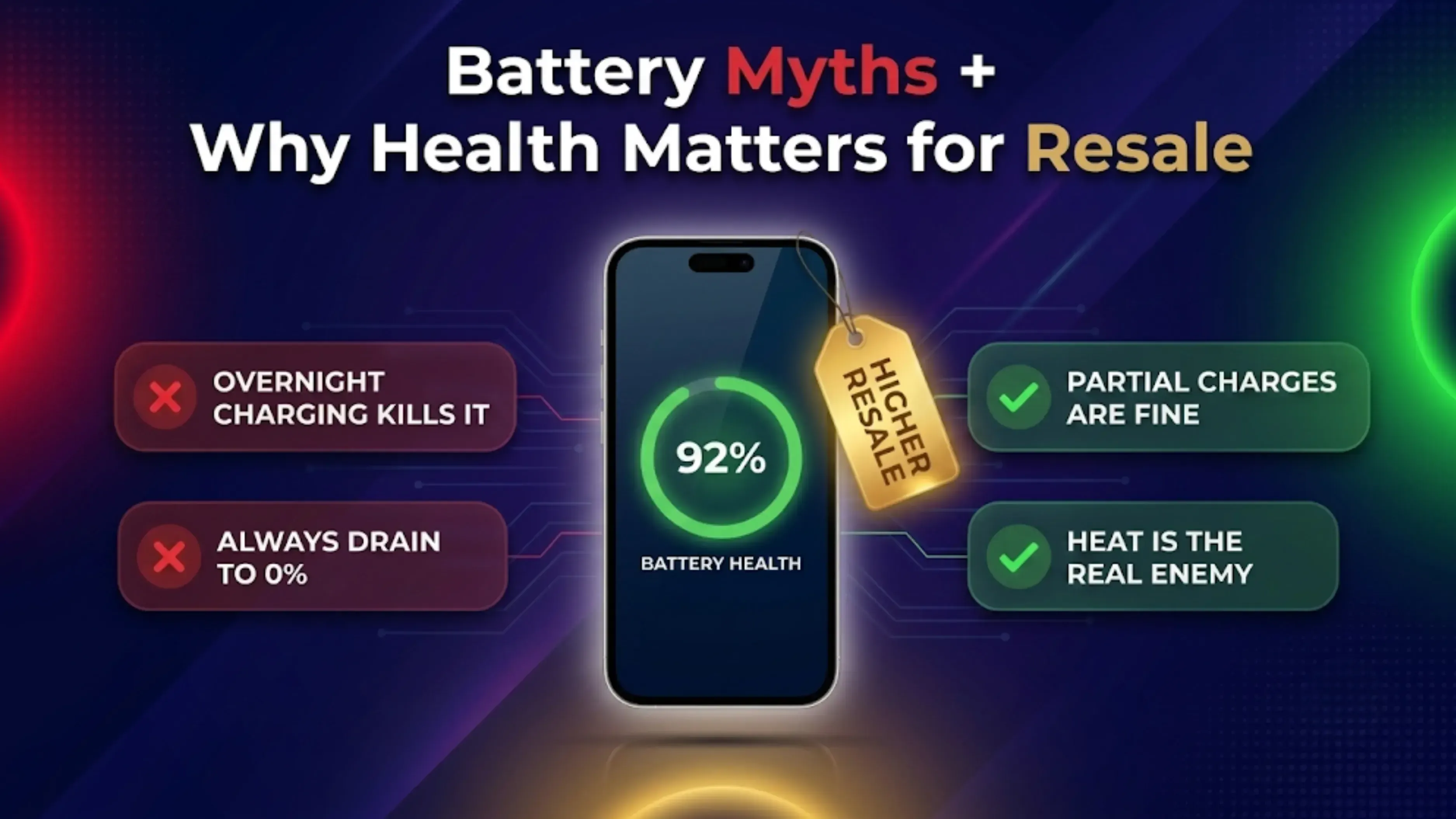
Not always. When lithium-ion batteries are maintained between moderate charge levels as opposed to resting at 100% for extended periods of time, they typically undergo less stress. For long-term health, charging to 80% is actually preferable.
Myth: You should completely drain your battery before charging.
This advice applied to older battery technologies like nickel-cadmium, not modern lithium-ion batteries. Frequently draining your battery to 0% can actually contribute to faster battery wear. Stop doing this.
Myth: Fast charging always damages batteries.
Fast charging is safe thanks to precautions built into modern gadgets. Even though it generates more heat than regular charging, sporadic rapid charging is not expected to result in serious harm. Just don't depend on it all the time.
Myth: Closing every app dramatically improves battery life.
While controlling background apps is helpful, it might occasionally require more power to force-close every application than to let your operating system handle them. Let your phone do its thing; it's intelligent.
Myth: Wireless charging is bad for battery health.
Wireless charging is generally safe, though it does generate a bit more heat than wired charging. As long as you’re using a quality charger and not letting your device overheat, it won’t ruin your battery.
Final Thoughts
Developing better daily habits is more important than adhering to complex regulations when learning how to prolong battery life. Over the course of your device's life, minor adjustments like avoiding extreme heat, updating your software, cutting back on pointless background activities, and adhering to safe charging procedures can have a significant impact.
Whether you're using a laptop, tablet, smartwatch, smartphone, or any other electronic device, keeping your battery healthy ensures longer usability, smoother performance, and fewer unforeseen problems. Every lithium-ion battery eventually deteriorates, but with the right maintenance, you can maximize the return on your investment and considerably slow this process.
It’s also worth remembering that a well-maintained device tends to retain its value for longer. If you’re planning to upgrade in the future, taking care of your battery today can make your device more appealing to buyers tomorrow.
Before replacing an aging device, it’s always a good idea to check what it’s currently worth. If your device is still in good condition, selling it sooner rather than later can often result in a better resale price. You can quickly check your device’s resale value on Cashkr and make an informed decision before depreciation takes a bigger toll. By following these simple battery health tips, you’ll not only enjoy longer battery life today but also extend the overall lifespan and value of your electronic devices for years to come.
FAQs
1. How to extend battery life on electronic devices without spending money?
Reducing screen brightness, shutting down useless background programs, disabling Bluetooth and Wi-Fi, and turning on power-saving mode are the best free strategies. These are free and have an immediate impact.
2. How to improve battery life on an older device?
Do a battery health check first. Think about replacing your battery if its capacity is less than 80%. Additionally, stop animations, remove unnecessary programs and files, and make greater use of battery-saving mode.
3. How to make your battery last longer while gaming?
Reduce the brightness of your screen, shut down all background apps, activate speed optimization or gaming mode, and think about utilizing a cooling fan attachment. Your biggest adversary when playing video games is heat.
4. What are the best charging habits for better battery health?
Keep the charge between 20% and 80%, charge your device in a cool, dry place with the original or approved charger, and don't leave it plugged in all night every night.
5. How to preserve battery health during long-term storage?
Keep your device in a cool, dry place when it's about half charged. Keep it from getting too hot or too cold, and check on it every couple of months to keep the level at 50%.
6. Does using my phone while charging damage the battery?
It produces additional heat, but not immediately. The combined heat from playing games or using demanding apps while charging can hasten battery deterioration. In general, light usage—such as texting or browsing is OK.
7. How often should I replace my phone battery?
Typically every 2 to 3 years, depending on usage. If you notice your battery health dropping below 80% or your device dying much faster than before, it’s time to consider a replacement.
8. Does dark mode actually save battery?
Yes, especially on OLED and AMOLED screens. Dark pixels use less power because they’re literally turned off. It won’t make a massive difference, but every little bit helps over time.
9. How to check laptop battery health?
On Windows, you can generate a battery report using the command prompt. On Mac, hold the Option key and click the battery icon. Third-party apps like CoconutBattery also give you detailed health information.
10. Should I turn off my device every night?
Not necessary. Modern devices are designed to handle sleep mode efficiently. However, a full restart once a week can help clear temporary files and improve overall performance, which indirectly helps with battery life.
To sell your old electronics, click here