Apple Releases iOS 16 and iOS 15 Security Updates to Fix Coruna Exploit for Older iPhones
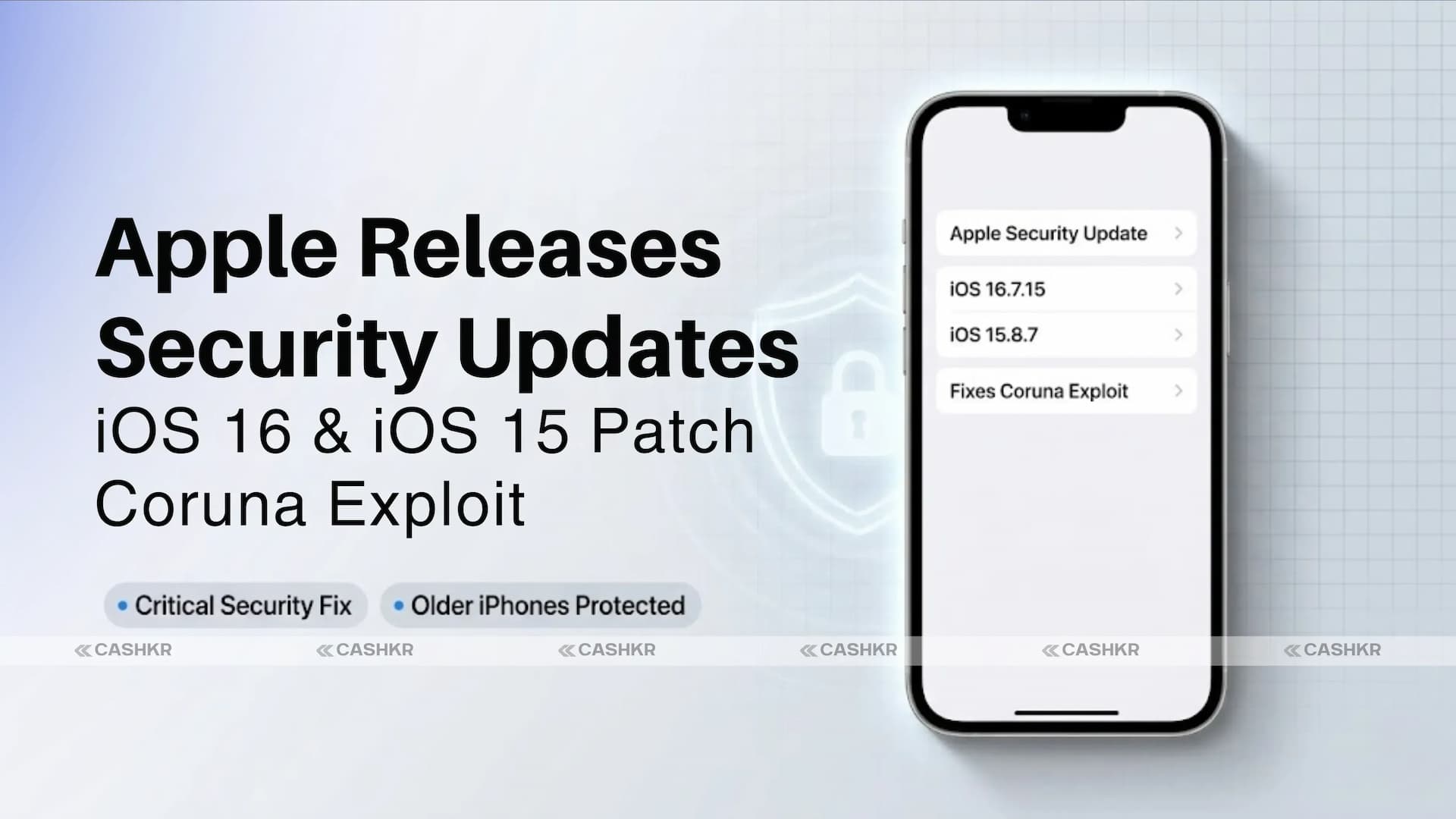
Apple has officially released new security updates for older iPhone and iPad devices that are still running iOS 16 and iOS 15. These updates are specifically designed for Apple devices that cannot upgrade to the latest iOS versions, ensuring that users with older hardware remain protected from modern cyber threats.
The newly released updates address several critical security vulnerabilities linked to the Coruna exploit, a recently discovered attack method that could allow hackers to compromise affected devices. Apple has confirmed that the updates fix vulnerabilities in the kernel and the WebKit browser engine, both core components of iOS.
Alongside iPhone updates, Apple has also released security patches for older iPad models running iPadOS 16 and iPadOS 15, improving protection across the Apple ecosystem.
These updates demonstrate Apple’s ongoing commitment to device security and long-term support, even for devices that are no longer eligible for major operating system upgrades.
Apple Releases Security Updates for Older iPhones and iPads
To protect users from the Coruna exploit and related vulnerabilities, Apple has released the following updates:
iOS 16.7.15
iOS 15.8.7
iPadOS 16.7.15
iPadOS 15.8.7
Apple’s official security notes say these updates include important fixes for several vulnerabilities found by security researchers.
While many newer iPhone models have already received similar security fixes in more recent iOS versions, these updates ensure that older devices receive the same level of protection. This is particularly important because older devices can often become prime targets for cyber attacks if they are not regularly updated.
Apple said these patches fix several vulnerabilities linked to the Coruna exploit chain, which researchers recently found could affect devices with different iOS versions.
By releasing updates for iOS 16 and iOS 15, Apple has effectively extended security protection to devices that might otherwise remain vulnerable.
Major Security Vulnerabilities Fixed
One of the most significant vulnerabilities addressed in the update involves a kernel-level security flaw. The kernel is one of the most important components of the operating system because it manages hardware resources and system processes.
Apple’s security notes say this flaw could let a harmful app run any code with kernel-level access. In other words, an attacker could take deep control of the device’s system.his vulnerability was caused by a “use-after-free” bug, as security researchers call it.
A use-after-free bug occurs when software continues to access a portion of memory after it has already been released. When attackers exploit this flaw, they can manipulate memory to execute malicious instructions.
Apple fixed this issue by implementing improved memory management techniques within the operating system.
The vulnerability has been officially tracked under the identifier:
CVE-2023-41974
If left unpatched, this vulnerability could allow attackers to:
Execute malicious code.
Escalate system privileges.
Gain deeper access to device components.
Potentially compromise sensitive data.
Fixing this flaw was essential to keep older iPhones and iPads secure.
In addition to the kernel vulnerability, Apple also fixed several security problems in WebKit. Works with Safari and many web-based applications on iOS and iPadOS. Because of this, vulnerabilities in WebKit can potentially be exploited through malicious websites or specially crafted web content.
If attackers use WebKit flaws, they could run their own code, crash the browser, or damage system memory. The patches multiple WebKit security flaws, including:
CVE-2024-23222
This vulnerability was caused by a type confusion issue in the WebKit engine. Type confusion occurs when a program mistakenly treats one type of data as another, leading to unintended behavior or security risks.
Apple addressed this issue by implementing stronger validation checks within the system.
CVE-2023-43000
This vulnerability was another use-after-free bug, similar to the kernel issue mentioned earlier. It could potentially allow attackers to execute code by exploiting memory management flaws.
CVE-2023-43010
This vulnerability was related to improper memory handling, which could result in system instability or security risks if triggered by malicious content.
By fixing these vulnerabilities, Apple has strengthened protections against malicious websites that attempt to exploit browser weaknesses.
The Coruna exploit is a sophisticated cyberattack method recently discovered by the Google Threat Intelligence Group (GTIG).
According to researchers, the Coruna exploit is particularly dangerous because it combines multiple vulnerabilities into a single exploit chain. Instead of relying on a single security flaw, attackers can chain multiple weaknesses to bypass multiple layers of security protections.
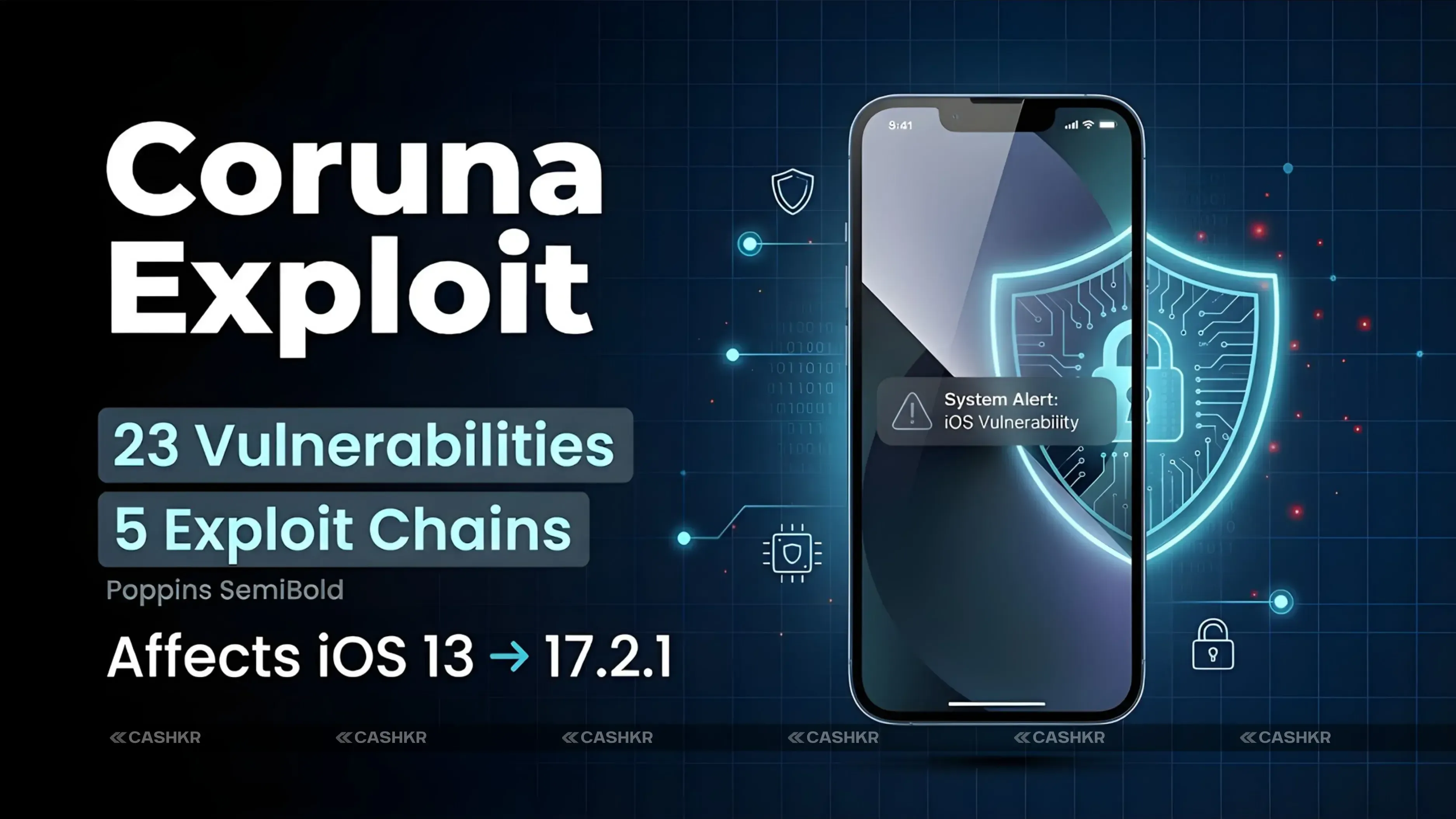
The researchers revealed that the Coruna exploit includes:
Five full iOS exploit chains
A total of 23 individual vulnerabilities
These vulnerabilities affect devices running iOS versions from 13 to 17.2.1, released between September 2019 and December 2023.
Because the vulnerabilities span several iOS versions, a large number of devices could potentially be affected.
If attackers successfully trigger the exploit chain, they could:
Gain deeper access to the operating system
Execute malicious code remotely
Bypass system security protections
Potentially steal sensitive data
Due to the seriousness of the threat, Apple acted quickly to release security patches for both newer and older versions of iOS.
Why This Update Is Important for Older Devices
Older smartphones and tablets are often at higher risk of cyber attacks because they no longer receive major software upgrades.
However, Apple continues to provide security patches for older devices, even if they are no longer eligible for the latest iOS versions.
This strategy helps ensure users can continue using their devices safely for a longer period.
By releasing updates for iOS 16 and iOS 15, Apple is providing protection for millions of older devices that are still actively used around the world.
Without these security updates, devices running older operating systems could become easy targets for hackers and malicious software.
Security experts strongly recommend installing the update as soon as it becomes available to minimize potential risks.
How to Install the Latest iOS 16 or iOS 15 Update
If you own an older iPhone or iPad, installing the latest update is a simple process. Apple has made it easy for users to check for and install software updates directly from their device settings.
Follow these steps to install the update:
Open the Settings app on your iPhone or iPad.
Tap on General.
Select Software Update.
Your device will automatically check for available updates.
If an update is available, tap Download and Install.
Read and accept the terms and conditions.
Wait for the installation process to complete.
Your device might restart a few times during the update. This is normal and part of the process.
It's a good idea to connect your device to Wi-Fi and make sure it has enough battery before you start the update.
Final Verdict
Apple Inc. has rolled out new security updates for older devices running on iOS 16 and iOS 15. This is a clear indication that Apple remains committed to device security. These security patches will protect millions of users from severe cyber threats such as the Coruna exploit. These patches address various critical vulnerabilities. These patches address various security issues in the kernel, WebKit browser engine, and exploit chains in older versions of iOS.
The emergence of the Coruna exploit is a clear indication that cyber threats are still on the increase. Therefore, users running older versions of Apple devices, such as iPhones and iPads, are advised to update their devices to the latest version to reduce security risks. These security patches will not only protect users from cyber threats but also ensure device stability, performance, and security.
FAQs
1. Do older iPhones still receive security updates with iOS 16 and iOS 15?
Yes, Apple continues to release security updates for older iPhones and iPads running iOS 16 and iOS 15. These updates fix important vulnerabilities and protect devices from new cyber threats. This allows users with older hardware to keep their devices secure even without upgrading to the latest iOS version.
2. What security updates did Apple release for older iPhones and iPads?
Apple released iOS 16.7.15 and iOS 15.8.7 for older iPhones that cannot upgrade to newer iOS versions. Similar updates were also released for iPads with iPadOS 16.7.15 and iPadOS 15.8.7. These updates mainly focus on fixing important security vulnerabilities.
3. What is the Coruna exploit mentioned in the update?
The Coruna exploit is a complex cyberattack method discovered by security researchers. It leverages multiple vulnerabilities in exploit chains to bypass device security. If successful, attackers could gain deep system access and potentially steal sensitive data.
4. Which vulnerabilities were fixed in the new Apple security update?
Apple fixed several vulnerabilities affecting the kernel and WebKit browser engine. These included issues like use-after-free bugs and type confusion errors. Such flaws could allow malicious apps or websites to execute harmful code.
5. Why is the kernel vulnerability considered dangerous?
The kernel manages core system operations and hardware resources in the operating system. A flaw at this level could allow attackers to gain full control of the device. Apple fixed this issue by improving system memory management.
6. What WebKit issues were patched in the update?
Apple patched multiple WebKit vulnerabilities that could be triggered by malicious websites. These issues included memory-handling problems and type-confusion bugs. Fixing them prevents attackers from executing code through web content.
7. Which devices are affected by the Coruna exploit vulnerabilities?
Security researchers reported that the vulnerabilities could affect devices running iOS versions from 13 to 17.2.1. This means a wide range of older Apple devices could be at risk. Apple released patches to protect users across multiple versions.
8. Why is Apple releasing updates for older iOS versions?
Many older devices cannot upgrade to the latest iOS releases. Apple provides security patches to keep these devices protected from modern threats. This helps extend the safe lifespan of older iPhones and iPads.
9. How can users install the latest iOS 16 or iOS 15 security update?
Users can install the update through the device settings menu. Go to Settings, tap General, and then select Software Update. If the update appears, tap Download and Install to begin the process.
10. What could happen if users do not install the update?
Devices running older versions without security patches may become vulnerable to cyberattacks. Hackers could potentially exploit these vulnerabilities to access sensitive data. Installing updates helps protect devices from such threats.
If you want to sell your old devices, then click here.
 Nirajan BoharaUpdated: Jul 29, 2026·12 min read