Lost Your Android Phone? Google Can Help You Find It Right Now
You reach into your pocket and your phone is not there. You check the bag, the desk, the sofa cushions. Nothing.
If you have an Android phone signed in to a Google account, you already have a free tool that can show where it is, ring it at full volume even on silent, lock it remotely, and erase it if it comes to that. You do not need to install anything.
One note before you start. Google renamed this service from Find My Device to Find Hub in 2025. Most guides online still use the old name, which is why searching your Settings for "Find My Device" may turn up nothing. It is the same service with the same features.
Advertisement
Disclosure: Cashkr is our own device buyback platform. This guide is not about selling anything. We have included it because a stolen phone that gets IMEI blocked cannot be sold or used by anyone, and that is something we deal with constantly.
How this guide was made: Steps and feature details were checked against Google's current service in September 2026. The Indian reporting routes were checked against the government CEIR portal on the same date. Links at the end.
Open google.com/android/find on any device, sign in with your Google account, and see whether your phone appears on the map.
If it does, you are already set up and you can skip to the recovery steps. If it does not, the setup section below takes about a minute.
What Find Hub Can Do
Feature
What It Does
Show Location
Shows your phone on a map, with a timestamp indicating how recent the location reading is
Last Known Location
Shows where the phone was last seen if it is offline
Play Sound
Rings at full volume for about five minutes, even when the phone is on silent or Do Not Disturb
Secure Device
Locks the phone with a new PIN and displays a message and contact number on the lock screen
Erase Device
Remotely wipes everything from the phone as a last resort
One thing that has changed and most guides have not caught up with. Since 2024, Find Hub uses a crowdsourced network: nearby Android phones can help locate your device over Bluetooth even when it has no mobile data or Wi-Fi. On Pixel 8, Pixel 8a and later models, offline finding can continue to report a location for several hours after the battery has run out.
So a phone that is offline is not necessarily untraceable any more. It depends on the model and whether offline finding was switched on.
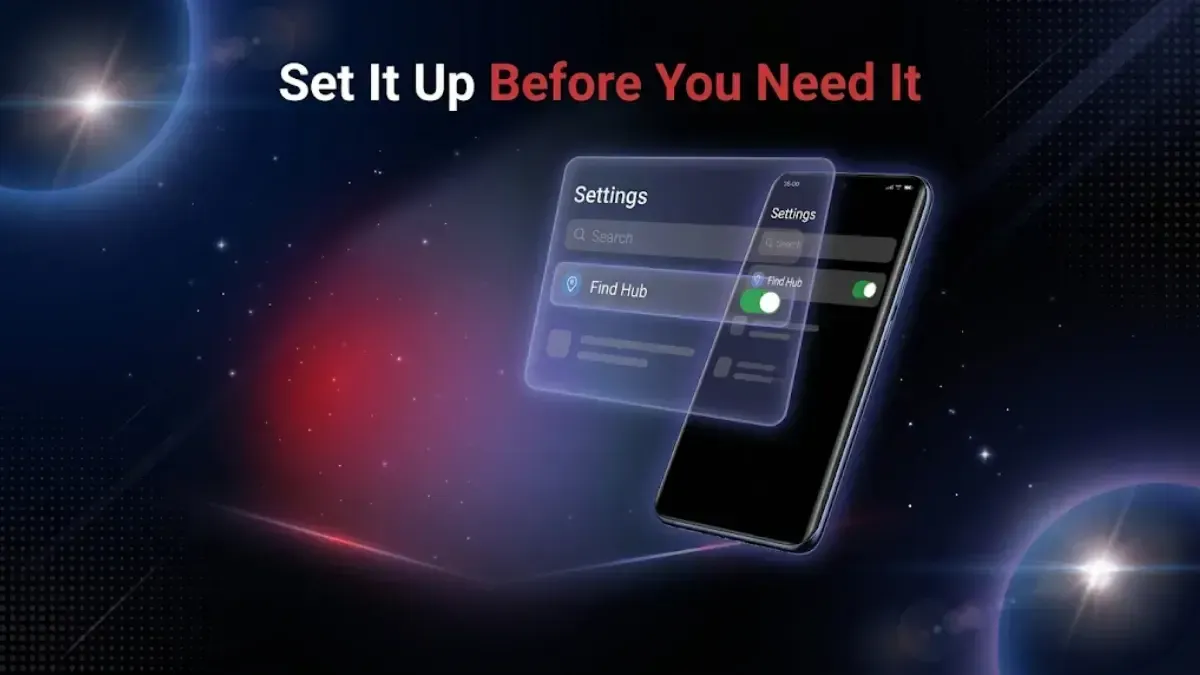
Set It Up Before You Need It
It is usually on by default, but checking takes seconds.
1. Open Settings on your Android phone.
2. Search for "Find Hub." Tap the search bar at the top of Settings and type it. If your phone has not received the rename yet, search for "Find My Device" instead. You can also go to Settings, then Google, then Find Hub.
3. Check the toggle is on. If offline finding is offered as a separate option, switch that on too.
4. Verify it works. Open google.com/android/find in a browser on another device, sign in, and confirm your phone shows on the map.
5. Write your Google account email somewhere that is not your phone. A notebook, another email account, anywhere. You will need it to sign in when the phone is gone, and if the only copy is on the missing device you are stuck.
If Your Phone Is Missing Right Now
Act quickly. The battery running out or someone switching the phone off both reduce your options.
1. Borrow any device with a browser. A laptop, a tablet, a friend's phone. Nothing to install.
2. Go to google.com/android/find. Searching Google for "find my phone" while signed in also brings up a map directly in the results.
3. Sign in with the same Google account that is on the lost phone. If two step verification is on, Google sends a code to your recovery number or backup email, which is another reason to have those set up in advance.
4. Pick the right device from the dropdown if you have more than one.
5. Read the map carefully. Zoom in for the street or building. Check the timestamp, because it tells you whether you are looking at a live position or an old one.
6. Choose an action.
Which Action to Use
Play Sound when you think it is nearby. At home, in the office, down the side of a car seat. It rings at full volume for about five minutes regardless of silent mode.
Secure Device when someone else might have it, or it is somewhere public. This locks the phone with a new PIN and puts a message and a contact number on the lock screen, so an honest finder can reach you. Do this before anything else if there is any chance the phone is not just misplaced.
Erase Device only when you are certain it is gone for good. Erasing stops all tracking immediately and permanently. Once done, you cannot locate the phone again.
The order matters: lock first, erase only when you have given up on recovery.
Other Ways to Track It
Samsung phones have their own tool at findmymobile.samsung.com, signed in with a Samsung account. It does some things Google's does not, including remotely unlocking the phone without the PIN and backing up data before an erase.
Xiaomi, Redmi and Poco phones use Mi Find Device at i.mi.com with a Mi Account.
Google Maps Timeline will not track live, but it shows where your phone has been. Go to maps.google.com, open your profile, choose Your Timeline, and look at today. Useful for retracing steps when you genuinely have no idea where you left it.
Call your own number. Obvious, and it works more often than people expect. If you were at a restaurant, shop or cinema, ring them and ask whether anything was handed in.
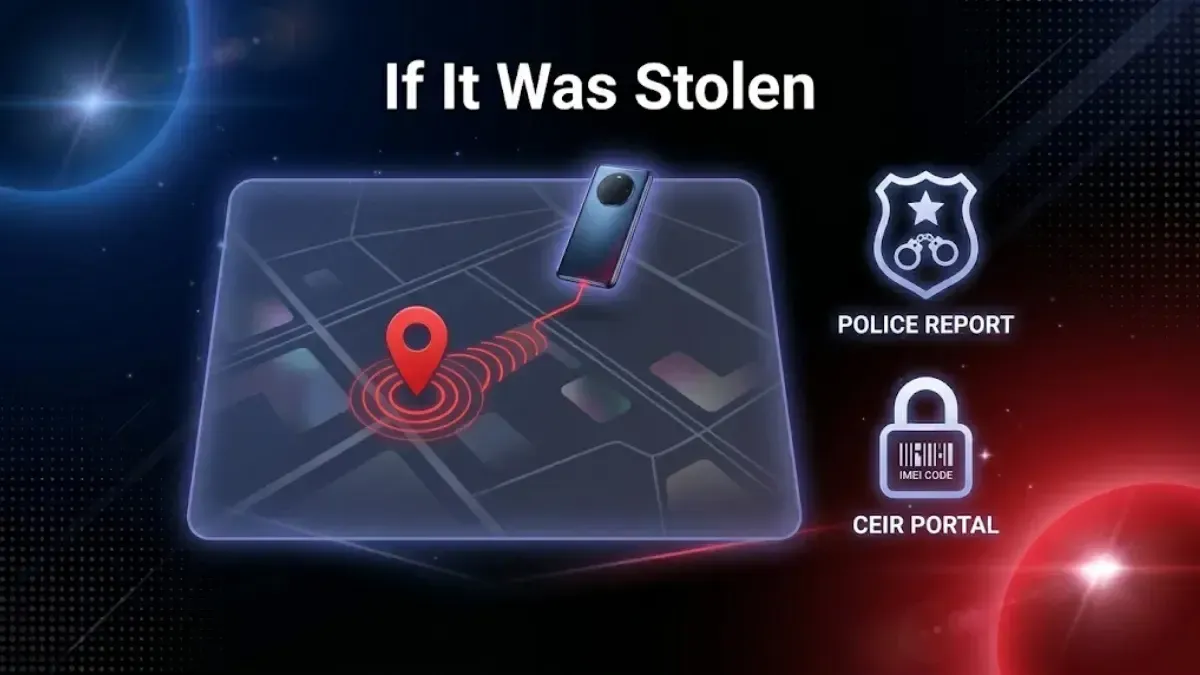
If It Was Stolen
If the map shows an unfamiliar place, or the location is moving, treat it as stolen.
1. Do not go and get it yourself. This matters more than the phone. If the location is somewhere you do not know, do not go alone and do not go at night. Give the location to the police.
2. Lock it immediately. Use Secure Device, set a new PIN, and put an alternative contact number on the lock screen.
3. Get your IMEI and file a complaint. The IMEI is a 15 digit number unique to your phone. Dial *#06# on any phone to see it, or find it printed on the original box or the invoice. File an FIR at your nearest police station and include the IMEI.
In India you can then have the phone blocked nationwide through the government CEIR service on the Sanchar Saathi platform, at ceir.sancharsaathi.gov.in. A blocked IMEI cannot connect to any Indian network on any operator, which makes the phone useless to whoever has it. Our guide to checking IMEI status explains how the same service works in the other direction, when you are buying or selling.
4. Block your SIM. Call Jio, Airtel, Vi or BSNL and have the number blocked at once. They will issue a replacement SIM with the same number. Until you do this, anyone holding the phone can receive your OTPs.
5. Secure your accounts. Go to myaccount.google.com, then Security, then Your Devices, and sign the lost phone out. Change your Google password. Then change passwords on banking apps, UPI apps, email and social media.
6. Call your bank. If any banking app used fingerprint or face login on that phone, ring the bank's helpline and have that device deregistered. Most Indian banks run this 24 hours. This is the step people forget and it is the one that matters most financially.
Five Things Worth Doing Today
Ten minutes now saves a very bad afternoon later.
Check Find Hub is on, and switch on offline finding if your phone offers it.
Write your Google account email somewhere off the phone.
Note your IMEI. Dial *#06#, then save it in your email or write it down.
Put an emergency contact on your lock screen. Settings, then Lock Screen, then add text. A family member's number, so an honest finder has a way to reach you.
Back up regularly. Settings, then Google, then Backup. If the phone is ever erased remotely, you lose the device and nothing else.
If You Get It Back
If the phone turns up and you were already thinking about replacing it, the recovery is a reasonable moment to decide. A phone you have stopped trusting is worth more sold than sitting in a drawer, and the calculator gives you a figure in about a minute.
If the IMEI was blocked and the phone has since been recovered, unblock it through the same CEIR portal before doing anything else. A blocked phone cannot be sold or used by anyone.
FAQs
1. Can I find my Android phone if it is switched off?
Sometimes, which is a change from a few years ago. Find Hub now uses nearby Android devices to locate phones over Bluetooth even without data or Wi-Fi, and on Pixel 8, Pixel 8a and later, offline finding can report a location for several hours after the battery dies. Otherwise you see the last known location from when it was online.
2. Is it still called Find My Device?
Google renamed it Find Hub in 2025. It is the same service. If your Settings still show the old name, your phone has not received the update yet.
3. Does it work without internet on the phone?
For a live location it normally needs data or Wi-Fi, but the crowdsourced Bluetooth network means an offline phone can still be located if other Android devices pass nearby.
4. How accurate is the location?
Outdoors with a clear GPS signal, usually within a few metres. Indoors or among tall buildings it can be considerably less precise. The timestamp on the map tells you how recent the reading is, which matters as much as the dot itself.
5. Can someone track a phone using only the number?
No. Find Hub needs access to the Google account signed in on the phone. Anyone offering to trace a phone from the number alone, particularly for a fee, is running a scam.
6. What happens after I erase the phone remotely?
Everything is wiped and tracking stops immediately and permanently. The phone is removed from your account. Only do this once you have accepted you will not get it back.
7. Does this work on an iPhone?
No. Apple has its own service, called Find My, at iCloud.com or through the Find My app on another Apple device.
8. Can a thief disable it?
A factory reset stops it working, which is why locking the phone quickly matters. A phone locked with a new PIN cannot easily be reset, so locking early keeps tracking alive longer.
9. The location is not updating. What now?
The phone is offline: flat battery, switched off, or in a dead zone. Check back periodically. When it reconnects the location updates and Google may email you.
10. How do I find my IMEI if I no longer have the phone?
It is printed on the original box and on the purchase invoice. It may also be in a confirmation email if you registered the device. Once you have filed a police complaint you can use it to block the phone at ceir.sancharsaathi.gov.in.
11. Is it free?
Completely. No subscription, no app to buy, built into every Android phone signed in to a Google account.


 Yaskar Jung ShahUpdated: Sep 23, 2026·13 min read