Switching from Android to iPhone: What to Do with Your Old Device
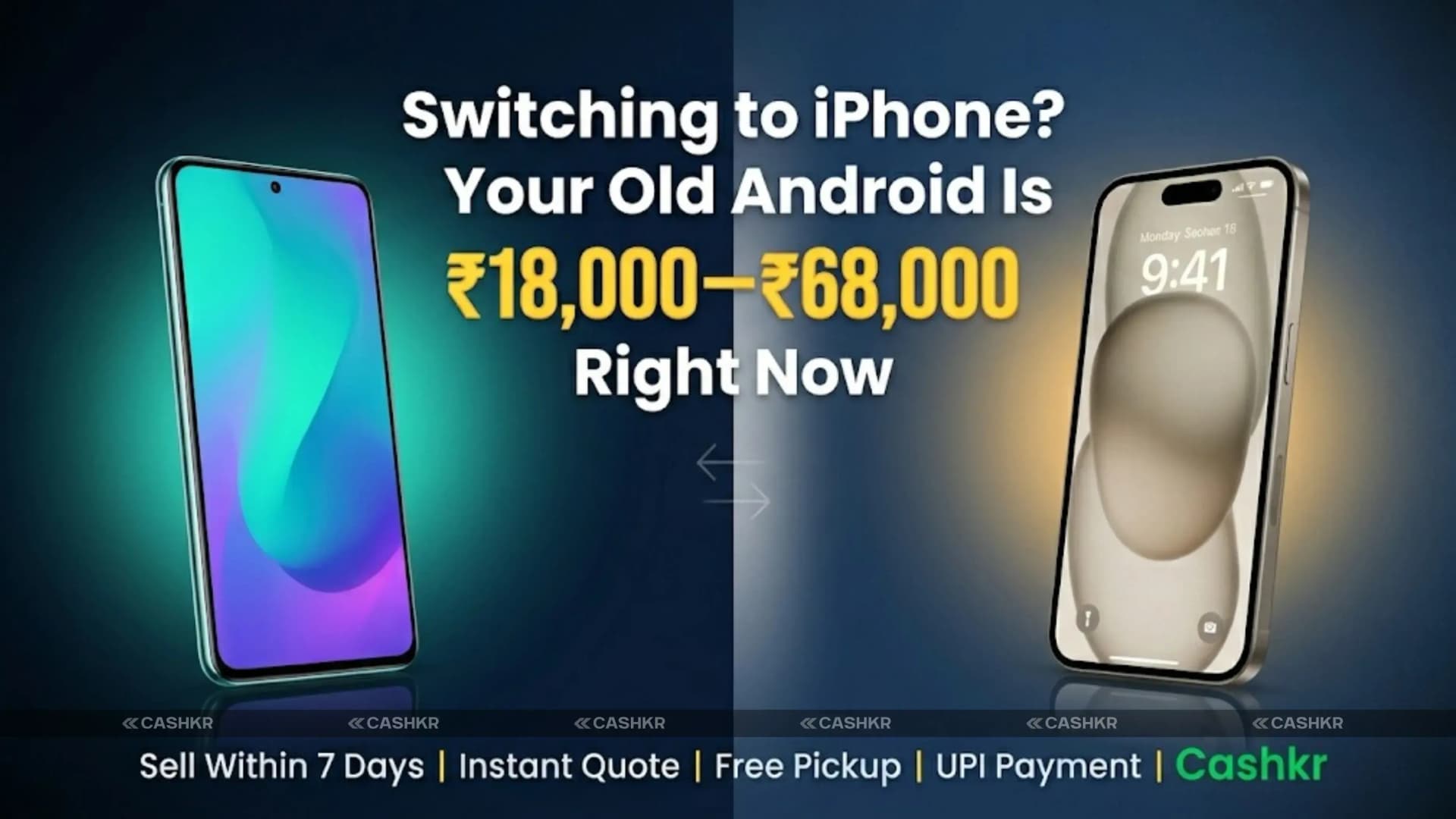
Planning to move from Android to iPhone? Once your new iPhone arrives, the old Android usually ends up sitting in a drawer. So what should you do with your old phone?
Many people keep it for a couple of months as a backup, but it keeps losing value the whole time. The smart move is to act within the first week.
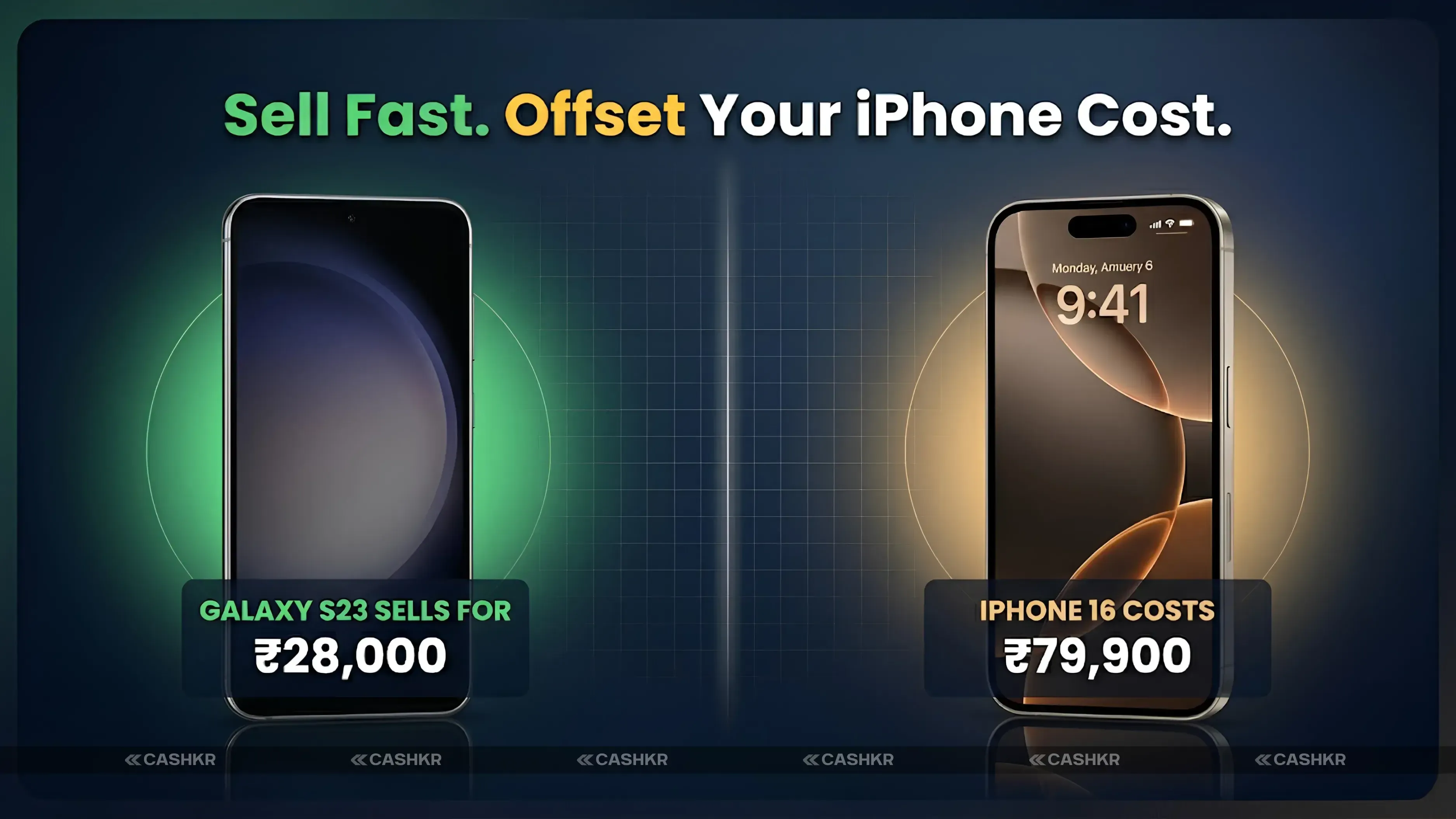
The smart move is to act within the first week. You can finish moving your data in just a few hours and sell your Android while it still holds its value. The money you get can help pay for your new iPhone.
Advertisement
This guide will show you how to transfer your data, wipe your device, and quickly turn your old Android into cash through UPI.
Here's the bottom line: if you're switching from Android to iPhone, sell your Android within a week of getting the new phone.
How to Transfer Data From Android to iPhone
Move to iOS handles most of it. The app transfers your contacts, messages, photos, videos, bookmarks, mail accounts, calendars, and any free apps available on both stores. Use it during your iPhone's initial setup, because it is harder to run afterwards.
Keep both phones plugged in and close together. The transfer uses a direct connection and can take a while if you have a large photo library.
How to Transfer WhatsApp Chats From Android to iPhone
WhatsApp chat history is handled separately, and this is the step people miss. Use the "Move chats to iPhone" option inside the WhatsApp Android app, with both phones connected by cable. Do this before wiping your old phone, because there is no way to recover the chats afterwards.
UPI apps need to be set up again on your iPhone and linked to your bank. The registration from your old device does not transfer.
Authenticator apps. If you use Google Authenticator or something similar for two factor codes, move them across before you wipe the Android. People forget this one and lock themselves out of their own accounts.
Banking apps usually need registering again on the new device. Some require a branch visit or a card verification step. Check your banking app works on the iPhone before the Android is gone.
Paid Android only apps may have no iOS version, and purchases do not transfer between the stores. Check anything you rely on.
Even after using Move to iOS, back up the Android properly before wiping it.
Open Settings, then Google, then Backup. Turn on backups for app data, call history, contacts, device settings, photos, SMS and MMS. Wait for it to finish.
This is your safety net. If something turns out to be missing on the iPhone a week later, the backup is where you look.
Why You Should Sell Soon After You Move to iPhone
Phones lose value continuously, and they lose it fastest in the weeks after a new model launches. Samsung, OnePlus, Google and Xiaomi each run their own launch cycles, and every new release steps down the price of the models before it.
A phone kept "just in case" is not held at today's value. It is held at a falling one, and most backup phones are never used.
If you have decided to switch, sell in the same week, not the same month.
Before You Sell or Hand It Over
Sign out of your Google account first. Go to Settings, then Accounts, and remove your Google account. If you factory reset while still signed in, Factory Reset Protection locks the phone to you and the next owner cannot set it up. This is the most common reason a sale falls through.
Take out the SIM, the memory card and any eSIM profile. A factory reset does not always remove an eSIM.
Unpair your Bluetooth devices so nobody else can connect to your car or your watch.
Then factory reset. Settings, then System, then Reset, then Factory data reset.
Find the box and the bill if you still have them. They add to what a buyer will pay and they help prove the phone is yours.
Our full checklist walks through every step, and our condition guide explains what affects the price you are offered.
Your Options for Selling
Selling privately usually gets you the most money, because no company takes a cut. It takes more time and carries payment risk. Confirm the money has actually arrived in your banking app before handing the phone over, and never approve a UPI collect request.
Trading in with the retailer. If you bought the iPhone from Amazon or Flipkart, check their exchange value first. During big sales the bonuses can beat what a buyback service offers. You get store credit rather than cash, but if you were shopping there anyway it is often the better deal.
Apple's trade in programme is worth checking too, especially if you are buying directly from Apple. Compare it against the alternatives rather than assuming.
Selling to a buyback service is the fastest and most certain option. You get a quote, someone collects the phone, and you get paid. It pays less than a private sale because the service covers inspection, data wiping and resale risk.
If You Sell to Us
Get a quote online, book a free doorstep pickup, and we inspect the phone against the condition you described. Once you accept, payment goes by UPI or bank transfer.
We buy every Android brand sold in India, including phones that will not switch on or have damaged screens, which private buyers usually avoid.
See what your Android is worth.
FAQs
1. How soon should I sell my Android after I move from Android to iPhone?
As soon as you have checked everything transferred and nothing is missing. Used prices fall continuously and drop further after each new Android launch, so waiting only costs you money.
2. Will I lose data if I sell quickly?
No, provided you do it in order. Run Move to iOS, transfer WhatsApp separately, confirm everything is on the iPhone, take a Google backup, then reset the Android.
3. Can I transfer WhatsApp from Android to iPhone without a factory reset?
Usually no. WhatsApp's official transfer only works while the iPhone is being set up, so if the iPhone is already set up, you have to reset it first. Do the WhatsApp transfer during the iPhone's first setup to avoid this.
4. Can I sell the phone with the SIM inside?
No. Take the SIM out and keep it. It is yours, and it holds your number.
5. What if I have forgotten the phone's password?
Contact the buyback service before booking a pickup and explain the situation. You will need proof of purchase to show the phone is yours. Do not expect it to be resolved at the door.
6. Is a private sale better than a buyback service?
Usually on price, yes. On speed and certainty, no. If the phone is recent and valuable and you have time, a private sale pays more. If it is older, damaged, or you want it gone this week, a buyback service is simpler.
7. What happens to my Android after I sell it?
We inspect it and wipe it, then refurbish it for resale if we can. If not, it goes to authorised recycling.


 Yaskar Jung ShahUpdated: Sep 24, 2026·6 min read