Top 5 Best Student Laptops Under ₹50,000 in India (2026)
Choosing a laptop under ₹50,000 is tough. Every brand has to make trade-offs at this price. Some offer a strong processor but less RAM, while others have a nice screen but poor battery life.
A good student laptop should last all four years of college. It needs to handle lots of Chrome tabs, coding in Python or Java, big PowerPoint files, and maybe some Netflix between classes.
We tested benchmarks, battery life, and multitasking. Here are the five best laptops you can buy in India right now, ranked by how much performance you get for your money.
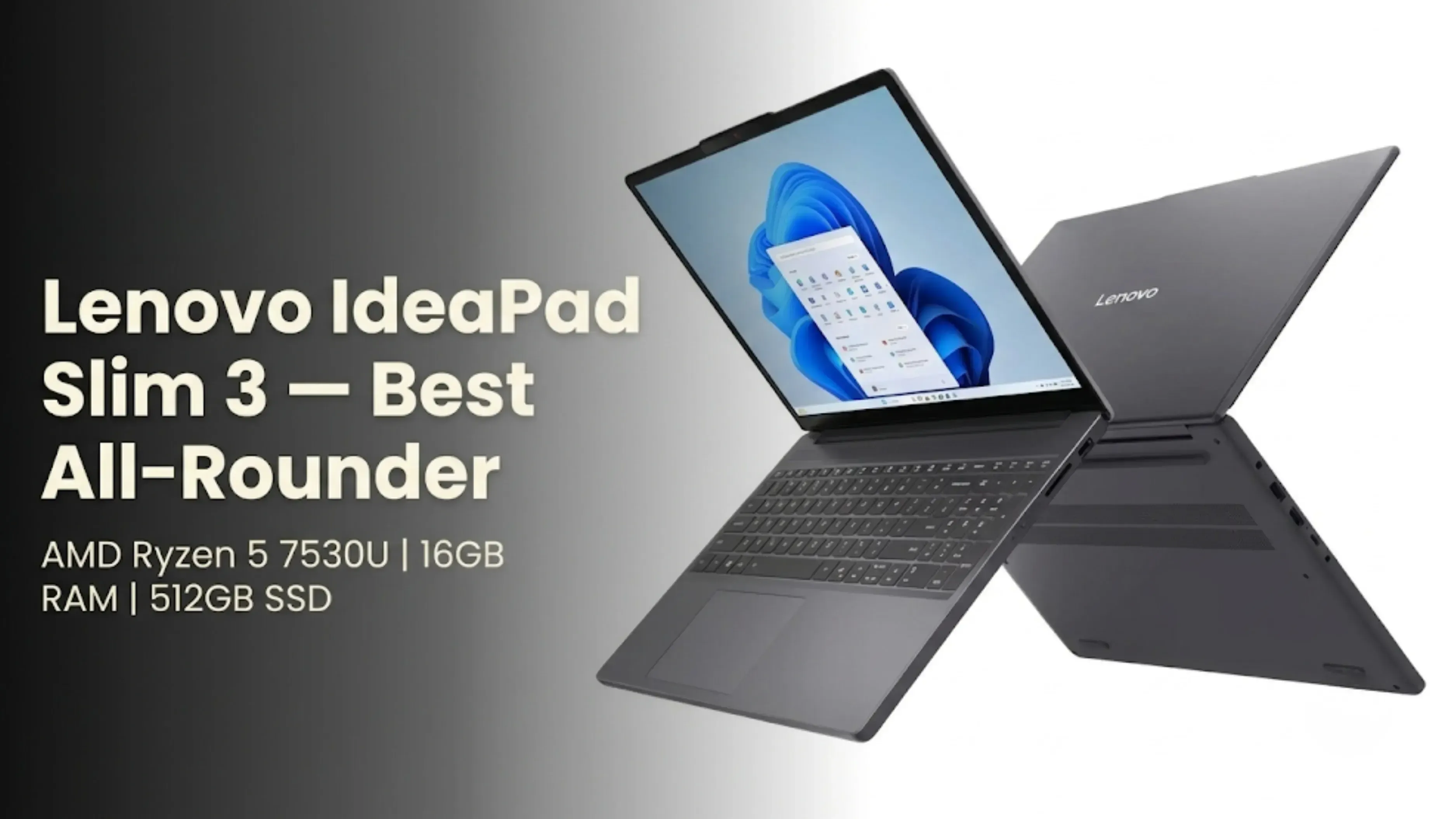
This is the only laptop under 50k that offers a modern 7000-series Ryzen 5 with 16GB of RAM. Most competitors force you into 8GB at this price, which is simply not enough for multitasking in 2026. The integrated Radeon graphics are also significantly better than Intel’s UHD graphics, meaning it can handle light video editing and very casual gaming like CS:GO or Valorant at low settings. The keyboard is comfortable, and it weighs just 1.6kg.
The Catch
The build is all-plastic, so treat it gently.
Also Read: Best Gaming SmartPhones in India: Top 5 Picks
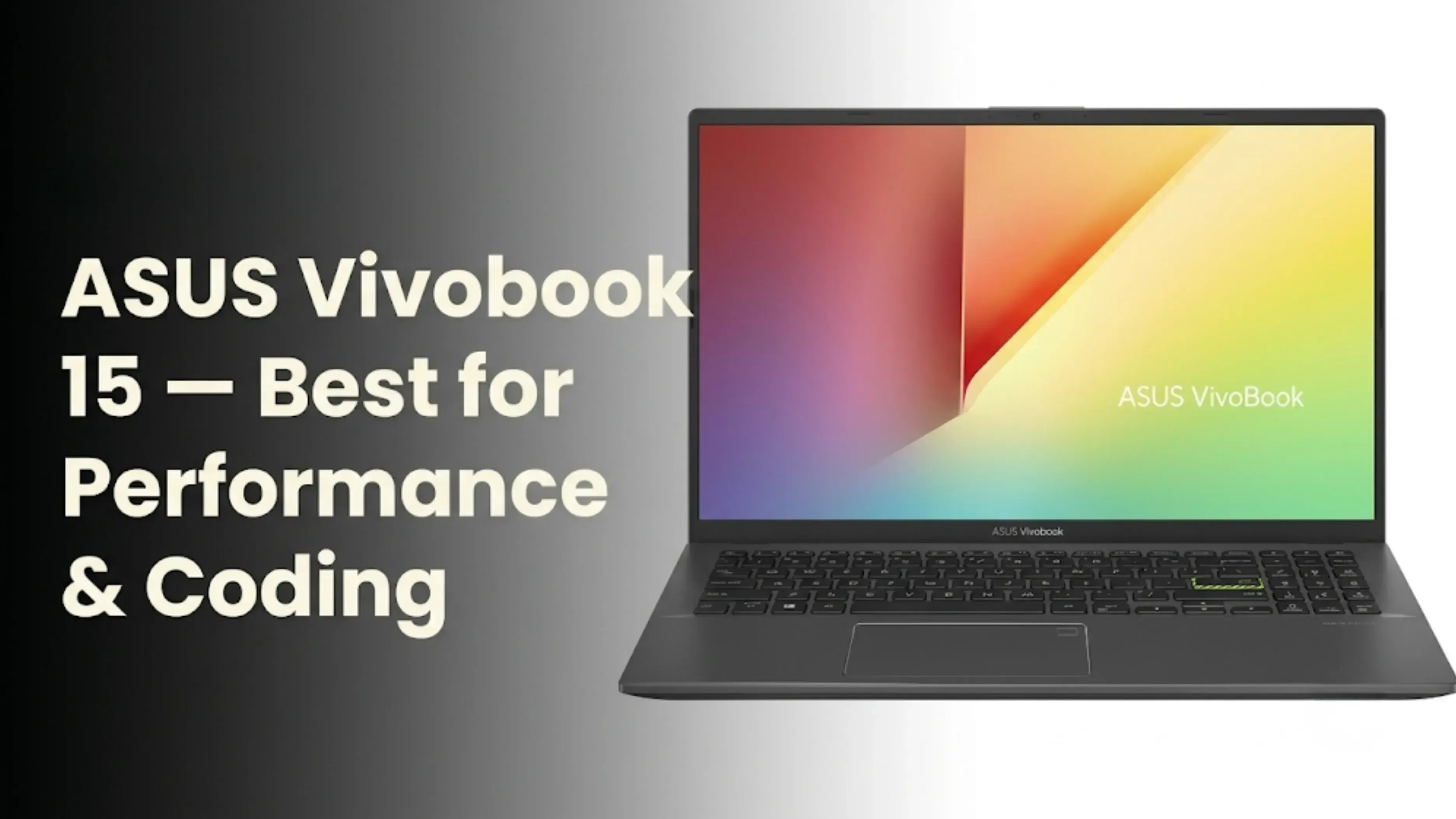
2. ASUS Vivobook 15 (Intel Core i5-13500H) – Best for Performance and Coding
Price: ₹48,000
Spec
Detail
Processor
Intel Core i5-13500H (12 cores, 16 threads)
RAM
8GB DDR4 (Expandable)
Storage
512GB NVMe SSD
Display
15.6" FHD IPS (60Hz)
Battery Life
5-6 hours (Power-hungry CPU)
Weight
1.7 kg
Why it ranks 2nd
If you are a CS or engineering student who needs to compile code or run virtual machines, the H-series processor in this Vivobook is very powerful. It easily outperforms the U-series chips in other laptops on this list when handling heavy tasks. The keyboard has 1.4mm key travel, making it one of the best for typing under ₹50,000.
The Catch
Intel’s powerful H-series chip drains battery. You will need to carry your charger to the library. Also, 8GB RAM is stingy at this price, you must upgrade it to 16GB later, which costs around ₹3,000 extra, to unlock its true potential.
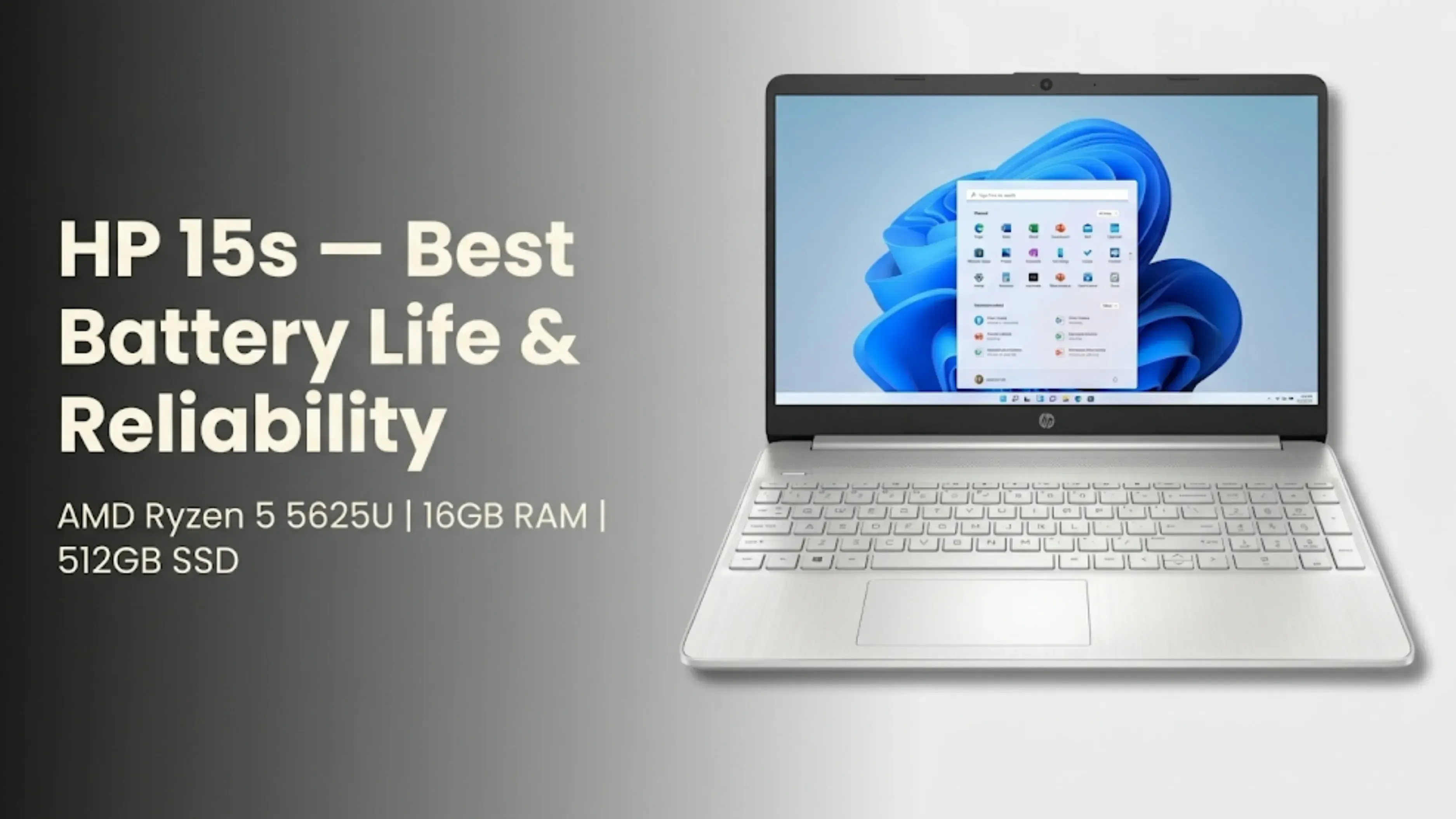
3. HP 15s (AMD Ryzen 5 5625U) – Best Battery Life and Reliability
Price: ₹44,000
Spec
Detail
Processor
AMD Ryzen 5 5625U
RAM
16GB DDR4
Storage
512GB SSD
Display
15.6" FHD Micro-edge
Battery Life
8-9 hours (Best in class)
Weight
1.69 kg
Why it ranks 3rd
The processor is one generation older than the Lenovo, but HP makes up for it with great battery life and a strong hinge that can handle daily use. This laptop is perfect for students who want something that just works without needing to adjust settings. It also has the best speakers on this list, thanks to B&O tuning.
The Catch
The screen is not very bright at 250 nits, so it is hard to use outside in direct sunlight. It is best for indoor or library use.
Advertisement
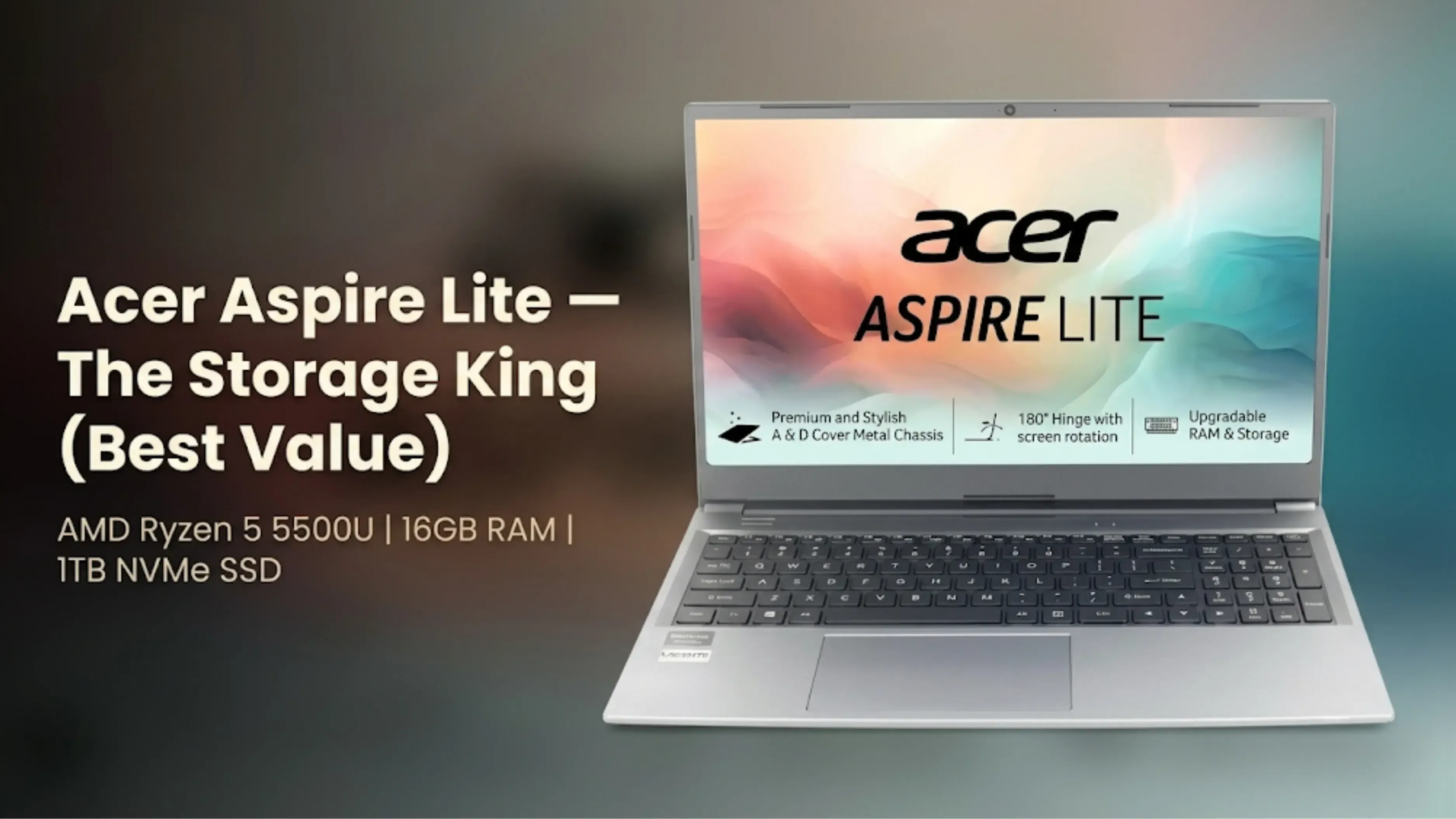
4. Acer Aspire Lite (AMD Ryzen 5 5500U) – The Storage King (Best Value)
Price: ₹42,000
Spec
Detail
Processor
AMD Ryzen 5 5500U
RAM
16GB DDR4
Storage
1TB NVMe SSD (Massive)
Display
15.6" FHD IPS
Battery Life
6-7 hours
Weight
1.65 kg
Why it ranks 4th
At ₹42,000, this is an absolute steal. The 1TB SSD is the biggest selling point here. You can store all your projects, heavy software like MATLAB, AutoCAD, or Adobe Premiere, and an entire movie library without worrying about space. It has a premium-feeling metal lid, which is rare at this price.
The Catch
The battery dies a little faster than the HP, and the keyboard feels much cheaper. Buy this if Storage is important to you. Choose the Lenovo if you want a better feel.
5. Dell 15 (2025) – Skip It (Unless you get a heavy discount)
Price: ₹47,000 (Not Recommended at full price)
Spec
Detail
Processor
Intel Core i3-1315U (Only 6 cores)
RAM
8GB
Storage
512GB SSD
Display
15.6" FHD IPS
Battery Life
6-7 hours
Weight
1.66 kg
Why it ranks 5th
This entry is mainly a warning. Compared to the other four laptops, the Dell 15 gives you less performance for more money. The Core i3 processor is weaker than every Ryzen 5 listed here, and 8GB of RAM is not enough for 2026.
Only consider this laptop if you really trust Dell’s service and find it on a big Flipkart sale for less than ₹38,000. Otherwise, it is best to skip it.
Quick Comparison Table
Feature
Lenovo IdeaPad Slim 3
ASUS Vivobook 15
HP 15s
Acer Aspire Lite
Dell 15
Price
₹46,000-49,000
₹48,000
₹44,000
₹42,000
₹47,000
Processor
AMD Ryzen 5 7530U
Intel i5-13500H
AMD Ryzen 5 5625U
AMD Ryzen 5 5500U
Intel i3-1315U
Cores/Threads
6C / 12T
12C / 16T
6C / 12T
6C / 12T
6C / 8T
RAM
16GB
8GB (Expandable)
16GB
16GB
8GB
Storage
512GB SSD
512GB SSD
512GB SSD
1TB SSD
512GB SSD
Display
15.6" FHD
15.6" FHD IPS
15.6" FHD
15.6" FHD IPS
15.6" FHD IPS
Battery Life
7-8 hrs
5-6 hrs
8-9 hrs
6-7 hrs
6-7 hrs
Weight
1.6 kg
1.7 kg
1.69 kg
1.65 kg
1.66 kg
Best For
All-round use
Coding/Heavy tasks
Battery life
Storage
Brand trust
Verdict
Best Overall
Needs RAM upgrade
Solid Choice
Best Value
Avoid at this price
Which one should you buy?
Pick the Lenovo IdeaPad Slim 3 if you want a good balance of performance, RAM, and battery life. It is the best choice for most students.
Choose the ASUS Vivobook 15 if you do a lot of coding or gaming and are okay with upgrading the RAM later.
Go for the HP 15s if you want long battery life and do not want to charge your laptop often.
Choose Acer Aspire Lite if you work with huge files and need maximum storage for the lowest price.
Avoid the Dell 15 unless you find it for under ₹38,000.
Smart Tip: Stretch Your Budget by Selling Your Old Device
Let’s face it, ₹50,000 is a hard cap. If you want the Asus Vivobook and the 16GB RAM upgrade, you will need an extra ₹3,000.
Instead of borrowing money, why not sell your old smartphone, tablet, or previous laptop to cover the difference? A device that is just sitting in your drawer could easily get you ₹5,000 to ₹15,000, which could bump you up to a laptop with a much better display or double the storage.
Cashkr makes selling your old device easy. They give you a clear, instant price estimate based on the current market. There is no haggling or hidden fees, just a fair price and free pickup from your home.
Picking the right laptop now can make your college life much easier. While the Lenovo IdeaPad Slim 3 is the best choice for most students, you should choose based on what matters most to you, like battery life, storage, or processing power.
The best laptop isn’t usually the most expensive. It is the one that meets your daily demands, your courses and your budget without too much compromise. An excellent laptop will last you all four years of college, for a last-minute assignment or a late-night study session.
And if your current budget feels tight, do not forget to check your old device’s value with Cashkr. That unused phone or old laptop sitting in your drawer could be the key to unlocking a much better machine without stretching your finances.
Choose carefully, and your laptop will be a reliable study partner throughout your college years.
FAQs
1. Is 8GB RAM enough for a student laptop in 2026?
No. Windows 11, background processes and many browser tabs easily consume 8GB of RAM. We highly recommend 16GB to ensure a pleasant experience throughout your college years. If you buy a laptop, be sure it has 8GB and it is extendable.
2. Which processor is better for students: Intel or AMD?
AMD Ryzen 5 is a better value for money and battery life option than Intel Core i3 or i5 U-series around ₹50,000. But if you need serious processing power for coding or virtual machines, the Intel i5-13500H (H-series) will outperform AMD in that use case.
3. Can I do gaming on these laptops?
Casual gaming only. These laptops do not have dedicated graphics cards. You can play lightweight titles like CS:GO, Valorant, Dota 2, and Rocket League at low to medium settings. For heavy AAA gaming, you will need a laptop with a dedicated GPU, which starts at around ₹60,000.
4. How much storage do I really need?
512GB is the minimum for most students. If you install heavy software like AutoCAD, Adobe Suite, or MATLAB, or store many movies and projects, go for 1TB. The Acer Aspire Lite on this list offers 1TB at the best price.
5. Which laptop has the best battery life on this list?
The HP 15s wins with 8 to 9 hours of real-world usage. The Lenovo IdeaPad Slim 3 follows closely at 7 to 8 hours. The ASUS Vivobook 15 has the weakest battery at 5 to 6 hours due to its powerful H-series processor.
6. Is it worth buying a laptop with Windows 11 or Windows 10?
All new laptops come with Windows 11 pre-installed. It is optimized for newer hardware and will receive security updates longer than Windows 10, which ends support in October 2025. Stick with Windows 11.
7. What is the difference between U-series and H-series processors?
Ryzen 5 7530U and i5-1335U are two U-series processors that use less power, offer longer battery life, and run quieter fans. This is the best choice for all kids. Processors in the H series, like the i5-13500H, are fast, but they generate more heat and have shorter battery lives. They're best for writing, editing videos, and doing a lot of things at once.
8. Should I buy an extended warranty for my laptop?
Absolutely. Many laptops in this price range are made of plastic. A two- to three-year warranty extension can save you ₹2,000 to ₹3,000 in future motherboard or screen fixes. In India, you can trust service networks from brands like HP and Dell the most.
9. Can these laptops handle online classes and Zoom meetings?
Of course. There are HD webcams, good microphones, and strong Wi-Fi on all five computers. The speakers on the HP 15s are the best, which makes it perfect for classes and talks.
10. Where is the best place to buy these laptops in India?
You can get the best deals online at Amazon and Flipkart, especially during sales like Republic Day Sale, Prime Day Sale, and Big Billion Days.
Offline: You can look at the laptop in person before you buy it at Chroma, Reliance Digital, and brand-exclusive shops. Pro Tip: Use price tracking tools like Keepa to monitor price drops before making a purchase.
if you want to sell your old devices,then click here
Did you find this guide helpful? Share it with your friends who are also looking for the best laptop under ₹50,000.
Stay in the loop
Weekly tech insights in your inbox. No spam, ever.


 Yaskar Jung ShahUpdated: Sep 24, 2026·12 min read