Android 17 QPR1 Beta 4 Released for Pixel Devices: Six Bug Fixes
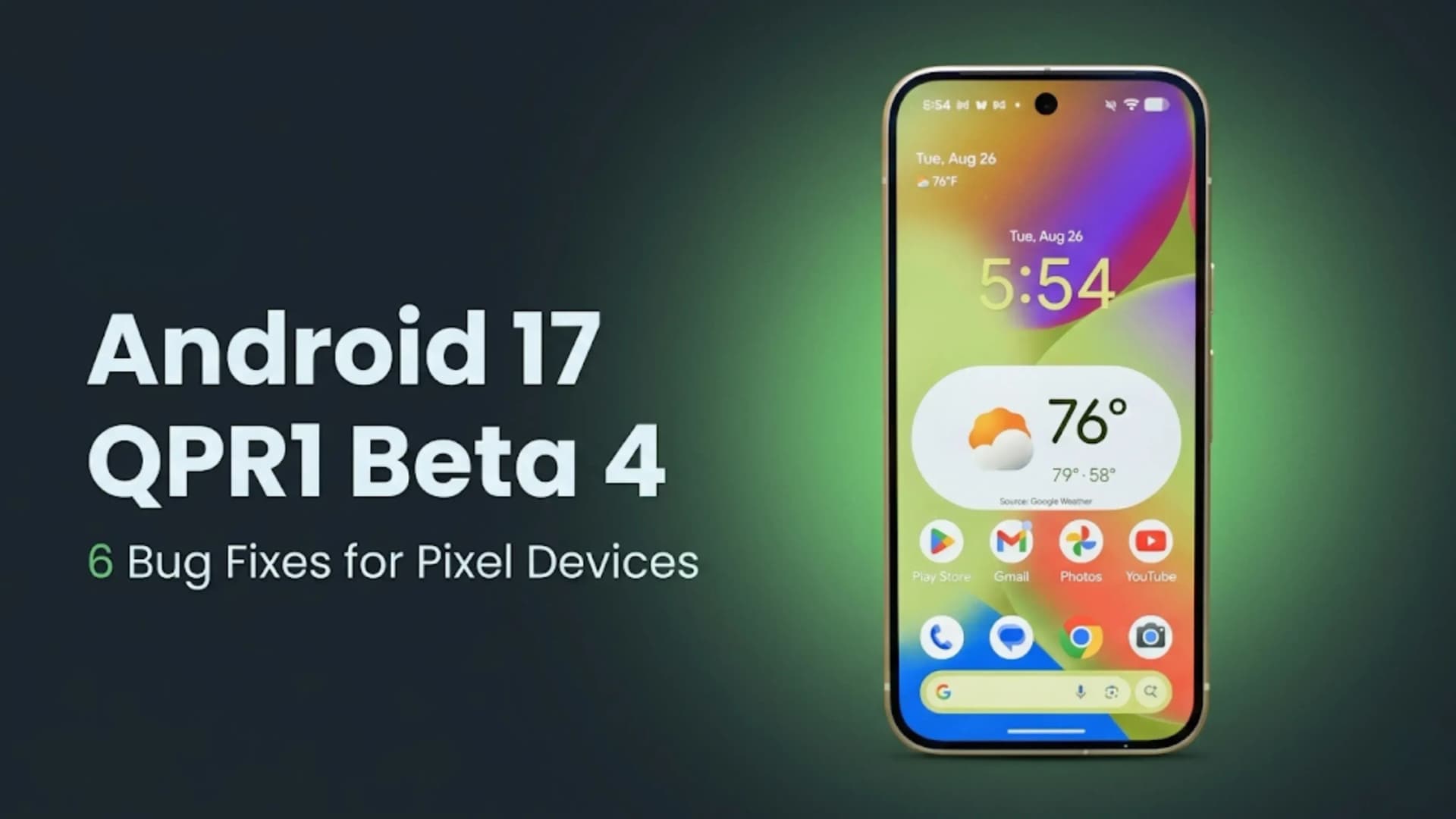
Google has rolled out Android 17 QPR1 Beta 4 for Pixel phones and tablets in the Android Beta Program. This update fixes six main bugs: invisible mouse pointer on external displays with Work Profile or secure apps, Settings app crashing in Private Space, screenshot sounds tied to call volume, camera video jitter at 5x zoom, Back Tap not working on the lock screen, and graphics driver issues causing gaming slowdowns.
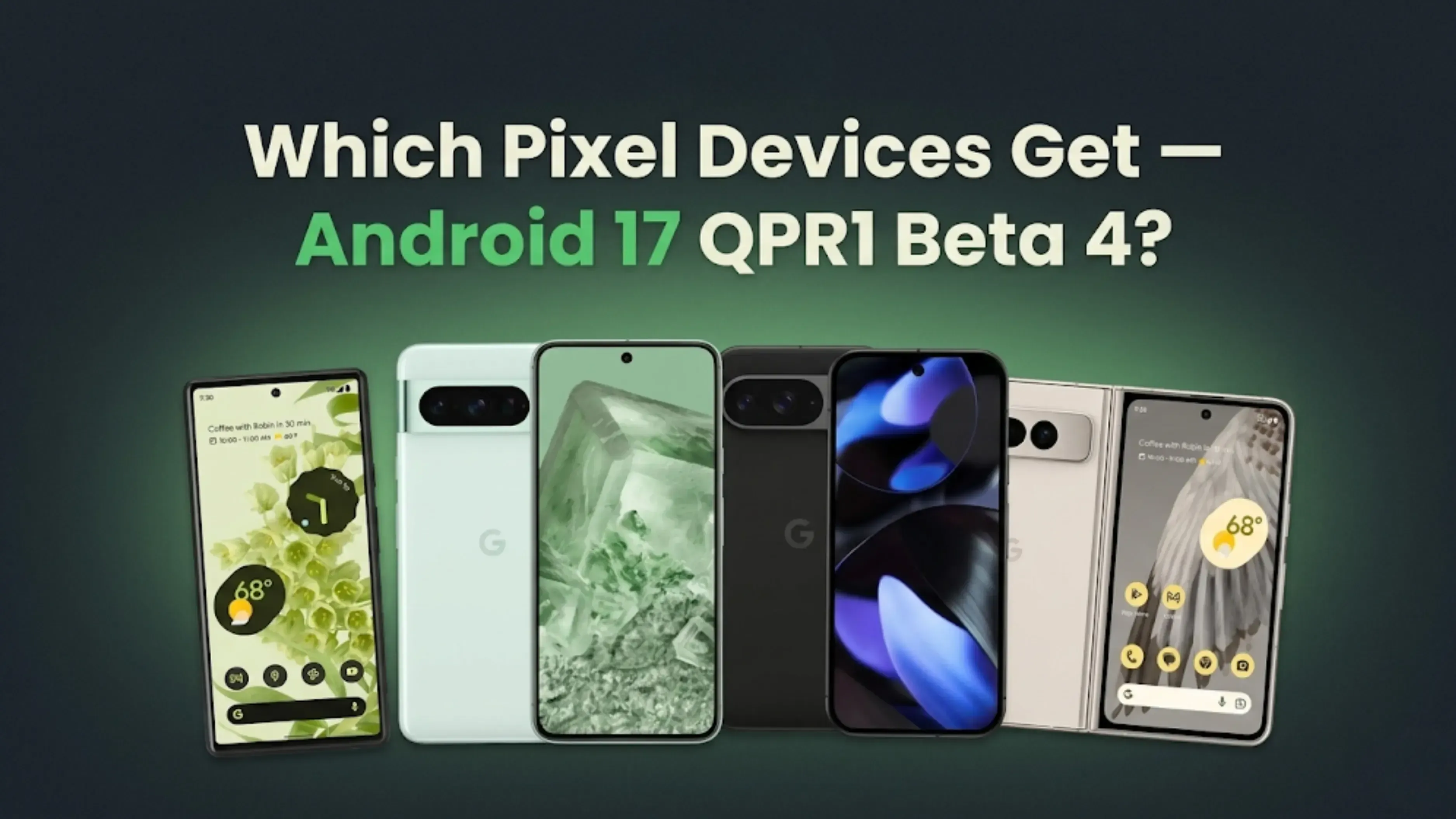
If you are in the Beta Program, you can get Android 17 QPR1 Beta 4 for the Pixel 6, Pixel 6 Pro, Pixel 6a, and all other new Pixel phones and tablets. Google began in February 2026 with the Android 17 Developer Preview and has since released several test builds. Android 17 should have a working version by the end of 2026. Below are the bugs fixed in Android 17 QPR1 Beta 4, with simple explanations of what each fix means for everyday use and what QPR1 stands for.
Android 17 QPR1 Beta 4 fixes: 1. Mouse pointer invisible on external displays with Work Profile and FLAG_SECURE apps | 2. Settings crash when accessing the credential provider from Private Space | 3. Screenshot sounds separated from call and notification volumes | 4. Camera video jitter and frame skip at 5x zoom | 5. Back Tap gesture on interactive lock screen | 6. Graphics driver regression causing UI lag and gaming slowdowns | Eligible: Pixel 6 and newer, Pixel Tablet
What QPR1 Means: Understanding Android’s Quarterly Update Cycle
Before looking at the bug fixes, it's helpful to know what QPR means. QPR stands for Quarterly Platform Release. After the main Android release each year, like Android 17, Google sends out three quarterly updates: QPR1, QPR2, and QPR3. These updates are different from monthly security patches. They can bring new features, UI changes, and important bug fixes that need their own beta testing.
QPR1 Beta 4 means this is the fourth beta in the first quarterly update cycle after Android 17's stable release. Google tests these QPR builds in the Beta Program before making them available to all Pixel users. Beta 4 is usually the last or next-to-last test version before the stable QPR update is released to everyone.
Do you want to run Android 17 QPR1 Beta 4? You don't have to join the Beta Program, but if you do, it will run on your main computer. Even in beta versions, bugs may still occur. Since QPR1 Beta 4 mostly fixes bugs, it's more stable than the previous betas in this run. If you use your phone every day, you should wait for the stable QPR1 version. More bugs have been fixed in Beta 4 than in any other version so far this cycle.
Android 17 QPR1 Beta 4 Bug Fixes: All Six Explained
Bug Fixed
What Changed
Mouse Pointer Invisible
Fixed an issue where the mouse pointer would disappear in Work Profile apps and apps protected with FLAG_SECURE when using external displays
Settings App Crash
Resolved crashes that occurred when opening Credential Provider settings from Private Space
Screenshot Sound Controls
Screenshot sounds are now separated from call and notification volume controls for better audio management
Camera Video Jitter
Fixed frame skipping and video jitter issues during recording, including recordings using 5x zoom
Back Tap Gesture
Back Tap shortcuts now work reliably from the interactive lock screen
Graphics Driver Issues
Addressed graphics-driver regressions that caused UI lag, animation stutters, and gaming performance slowdowns
Bug Fix 1: Mouse Pointer Invisible on External Displays
The first bug fix addresses an issue that specifically affected Pixel users who connect their phone to an external display. When using a Work Profile app or any app with FLAG_SECURE protections on an external monitor, the mouse pointer would disappear, making cursor-based navigation on the external display impossible. The pointer was still active and moving (clicks were registered correctly), but it was invisible, forcing users to click blindly or work around the issue by disconnecting and reconnecting the display.
This bug particularly affected professionals using Pixel phones in a productivity setup with an external monitor, where Work Profile apps for email, calendar and document editing are common. In Android 17 QPR1 Beta 4, the mouse pointer remains visible and behaves correctly in any app, whether it uses FLAG_SECURE or runs in a Work Profile environment.
What FLAG_SECURE is and why it caused this bug: FLAG_SECURE is an Android permission flag that apps use to prevent their content from being captured by screenshots or recordings. Banking apps, password managers and corporate apps commonly use this flag to protect sensitive content. The bug caused Android 17 to accidentally hide the cursor when a FLAG_SECURE app was in the foreground on an external display, likely because the system applied the screenshot-prevention logic too broadly to the cursor rendering layer.
Advertisement
Bug Fix 2: Settings App Crash in Private Space
When people used Android's Private Space feature to go to credential provider options, the options app would crash. As a privacy feature added in recent Android versions, Private Space is a safe place for apps and data that the user wants to keep separate from their main profile. The crash occurred only when users accessed the credential management section in Private Space. This means that users who handle passwords and authentication services in this secure area were affected.
The fix in Android 17 QPR1 Beta 4 resolves the Settings app crash, allowing credential provider access from Private Space to function correctly without the app freezing or closing unexpectedly.
Bug Fix 3: Screenshot Sounds Separated From Call Volume
One of the more disruptive bugs in previous Android 17 beta builds incorrectly connected the screenshot capture sound to the call and notification volume control. This meant that if a user took a screenshot in a quiet environment, such as a meeting, classroom, or cinema, and wanted the screenshot sound to be silent, they had to lower the call and notification volumes as a side effect. Lowering call volume to silence a screenshot sound is a significant practical problem — it risks missing an actual incoming call or notification.
Android 17 QPR1 Beta 4 separates screenshot sound from call and notification volume, so you can mute screenshot sounds without changing other volumes. This is helpful if you need to take silent screenshots during meetings or in quiet places. The fix brings back the expected way to control these sounds.
Bug Fix 4: Camera Video Jitter at 5x Zoom
The camera fix in Android 17 QPR1 Beta 4 addresses frame skipping and jittery video while recording. It specifically fixes the problem that happened when zooming in 5 times and moving the camera. When you skip frames while recording video, frames are either copied or lost, which makes the video look stuttery when you play it back. When shooting videos outside or at an event, panning at 5x zoom is a common technique. A telephoto lens catches faraway subjects while the phone tracks their movement.
Google solved the problem with the camera that was making video frames look off. With this update, movies shot with a 5x zoom while panning should look steady and smooth, as Pixel cameras are known to do. Pixel 8 Pro, Pixel 9 Pro, and Pixel 9 Pro XL users who use the 5x zoom for video will need this fix the most.
Bug Fix 5: Back Tap Gesture on Interactive Lock Screen
Back Tap is an accessibility and convenience tool that lets you perform an action of your choice when you double-tap the back of your phone. Some common things you can do with the back button are take a picture, open the notification shade, use Google Assistant, and open certain apps. In earlier versions of Android 17, a bug prevented Back Tap actions from working when the phone was on the interactive lock screen. This meant that double-tapping the back button did nothing, rather than the action that was set to occur.
As of the update, the Back Tap shortcuts are back on the lock screen. This means you can do whatever you want with your phone, whether it's locked, open, or on the home screen. This is helpful for people who use Back Tap to access things quickly.
Bug Fix 6: Graphics Driver Regression
The graphics driver fix addresses bugs introduced in earlier versions of Android 17. These bugs led to lower GPU performance, UI lag during animations and transitions, drops in game frame rates, and rendering issues in apps that use heavy graphics. When a software update creates a bug in the code that talks to the graphics hardware, the GPU doesn't work as well even though the hardware hasn't changed, this is called a driver regression.
Android 17 QPR1 Beta 4 fixes the graphics driver, bringing GPU performance back to normal. If you noticed games running less smoothly or UI animations stuttering in the Android 17 beta, this update should fix those problems.
To join the Android Beta Program with your eligible Pixel device, go to android.com/beta and sign in with your Google account. After registering, install the beta update by going to Settings, then System, then System Update on your device. If you leave the beta program after the stable QPR1 build is out, your device will go back to the regular update channel.
Google put out the first Android 17 Developer Preview in February 2026. Since then, they've put out a number of test versions. Like every year, the stable version of Android 17 should come out in the second half of 2026, around September or October for Google. The QPR1 cycle starts after the stable release. That is why QPR1 Beta 4 is part of the first testing for the quarterly update after Android 17 goes live.
Pixel 8 and newer devices will likely get new AI features with the stable version of Android 17. These features will be powered by Neural Processing Units. You will also be able to customize your gadget more, set better privacy controls, and do more at once. Google has not yet shared the full list of features. They will share more information as the launch date gets near.
Final Verdict
The main purpose of Android 17 QPR1 Beta 4 is to fix bugs. It fixes six problems that happen when Pixel devices are used normally. For most people, the fixes for sound in screenshots, jittery camera, and graphics driver make the most difference. The changes to the mouse pointer and the back button help professionals and power users with special needs.
Pixel devices that are qualified for the Beta Program can now get Android 17 QPR1 Beta 4. If you are not in the beta, these changes will be in the stable QPR1 update that Google sends to everyone. Android 17 will still not be stable until later in 2026.
Bottom Line: Android 17 QPR1 Beta 4 is available for Pixel 6 and newer through the Android Beta Program. It fixes six issues: mouse pointer on external displays, Settings crash in Private Space, screenshot sounds now separate from call volume, camera video jitter at 5x zoom, Back Tap on the lock screen, and graphics driver problems. The stable Android 17 release is expected later in 2026. You can enroll at android.com/beta.
FAQs
1. What is Android 17 QPR1 Beta 4?
Android 17 QPR1 Beta 4 is the fourth beta build in the first Quarterly Platform Release cycle for Android 17. QPR updates differ from monthly security patches and can include bug fixes and feature enhancements. This build focuses on fixing six bugs reported by beta testers.
2. What does QPR stand for in Android?
Quarterly Platform Release. After Android’s major annual release, Google issues three quarterly updates, QPR1, QPR2 and QPR3. These are tested through the Android Beta Program before being released as stable updates to all supported Pixel devices.
3. Which Pixel devices are eligible for Android 17 QPR1 Beta 4?
Pixel 6, Pixel 6 Pro, Pixel 6a, and all newer Pixel phones and tablets, including Pixel 7 series, Pixel 8 series, Pixel 9 series, all Pixel Fold models, and the Pixel Tablet, when enrolled in the Android Beta Program at android.com/beta.
4. What is the screenshot sound fix in Android 17 QPR1 Beta 4?
Previous builds incorrectly linked screenshot sounds to the call and notification volume. This meant silencing the screenshot sound required lowering call volume. Beta 4 separates these controls so screenshots can be silent independently of call and notification volume.
5. What camera bug is fixed in Android 17 QPR1 Beta 4?
Video that jumps around and skips frames while recording, especially at 5x zoom during moving shots. The fix fixes the timing problem in the camera process that was causing frame gaps, making the video smooth again at all zoom levels.
6. What is the mouse pointer bug fixed in Beta 4?
On external displays, the mouse pointer would disappear when using Work Profile apps or apps with FLAG_SECURE protections. The pointer was functional but invisible. Beta 4 restores cursor visibility when using any app type on an external display.
7. What is the graphics driver fix in Android 17 QPR1 Beta 4?
A regression in previous Android 17 builds caused reduced GPU performance, UI animation lag and gaming frame rate drops. Beta 4 addresses the driver code that caused these regressions, restoring GPU performance to the expected level.
8. What is Back Tap on Android?
Back Tap is a feature that activates a user-configured action when the back of the Pixel phone is double-tapped. Common actions include screenshots, notifications, Google Assistant and app shortcuts. Beta 4 fixes Back Tap not working on the interactive lock screen.
9. When will Android 17 stable release be?
Google's final release of Android 17 is set for the second half of 2026, as usual. In February 2026, the Developer Preview came out. Once the stable release is out, QPR builds come next.
10. How do I install Android 17 QPR1 Beta 4?
Enroll your eligible Pixel device in the Android Beta Program at android.com/beta using the Google account linked to the device. After enrolment, go to Settings > System > System Update on the device, and the beta update will be available to download and install.
If you want to sell your old devices, then click here.
 Yaskar Jung ShahUpdated: Jul 30, 2026·16 min read