Android 17 Update: iMessages, Passkeys, eSIM Now Transfer
 Yaskar Jung ShahUpdated: Jul 26, 2026·16 min read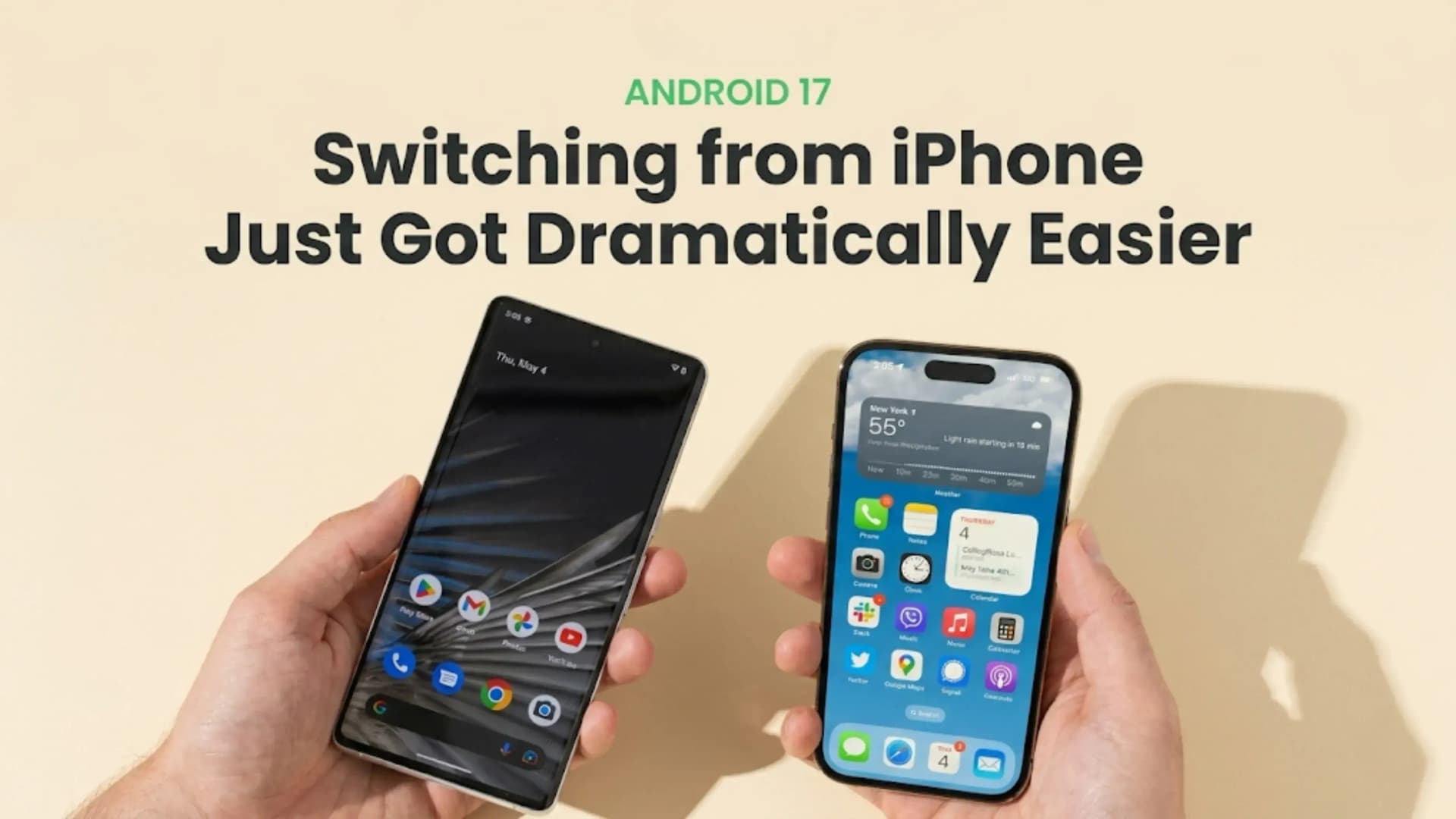
Android 17 update: transfer iMessages, passkeys, eSIM from iPhone in one step.

Get the Cashkr app for faster payouts

Android 17 Update: Android Switch now transfers iMessage conversations, SMS, MMS, RCS, group chats, passwords and passkeys, eSIM profiles, saved Wi-Fi networks, alarms, wallpapers and home screen layouts, accessibility settings, Apple Notes attachments and labels, calendar attachments, call history, documents and files, and third-party app data (if supported by the developer). No separate app installation is needed. Available for Pixel 6 and newer.
| Step | What Happens | Detail |
|---|---|---|
| Step 1 | Start New Android 17 Setup | Power on the new Android 17 device and begin the setup wizard. No separate migration app is required. |
| Step 2 | Select Data Source | Choose iPhone as the source device when prompted during setup. |
| Step 3 | Connect Devices | Bring the iPhone close to the Android phone. The devices connect wirelessly without requiring a QR code scan. |
| Step 4 | Select Data to Transfer | Choose which categories to migrate, such as messages, passwords, Wi-Fi networks, eSIM information, home screen layout, and other supported data. |
| Step 5 | Transfer Over Wi-Fi | Data is transferred wirelessly. Android 17 improves transfer speeds, reducing migration time. |
| Step 6 | Google Account Sign-In | Sign in to your Google Account. Apps and settings begin restoring automatically. |
| Step 7 | Complete Setup | The Android device finishes setup with migrated data, accounts, and a familiar home screen layout. |
| After Switch | Deregister iMessage | On the iPhone, go to Settings → Messages → Send & Receive and remove your phone number so future messages are delivered via SMS/RCS instead of iMessage. |
The iMessage deregistration step after switching is the one action the Android 17 Update's migration tool cannot automate. If the iPhone number remains registered with iMessage after switching to Android, contacts who send messages from an iPhone will have those messages delivered to Apple's servers as iMessages rather than as SMS to the new Android number. This can cause messages to go undelivered until deregistration is completed. Go to Settings, Messages, Send and Receive on the old iPhone and remove the phone number from the iMessage registration.
| Category | What Transfers | Practical Note |
|---|---|---|
| Messaging | iMessages, SMS, MMS, RCS, and group chats | Conversation history moves to Android. Future messages are delivered via SMS or RCS after switching. |
| Authentication | Passwords and passkeys | Both traditional passwords and modern passkeys can migrate to the new device. |
| Connectivity | Saved Wi-Fi networks and passwords | Previously used Wi-Fi networks reconnect automatically without re-entering credentials. |
| SIM | eSIM profiles (carrier dependent) | Supported carriers allow automatic eSIM migration without QR codes or carrier assistance. |
| Personalisation | Wallpapers, home screen layouts, and app placement | Android recreates a familiar device layout automatically. |
| System Settings | Alarm settings and accessibility preferences | Existing schedules and accessibility configurations are preserved. |
| Apple Data | Notes attachments, note labels, and calendar attachments | Additional Apple ecosystem content that was previously difficult to migrate now transfers. |
| Files | Documents, files, and folders | Local storage content moves alongside other personal data. |
| Third-Party Apps | App settings and in-app data | Available only when the app developer supports Android Switch migration. |
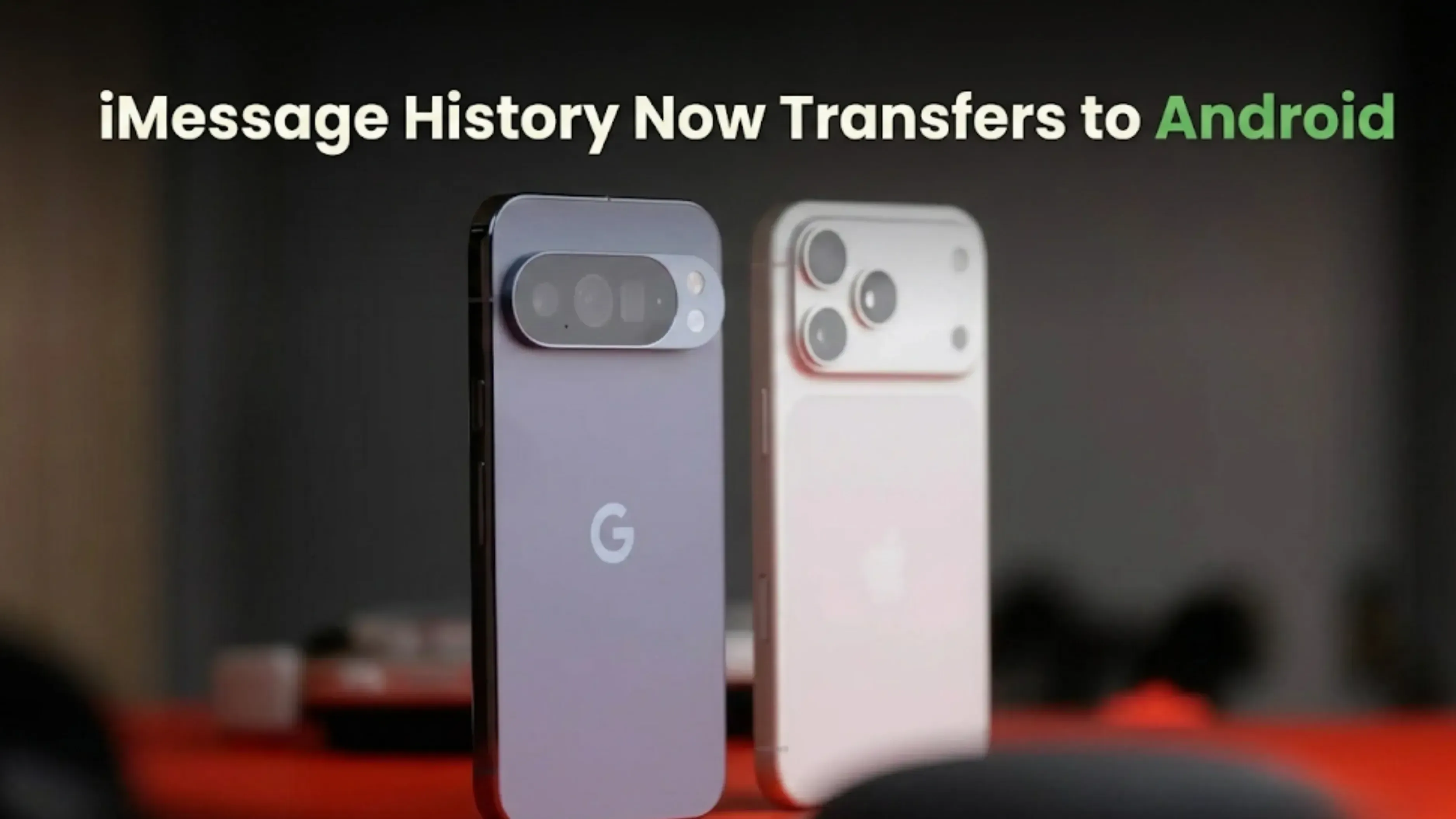
Here's a useful tip for third-party app data: back up each important app's data using its export or backup function, if it has one, before switching. No matter what, banking and money apps always need to be set up again with new safety checks. If you use Google Play Games cloud save to save your progress, it will be saved automatically, even if the app doesn't allow moving to an Android Switch.
| Device Category | Eligibility Status |
|---|---|
| Pixel 6 Series | Google Pixel 6, Google Pixel 6 Pro, and Google Pixel 6a are the earliest Pixel devices eligible for Android 17 |
| Pixel 7 Series | All Pixel 7 models are eligible |
| Pixel 8 Series | All Pixel 8 models are eligible |
| Pixel 9 Series | All Pixel 9 models are eligible |
| Pixel Fold Models | Google Pixel Fold and Google Pixel 9 Pro Fold are eligible |
| Pixel Tablet | Google Pixel Tablet is eligible |
| Non-Pixel Android 17 Devices | Samsung, OnePlus, Realme, and other Android phones running Android 17 can use Android Switch features |
| Pixel 5 and Older | Not eligible for Android 17 |
| Source Device | Any compatible iPhone running iOS; no separate migration app installation is required |
Bottom Line: No separate app needed. Transfers iMessages, passkeys, passwords, eSIM, Wi-Fi, alarms, home screen, Apple Notes, calendar attachments, call history, documents. Step-by-step: the new Android 17 device setup wizard connects wirelessly to an iPhone, migrates selected data over Wi-Fi, and auto-signs into a Google Account. Deregister iMessage number from iOS Settings separately. Available: Pixel 6+ and all Android 17 devices.
1. What does the Android 17 Update add to Android Switch?
iMessage conversation transfer, passkey migration, automated eSIM transfer, saved Wi-Fi password migration, alarm settings, home screen layouts, wallpapers, accessibility settings, Apple Notes attachments, calendar attachments, call history and third-party app data (developer-enabled). The tool is now built into Android 17 setup without a separate app.
2. Does the Android 17 Update allow iMessage transfer to Android?
Yes. The Android 17 Update's Android Switch transfers iMessage conversation history to the new Android device. After switching, new messages route as SMS or RCS. Users must separately deregister their phone number from iMessage in iOS Settings > Messages > Send & Receive to ensure future messages from iPhone contacts are routed correctly.
3. Do I need to install Switch to Android on my iPhone for the Android 17 Update migration?
No. The Android 17 Update integrates the migration tool directly into the Android 17 setup wizard and into iOS, eliminating the need to download and install a separate Switch to Android app on the iPhone.
4. Can the Android 17 Update transfer eSIM from iPhone to Android?
Yes, for compatible carriers. The automated eSIM transfer works when the carrier supports the transfer protocol. In India, Jio, Airtel and Vi support eSIM but carrier-specific automated transfer compatibility should be verified. If automated transfer fails, the carrier's standard eSIM activation process is the fallback.
5. What is a passkey and why does passkey transfer matter in the Android 17 Update?
A passkey is a cryptographic key pair that replaces text passwords for authentication. The private key is stored on the device and cannot be phished or server-stolen. Before the Android 17 Update, passkeys had no migration path between platforms. The update adds passkey transfer, meaning accounts secured with passkeys on iPhone remain accessible immediately on the new Android device.
6. Do all apps benefit from the Android 17 Update's app data migration?
No. Third-party app data transfer requires the app developer to implement Android Switch support. Apps without this support require manual setup. Major app developers are expected to add support following the Android 17 Update; smaller or older apps may not implement it promptly.
7. Which Android phones get the Android 17 Update and Android Switch improvements?
Pixel 6 series and newer for guaranteed Android 17. Other Android manufacturers, including Samsung, OnePlus and Realme, will receive Android 17 on supported models through their respective update schedules.
8. Does the Android 17 Update transfer saved Wi-Fi passwords?
Yes. Saved Wi-Fi network names and passwords migrate to the new Android device, enabling automatic reconnection to previously joined networks without re-entering credentials.
9. What happens to my home screen layout after switching using the Android 17 Update?
The Android Switch tool recreates the home screen layout from the iPhone, including wallpapers, app placement and widget positioning where possible, on the new Android device. The familiar layout is available immediately after migration without manual rearrangement.
10. What should I do after using the Android 17 Update migration tool?
Complete iMessage deregistration on the old iPhone in Settings > Messages > Send & Receive by removing the phone number. Verify that eSIM activation is complete. Confirm key accounts are signed in. Check that app-specific data for important apps has transferred, or set them up manually if they do not support Android Switch migration.
If you want to sell your old devices, then click here.
Sell with Cashkr
Cashkr buys used devices at a fair price with free doorstep pickup and same-day payment across 2,000+ pincodes. Get an upfront quote in seconds.
Sell Old Phone OnlineCheck your phone's value in seconds
Written by
Best gaming phones 2026 for every budget — top 3 picks.
Best mobile phones of 2026 with specs, features and prices.
HyperOS 4 is launching in August 2026 with major improvements in stability.