How Often Should You Upgrade Your Smartphone? A Complete Guide
Have you ever caught yourself staring at a shiny new phone launch and thinking, “Do I actually need this?” You’re definitely not alone.
Every year, big brands roll out fresh models with better cameras, zippier processors, brighter screens, and smarter AI tricks. And sure, it all sounds exciting. But it also leaves you wondering how often you should upgrade your smartphone in a way that actually makes sense for you?
So, the plain and simple truth is, there is no one right response. Some folks enjoy the bleeding edge, and upgrade every twelve months. Others are good with rocking the same phone for 5 or 6 years without a hitch. The actual question is when to upgrade your phone. It depends on things like how well it’s operating, if you’re still getting software updates, the condition of your battery, how much repairs would cost you and what you actually need your phone to do on a day-to-day basis.
Phones today are built way better than they were ten years ago. Better hardware, longer software support, and smarter battery tech mean most devices can easily go the distance for several years. But hold on to an old phone too long, and you might start noticing sluggish performance, security gaps, terrible battery life, and a resale value that’s dropped through the floor.
In this guide, I’ll walk you through how often you should upgrade your smartphone, what actually determines a phone’s lifespan, clear signs it’s time to upgrade your smartphone, and how timing your upgrade right can help you get the best possible return when you sell your old phone.
How Long Should a Smartphone Last?
There’s a pretty common myth that phones turn into useless bricks after a year or two. That’s just not true anymore. Today’s smartphones are built to last.
Here’s a rough breakdown:
Smartphone Type
Average Lifespan
Budget Smartphones
2–3 Years
Mid-Range Smartphones
3–4 Years
Premium Android Phones
4–5 Years
iPhones
5–6 Years
Of course, how long a smartphone should last really depends on how you treat it, how well you maintain it, and whether the manufacturer keeps pushing those all-important software updates.
For example, if you’re mostly using your phone for calls, texts, social media, and snapping the occasional photo, you can easily get four or five years out of it. But if you’re a heavy gamer, a content creator, or someone who runs power-hungry apps every single day, you’ll probably notice performance taking a dip much sooner.
And here’s the thing—even if your phone still works physically, manufacturers eventually stop sending out security updates and new operating system versions. Once that happens, your device becomes a sitting duck for security threats, and newer apps might not even run properly anymore.
So, How Often Should You Upgrade Your Phone?
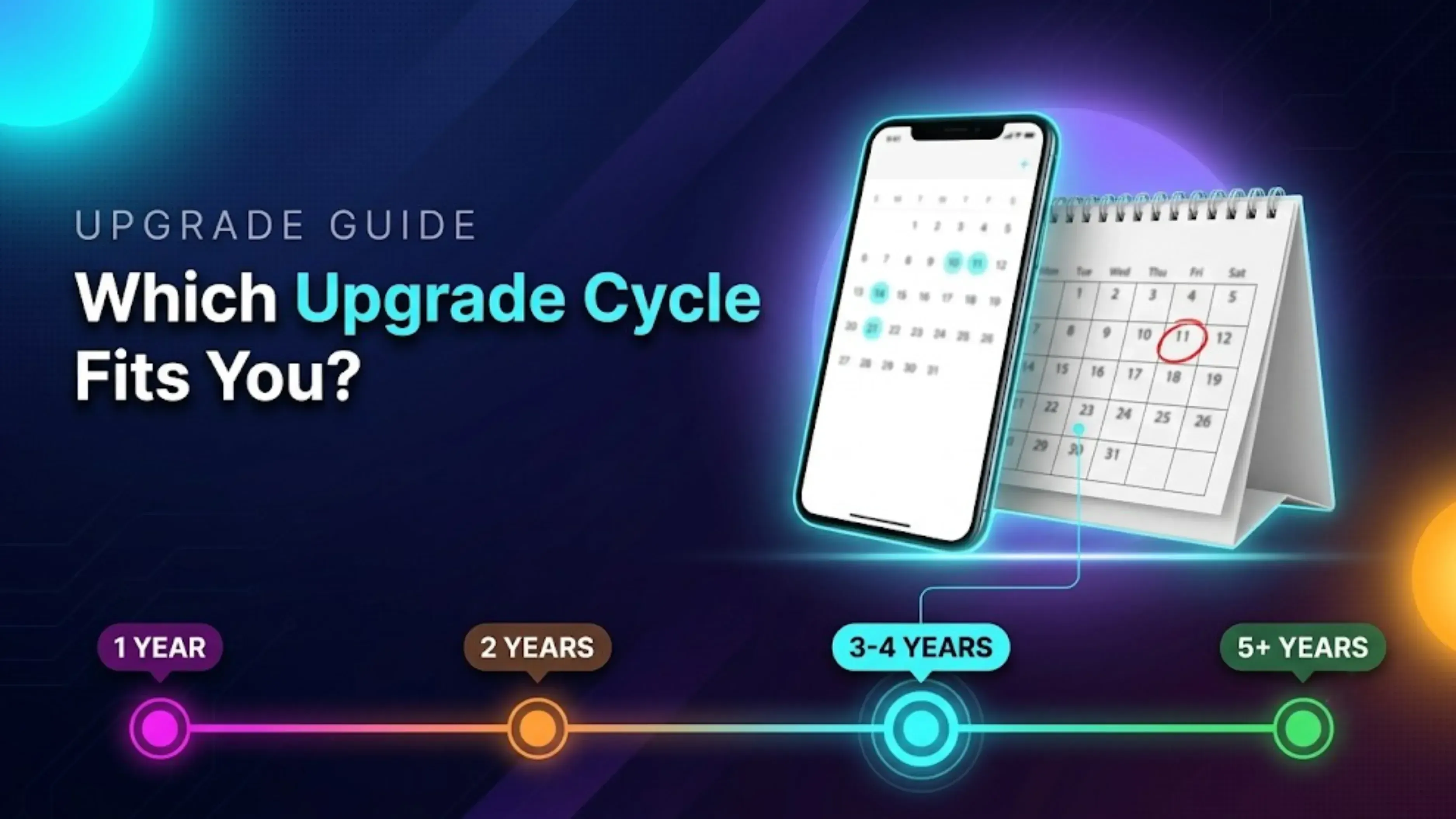
For most people, upgrading every three to four years hits that sweet spot.
It gives you enough time to really get your money’s worth from your current device, while still letting you enjoy meaningful upgrades in performance, battery life, camera tech, and software.
Let’s break down the different upgrade cycles.
Every Year
Annual upgrades are mostly for tech geeks and professionals who absolutely have to have the latest and greatest.
Pros:
You get the newest camera features first.
Blazing-fast processor
Fresh AI capabilities
Gorgeous display upgrades
Top-tier resale value for your old phone
Cons:
It’s expensive, like, really expensive.
Year-over-year improvements are often tiny.
Your existing phone is probably still working great.
Unless your job literally depends on having the newest smartphone, yearly upgrades rarely make financial sense.
Every Two Years
A two-year cycle is pretty common among people who enjoy new tech but also want decent value from their purchase.
In two years, you should normally be seeing meaningful changes in:
* Cameras performance* speed of processing * Battery power * Show luminosity* AI-enabled features
This is a useful and satisfactory timeline for many users.
Every Three to Four Years (Recommended)
This is what I’d call the sweet spot for most folks to upgrade.
Your phone starts to reveal its age after three or four years:
* Battery health begins to declineApps are getting bigger and slower Storage space keeps filling up. The camera looks old compared to current models * Noticeable phone performance slowdown Costs of repair start to increase
Upgrading now allows for some substantial, observable leaps without jumping the gun too soon.
And your old phone still has great market value, which is always a gain.
Five Years or More
Can you keep a phone for five or six years? Absolutely, especially if you bought a premium device upfront.
But you’ll likely run into:
Sluggish performance
Poor battery life
Limited or zero software updates
Compatibility issues with newer apps
Resale value that’s next to nothing
Expensive repairs that aren’t really worth it
If you’re planning to hold onto your smartphone for that long, investing in a flagship phone from the start is usually the smarter move.
Factors That Decide When You Should Replace Your Smartphone
Instead of obsessing over years, pay closer attention to how your phone actually performs in real life.
Battery Health
Batteries don’t last forever; they wear down over time.
If your phone:
Needs charging multiple times a day
Shuts down out of nowhere
Takes forever to charge
Drains fast even when you’re barely using it
then it might be time to think about an upgrade.
Sure, you could replace the battery. But if the rest of your phone is already a few years old, upgrading usually gives you better bang for your buck.
Software Updates
Software updates aren’t just about cool new features; they’re about keeping your personal data safe.
If your smartphone no longer gets:
Android updates
iOS updates
Security patches
…then your private info is at risk.
Frankly, a phone that doesn’t get security updates shouldn't be used for online banking, digital payments or any sensitive activity. That's a tough call.
Performance
Your smartphone should make life easier, not test your patience.
If your phone does regularly: * Freezing on work Slow while swiping * Self-restart * Takes a while to launch simple apps * Difficulty with multi-tasking
Then the processor is probably not powerful enough to meet today’s expectations.
Storage Problems
Running out of storage is one of the most frustrating and common reasons people upgrade.
If you’re constantly seeing:
Storage almost full
Can’t install updates
Camera won’t save new photos.
Apps crashing because there’s no space left
…you’ll end up spending more time deleting files than actually using your phone.
Cloud storage can buy you some time, but eventually, you’ll need that larger internal storage.
This is one of the most common dilemmas people face.
Here’s a simple cheat sheet:
Situation
Repair
Upgrade
Battery replacement
✅
❌
Minor screen crack
✅
❌
Charging port issue
✅
❌
Phone older than 4 years
❌
✅
Here’s a good rule of thumb: if the repair cost is more than 40–50% of your phone’s current market value, upgrading usually makes more financial sense. So when you’re asking yourself Should I repair or replace my smartphone, let the numbers guide you.
How to Make Your Smartphone Last Longer
If your existing phone is still serving you well, following simple behaviours can stretch out even more life from it.
* Don’t regularly run your battery to 0% * Keep software up to date * Use original or certified chargers * Remove unneeded apps * Clear out storage space regularly * Prevent overheating * Use protective case * Wipe your screen Sometimes restart your phone * Save data on a portable drive
With a little TLC, you can easily add an extra year or two to your phone’s lifespan.
When Is the Right Time to Upgrade Your Phone?
A lot of people wait until their phone completely dies before upgrading.
Honestly? That’s one of the worst times to do it.
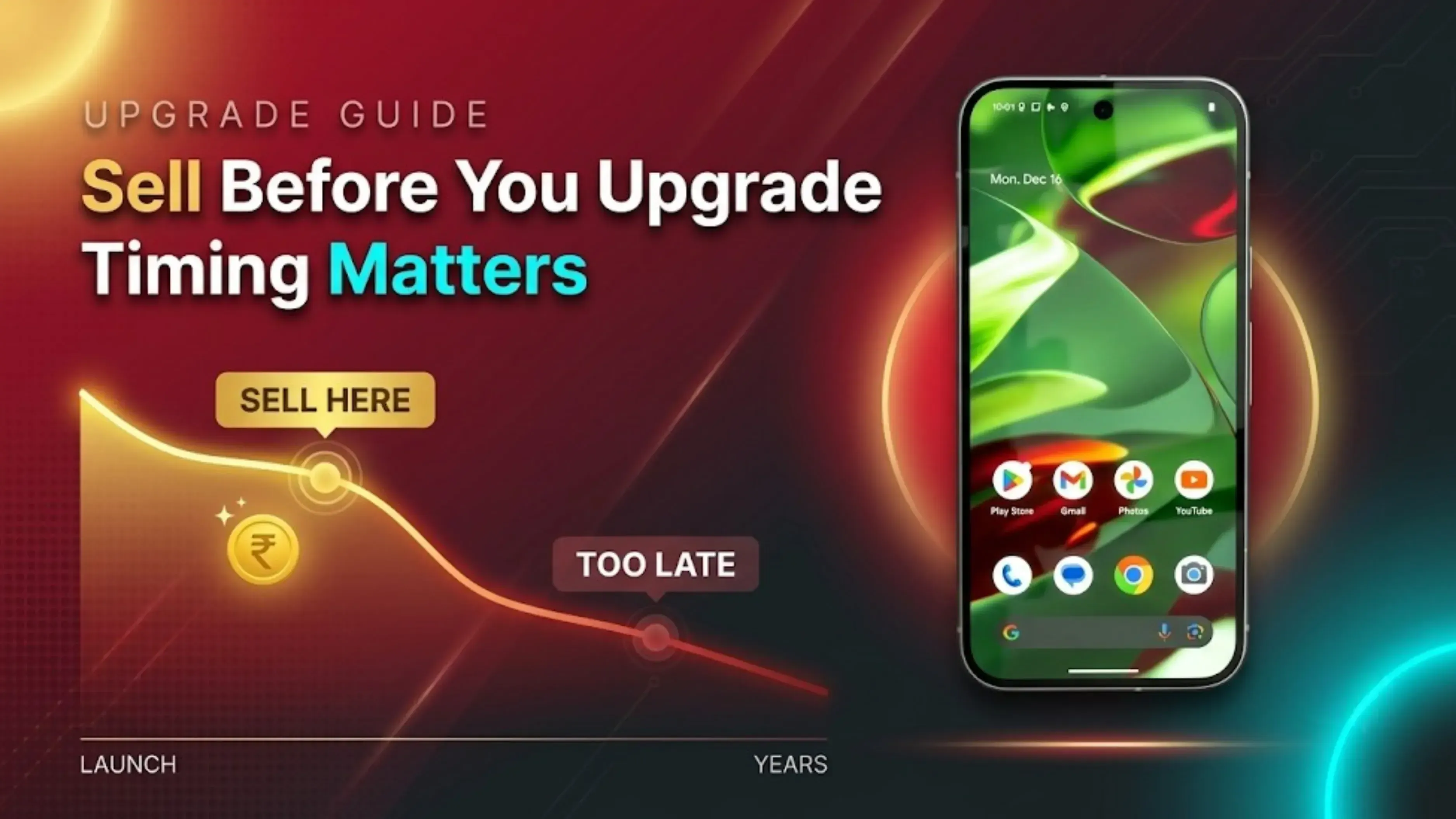
Why? Because your phone’s resale value drops every single month.
When is the right time to upgrade your phone? Ideally:
Before major hardware failures happen
While your phone still works properly
Before software support ends
Before a new flagship launch crashes your phone’s market value
Selling a working phone almost always gets you a better return than selling a broken or dead one.
What Should You Do With Your Old Smartphone?
Once you’ve upgraded, please don’t just toss your old phone in a drawer and forget about it.
Millions of unused phones sit gathering dust in homes across the world. And here’s the thing, they still contain valuable materials like gold, silver, copper, and rare earth metals. Letting them sit idle means they lose value over time and eventually turn into e-waste.
Instead, consider these:
* Sell it when it is still worth something * Pass it to a family member who might enjoy it *Use it as a backup phone * Recycle responsibly if it’s no longer usable
If it still works, selling your old phone is usually the best financial choice. You get some of your investment back, and you help extend the life of the item through refurbishing or proper recycling.
Why Selling Before Upgrading Is a Smart Move
One common mistake? Buying a new phone first and then figuring out what to do with the old one later.
By the time you get around to it, that old phone has been sitting around for months, and its resale value has taken a hit.
Selling your smartphone before or immediately after upgrading helps you:
Get a better resale price.
Offset the cost of your new device.
Avoid unnecessary clutter
Ensure your personal data is securely removed.
Give your old phone a second life through reuse or recycling.
Whether you’re upgrading after two years or five, timing your sale right can make a real difference in how much cash you get back.
Final Thoughts
So, how often should you upgrade your smartphone? There’s no hard and fast rule. For most people, upgrading every three to four years gives the best balance of performance, cost, and value. But the right answer really depends on how your current phone is holding up and what you need it to do.
Don't upgrade because a new shiny model came out. Check for true signals of battery health, software upgrades, performance, storage space and maintenance costs. But if your phone is still working fine, no need to rush. But if it’s slow, unreliable, or expensive to maintain, updating might really improve your productivity and everyday experience.
And before you make the switch, don’t let your old smartphone collect dust. Selling it while it’s still in good condition helps you recover part of its value, reduces e-waste, and makes your new purchase more affordable.
If you’re planning to buy a new phone, Cashkr makes it super easy to sell your old smartphone with free doorstep pickup, secure data wiping, honest device evaluation, and instant payment. It’s a hassle-free way to unlock the value of your old device and put that cash toward your next upgrade.
At the end of the day, the best smartphone upgrade isn’t about buying the newest model every year; it’s about upgrading at the right time and making the most of the phone you already own.
FAQ’s
1. How often should you upgrade your smartphone?
Advertisement
There is no one-size-fits-all answer, but for most people the sweet spot is updating every three to four years. It allows you ample time to obtain your money's worth while still enjoying major advancements in terms of camera quality, battery life and performance. With that being stated, how often you should change your phone actually relies on how well your existing gadget is keeping up and whether it still satisfies your everyday demands.
2. How do you know when it’s time to upgrade your phone?
Great question. There are several signs it’s time to upgrade your smartphone, like battery draining too fast, apps crashing constantly, storage always full, no more software updates, or your phone feeling painfully slow. If you’re dealing with any of these regularly, it’s probably time to start shopping around.
3. Should you upgrade your smartphone every year?
Honestly, probably not, unless you’re a hardcore tech enthusiast or your work depends on having the absolute latest device. Yearly upgrades are expensive, and the improvements from one generation to the next are usually pretty minor. For most people, should you upgrade your phone every year? The answer is no. You’re better off waiting two, three, or even four years.
4. Is it worth upgrading your smartphone every two years?
Yes, for many folks. With a two-year smartphone update cycle, you don't have to wait too long for notable increases in camera quality, processor speed and battery economy. It’s a nice compromise for those who like modern innovation, yet want great value for their money.
5. How long should a smartphone last?
On average, budget phones last about 2 to 3 years, mid-range devices go for 3 to 4 years, premium Android phones last 4 to 5 years, and iPhones can easily stretch to 5 to 6 years. But honestly, how long a smartphone lasts depends on how you use it, how well you maintain it, and whether the manufacturer keeps pushing software updates.
6. When should you replace your smartphone?
The best time to replace your phone is before it completely dies or becomes unusable. Ideally, you should upgrade while your phone still works so you can sell it and recover some value. If you’re asking yourself when you should replace your smartphone, look for signs like poor battery health, lagging performance, no security updates, or repair costs that just don’t make sense anymore.
7. Should I repair or replace my smartphone?
Here’s a simple rule of thumb. If the repair cost is more than 40 to 50 per cent of your phone’s current market value, upgrading is usually the smarter financial choice. So when you’re debating whether to repair or replace your smartphone, let the numbers guide you. And don’t forget to factor in how old your phone is and whether it still gets software updates.
8. How often should you replace your phone?
For most people, how often should you replace your phone comes down to performance and practicality. A good benchmark is every three to four years, long enough to enjoy your device, but short enough to avoid dealing with sluggish performance, security risks, and expensive repairs.
9. When is the right time to upgrade your phone?
The right time is before major hardware failures happen, while your phone still works properly, and before software support ends. Also, consider upgrading before a new flagship launch, because that’s when your phone’s resale value takes a hit. So when is the right time to upgrade your phone? Ideally, when it’s still working, and you can still get good value for it.
10. What should I do with my old smartphone after upgrading?
Don’t just shove it into a drawer. If it still works, sell it, pass it on to a family member, or keep it as a spare. If it is damaged, you can still recycle it ethically. Services like Cashkr offer convenient ways to sell old phones with free doorstep pickup, safe data erasing, honest evaluation and immediate payment so your old equipment gets turned into cash rather than clutter.