How to Check IMEI Status Before Selling Your Phone in India: Complete Step-by-Step Guide
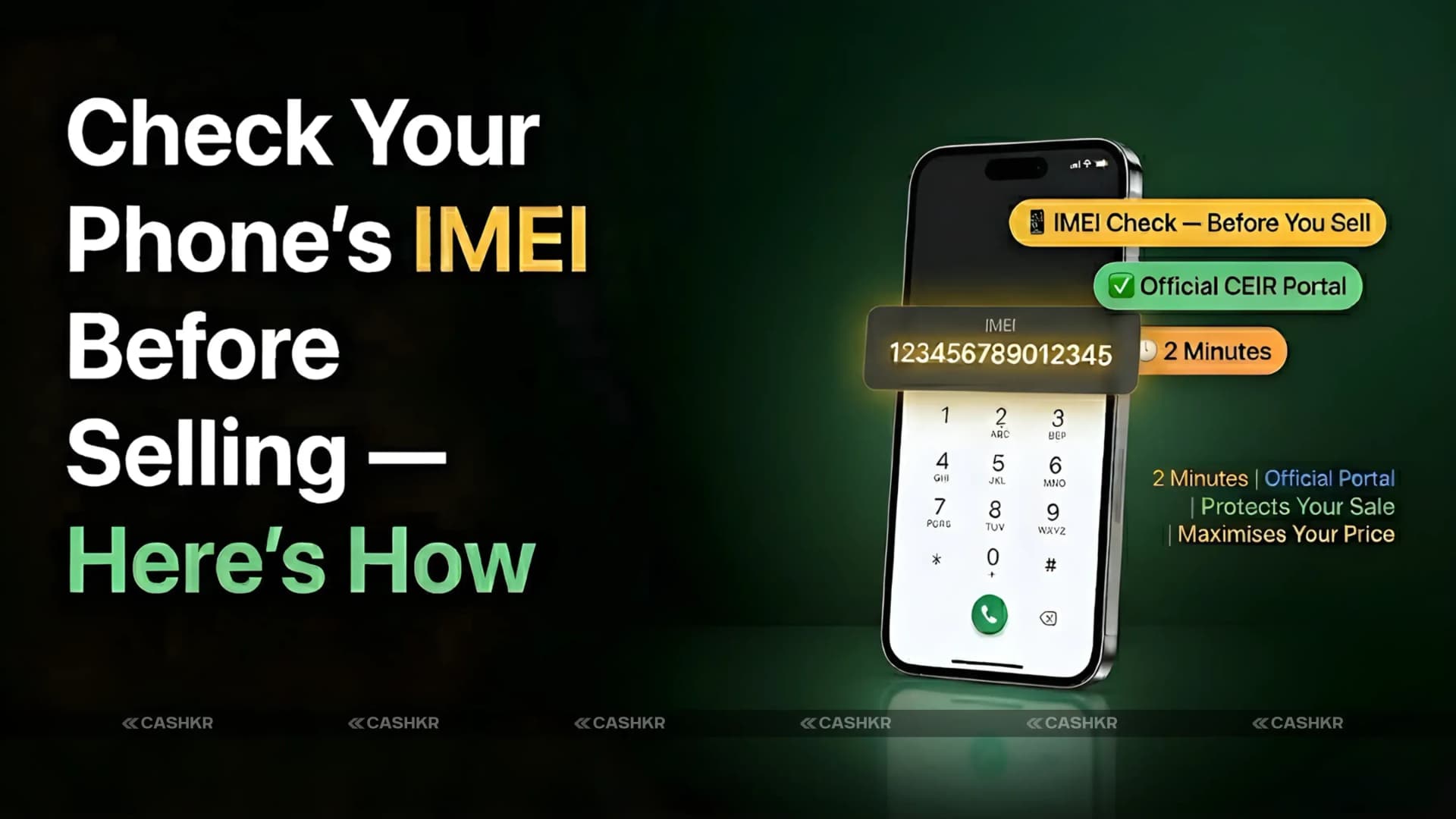
Before selling your phone, it’s important to check its IMEI status. If your IMEI is blacklisted, blocked, or flagged, buyers won’t be able to use the phone on any network, and the sale won’t go through. Platforms and buyback services like Cashkr also check IMEI status before making an offer, and any problem means your phone will be rejected right away.
Luckily, you can check your IMEI in under two minutes using India’s official government portal. This guide will show you how to find your IMEI, check it on the CEIR portal, understand the results, and get your phone ready to sell.
Here’s what you’ll learn: how to find your IMEI number, how to check its status on the official CEIR India portal, what each result means (Valid, Blacklisted, Blocked, Duplicate) and what to do next, a full pre-sale checklist, and how your IMEI status can affect your price on platforms like Cashkr.
IMEI means International Mobile Equipment Identity. It’s a unique 15-digit number given to every mobile phone when it’s made. No two phones in the world share the same IMEI number.
In India, telecom operators and government authorities use the IMEI to track phones and manage network access. If a phone is reported stolen, lost, or restricted, its IMEI is added to a list of blocked or blacklisted numbers. Any SIM card used in a phone with a blacklisted IMEI won’t be able to make calls, get messages, or use mobile data on any Indian network.
If a buyer gets a phone with a blacklisted IMEI, they won’t be able to use it on any Indian network. That’s why all serious buyers, buyback platforms, and resale marketplaces in India check the IMEI before making a purchase.
For sellers, checking the IMEI before listing confirms your phone is eligible for sale and reduces the risk of rejection during the transaction. It also demonstrates transparency and trustworthiness to buyers, often leading to quicker sales and better offers.
Dual SIM phones have two IMEI numbers, one for each SIM slot. Check both numbers, as a phone may have one clean and one flagged IMEI. Most buyers and platforms verify both.
Step 1: Find Your IMEI Number
Before checking your IMEI status, obtain the 15-digit IMEI number. You can find it using any of the following three methods.
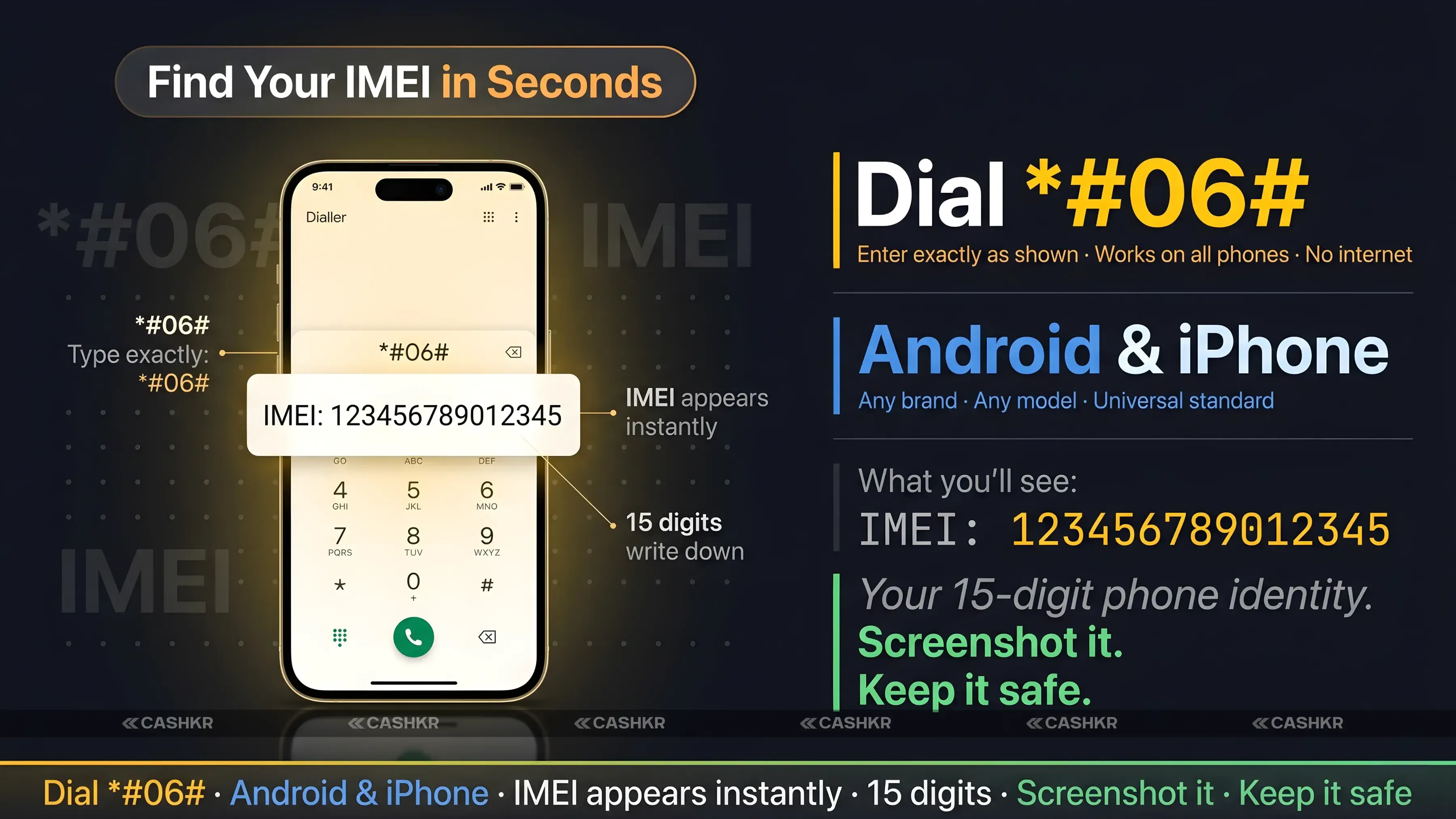
Step 1. Dial a code on your phone: Open your dialer app and enter *#06#. Your IMEI number will appear on the screen. This method works on all Android phones and iPhones without accessing settings. For dual SIM phones, both IMEI numbers will be displayed.
Step 2. Check through Settings: On Android, navigate to Settings > About Phone > Status > IMEI Information. On iPhone, go to Settings > General > About and scroll to IMEI. Both methods display the same number as the dial code.
Step 3. Check the phone box or invoice: The IMEI number is printed on the sticker on the original box and on the purchase invoice or bill. If you have the original packaging, locate the IMEI on the barcode sticker. This number matches the one found using the dial code.
Record your IMEI or take a screenshot before proceeding. For dual SIM phones, note both IMEI numbers. You will need these for the CEIR portal.
Additional locations for IMEI: On older Android phones, the IMEI may be printed on a sticker inside the battery compartment. On some iPhone models, it is engraved on the SIM tray. The IMEI found by any method will be the same.
Advertisement
Also Read: Honor MagicPad 3 Pro 12.3 Price, Specs and India Status
Step 2: Check Your IMEI Status on the CEIR Portal
The Central Equipment Identity Register (CEIR) is India’s official government portal, managed by the Department of Telecommunications. It’s the main database for IMEI status in India and is used by telecom operators to check if a device is legitimate.
This is the official and most reliable way to check your IMEI status in India. Third-party websites might show different or outdated results. Always use the CEIR portal for the most accurate and current information.
Step 1. Go to the CEIR website: Open a browser on your phone or computer and visit the official CEIR India portal at ceir.gov.in. This is the government website managed by the Department of Telecommunications.
Step 2. Find the Check IMEI Status option: On the CEIR homepage, look for the option labelled Check IMEI Status or Know Your Mobile. Tap or click on it.
Step 3. Enter your IMEI number: Carefully type your 15-digit IMEI number and double-check before submitting. An incorrect digit will produce an inaccurate result.
Step 4. Complete verification if required: The portal may request a mobile OTP or basic verification to confirm your identity. Follow the prompts to complete this step.
Step 5. View your IMEI status result: After submitting, the portal will display your IMEI status. Record the exact status and take a screenshot to share with potential buyers.
Always use the official CEIR portal (ceir.gov.in). Many websites claim to offer free IMEI checks but may be outdated or collect your device information. The only authoritative source for IMEI status in India is the government CEIR portal. Do not enter your IMEI on third-party websites.
Step 3: Understand What Your IMEI Status Means
Here is what each possible status result from the CEIR portal means and what action you should take:
IMEI Status
Meaning
What to Do
Valid / Clean IMEI
Phone is legitimate and usable on all networks
Safe to sell. Full resale value. No issues.
Blacklisted IMEI
Reported as lost or stolen by previous owner or operator
Do not sell. Cannot be used on any network.
Blocked IMEI
Restricted by government authority or telecom operator
Cannot be activated. Must resolve with operator.
Duplicate IMEI
Same IMEI found on multiple devices (counterfeit risk)
Risky. May get blocked anytime. Disclose to buyer.
Unknown IMEI
Not found in any database
Could be very old or imported device. Verify before selling.
If your IMEI status is Valid or Clean, you can proceed with the sale confidently. Most sellers receive this result.
If your IMEI is Blacklisted, the phone has been reported as stolen or lost. This may occur even if you purchased the phone legitimately. Contact your telecom operator with proof of purchase to resolve the issue before selling.
A Duplicate IMEI typically appears on counterfeit or clone phones. These devices use copied IMEI numbers and may function temporarily but can be blocked by authorities at any time. Always disclose this to buyers.
Step 4: Check for Carrier Lock and Finance Lock
In addition to the IMEI blacklist check, carrier lock and finance lock can affect your phone's resale value and eligibility.
Carrier lock: A carrier-locked phone works only with SIM cards from a specific network operator. While less common after 2022, some phones purchased on installment plans or through operator schemes may still be locked. To check, insert a SIM card from another operator. If a network error appears or an unlock code is requested, the phone may be carrier-locked. Contact your operator to unlock it before selling.
Finance or EMI lock: If you purchased your phone on a no-cost EMI through a bank or NBFC and have not completed payments, the financial institution may have a legal claim on the device. Settle any outstanding balance before selling or clearly disclose the situation to the buyer.
Google account and Apple ID locks: If you sell an Android phone without removing your Google account, Factory Reset Protection will require your credentials, preventing the buyer from setting up the phone. On iPhone, failing to remove your Apple ID activates Activation Lock, blocking use. Remove all accounts before selling.
Complete Pre-Sale Checklist Before Selling Your Phone
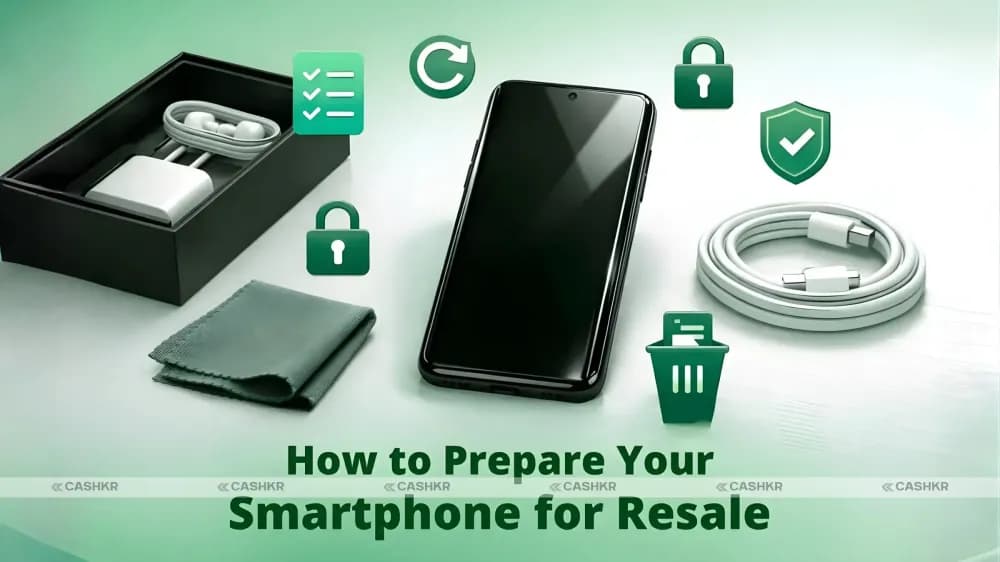
Use this checklist to properly prepare your phone for sale. Completing these steps benefits both platforms like Cashkr and individual buyers.
Step
Purpose
Importance
Check IMEI on CEIR portal
Confirms phone is not blacklisted or blocked
Critical
Sign out of Google account (Android)
Removes Factory Reset Protection (FRP) so buyer can use the phone
Critical
Sign out of Apple ID (iPhone)
Removes Activation Lock so buyer can set up the phone
Critical
Factory reset the phone
Wipes all personal data and restores device to new state
Critical
Check for carrier lock
Confirms any SIM card works in the phone
Important
Verify no active EMI or finance lock
Ensures legal ownership is fully transferred
Important
Gather original invoice or bill
Builds buyer trust and confirms legitimacy
Helpful
Note physical condition honestly
Prevents disputes and builds trust with buyers
Helpful
Completing all steps in this checklist eliminates technical barriers that could lead to rejection or a reduced offer.
How IMEI Status Affects Your Price on Cashkr
Cashkr is an Indian online platform for selling used electronics, offering instant price checks, free doorstep pickup, certified data wiping, and direct payment to your UPI or bank account.
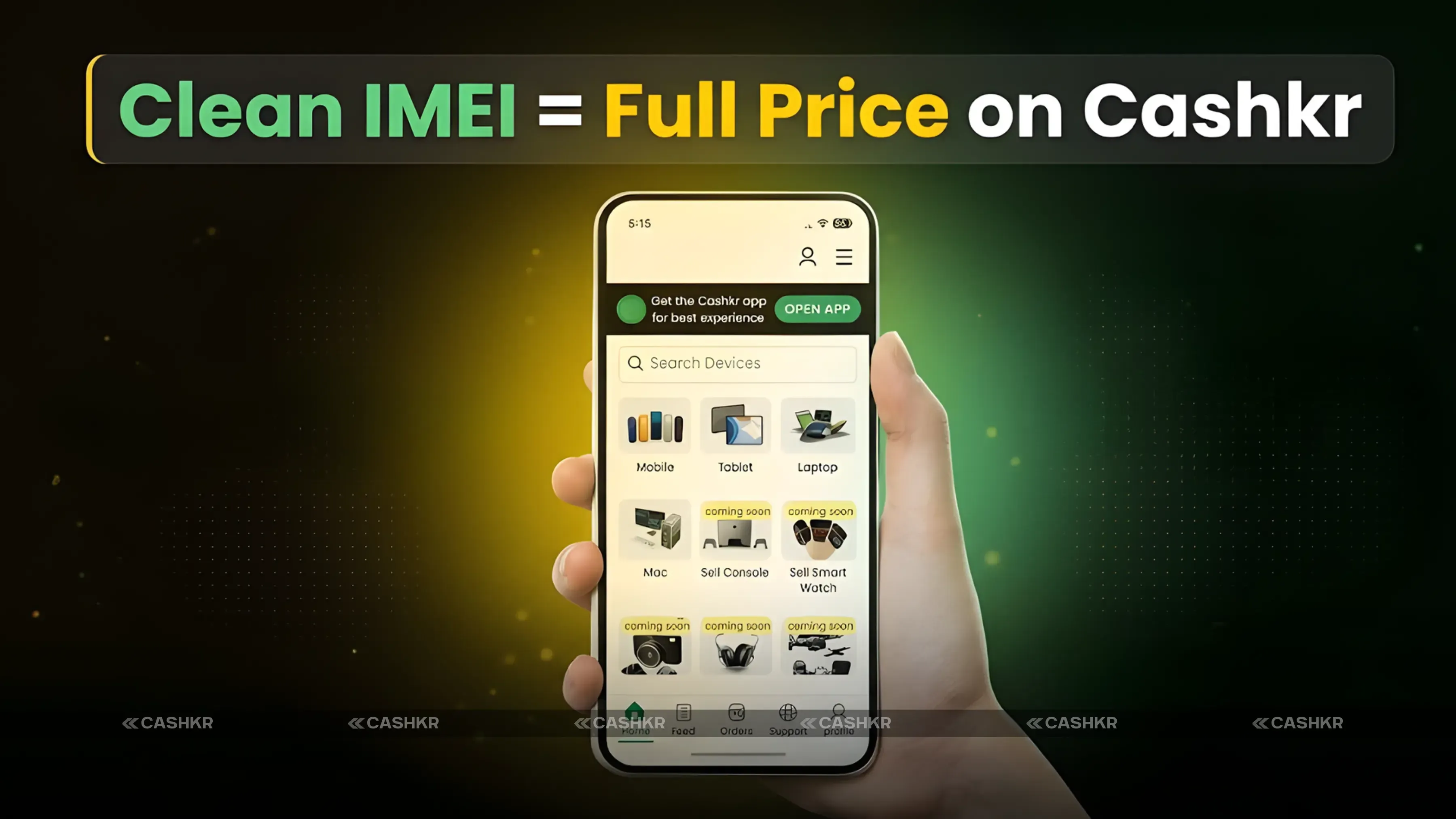
When you request a price quote on Cashkr, the team verifies your phone's IMEI as part of the assessment process. A clean and valid IMEI ensures the full quoted price is honored. A flagged, blacklisted, or blocked IMEI prevents the sale, regardless of the phone's condition.
Checking your IMEI on CEIR before requesting a Cashkr quote is the best first step. If your IMEI is clean, the quote is valid and achievable. If there is an issue, you can address it before the pickup.
Sell your old phone on Cashkr: instant price check, free doorstep pickup, certified data wiping, and direct UPI or bank payment. Check your IMEI status on CEIR first, then request your instant quote on Cashkr for a fast and reliable selling experience.
Also Read: Infinix GT 50 Pro Price in India: Rs. 35,000 Gaming Phone
How to Share Your IMEI Status With Buyers
Once you have a clean IMEI result from the CEIR portal, sharing it with potential buyers builds trust and often accelerates the transaction.
Take a screenshot of the CEIR result page showing your IMEI number and Valid or Clean status. Share this screenshot with buyers alongside your listing photos. This addresses buyer concerns about network usability.
For sales on platforms like OLX or Facebook Marketplace, include 'CEIR verified, clean IMEI' in your listing title or description. This attracts serious buyers and discourages low offers from those concerned about potential issues.
Keep a record of your IMEI status screenshot. Save the CEIR screenshot with the date it was checked. If a buyer later claims the phone was blacklisted, the dated screenshot proves the IMEI was clean at the time of sale and protects you from false claims.
Final Verdict
Checking your IMEI on the CEIR portal before selling is a quick process that safeguards your sale. A clean IMEI allows you to sell confidently, secure a fair price, and avoid unexpected issues.
For sellers on platforms like Cashkr, completing the IMEI check in advance ensures a smooth doorstep assessment and immediate price confirmation. For private sales, sharing the CEIR screenshot builds trust, leading to faster agreements and better prices.
The process is straightforward: find your IMEI using the dial code, check it on ceir.gov.in, note the status, clear your accounts, reset your phone, and sell with confidence.
Quick recap: Find your IMEI by dialing *#06#. Visit ceir.gov.in to check your IMEI status. If the result is Valid or Clean, proceed with the sale. Sign out of your Google or Apple ID, factory reset the phone, and share the CEIR screenshot with buyers to build trust. Confirm a clean IMEI to secure the best price on Cashkr.
FAQs
1. How do I find my IMEI number?
Dial the star-hash-zero-six-hash code on your dialler app, and your IMEI number appears on screen immediately. You can also find it in Settings, then About Phone (Android) or Settings, then General, then About (iPhone). It is also printed on your phone's original box and purchase invoice.
2. What is the official website to check IMEI status in India?
The official government portal is the Central Equipment Identity Register at ceir.gov.in. This is managed by the Department of Telecommunications and is the most accurate and up-to-date IMEI database in India. Always use this portal rather than third-party IMEI check websites.
3. What does a blacklisted IMEI mean?
A blacklisted IMEI means the phone has been reported as lost or stolen to a telecom operator or authority. Any SIM card inserted in a phone with a blacklisted IMEI cannot connect to any Indian mobile network. The phone cannot make calls, receive texts, or use mobile data on any operator's network.
4. Can I sell a phone with a blacklisted IMEI?
A phone with a blacklisted IMEI is very difficult to sell as most buyers and platforms will reject it. Buyback platforms like Cashkr cannot process phones with blacklisted IMEIs. If your IMEI is blacklisted and you purchased the phone legitimately, contact your telecom operator with proof of purchase to determine how to resolve the status.
5. My phone has two SIM slots. Do I need to check both IMEI numbers?
Yes. A dual SIM phone has two IMEI numbers, one for each SIM slot. You should check both on the CEIR portal. A phone can have one valid IMEI and one problematic IMEI. Buyers and platforms typically verify both numbers.
6. What happens if I sell my phone without removing my Google account?
If you sell an Android phone with your Google account still active, the buyer cannot properly set it up after a factory reset. The phone will ask for your Google account credentials when it restarts, which is called "factory reset protection." The buyer will be locked out. Always sign out of your Google account and remove it from your phone before selling.
7. Does Cashkr check IMEI status?
Yes. Cashkr verifies the IMEI status of every phone during its assessment process. A clean IMEI confirms the quoted price. A flagged IMEI means the transaction cannot be completed. Checking your IMEI on CEIR before getting a Cashkr quote ensures there are no surprises at pickup.
8. What is a duplicate IMEI, and should I be worried?
A duplicate IMEI means the same IMEI number exists on more than one device. This is a sign of a counterfeit or clone phone whose manufacturer copied the IMEI from a legitimate device. Phones with duplicate IMEIs may be blocked by authorities at any point without warning. If your phone shows a duplicate IMEI, disclose this honestly to any buyer.
9. Should I factory reset my phone before selling?
Yes, always. A factory reset removes all your personal data, including photos, contacts, messages, accounts, and apps. It returns the phone to its original state. Without a factory reset, the buyer can access your personal files and accounts. Do the factory reset only after you have signed out of your Google or Apple account.
10. How does a clean IMEI affect my phone's resale price?
A clean IMEI means the full offered price is realized, with no deductions for network or block issues. A blacklisted or blocked IMEI significantly reduces or eliminates the phone's resale value because it cannot be used on any network. On platforms like Cashkr, the quote is based on the assumption of a clean IMEI and is confirmed only after the IMEI check passes.
If you want to sell your old devices then, click here.
Stay in the loop
Weekly tech insights in your inbox. No spam, ever.


 Yaskar Jung ShahUpdated: Sep 6, 2026·16 min read