How to Maintain Your Phone for a Better Resale Value
Your phone still has value, even if it is less than what you paid. The amount you get back mostly depends on its appearance and battery condition.
The good news is that only a few things really matter. Most phone care advice is a long list of small habits. This guide puts them in order, from the ones that change your price a lot to the ones that change nothing at all.
What Decides Your Price
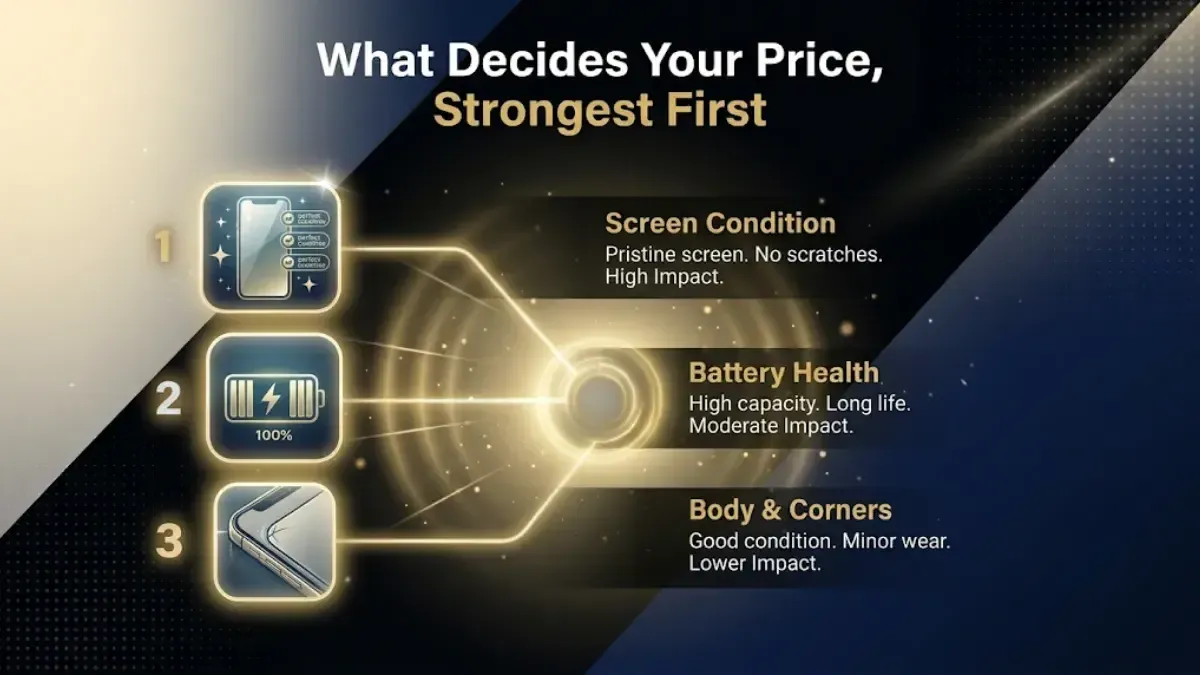
When a buyer or an inspector checks a used phone, they look at a short list. Here it is, strongest first.
Advertisement
The screen
Battery health
The body, mainly the corners and the frame
Any sign of water getting inside
Whether the phone has been opened and repaired
The box, charger and bill
Everything else is small. We will come back to the things that feel important but are not.
The screen is the most expensive part of your phone. A crack lowers its grade right away. It is also the first thing people notice.
That is why adding a tempered glass protector is the best and cheapest step. It only costs a few hundred rupees. If it breaks, you just replace the protector, not the screen.
Use a case as well. It protects the body from dents and slightly raises the phone, so the camera glass and screen do not touch the table.
Take the case and the protector off before you get a quote. The inspector needs to see the real phone.
2. Look After the Battery
Your phone shows a battery health number, which tells you how much of the original battery remains. Buyers check this, but most owners never do.
Where to find it. On an iPhone: Settings, then Battery, then Battery Health and Charging. On Samsung: Settings, then Battery and device care, then Diagnostics. On most other Android phones it sits under Battery in Settings.
Heat is the real enemy. Nothing wears a battery down faster than staying hot. So do not leave the phone on a car dashboard. Do not play heavy games while it fast charges. Do not charge it under a pillow. Indian summers make this matter more here than in most countries.
Overnight charging is fine now. You may have read that you must never charge overnight. That advice is about ten years old. Modern phones stop pulling power at 100 percent. Both iPhone and Android now hold the charge near 80 percent and finish it just before you wake up. Leave that setting switched on and stop worrying about it.
What still helps. Try not to leave the phone sitting at 100 percent for hours. Roughly 20 to 80 percent is a nice range. It is good practice, not a rule to stress about.
Use a proper charger. It does not have to be the brand's own. It does have to be a certified one. Cheap uncertified chargers can damage the battery and the phone.
A swelling battery is urgent. If the screen starts lifting off the frame, or the phone will not lie flat, get it seen now. That is a safety problem, not a price problem.
3. Protect the Body
Dropping your phone can cause two types of damage: visible and hidden.
Corner dents are more serious than scratches on the back. They show the phone has taken a hard fall, which can also loosen parts inside.
A case prevents most of this damage. That is the main solution.
4. Keep Water Away
Water damage is the most serious issue. It can make your phone lose almost all its value.
Your phone might be water resistant, but that is not a guarantee. These ratings are tested in clean water, in a lab, and on new phones. They are not tested in pools, the sea, or on older phones. Most brands also do not cover liquid damage under warranty.
So, think of water resistance as a backup, not as permission to get your phone wet.
Keep the phone away from pools and the sea.
Keep it dry in the raiNever charge your phone when it is wet. This is the main cause of phones being ruined by water.nes.
Use a pouch on trips.
5. Be Careful About Repairs
If your phone needs repair, where you get it fixed affects its value.
A screen or battery fitted at an authorised centre keeps most of the value. A cheap market repair does not. On an iPhone, a non original part shows a warning in Settings that the next owner can see. That warning cannot be removed.
Here is what most guides miss: do not fix a cracked screen just to sell your phone. Replacing the screen usually costs more than it adds to the price. Sell it as it is and mention the crack. You will likely get more money this way.
The one exception is a swelling battery. Fix that whatever you plan to do.
6. Keep the Box and the Bill
Find the box, the charger, the cable and the bill before you sell.
They add a small amount to your price. More importantly, they help the sale go faster by showing the phone is genuine.
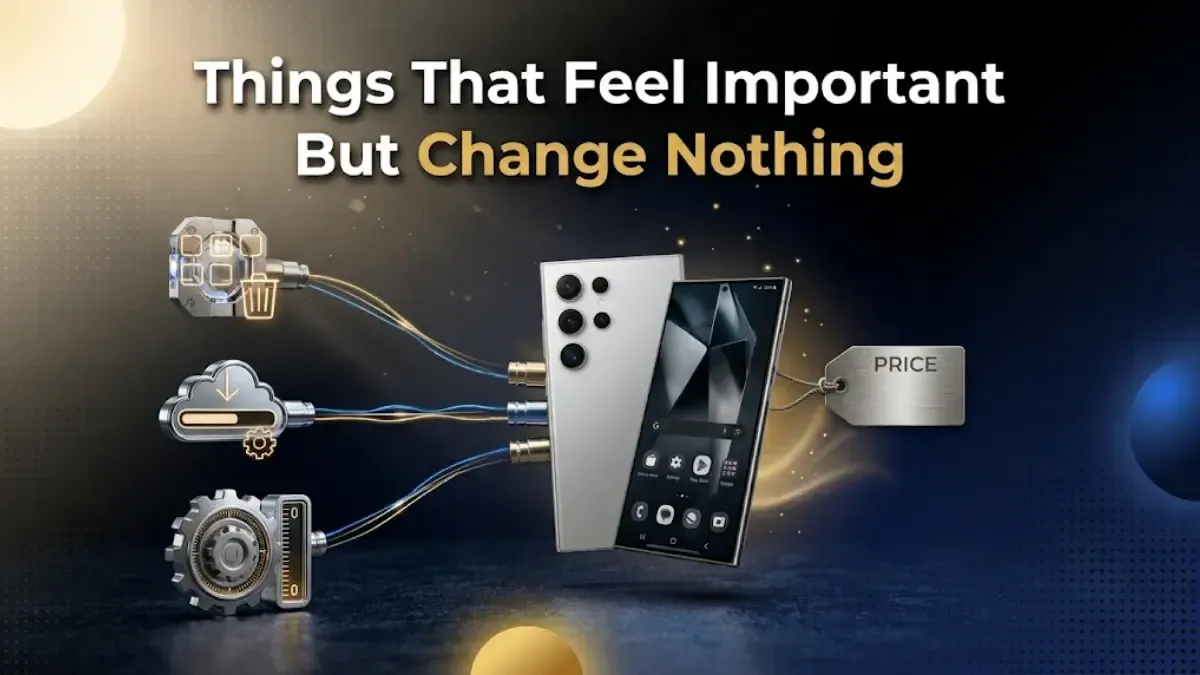
Things That Feel Important But Change Nothing
This section is important because much online advice can waste your time.
Deleting apps does not raise your price. Any buyer resets the phone anyway. Every app you deleted disappears at the same moment as the ones you kept. Clearing apps makes your phone feel faster today, which is nice for you, but it does not move the price.
Installing the latest update does not raise your price either. The next owner can update it in five minutes. What does matter is whether your model still gets updates at all. A phone that stopped getting security updates is worth less, and there is nothing you can do about that except sell it sooner.
Cleaning the phone does not change the grade. It does help if you are selling to a person, because a clean phone makes a better impression. An inspection reads the battery number and looks at the glass. Still, wipe it with a soft cloth. It takes a minute and it costs nothing.
None of these are bad habits. They just are not price habits.
Before You Sell: Do This in Order
The order here is the part people get wrong, and getting it wrong stops the sale completely.
1. Back up your data. Photos, contacts, chats, and anything in Downloads. Check the backup worked by signing in somewhere else.
2. Move your authenticator app to your new phone if you use one for login codes. These are the hardest thing to get back later.
3. Sign out of your account. On iPhone: Settings, your name, Find My, switch off Find My iPhone, then Sign Out. On Android: Settings, Accounts, remove your Google account.
4. Take out the SIM and the memory card. Also remove any eSIM. A factory reset does not always clear an eSIM.
5. Now do the factory reset.
6. Take off the case and the protector and give the phone a wipe.
Signing out must come before the reset. If you reset while still signed in, the phone stays locked to your account. Nobody else can set it up, and the sale cannot go through. The phone is usually in perfect condition when this happens, which is what makes it so annoying. Our checklist of things to do before you sell a phone goes through each step slowly.
One More Thing: Do Not Wait Too Long
Good care protects your price. It does not stop the clock.
Used phone prices fall every month. They fall further each time the maker launches a new model. A well kept phone sold this year is worth more than the same phone kept perfectly and sold in two years.
If you are thinking about it, our guide on when to sell your phone explains the timing. Or you can check what your phone is worth right now and decide from there.
FAQs
1. What affects a phone's resale value the most?
The screen, then battery health, then the body. After that come water damage and whether the phone has been opened for repair. The box and bill add a little. Almost everything else makes no real difference.
2. Does a phone case increase resale value?
Yes, in the sense that it stops the damage that lowers your price. Dents, deep scratches and a bent frame all pull the grade down. A case prevents most of that.
3. Is a screen protector worth it?
It is the best value thing you can do. The screen is the costliest part of the phone. A few hundred rupees of tempered glass protects a part worth thousands.
4. Does battery health affect the price?
Yes, a lot, and more as the phone gets older. It is one of the first things an inspection checks. Look up your own number before you ask for a quote, so the figure does not change later.
5. Is it bad to charge my phone overnight?
Not on a modern phone. It stops drawing power at 100 percent, and both iPhone and Android now delay the last part of the charge until just before you wake. Heat is the thing to avoid, not overnight charging.
6. Can water damage lower the price?
Yes, more than almost anything else. A water resistant rating is tested in a lab on a new phone, not on a two year old one in a pool. Never charge a wet phone.
7. Do the box and charger increase the value?
They add a little, and they help show the phone is genuine. Not having them is not a problem. Having them is a small bonus.
8. Do I need to delete apps or update the software before selling?
No. The phone gets reset anyway, so apps make no difference. An update makes no difference either, because the next owner can install it. What matters is whether your model still receives updates at all.
9. Should I repair a cracked screen before selling?
Usually no. The repair normally costs more than it adds to your price. Sell it as it is and say the screen is cracked. The one thing you should always fix is a swelling battery, because that is a safety issue.
10. What should I do just before selling?
Back up your data. Move your authenticator app. Sign out of your Google or Apple account. Take out the SIM, memory card and eSIM. Then factory reset. The order matters, because resetting while signed in locks the phone and the sale cannot finish.
Weekly tech insights in your inbox. No spam, ever.


 Yaskar Jung ShahPublished at: Mar 11, 2026·12 min read