The phone with the cracked screen in your drawer is not worthless.
India has a big repair and refurbishment industry that relies on spare parts. Screens, cameras, chips, memory, and housings are taken from phones that can no longer be used.
Even if your phone will not turn on, it still has value because its parts can be reused.
Advertisement
Most people do not struggle with the decision to sell, but with whether to repair the phone first. This choice can cost you money either way.
Disclosure: Cashkr is our own device buyback service. We buy damaged and non-working phones, so advice that suggests selling may benefit us. We will explain below where we cannot give you a price, and why.
Why a Broken Phone Still Has Value
Three things keep the price above zero.
Most of the parts still work. A broken screen does not damage the processor, cameras, memory, or board. These parts can be reused in repairs, and repairers will pay for them.
Yaskar Jung Shah leads content at Cashkr, an Indian device buyback service. He writes about resale value, data safety and what actually happens to a device after it is sold. He checks every figure against a dated, named source, and says so when a number cannot be verified.
Advertisement
Advertisement
Premium phones lose less value. A damaged iPhone or Samsung flagship is worth much more than a damaged budget phone, since its parts are more valuable and in higher demand. If your broken phone is a recent flagship, it is almost always worth selling.
Even a phone that will not turn on is not just scrap. It is worth less than a working phone, but it still has some value.
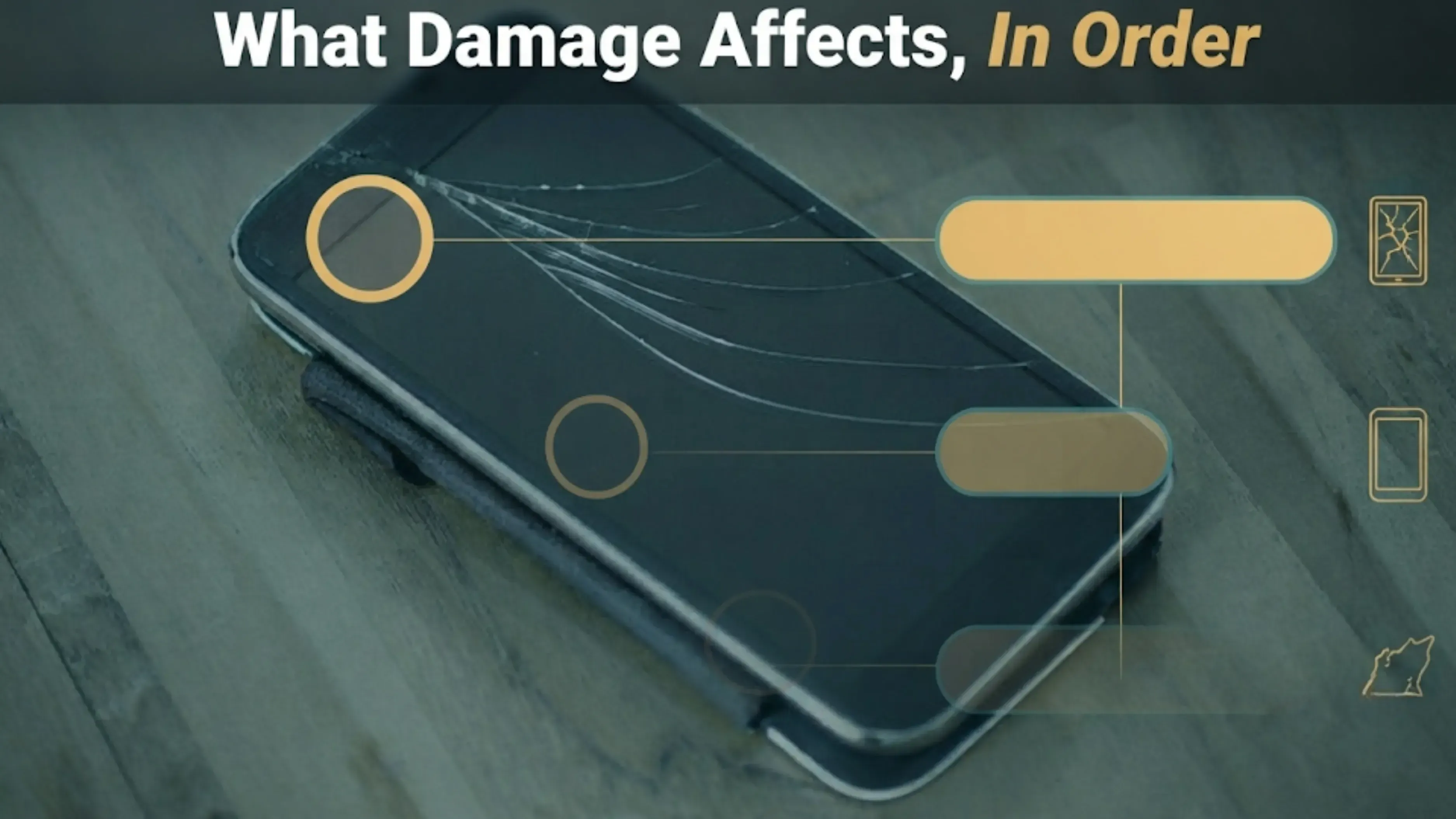
What Damage Actually Affects, in Order
Here is how much each type of damage can affect the price.
The screen matters most. It is the most expensive part and the first thing inspectors check. A cracked display lowers the phone’s grade by one level.
Next is whether the phone turns on. If it boots, holds a charge, and responds to touch, it is in a better category than one that does not. This is the biggest factor in grading.
Body and frame damage also matters. Dents, deep scratches, or a bent frame can lower the value. Damage to the corners is worse than scratches on the back, since it may mean the phone was dropped hard enough to cause internal damage.
Battery health. Usually checked early, and usually the number the owner has never looked at. Our guide on what affects a phone's resale value covers how to read it on each brand.
Back glass damage is real, but it usually reduces the value less than a cracked front screen would.
Liquid damage is different from other types. If a phone has been exposed to liquid, it often cannot be graded normally because the damage is unpredictable and may get worse after inspection.
We are not giving rupee amounts for these issues. The impact is a proportion, not a fixed sum. A cracked screen on a budget phone and on a flagship are not worth the same, so one number would be misleading. To know the real value, get a quote for your specific model.
The One Thing That Genuinely Ends the Sale
An account lock.
If a phone is still signed in to an Apple Account or a Google account when it is reset, nobody else can activate it afterwards. Activation Lock on iPhone, Factory Reset Protection on Android.
The phone cannot be used by anyone else, no matter its condition. At that point, only the materials that can be recovered have any value.
All other issues lower the value, but this one stops the sale completely. It is the same mistake people make when selling working phones. Our guide on selling safely explains the steps to avoid this.
How to sign out
On iPhone: Settings, then your name, then Find My, switch off Find My iPhone, then go back and Sign Out.
On Android: Settings, then Accounts, then remove your Google account.
If the screen is broken and you cannot use the phone
You can still remove the account remotely, and you should do this before your phone is picked up.
For an iPhone: sign in at icloud.com, open Find My, select the device and remove it from your account.
For an Android phone: open your Google account device list at myaccount.google.com and remove the device there.
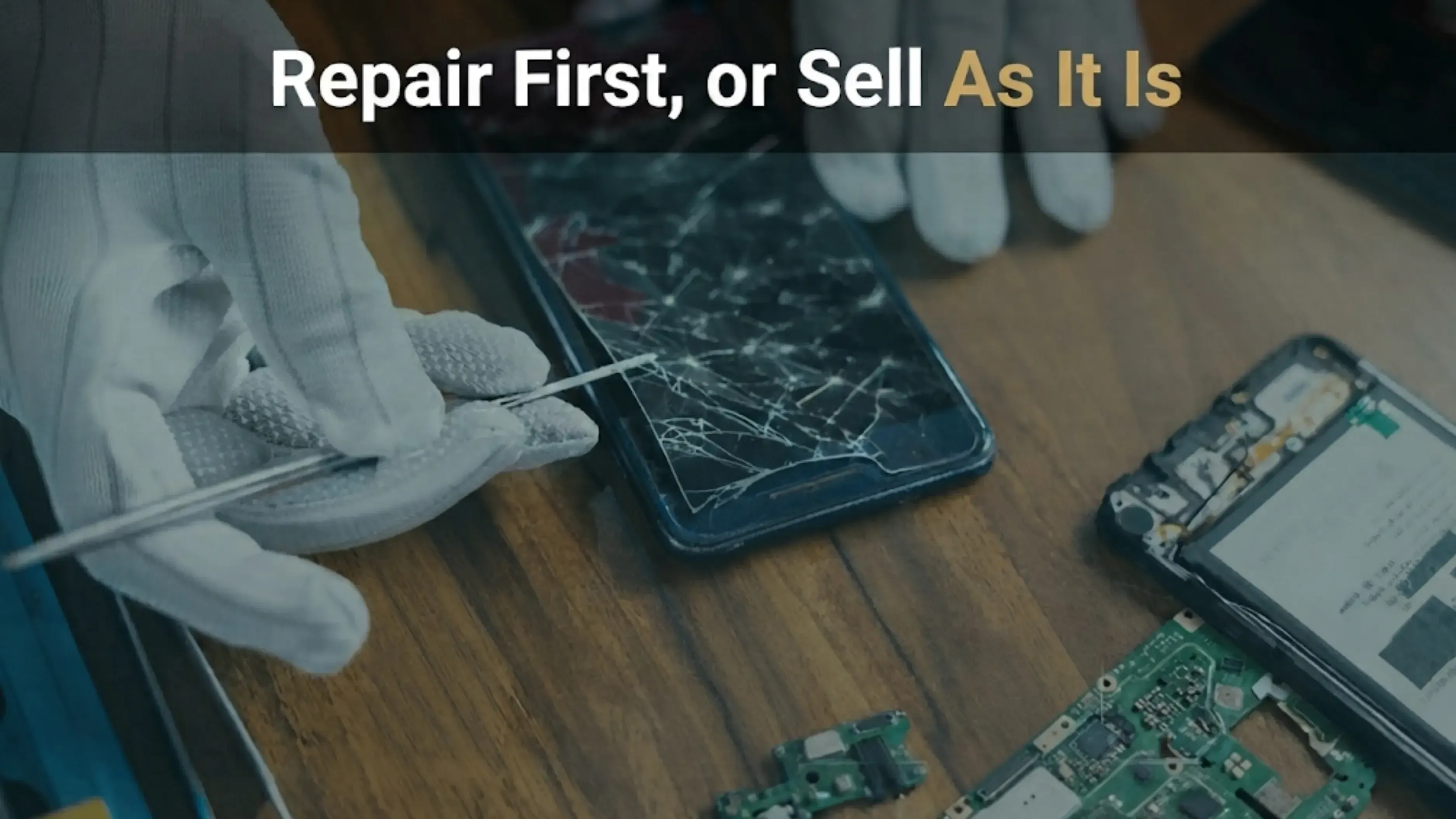
Repair First, or Sell As It Is?
This is the step where most sellers lose money, but the calculation is simple.
Compare three numbers:
What the phone is worth as it is
What it would be worth repaired
What the repair costs
If the value after repair, minus the repair cost, is higher than the current value, then repairing makes sense. If not, it is better to sell as is.
Here is an example with made-up numbers to show how it works. Suppose your phone is worth Rs. 12,000 as it is, Rs. 18,000 if repaired, and the screen repair costs Rs. 8,000. After repair, you get Rs. 10,000, which is Rs. 2,000 less than selling it broken.
In most cases, selling the phone as it is will get you more money, especially for older phones. Repair costs stay about the same, but the phone’s value drops over time, so repairing makes less sense as the phone ages.
Do not get a cheap repair before selling
If you replace the screen with a non-original part, the phone may be worth less than if you had not repaired it. Inspectors can usually spot non-original displays, and these can fail checks that a cracked original screen would pass.
If you want to repair the phone to keep using it, that is a different matter. But if you are repairing just to sell it, think carefully.
The exception
Safety issues are not about value. If the battery is swollen and the screen is lifting away from the frame, you need to address it right away. Do not store or charge the phone, and let the person collecting it know.
Getting Your Data Off a Broken Phone
If the screen is cracked but the phone still works, back it up normally first.
If the screen is dead but the phone powers on, a USB cable to a computer will often still let you copy photos and files.
If your phone will not turn on at all, your data is probably already backed up to the cloud, since most phones do this automatically. Check your cloud backup before assuming your data is lost.
Be careful about who you give your phone to. If you cannot wipe it yourself, someone else might be able to access your data. Use the remote removal steps above, and choose a service that lets you remove your account before collection.
Preparing It for Pickup
Remove the account, remotely if you cannot do it on the phone
Take out the SIM and the memory card
Be honest about the damage, and mention any issues that come and go.
Let them know if the phone has ever been exposed to liquid, even if it seems fine now.
Keep the box and bill if you have them. The bill has the IMEI, which makes it easier to verify the phone.
It is in your best interest to describe the damage accurately. The quote is based on your description. If the phone is worse than you said, the price will change when it is picked up. If it is better, there is no problem.
FAQs
1. Can I sell a phone that does not switch on?
Usually yes, to a buyback service. The screen, cameras, board, and other parts still have value to repairers even when the phone doesn't work. You will get much less than for a working phone, but not nothing.
2. How much less is a phone with a cracked screen worth?
It depends entirely on the phone. The screen is the most expensive single part, so a crack moves the phone down a full grade. We don't publish a rupee figure because the same damage on a budget phone and a flagship isn't comparable.
3. Should I repair the screen before selling?
Usually not. Work out what the phone is worth as it is, what it would be worth repaired, and what the repair costs. Repair costs stay flat while the phone's value falls, so repairing makes less sense the older the phone gets.
4. Does a non-original replacement screen affect the price?
Yes, often downwards. Inspectors can usually tell, and a cheap replacement part can fail checks that an honest crack would not. A cheap repair before selling frequently loses money.
5. What happens if I forget to sign out?
The phone locks to your account when it is reset. Activation Lock on iPhone, Factory Reset Protection on Android. Nobody else can set it up and the phone is worth only its recoverable materials. This is the single most expensive mistake on this page.
6. How do I sign out if the screen is broken?
Remotely. For an iPhone, sign in at icloud.com, open Find My, select the device and remove it. For Android, use your device list at myaccount.google.com. Do it before the pickup.
About this page
The grading factors and the practical warnings here come from what our inspection team sees at doorstep pickups. We deliberately haven't published deduction amounts because deductions scale with the phone's value, and a flat rupee figure would be meaningless. For a real number, get a quote on your actual model and condition.


 Yaskar Jung ShahPublished at: Oct 28, 2026·10 min read