Samsung One UI 8.5 Update: Galaxy S23, A56, Tab S11 and More
 Yaskar Jung ShahUpdated: Aug 23, 2026·19 min read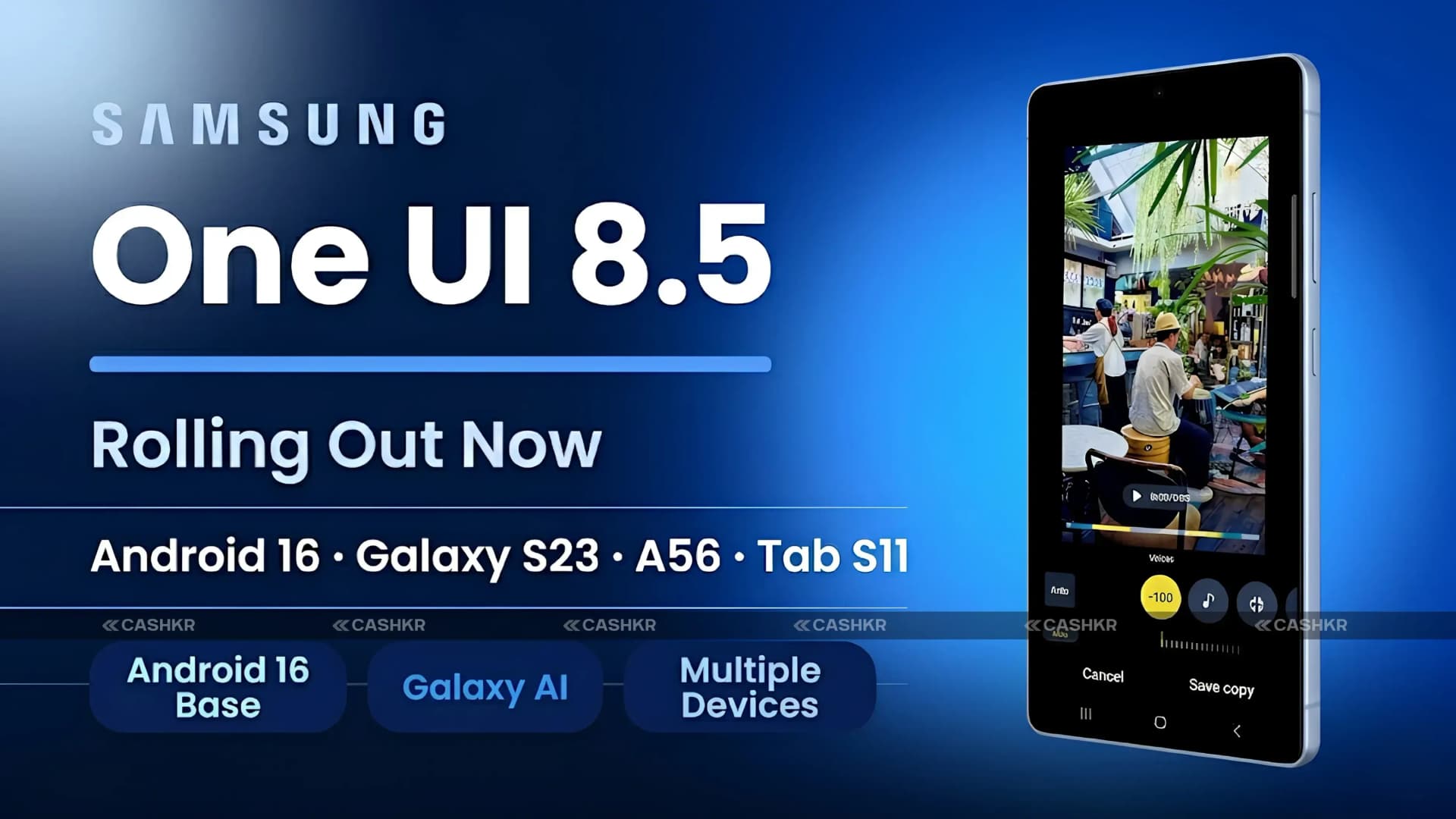
Samsung One UI 8.5 update rolling out to Galaxy S23, A56, Tab S11 and more.

Get the Cashkr app for faster payouts

Quick Summary: Samsung has expanded the stable One UI 8.5 update rollout beyond the Galaxy S26 and S25 series to a broader range of Galaxy devices. The update, based on Android 16, is now reported to be rolling out to the Galaxy S23 series in India, with approximately 4GB of storage and firmware version S91xBXXU9FZDP. The Galaxy Tab S11 and Tab S11 Ultra are also receiving the update, along with the Galaxy Tab S10 FE in Korea at approximately 2.8GB. The mid-range Galaxy A56 and Galaxy A36 are also included in the rollout. New features arriving with One UI 8.5 include Call Screening, Agentic AI tools, Creative Studio, continuous AI image generation, and improved Audio Eraser. To check for updates: Settings > Software Update> Download and Install.
| Device | Firmware Version |
|---|---|
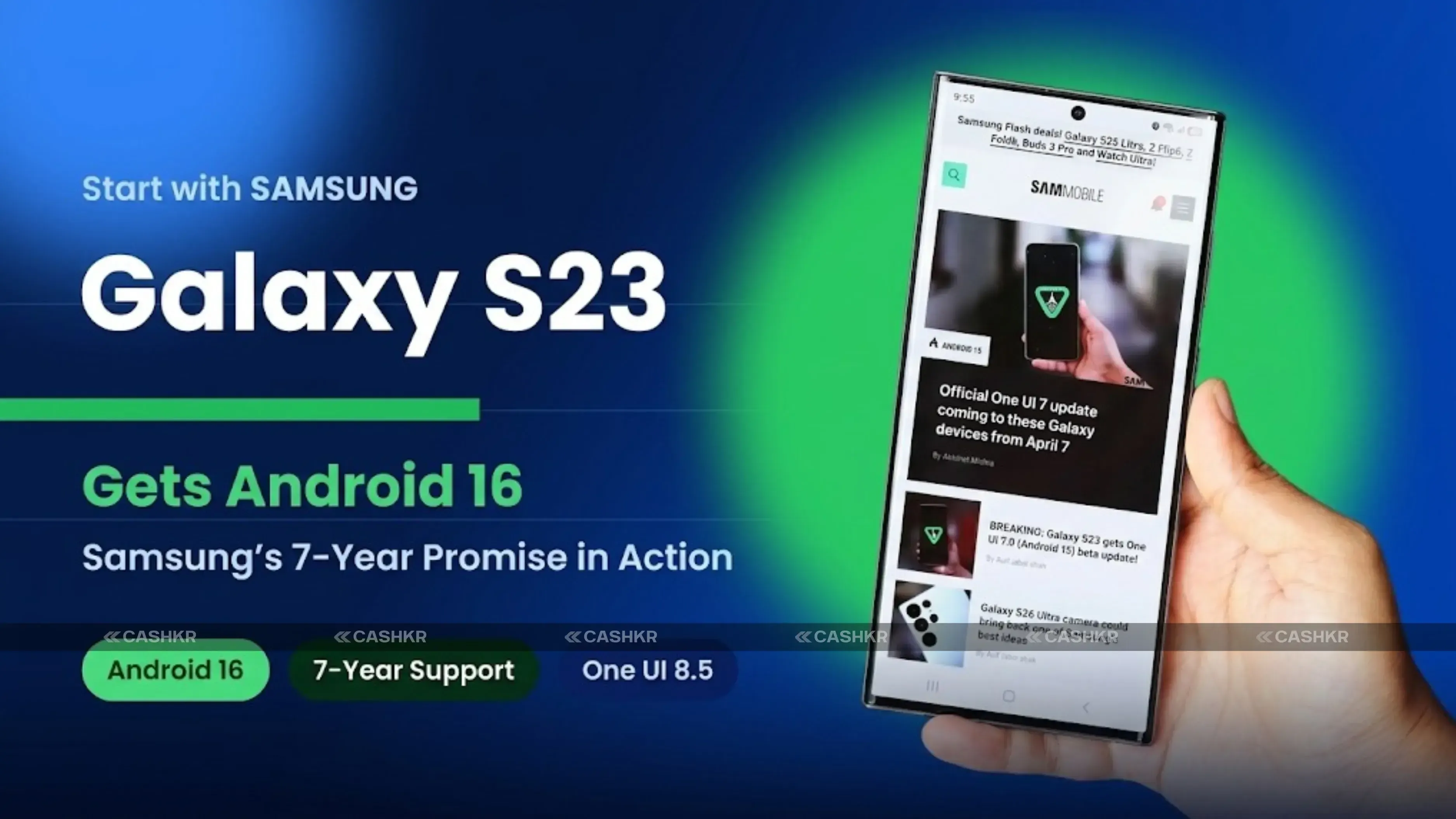
| Samsung Galaxy S23 Series | S91xBXXU9FZDP |
Device | Firmware Version |
|---|---|
| Galaxy Tab S11 | X736NKOU5BZE3 |
| Galaxy Tab S11 Ultra | X936NKOU5BZE3 |
Device | Firmware Version |
|---|---|
| Galaxy Tab S10 FE | X520XXU7CZE3 / X5200XM7CZE3 |
| Device Series | Rollout Status |
|---|---|
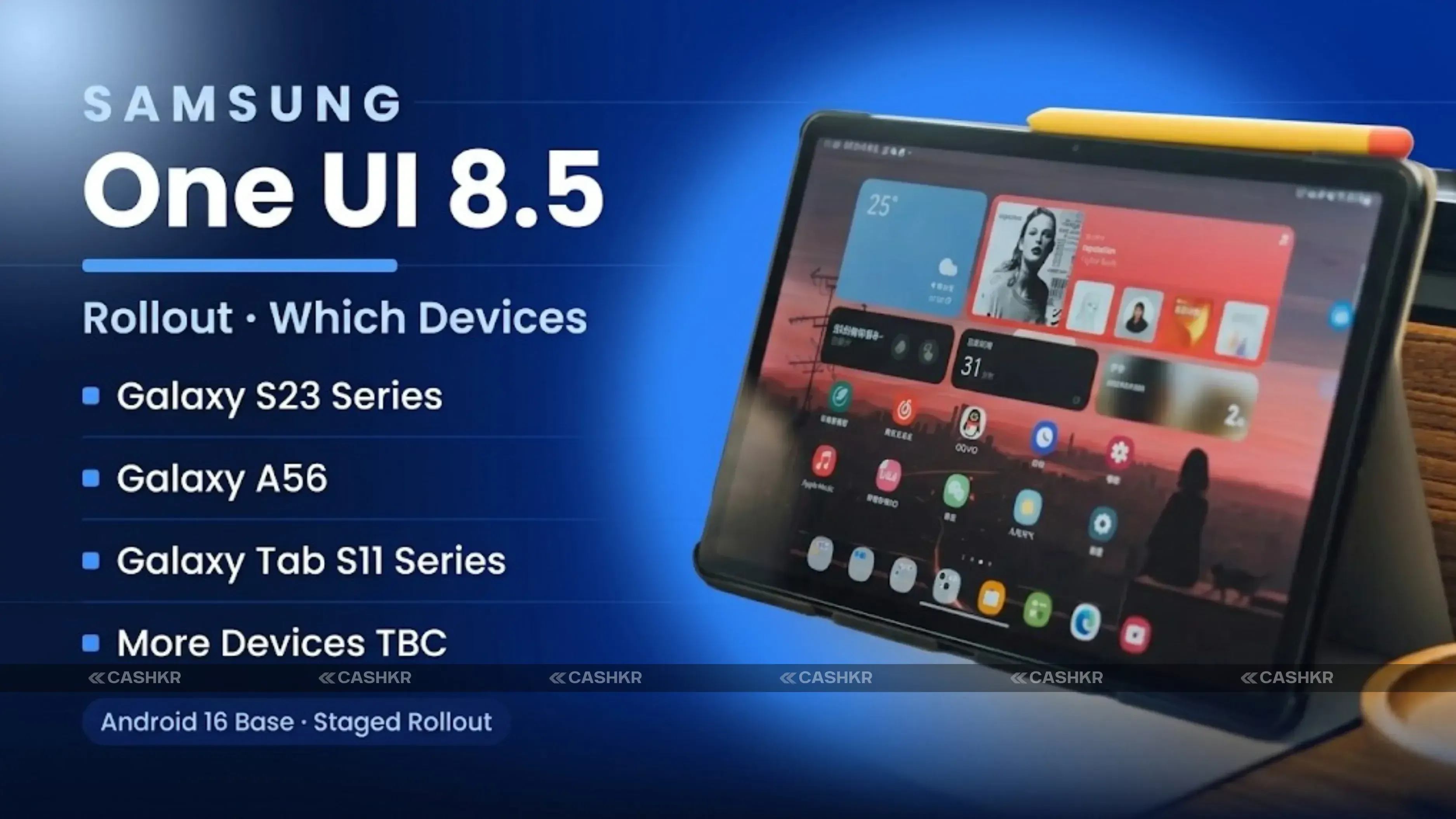
| Samsung Galaxy S26 Series | First to receive, launched with One UI 8.5 |
| Samsung Galaxy S25 Series | Rolled out in India and US last week |
| Samsung Galaxy S23 Series | Rolling out in India (approx. 4GB update) |
| Samsung Galaxy S24 Series | Reportedly available |
| Samsung Galaxy A56 | Rolling out |
| Samsung Galaxy A36 | Rolling out |
| Samsung Galaxy Tab S11 Series | Rolling out |
| Samsung Galaxy Tab S10 FE | Korea rollout started (approx. 2.8GB update) |
Open the Settings application on your Samsung Galaxy device.
Scroll down and tap Software Update.
Tap Download and Install.
If an update is available, tap Download and follow the on-screen instructions.
Once the download is complete, tap Install Now or schedule the installation for a convenient time.
Bottom line: If you have a Galaxy S23, S24, A56, A36, Tab S11, or Tab S10 FE, go to Settings > then Software Update > and tap Download and Install. The One UI 8.5 update with Android 16 and Galaxy AI features like Call Screening and Creative Studio is rolling out now. If you do not see it yet, check again in a day or two as Samsung adds more regions.
1. What is Samsung One UI 8.5?
One UI 8.5 is Samsung's latest software update for eligible Galaxy smartphones and tablets. It is based on Android 16 and was first introduced with the Samsung Galaxy S26 series earlier in 2026. The update brings Galaxy AI features, including Call Screening, Agentic AI tools, Creative Studio with continuous AI image generation, and an improved Audio Eraser to compatible older devices. Samsung is now rolling out the stable One UI 8.5 update to a wider range of Galaxy devices, including the Galaxy S23 series, Galaxy S24 series, Galaxy A56, Galaxy A36, Galaxy Tab S11 series, and Galaxy Tab S10 FE.
2. Which Samsung devices are getting One UI 8.5?
One UI 8.5 is currently rolling out to the Galaxy S23 series (confirmed in India), Galaxy S24 series (reported as available), Galaxy S25 series (confirmed in India and US last week), Galaxy A56 (rolling out), Galaxy A36 (rolling out), Galaxy Tab S11 (rolling out), Galaxy Tab S11 Ultra (rolling out), and Galaxy Tab S10 FE (Korea rollout started). The Galaxy S26 series launched with One UI 8.5. Additional devices and regions are expected to receive the update in the coming weeks as Samsung expands the rollout.
3. How do I check for the One UI 8.5 update on my Samsung phone?
To manually check for the One UI 8.5 update on your Samsung Galaxy device, open the Settings application, scroll down to Software Update, and tap Download and Install. If the update is available for your device and region, it will appear as a download option. Samsung recommends connecting to a stable Wi-Fi network before downloading the update, as it can be 2.8GB to 4GB in size, depending on the device. Keep the device plugged into a charger during installation to avoid interruptions. If no update appears, it may not yet be available for your region; check again after one to two days.
4. What is the firmware version for the Galaxy S23 One UI 8.5 update?
The Galaxy S23 series One UI 8.5 update in India has been reported to be on firmware version S91xBXXU9FZDP. The update size is approximately 4GB. Users can verify this after the update is installed by going to Settings, then About Phone, then Software Information. Different Galaxy S23 variants, such as the Galaxy S23, S23+, and S23 Ultra, may have slightly different firmware version codes, but all fall under the S91xBXXU9FZDP naming convention for this update.
5. What is Call Screening in One UI 8.5?
Call Screening is a new Galaxy AI feature in One UI 8.5 that uses AI to handle unknown or potential spam calls on the user's behalf. When an unknown caller rings, Call Screening can answer the call, present the caller with a question prompting them to identify themselves or their purpose, transcribe the caller's spoken response in real time, and display the transcript to the user so they can decide whether to join the call or decline it. This reduces interruptions from spam calls while giving the user enough information to make an informed decision without having to answer unknown calls directly.
6. What are Agentic AI tools in One UI 8.5?
Agentic AI tools in One UI 8.5 refer to AI features that can autonomously execute multi-step tasks on behalf of the user rather than responding to a single command. Unlike standard AI assistants that answer one question at a time, agentic AI can chain together multiple actions, such as searching for a restaurant, checking availability, composing a booking request, and sending a confirmation message as a single connected workflow initiated by one user instruction. This is a more capable, autonomous form of AI assistance that reduces the number of manual steps required for complex tasks.
7. What does Creative Studio do in One UI 8.5?
Creative Studio is Samsung's Galaxy AI feature for generating and editing images using AI. It allows users to create original images from text prompts, apply artistic style transformations to existing photos, and iterate on generated content through continuous AI image generation, where changes appear in a flowing, real-time process rather than requiring a full regeneration for each adjustment. Creative Studio is aimed at users who want to create social media content, explore artistic edits, or generate custom visual material without requiring professional design skills or third-party applications.
8. Will the Galaxy S22 get the One UI 8.5 update?
Samsung has not confirmed the availability of One UI 8.5 for the Galaxy S22 series in its current rollout information. The Galaxy S22 series falls outside Samsung's 7-year OS update commitment, which began with the Galaxy S24 series. Samsung is committed to 7 years of OS updates for Galaxy S24 and newer devices. The Galaxy S23 series is receiving One UI 8.5 as part of its update cycle, but the Galaxy S22 may have reached the end of its guaranteed major Android OS updates. Checking Samsung's official software update page for the Galaxy S22 on the Samsung India website will provide the most accurate information about whether the S22 is included in any future One UI 8.5 expansion.
9. How large is the One UI 8.5 update file?
The One UI 8.5 update size varies by device. For the Galaxy S23 series, the update is reported at approximately 4GB. For the Galaxy Tab S10 FE, the update is approximately 2.8GB. The size reflects the full Android 16 OS update combined with the One UI 8.5 feature layer. A 4GB download requires a stable Wi-Fi connection and can take 15 to 30 minutes, depending on connection speed. Samsung recommends not using mobile data for a download this size and keeping the device plugged in during the installation process, which can take 5 to 15 minutes after the download completes.
10. What happened to One UI 8, and will my device get it before One UI 8.5?
One UI 8 was Samsung's previous Android update and has already been distributed to Galaxy devices ahead of One UI 8.5. One UI 8.5 is a significant feature update rather than a separate software generation, built on Android 16 and adding the Galaxy AI features that debuted with the Galaxy S26 series. Devices that received One UI 8 will receive One UI 8.5 as an update rather than needing a separate One UI 8 installation before One UI 8.5. If your device has received One UI 8 and is on Samsung's eligible list for One UI 8.5, you can check for the One UI 8.5 update directly in Settings > Software Update,, without needing any intermediate version.
If you want to sell your old devices then, click here.
Sell with Cashkr
Cashkr buys used devices at a fair price with free doorstep pickup and same-day payment across 2,000+ pincodes. Get an upfront quote in seconds.
Sell Old Phone OnlineCheck your phone's value in seconds
Written by
Best gaming phones 2026 for every budget — top 3 picks.
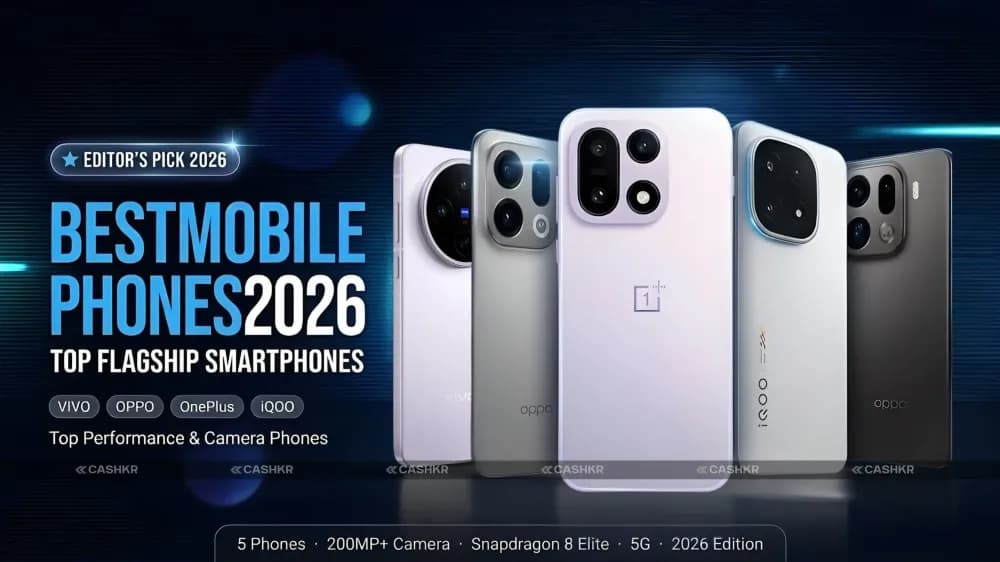
Best mobile phones of 2026 with specs, features and prices.
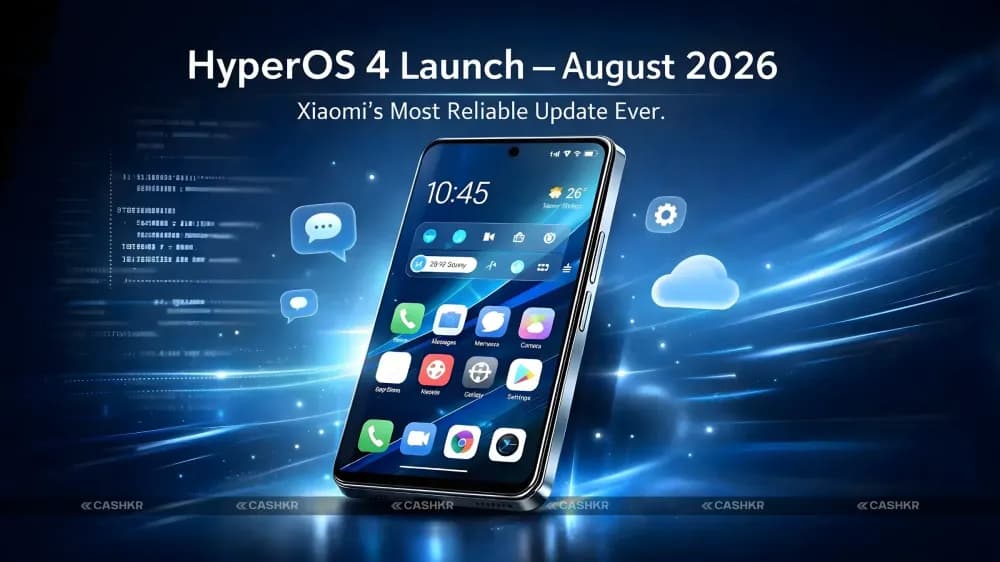
HyperOS 4 is launching in August 2026 with major improvements in stability.

Best phone under 20000 India 2026 — 6 picks for all buyers.
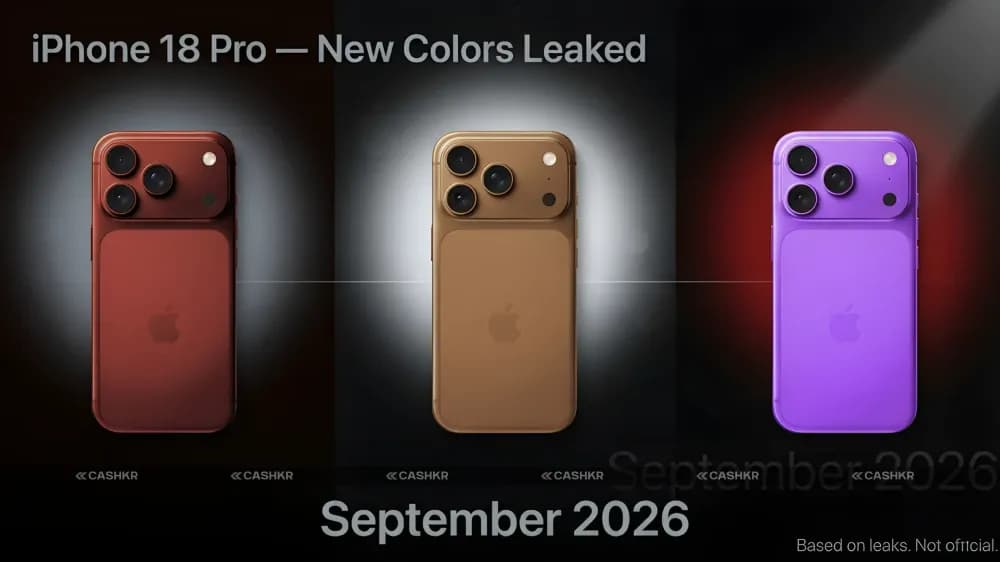
iPhone 18 Pro colors leaked, dark red, gray and silver.
Upgrade your smartphone in 2026 & sell your old phone on Cashkr for cash.


