10 Signs It’s Time to Say Goodbye to Your Old Smartphone
Let’s be honest our smartphones have basically become extensions of ourselves. We use them for everything: staying in touch with friends and family, getting work done, capturing life’s moments, managing our money, and binge watching shows during commutes. But here’s the thing even the best smartphones out there aren’t built to last forever.
I understand. The majority of us cling to our gadgets long after they are no longer useful because, well, change is difficult. Furthermore, it's not always clear whether you should upgrade or just get a quick fix. There comes a time when a new gadget can actually make your life easier and less stressful, but you don't have to be someone who purchases the newest model every year (after all, who can afford that?). So, how do you know when that point has arrived? Here are some telltale signs that your trusty companion might be ready for retirement.
1. Your Phone Has Slowed to a Crawl
Have you ever tapped an app and then waited for it to open? Yes, that is among the most noticeable warning signs. Your hardware is most likely struggling to keep up if your phone takes a long time to open apps, stutters when you switch between them, or freezes on you several times a day.
The truth is that operating system updates and newer applications aren't made with older processors in mind. They are more resource hungry and demanding, and the aging chip in your phone is just unable to manage the strain.
When even basic stuff like scrolling through social media, sending texts, or checking your email feels like a chore, it’s worth asking yourself when to upgrade your phone. Trust me, your patience will thank you.
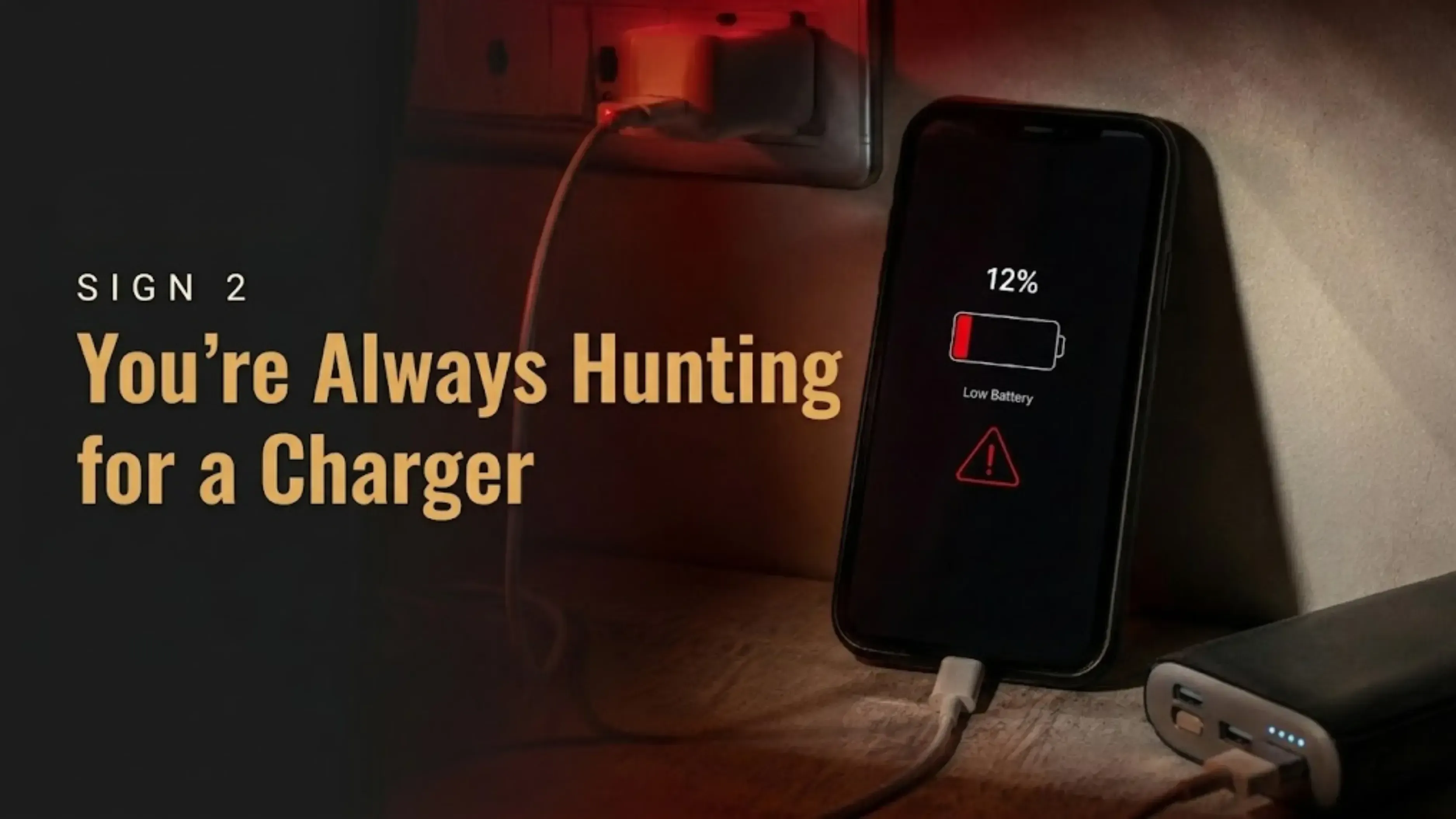
2. You’re Always Hunting for a Charger
Remember when your phone could easily get you through a full day without breaking a sweat? Those were the days. But batteries degrade over time it’s just a fact of chemistry. After hundreds of charge cycles, they simply can’t hold as much juice as they used to.
If you find yourself constantly tethered to a wall outlet, lugging around power banks everywhere, or watching your phone die at 15% battery without warning, your battery is screaming for help.
Sometimes a battery replacement can fix this. But if your device has other issues piling up too, upgrading might be the smarter, more cost-effective move in the long run.
3. Software Updates Have Stopped Coming
Many people forget that software upgrades are about more than just adding flashy new features. They focus on protecting your phone, fixing security flaws, and ensuring your apps continue to function as intended.
When manufacturers stop rolling out updates for your model, you’re left exposed. Your phone becomes more vulnerable to security risks, and over time, important apps might stop functioning altogether.
This is honestly one of the biggest factors to consider when deciding when to upgrade your phone. If you haven’t seen an update notification in months, that’s a major warning sign.
4. You’re Constantly Fighting for Storage Space
These days, we take a lot of pictures and videos. and games, as well as work materials. Your phone's storage capacity remains constant, but file sizes continue to grow. Your phone is holding you back if you're constantly deleting old photos, uninstalling useful apps, or staring at the dreaded "Storage Almost Full" alert.
A newer smartphone with more generous storage can make your digital life so much easier. No more playing the “what do I delete now?” game every other day.
5. Your Photos Just Don’t Look Great Anymore
Camera technology has come a long way. Today’s smartphones can capture stunning low light shots, silky smooth video, and use AI to make even amateur photographers look like pros.
If your current phone gives you blurry images, lags when you try to snap a quick photo, or produces grainy results in less than perfect lighting, the difference a new camera can make is honestly night and day.
For anyone who relies on their phone as their main camera which is most of us this alone can be a compelling reason to finally take the leap.
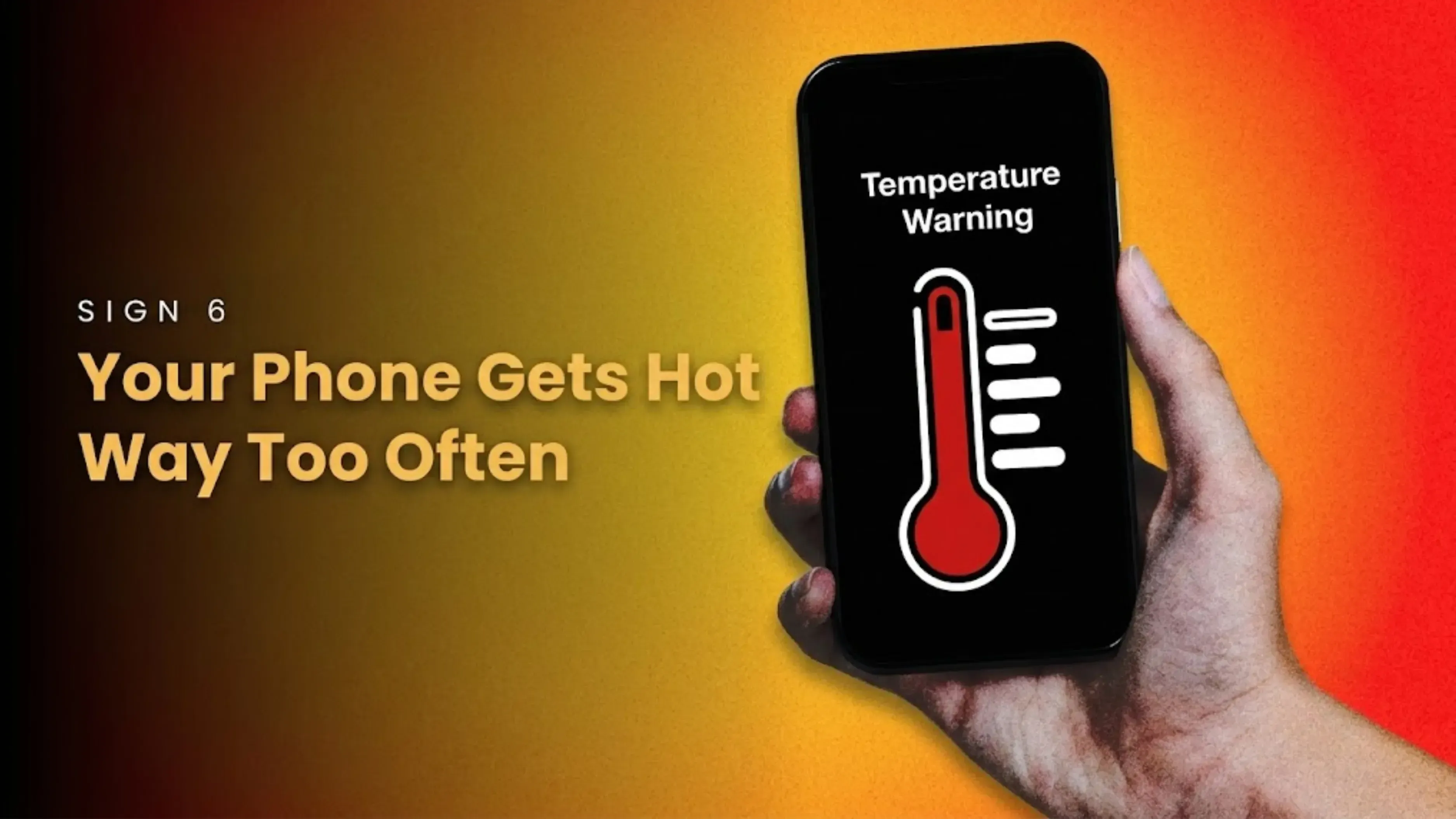
6. Your Phone Gets Hot Way Too Often
A little warmth during intense gaming or video streaming is normal. But if your phone starts feeling like a hand warmer just from browsing the web or checking messages, something’s not right.
Frequent overheating usually points to aging hardware, a struggling battery, or a processor that’s working way too hard to keep up. It doesn’t just make your phone uncomfortable to hold it can also damage your battery and other components over time.
Don’t ignore this one. It’s not going to get better on its own.
Also Read: Oppo Reno 16 Pro Price: Launched With a 200MP Camera
7. You’re Missing Out on New Features
Technology moves fast. Every year, smartphones get better connectivity, faster charging, more vibrant displays, enhanced security features, and improved cameras.
You're likely losing out on conveniences that could actually enhance your experience if your current gadget doesn't support 5G, takes a long time to charge, or doesn't have capabilities that are now commonplace elsewhere.
Ask yourself: Is your phone preventing you from doing what you want? If the answer is yes, it might be time.
8. Repair Bills Are Adding Up
Sometimes repairing a phone makes perfect sense a new battery here, a screen replacement there. But when the costs start piling up, you have to take a step back and ask whether it’s really worth it.
If you’re spending close to what the phone is actually worth on repairs, you’re basically throwing good money after bad. In many cases, investing that money in a new device delivers better performance, reliability, and peace of mind.
Before you authorize that next expensive fix, compare the cost against what a new phone would offer you. More often than not, upgrading comes out ahead.
9. Your Life Has Changed , But Your Phone Hasn’t
Think about how your life looked three or four years ago. Now think about how it looks today. Different job? New hobbies? Busier schedule? Your phone should be able to keep up with where you are now, not where you were back then.
Maybe you’re a student who needs better performance for online classes and productivity apps. Maybe you’re a professional juggling multiple tasks and need stronger multitasking capabilities. Or maybe you’ve started creating content and need a camera and storage that can handle it.
Our needs evolve, and there’s no shame in admitting your smartphone hasn’t kept up.
10. You’re Spending More Time Troubleshooting Than Actually Using Your Phone
Here’s the bottom line: your smartphone is supposed to make your life easier. If you’re constantly dealing with crashes, lag, battery anxiety, storage headaches, or compatibility problems, it’s doing the exact opposite.
When your device becomes a source of stress rather than convenience, that’s perhaps the clearest sign of all that it’s run its course. You deserve better than that.
What to Do With Your Old Phone After You Upgrade
So you’ve finally decided to make the leap. Congratulations! But now you’ve got an old phone sitting around, and what are you supposed to do with it?
Please don’t just toss it in a drawer to gather dust. There are many better options. Lots of people choose to sell their old devices to recover some value and offset the cost of their new one it’s a win-win.
Platforms like Cashkr make the procedure rather simple if you're considering taking that approach. They help you determine your smartphone's true value and give you an amount based on your old phone's value, so your old phone can be repurposed rather than sent to the trash. Just don't forget to perform a proper factory reset, delete your accounts, and back up your data before transferring it. It saves you from potential privacy issues and takes only a few minutes. Making a responsible choice with your old smartphone isn’t just good for your wallet it’s also a small but meaningful way to reduce electronic waste. And honestly, that feels pretty good.
Wrapping It Up
The performance of your current phone, the condition of the battery, whether you're still receiving software updates, and your current needs are the main factors that determine when to upgrade.
Smartphones don’t become obsolete overnight. But when you start noticing several of these signs at once, holding onto an older device stops making practical sense.
Upgrading your phone is probably the right decision if it is slowing you down, making daily chores difficult, or lacking capabilities that could actually improve your life. Instead of waiting for your phone to give up on you entirely, paying attention to these indicators helps you make a more informed, self assured choice.
FAQs
1. How often should I upgrade my smartphone?
For most people, every three to five years is a good sweet spot. It really depends on whether your phone is still functional and how well maintained it is. Some individuals claim that if you take good care of your equipment, it can last up to six years, but after that, you're probably missing out on too many developments.
2. How do I know when it’s time to upgrade my phone?
Keep an eye out for symptoms including slow performance, low battery life, a lack of software upgrades, persistent storage problems, frequent crashes, and the absence of features you really want. It's probably time to start looking around if you're nodding your head at three or more of these.
3. Is it better to repair or replace my old smartphone?
That depends on the repair cost, how old the phone is, and its overall condition. If repairs are getting expensive and the phone is aging, upgrading often makes more financial sense. A good rule of thumb: if the repair costs more than 50% of what a new phone would cost, just upgrade.
4. Can I fix a slow smartphone without upgrading?
An aging gadget can occasionally be revitalized by clearing up storage, removing unnecessary apps, updating software, or changing the battery. However, you are limited in what you can accomplish if the hardware is out of date. Eventually, outdated processors and low RAM cannot be made up for by software tweaks.
5. How long does a smartphone battery typically last?
Most batteries start to show their age after a couple of years of regular use. How long it actually lasts depends a lot on your charging habits and how intensively you use your phone. On average, you can expect around 300 to 500 full charge cycles before you notice significant degradation.
6. Should I upgrade if my phone still technically works?
Not always. There is no rush if it is operating efficiently, receiving updates, and fulfilling all of your requirements. Hold off until it truly begins to hinder you. Unless you truly need a certain function, upgrading solely for the sake of upgrading is rarely worth the money.
7. Why are software updates such a big deal?
They are essential for security, bug fixes, feature additions, and maintaining the compatibility of your apps. Your phone gradually gets more susceptible without them. Your phone basically becomes a sitting duck for security risks after updates halt, and that's not a risk worth taking.
8. Is upgrading to a 5G smartphone worth it?
If you want faster connectivity and plan to keep your next phone for several years, yes. It’s becoming the new standard, and future-proofing a bit never hurts. Just keep in mind that 5G coverage varies by location, so check your area before making the jump.
9. What should I do before selling my old smartphone?
Back up everything important, remove all your accounts, wipe your personal data, and perform a factory reset. Then it’s safe to sell. Also, don’t forget to remove your SIM card and any memory cards easy to overlook, but important for both privacy and practicality.
10. When’s the best time to upgrade?
The right time is when your current phone no longer meets your needs whether that’s performance, security, battery life, or usability. That’s really the only metric that matters. Ignore the hype around new releases and focus on your own experience; you’ll know when it’s time.
if you want to check your old smart phones value click here
 Yaskar Jung ShahUpdated: Aug 3, 2026·14 min read