How Cashkr Works: Sell Old Phones and Laptops for Cash
 Yaskar Jung ShahUpdated: Aug 26, 2026·8 min read
How to sell your old device on Cashkr — step by step guide.

Get the Cashkr app for faster payouts

Also Read: Oppo Find X9 Ultra Camera Specs: 200MP and Hasselblad
1. How long does it take to sell on Cashkr?
The entire process from price check to payment can be completed in one day. Online steps take just a few minutes. Pickup is scheduled at your convenience. u.
2. Could you please confirm if the doorstep pickup is indeed free?
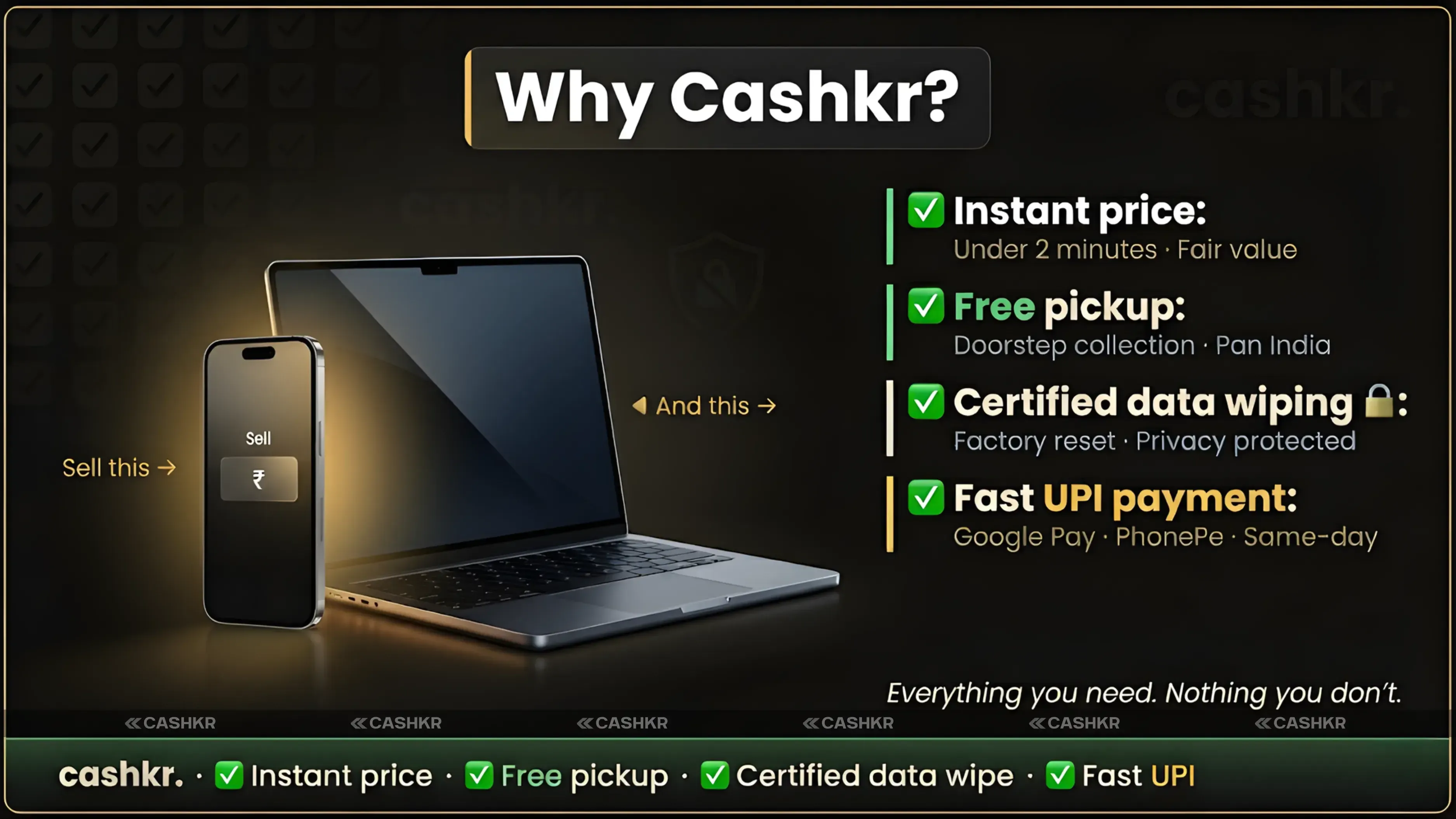
Yes. Cashkr's pickup is free. You do not pay anything for the team to visit your home and collect the device.
3. Can I cancel after booking a pickup?
Yes. You can cancel at any time before or during the pickup visit. There are no cancellation charges. The decision is always yours.
4. What should I do before selling my device?
Remove your SIM card, sign out of all accounts, and do a factory reset. Cashkr also performs certified data wiping after pickup, but resetting your device beforehand is a beneficial habit.
5. Is Cashkr safe to use?
Yes. Cashkr is a trusted Indian platform. Pickups are handled by experienced, vetted team members. Your data is securely erased before any device is resold. Payments are sent directly to your bank or UPI. Your information and money are protected throughout the process.
6. How does Cashkr decide the price for my device?
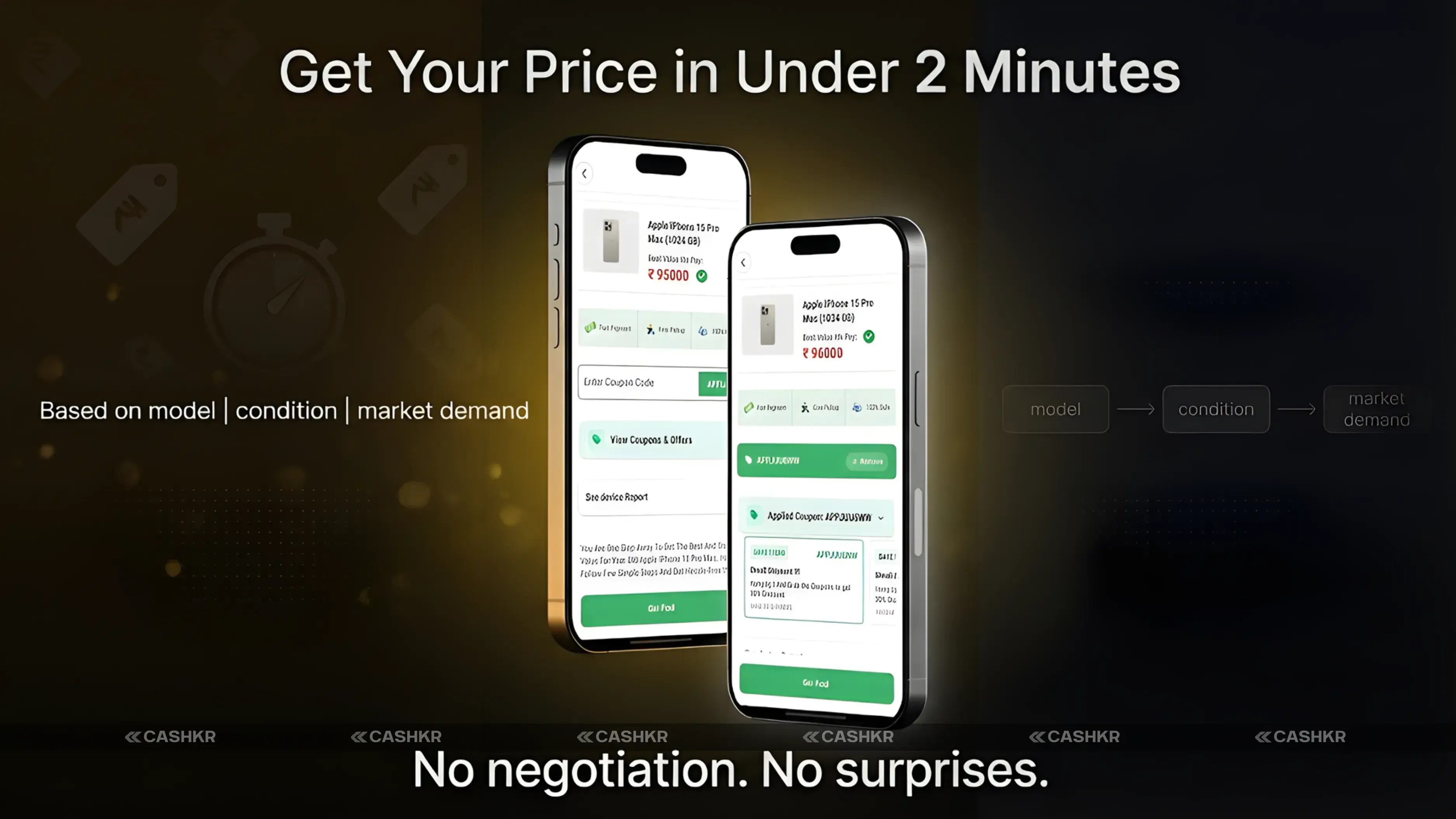
The price is based on your device model, its current condition as you described it, and its current market value. Cashkr uses this information to give you a fair and accurate quote instantly.
7. What if the price changes at pickup time?
If the device condition does not match your description, the price may be adjusted slightly. The team will explain the reason clearly. You can accept the revised price or cancel without penalty.
8. How will I receive my payment?
Payment is sent directly to your UPI ID or bank account. Once the device check is finished, it is swiftly transferred. You do not need to wait for days.
9. Which devices can I sell on Cashkr?
You can sell mobile phones, laptops, tablets, and smartwatches on Cashkr. The platform covers a wide range of brands and models across all these categories.
10. What happens to my old device after Cashkr collects it?
Your device is either repaired and resold to a new user or responsibly recycled. Cashkr ensures that all data is permanently erased before the device is processed further.
If you want to sell your old devices, then click here.
Sell with Cashkr
Cashkr buys used devices at a fair price with free doorstep pickup and same-day payment across 2,000+ pincodes. Get an upfront quote in seconds.
Sell Old Phone OnlineCheck your phone's value in seconds
Written by
Google Find My Device guide, locate your phone in minutes.
Recycle old devices in India and earn instant cash today
Learn how to sell refurbished devices online and maximize profit.
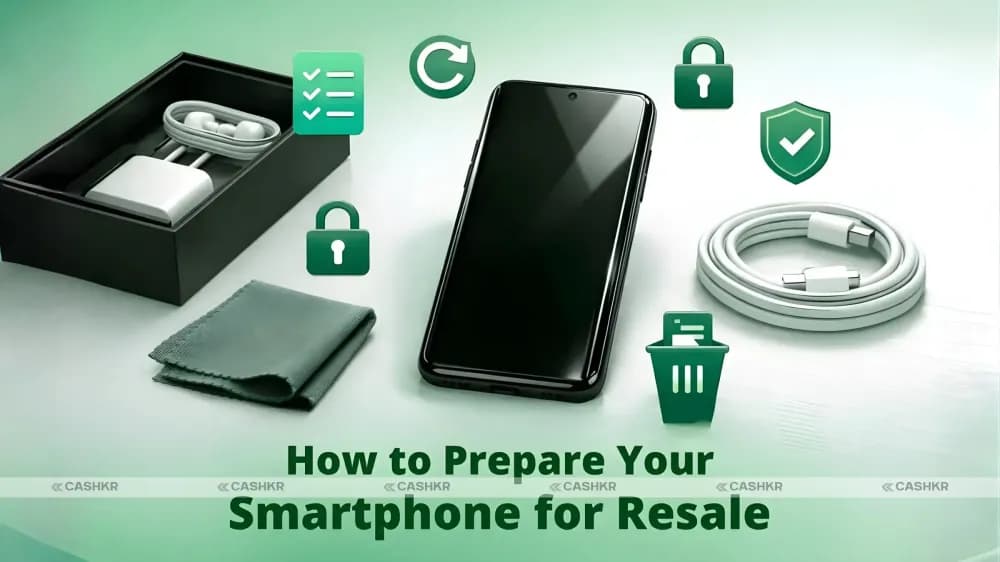
Prepare smartphones for resale & sell old phones easily with Cashkr.
Support the circular economy by selling old phones on Cashkr today.
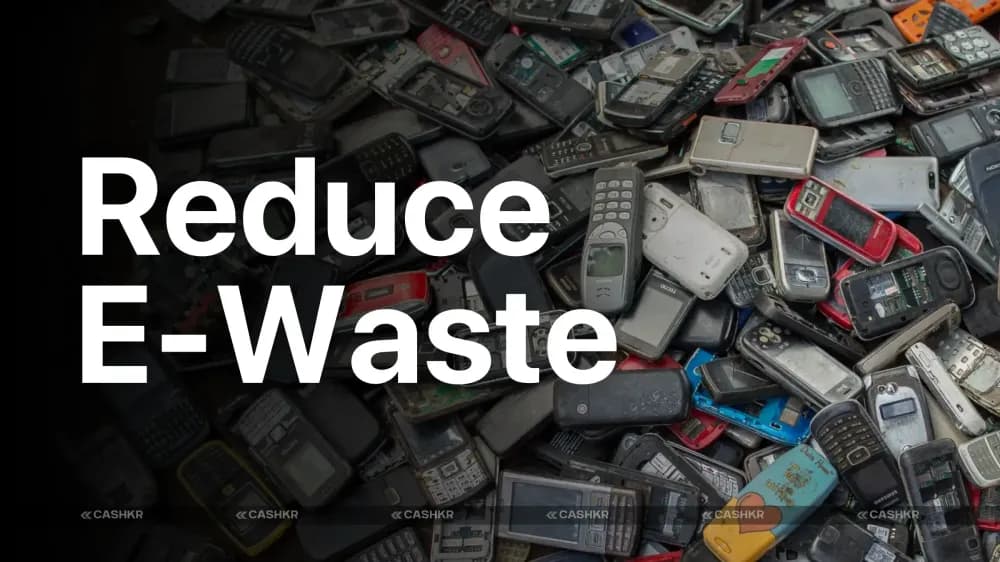
Reduce e-waste by selling old devices through Cashkr’s eco-friendly process.


