How to Sell an Old Laptop in India: What Actually Moves the Price
Most tips for selling a laptop focus on cleaning it and taking good photos. But those things do not really decide the price.
The real factor is how many years of use the laptop has left. Buyers care about what they can do with it in the future, not what it has done before. Most of the advice below helps answer that question.
Disclosure: Cashkr is our own device buyback service. We buy used laptops, so we benefit when people sell rather than store. We won't tell you what yours is worth, because that depends on the model, age, and condition.
Advertisement
First, the Thing That Splits the Market in Two
Can it run Windows 11?
Windows 11 needs, broadly, an 8th-generation Intel Core processor or a 2nd-generation AMD Ryzen or newer, plus TPM 2.0 switched on.
If your laptop meets these requirements, it still has years of use left. If it does not, buyers know it has a limited future and will offer less.
Yaskar Jung Shah leads content at Cashkr, an Indian device buyback service. He writes about resale value, data safety and what actually happens to a device after it is sold. He checks every figure against a dated, named source, and says so when a number cannot be verified.
You can check this quickly. Press the Windows key and R, type tpm.msc, and press Enter. The window will show if you have a TPM and which version. Or, use Microsoft’s PC Health Check app for a one-click answer.
If your laptop cannot run Windows 11, it is better to sell it sooner. Windows 10 stopped getting regular support on 14 October 2025. Microsoft’s Extended Security Updates for consumers last until 12 October 2027. After that, the laptop will still work, but it will not get security updates, and buyers are aware of this.
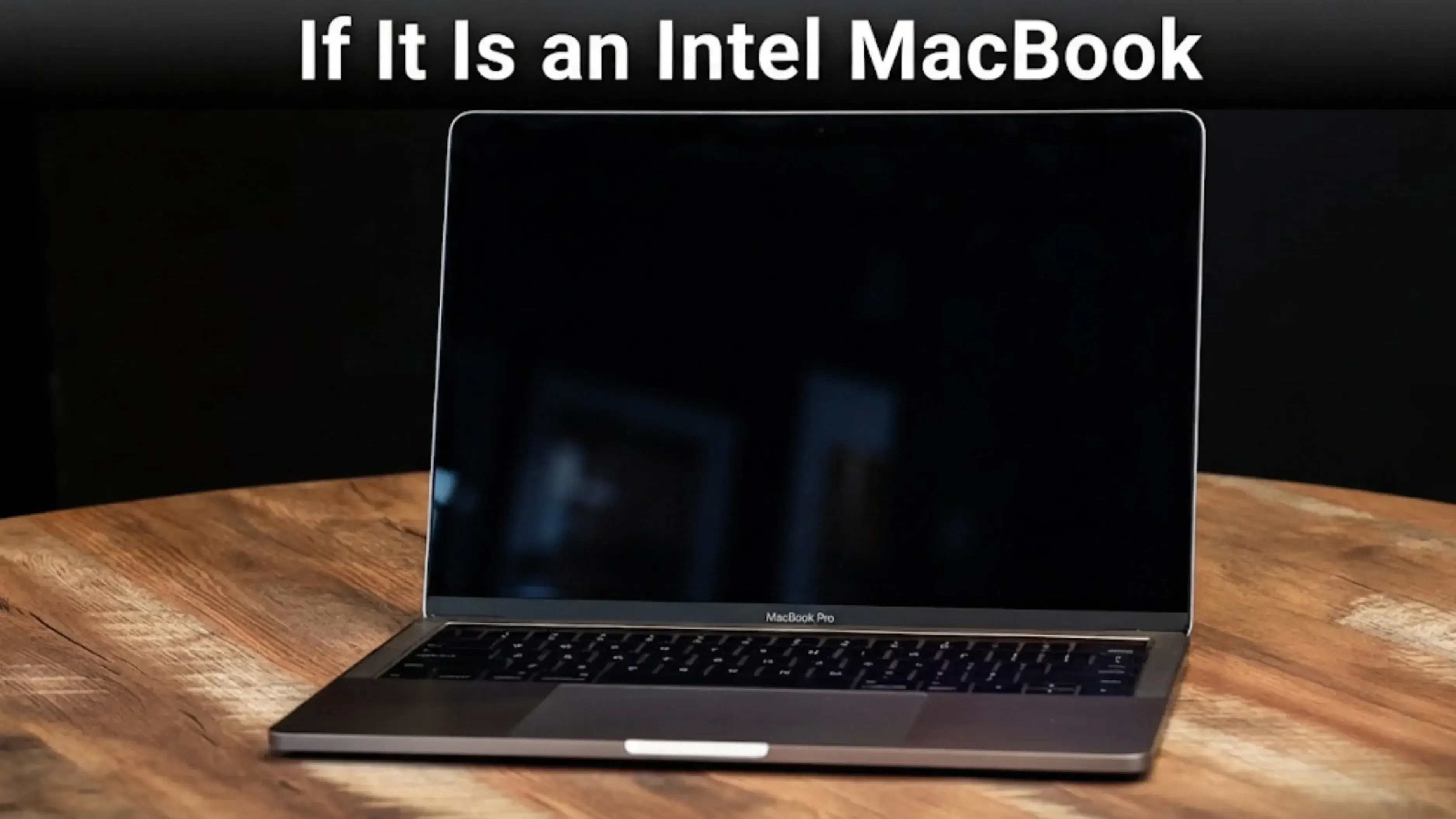
If It Is an Intel MacBook, the Clock Is Already Running
macOS Tahoe is the last version of macOS that supports Intel Macs. Apple has confirmed there is no macOS 27 for that hardware.
All Intel MacBooks now have a set timeline. They will keep working, and Apple will provide security updates for a while, but there will not be any more major updates. The used market has already started to lower prices for these, and that will not change.
If you have an unused Intel MacBook, this is the best reason here to sell it now.
What Else Moves the Price
Moves it a lot
Processor generation, whether it meets Windows 11 requirements, battery health, screen condition, hinge condition, and if it is a MacBook.
Moves it a little
The original box and bill matter more for laptops than for phones, since buyers are more concerned about the source of an expensive laptop.
Moves it barely at all
RAM and storage are upgradeable on most laptops, so buyers do not value them much. If you paid extra for 32GB of RAM or a bigger SSD, you usually will not get that money back.
Costs you money
A dead or swollen battery, a cracked hinge, or missing keys are faults that can turn an initial quote into a much lower offer during inspection.
Most owners have never checked their battery health, but it is one of the first things buyers look at. Our guide on laptop battery health check explains how to check it on both Windows and Mac, and what the numbers mean.
The MacBook Setting That Can Make Yours Unsellable
This mistake happens often and can be costly.
Macs with a T2 chip or Apple Silicon have Activation Lock, the same as an iPhone. If you erase the Mac while it is still signed in to your Apple Account with Find My switched on, the Mac locks to your account. Nobody else can set it up. Not a buyer, not a buyback service, not an Apple Store.
So the order is important, and it is actually the opposite of what most people expect.
Back up, and open the backup to check it worked.
Sign out of your Apple Account and turn off Find My Mac.
Then erase.
If you do these steps in the wrong order, your laptop will be locked and worth much less.
On Windows, the process is simpler. Just sign out of your Microsoft account before you reset the laptop.
Wiping It Properly, Without Buying Anything
You do not need any special software to wipe your laptop.
Most modern laptops encrypt their drives by default, using BitLocker or Device Encryption on Windows, and FileVault on Macs. When you do a factory reset, the key is deleted. Without the key, no one can read what is left on the drive.
Multi-pass overwriting is a method for old mechanical hard drives. It does not apply to SSDs in modern laptops. If your laptop still has a spinning hard drive, that is the only time a full overwrite is useful.
Be careful with anyone who offers to wipe your laptop for you. Only you should see your data, and doing the reset yourself is the safest way to protect it.
To reset your laptop: On Windows, use 'Reset this PC' and choose 'remove everything.' On recent Macs, use 'Erase All Content and Settings.' For older Macs, use Disk Utility and reinstall macOS.
Where to Sell It
There are three main ways to sell, and here is an honest look at each.
Selling privately through classifieds usually pays the most, but it takes the longest and comes with risks like payment issues or buyers not showing up. It works if you have patience.
A local shop is the fastest option but pays the least, and they often lower the price when you are there in person.
A buyback service is in the middle. You get a quote ahead of time, your laptop is picked up and inspected, and the price stays the same if your description matches the actual condition.
We are a buyback service. The same pros and cons apply to selling phones, and our guide on where to sell an old phone in India explains these trade-offs in more detail.
No matter which option you choose, always follow the same payment safety rules. Make sure the money has arrived in your banking app before handing over the laptop. Our guide on selling safely explains the common scams, which are the same for both phones and laptops.
When to Sell
Two things, and only one is in your control.
The support clock. Covered above. It runs whether the laptop is switched on or not.
Leaving a laptop unused in a drawer means it keeps losing value, and the battery ages over time even if you do not use it. If you have not opened it in three months, you probably will not use it again.
If you decide to store your laptop instead of selling it, leave it about half charged and keep it in a cool place. Storing it flat or fully charged in a hot cupboard can cause the battery to swell. A swollen battery can lift the trackpad and crack the case, turning a sellable laptop into a repair project.
Before the Pickup
Sign out of your Apple Account or Microsoft account, and turn off Find My Mac.
Back up your data, and make sure the backup works by opening it.
Reset the laptop
Find the charger. A laptop without its charger is worth less, and the correct charger depends on the model.
Be honest about any faults, even if they only happen sometimes.
It is in your best interest to describe your laptop accurately. The quote you get is based on your description. If the laptop is in worse condition than you said, the offer will change when it is inspected.
FAQs
1. What is my old laptop worth?
It depends on the model, age and condition, so nobody can tell you without those. The biggest single factor is whether it can run current software: a Windows laptop that meets the Windows 11 requirements is worth considerably more than one that does not, and an Intel MacBook is now on a fixed timeline.
2. How do I know if my laptop can run Windows 11?
Broadly it needs an 8th-generation Intel Core chip or a 2nd-generation AMD Ryzen or newer, with TPM 2.0 enabled. Press the Windows key and R, type tpm.msc and press Enter to see your TPM version. Microsoft's PC Health Check app gives the complete answer.
3. Is Windows 10 support ending this year?
Ordinary support ended on 14 October 2025. The consumer Extended Security Updates programme runs to 12 October 2027. A lot of advice still quotes an older date of October 2026, which Microsoft extended.
4. Should I sell my Intel MacBook now?
If it is sitting unused, probably yes. macOS Tahoe is the last macOS release supporting Intel Macs, so there will be no further major versions for that hardware, and the used market has begun to reflect that.
5. Is it worth upgrading the RAM or SSD before selling?
No. Both are upgradeable, so used buyers discount them heavily and you will not recover the cost. Spend nothing on upgrades before a sale. A reset and a clean screen are worth more.
6. Do I need special software to wipe my laptop?
Almost certainly not. Most modern laptops encrypt the drive by default, through BitLocker or Device Encryption on Windows and FileVault on a Mac, and a factory reset discards the key. Multi pass overwriting applies to mechanical hard drives, not SSDs.
7. What happens if I erase my Mac without signing out first?
Activation Lock engages and the Mac locks to your Apple Account.. Nobody else can set it up, including a buyer or a buyback service. Sign out of your Apple Account and turn off Find My Mac before you erase, not after.
Sources
Microsoft, Windows 10 end of support, 14 October 2025, and the Windows 10 Consumer Extended Security Updates page, for the 12 October 2027 programme end date
Microsoft, Windows 11 system requirements, for the processor generation and TPM 2.0 requirement
Apple, macOS Tahoe as the final macOS release supporting Intel based Macs
Apple, Activation Lock on Mac computers with Apple Silicon or the T2 security chip


 Yaskar Jung ShahPublished at: Nov 9, 2026·11 min read