iOS 26.4 Beta 1: New Features, Security & More Updates
 Yaskar Jung ShahUpdated: Feb 18, 2026·10 min read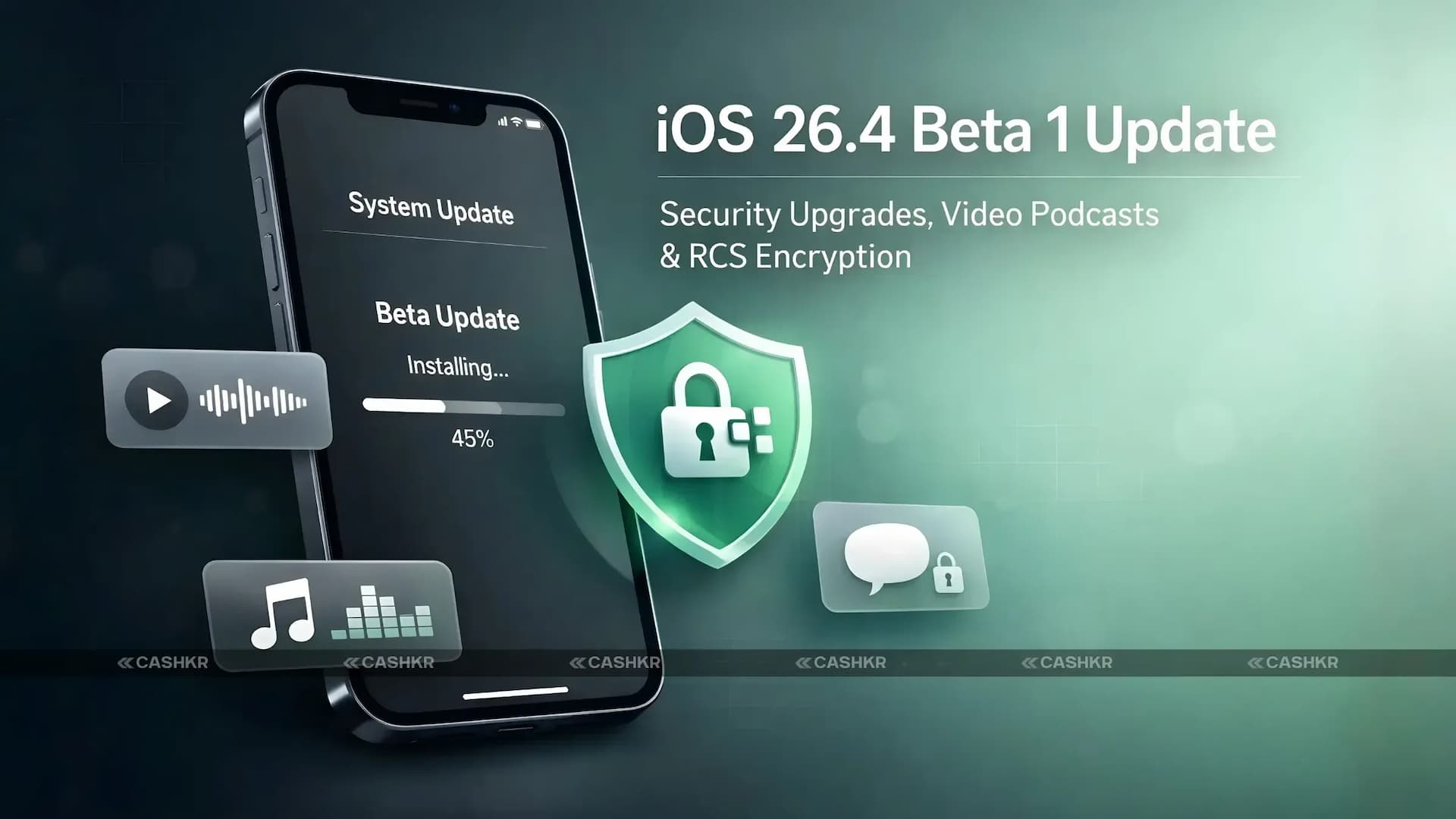
Explore iOS 26.4 Beta 1 with new features, security enhancements, bug fixes.

Get the Cashkr app for faster payouts

Apple has rolled out iOS 26.4 Beta 1, bringing a host of exciting new features, security improvements, and UI changes. While many were hoping for the introduction of AI-powered Siri, Apple has delayed this feature, and it is expected to arrive in iOS 26.5 or iOS 27. Nevertheless, iOS 26.4 Beta 1 still includes several important updates, including RCS encryption testing, new features for Apple Podcasts, and improvements to Apple Music and the Wallpaper Gallery.
If you're a developer or a beta tester, here’s a rundown of the new features in iOS 26.4 Beta 1 and what they bring to the table.
Apple has packed some noteworthy updates into iOS 26.4 Beta 1. While it doesn't include the much-anticipated AI-powered Siri, it does introduce some other exciting enhancements.
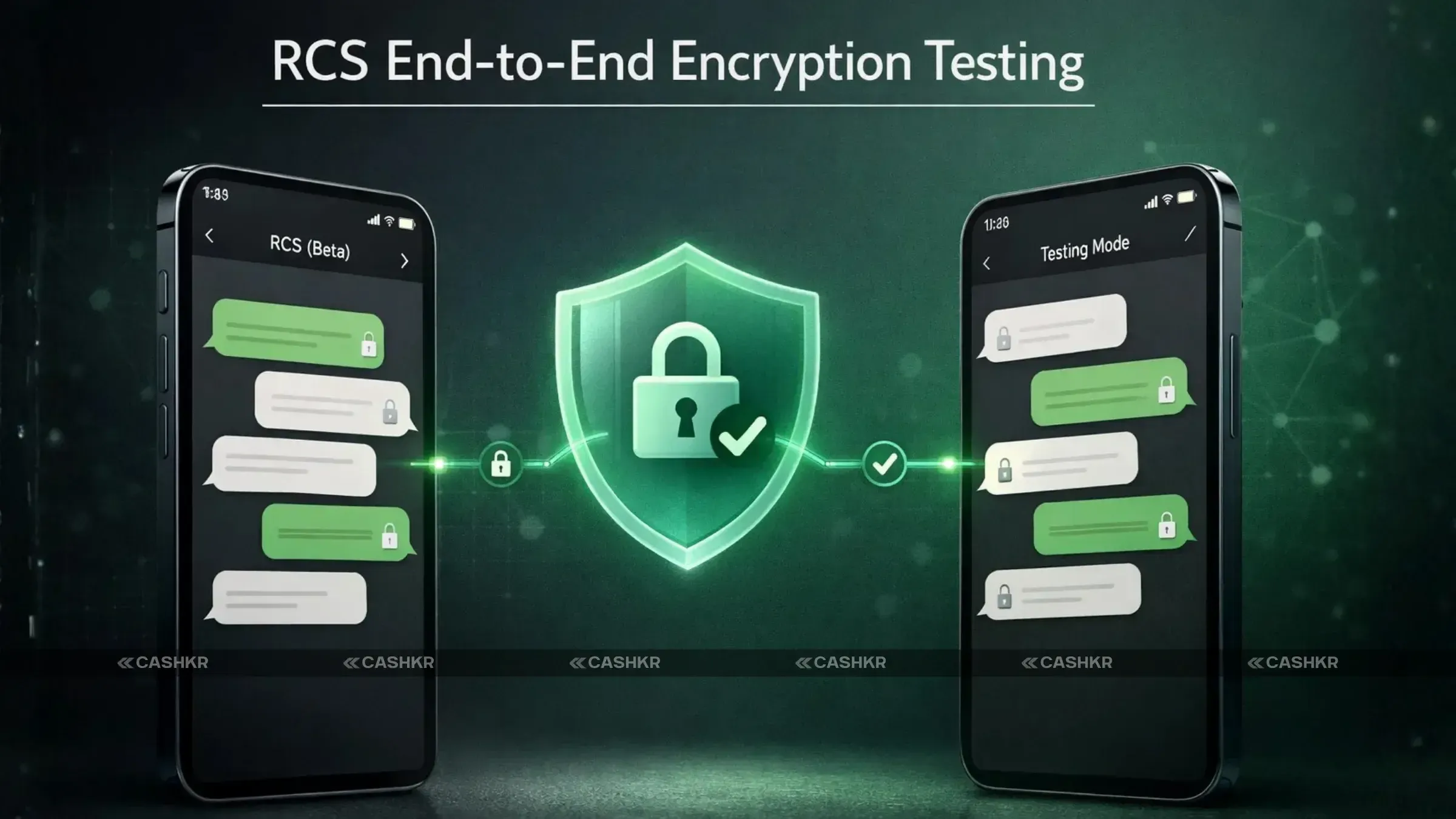
One of the standout features of iOS 26.4 Beta 1 is the introduction of end-to-end encryption for RCS (Rich Communication Services) chats between Apple devices. This is a testing-only feature in the beta version and is expected to be available to the broader public in future updates. However, this feature will only work between Apple devices and will not support RCS chats with Android or other platforms.
This security feature will enhance users’ chat privacy by ensuring messages are encrypted and preventing unauthorized access.
Also Read: How to Reset Instagram Reels Feed: Step-by-Step Guide 2026
Apple has introduced Memory Integrity Enforcement in this update, which is designed to enhance the memory safety protection of apps. This new security measure aims to prevent unauthorized code from running on your device, making your iPhone even more secure.
By enforcing stricter memory management protocols, this update aims to keep apps safer from exploitation and unauthorized modifications.
The Podcasts app is getting a major overhaul in iOS 26.4 Beta 1, with a new video podcast feature. Apple has long been known for its audio podcasts, but now, users will be able to stream video podcasts using the HTTP Live Streaming (HLS) protocol.
While the video podcast feature will roll out officially this spring, it’s available for testing now in iOS 26.4 Beta 1, iPadOS 26.4, and visionOS 26.4 Beta.
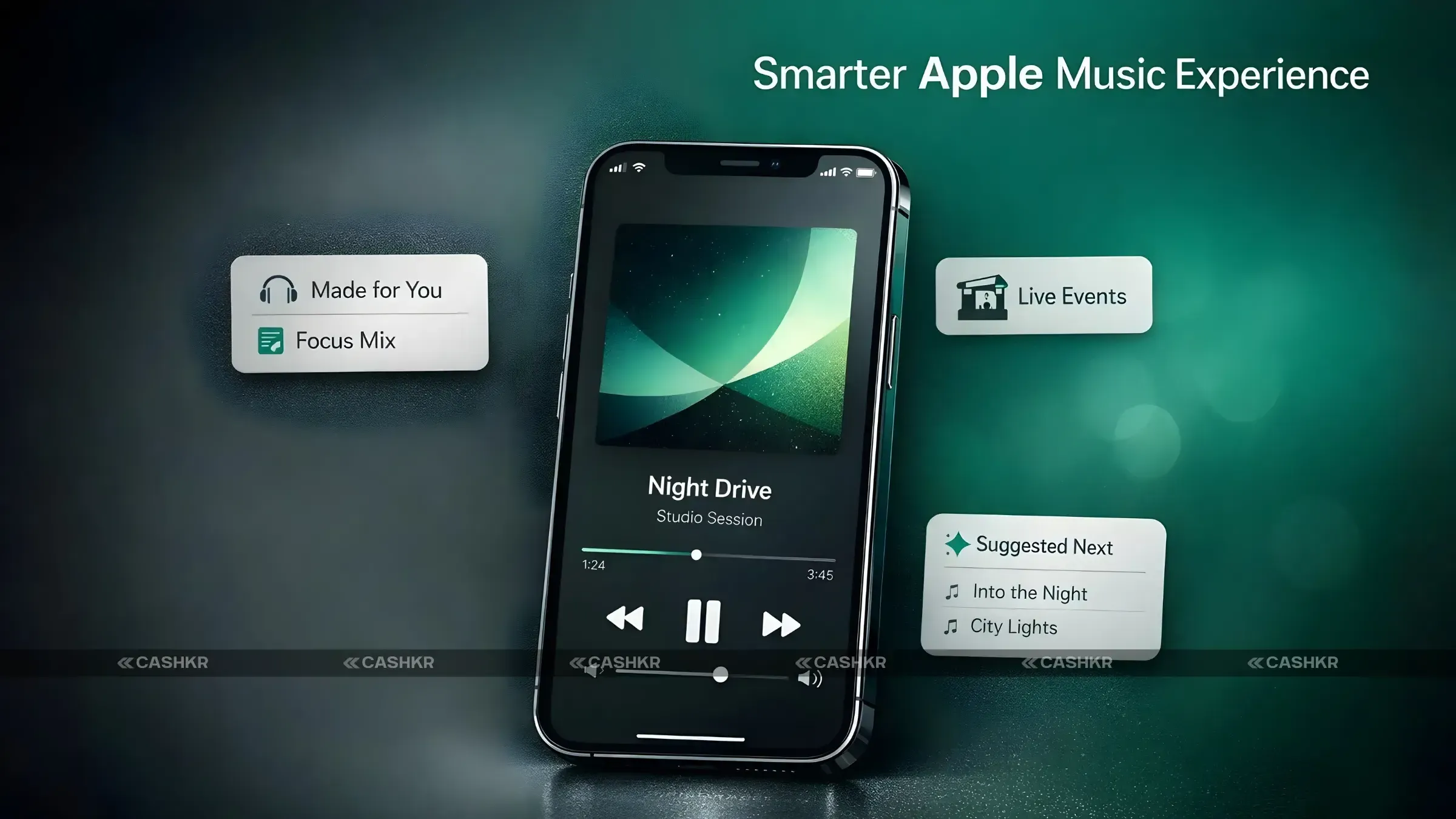
Apple has made a few updates to the Apple Music app in this beta update:
Also Read: Vivo X300 Ultra India Launch: Specs, Camera & Battery
Additionally, the Profile section in Apple Music has been redesigned to make common tasks easier, such as playlist creation, song sharing, and more.
The Wallpaper Gallery gets a fresh redesign in iOS 26.4 Beta 1, with categories separated for easier navigation. Now, users can explore wallpapers in an organized and intuitive layout, making it easier to personalize their iPhones.
If you’re a developer or registered beta tester, here’s how you can install iOS 26.4 Beta 1:
While iOS 26.4 Beta 1 may not include the much-awaited AI-powered Siri, it does bring important features such as RCS encryption, video podcast support, and security improvements. With these new capabilities, users can enjoy enhanced privacy, a better Apple Music experience, and a more secure phone overall.
As always, be mindful that beta software may have bugs or issues, so install it only if you’re comfortable with potential instability. If you're not sure whether to jump into the beta, it’s worth waiting for the stable release, especially if you rely on your device for daily tasks.
What is the new video podcast feature in iOS 26.4 Beta 1?
The new video podcast feature lets iPhone users stream video content in the podcasts app. This new video capability brings podcasts to life with visuals, offering creators more control and iPhone users a more immersive experience within the Apple Podcasts app. The new video podcast format brings shows to life.
Does iOS 26.4 Beta 1 support RCS encryption?
Yes, RCS encryption is available in iOS 26.4 beta 1 for RCS messages between Apple devices. This end-to-end encryption feature ensures that your conversations are private and secure when communicating with other iPhone users. However, RCS messages with Android devices are not supported in this beta release.
How can I create playlists with AI in Apple Music?
With iOS 26.4 beta 1 and the enhancements to Apple Music, you can create playlists by providing text-based descriptions or using preselected prompts powered by Apple Intelligence. The music app uses these inputs to generate playlists tailored to your preferences, making playlist creation more intuitive for iPhone users.
What is the Smart List in the Reminders app?
The Smart List feature in the Reminders app of iOS 26.4 beta 1 highlights tasks marked as urgent. This helps iPhone users stay organized and focused on time-sensitive tasks. It enhances productivity by ensuring important reminders are easily visible. This is one of the convenient new features in iOS 26.4.
When will iOS 26.4 Beta 1 officially be released?
The official release of iOS 26.4 is expected to follow the beta release period, typically in the weeks after initial testing. Apple is testing the developer beta version and will likely release a public beta before the final version. The software update will then be available to all iPhone users.
Can I use video podcasts in iOS 26.4 Beta 1 right now?
Yes, if you're running iOS 26.4 beta 1, you can start using new video podcasts within the Apple Podcasts app right away. The feature is available for testing in this developer beta, allowing iPhone users to explore podcasts in both audio and video formats. It adds a new dimension to the podcasts app.
Will iOS 26.4 improve my iPhone’s battery life?
While iOS 26.4 beta 1 primarily focuses on functionality and new features, such as encrypted RCS, it may indirectly improve battery life. Features like Memory Integrity Enforcement help optimize app performance, potentially leading to some power efficiency gains. However, battery improvements may vary among iPhone users.
Should I install iOS 26.4 Beta 1?
Installing iOS 26.4 beta 1 is a good option for developer beta testers and tech enthusiasts eager to explore new features like encrypted RCS and new video podcasts. If stability is crucial, consider waiting for the official release of iOS 26.4. Back up your Apple devices before installing.
Is iOS 26.4 Beta 1 available for all iPhone models?
Most modern iPhones that support iOS 26 should be able to run iOS 26.4 beta 1. However, it's always a good idea to check the compatibility list on the Apple Developer website or in the Settings app on your device before attempting the software update. Older models might not be supported.
If you want to sell your old devices then, click here.
Sell with Cashkr
Cashkr buys used devices at a fair price with free doorstep pickup and same-day payment across 2,000+ pincodes. Get an upfront quote in seconds.
Sell Old Phone OnlineCheck your phone's value in seconds
Written by
Best gaming phones 2026 for every budget — top 3 picks.
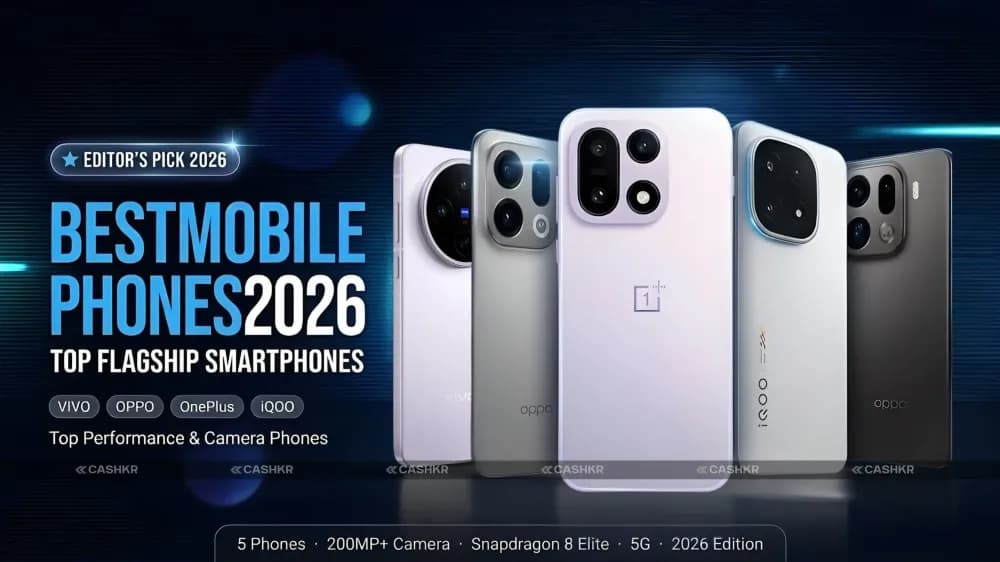
Best mobile phones of 2026 with specs, features and prices.
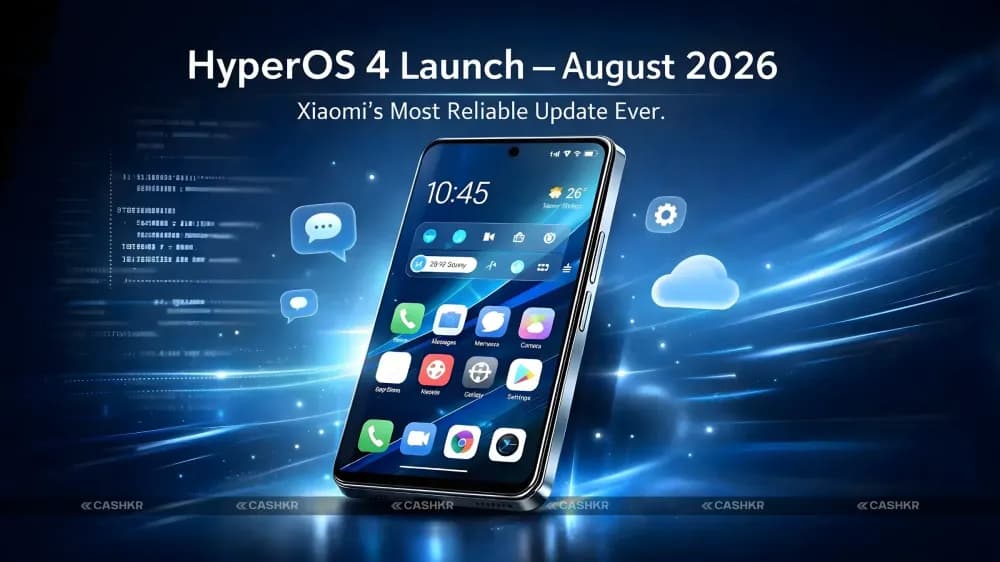
HyperOS 4 is launching in August 2026 with major improvements in stability.

Best phone under 20000 India 2026 — 6 picks for all buyers.
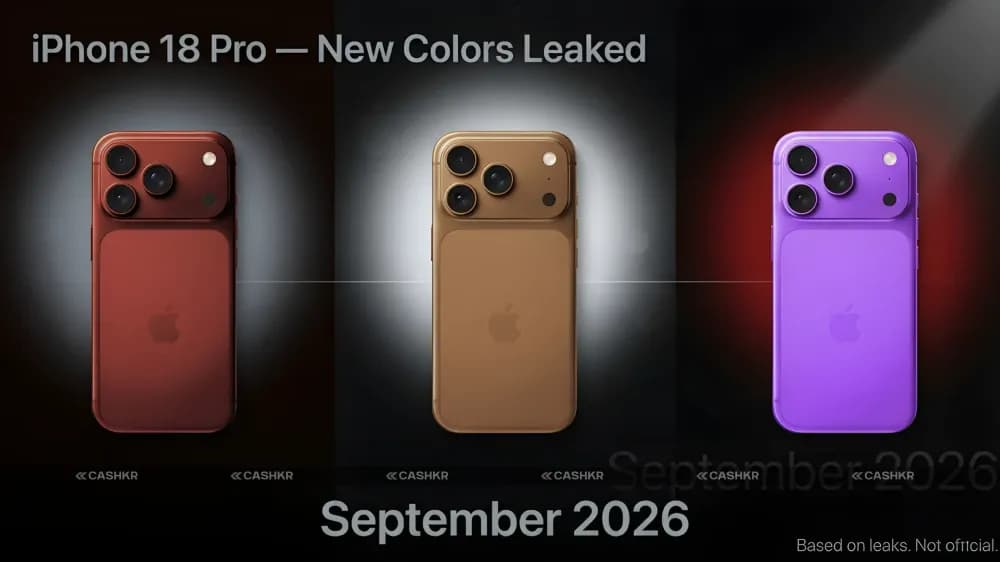
iPhone 18 Pro colors leaked, dark red, gray and silver.
Upgrade your smartphone in 2026 & sell your old phone on Cashkr for cash.


