How to Reset Instagram Reels Feed: Step-by-Step Guide 2026
 Yaskar Jung ShahUpdated: Aug 20, 2026·9 min read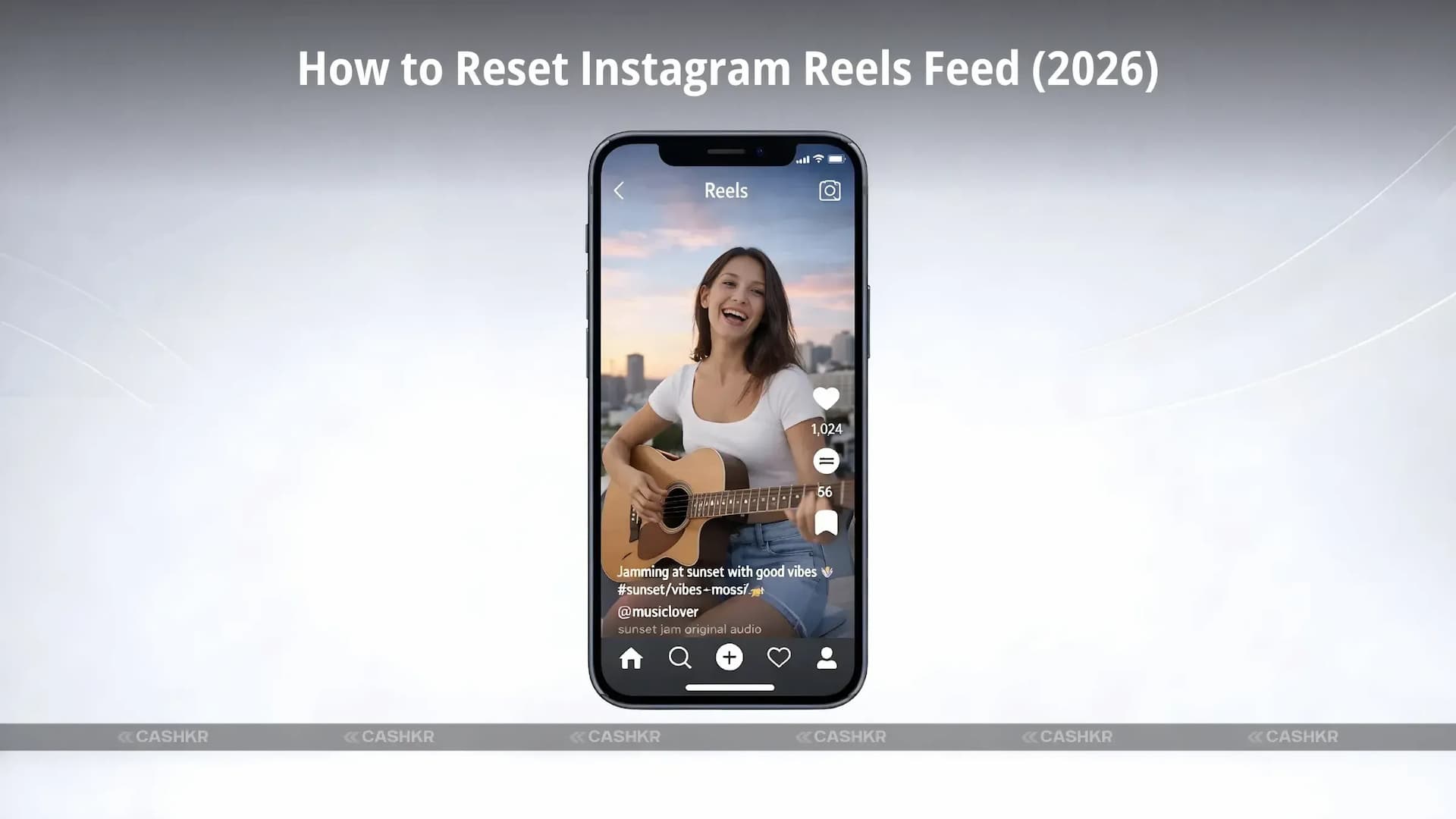
Learn how to reset your Instagram Reels feed with this step-by-step guide.

Get the Cashkr app for faster payouts

Instagram Reels has become one of the most engaging features on the platform, offering short videos across entertainment, education, fitness, lifestyle, and trending topics. Over time, however, many users notice that their Reels feed starts showing repetitive, irrelevant, or unwanted content.
If your Reels no longer match your interests, learning how to reset your Instagram Reels feed can help refresh recommendations and improve your overall Instagram experience.
Instagram uses a recommendation algorithm that learns from your behavior—what you like, watch, skip, or interact with. While this usually improves suggestions, it can sometimes go wrong.
Here are common reasons users choose to reset their Instagram Reels feed:
You may keep seeing the same type of videos, trends, or creators repeatedly.
Your interests evolve, but the algorithm may still push older preferences.
Sometimes, interacting with a single video can lead to similar content flooding your feed.
Resetting allows Instagram to rebuild recommendations from scratch based on your fresh interactions.
Also Read: Xiaomi HyperOS Update 3.1 : New Features, Performance & More
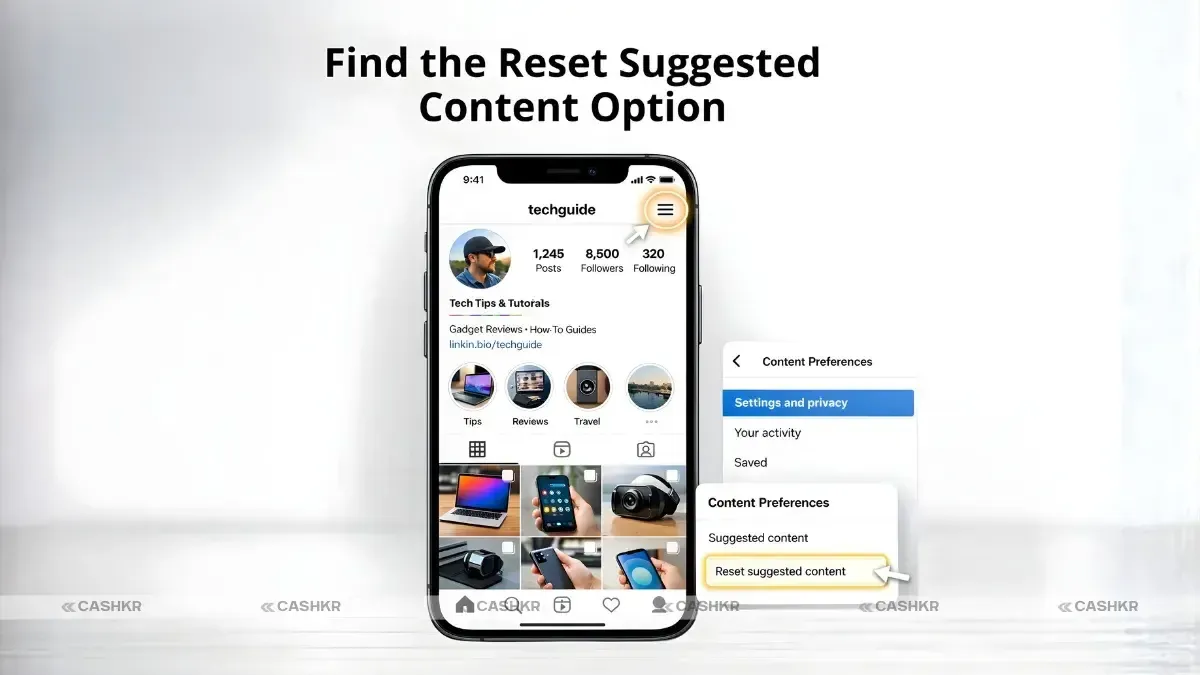
Instagram now offers an official option to reset suggested content, including Reels. Follow these steps carefully:
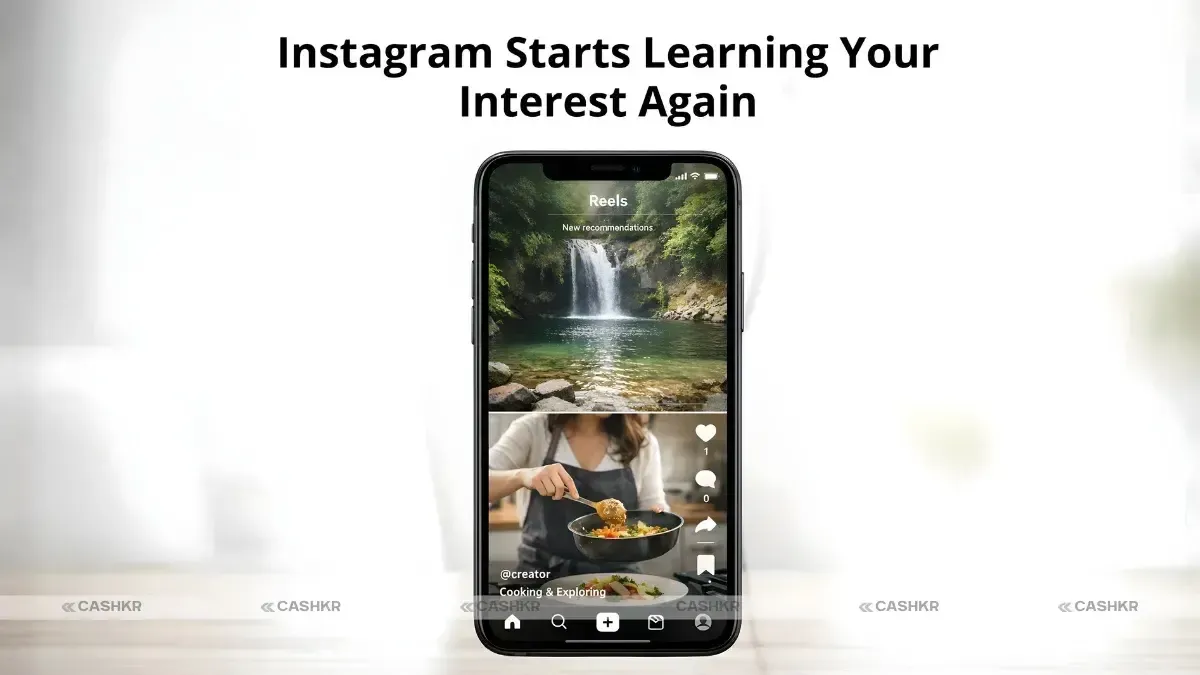
Once completed, Instagram will begin re-learning your interests over time.
Important: Instagram clearly states that this action cannot be undone.
Also Read: Top 5 Google Gemini AI Photo Editing Prompts for 2026
After you reset your Instagram Reels feed:
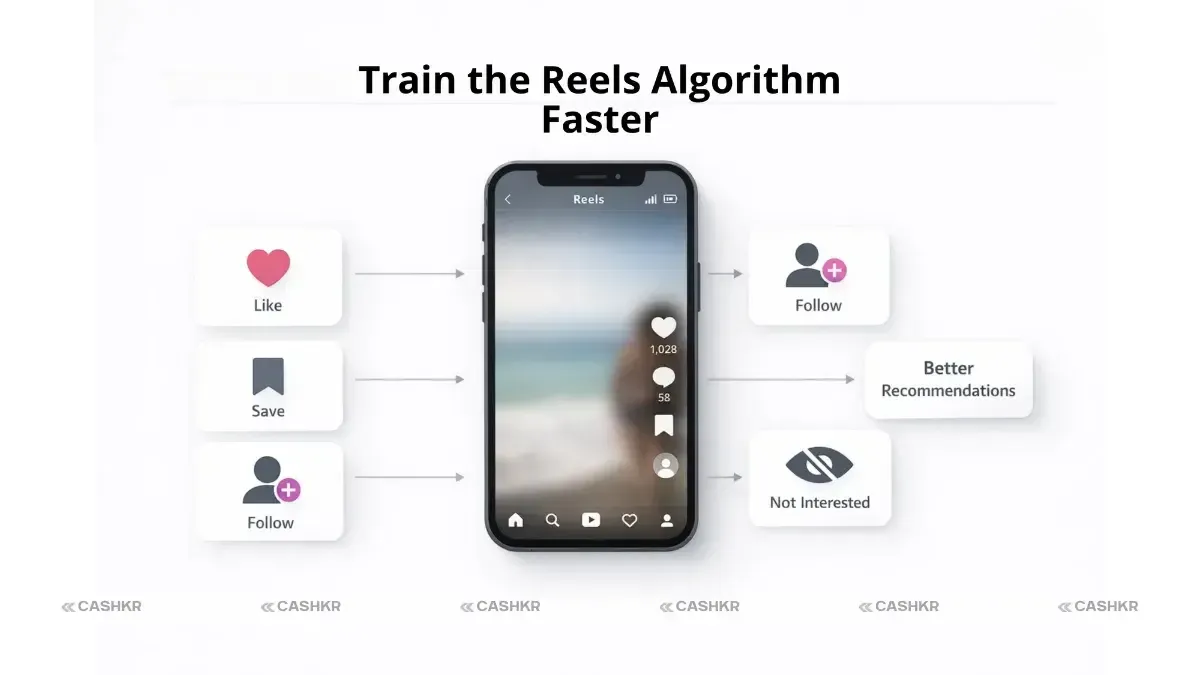
To improve results faster, actively engage only with content you enjoy.
To maximize the effectiveness of the algorithm reset, consistently engage with the content you genuinely enjoy. Like, save, and share videos. Your interactions serve as valuable data points, helping the Instagram algorithm refine its suggestions and improve your overall experience, which refreshes your feed.
Actively seeking out and following creators whose content aligns with your interests is a great way to enhance your Instagram Reels feed. When you follow relevant accounts, Instagram is more likely to surface similar Reels that you'll find engaging, shape your Instagram experience, and ensure a more personalized experience.
Conversely, avoid watching or interacting with Reels that don't appeal to you. If you encounter videos you dislike, use the "Not Interested" option or scroll past them. This sends a clear signal to the Instagram algorithm to exclude similar content from your feed. Update your suggestions now.
Instagram offers a reset option, but it’s not intended for frequent use. Repeated resets may temporarily reduce recommendation accuracy. It’s best to reset only when your feed becomes consistently irrelevant.
Knowing how to reset the Instagram Reels feed is extremely useful when your recommendations stop matching your interests. Instagram’s built-in reset feature gives users more control over what they see, allowing the algorithm to start fresh and rebuild suggestions based on current preferences.
If your Reels feel outdated, repetitive, or uncomfortable, resetting the feed can significantly improve your experience—remember that it’s a one-way action.
1. What does resetting the Instagram Reels feed do?
Resetting your Instagram Reels feed through the "reset suggested content" feature essentially clears the slate for the Instagram algorithm. This allows users to reset their recommendations. It removes the history of suggested content and signals to the app that you want to refresh your feed. This can change the type of content across Explore.
2. Can I undo a Reels feed reset?
No, you cannot undo a Reels feed reset. Once you tap to confirm the reset suggested content option, it's a permanent action. Instagram explicitly states that this process is irreversible. So, be sure you're certain before you proceed.
3. Will resetting Reels delete my followers or posts?
Resetting Instagram Reels will not delete your followers, posts, or any other account data. The reset only impacts the content that the Instagram algorithm suggests to you on your Reels feed and Explore page. It only affects the content you are shown. This allows users to reset and shape their Instagram experience.
4. How long does it take for Reels to personalize again?
The timeframe for your Instagram Reels feed to fully personalize again after an algorithm reset varies based on your engagement. Typically, it takes a few days to a week for the Instagram algorithm to readjust and refine its suggestions based on your new interactions with the Instagram Reels that you like.
5. Does this reset affect the Explore page too?
Yes, resetting your Instagram Reels feed affects the overall suggested content you see on Instagram, including the Explore page. The Instagram algorithm treats Reels and Explore as interconnected components, so a reset impacts recommendations across both platforms and changes the content across explore.
6. Why am I seeing random videos after a reset?
Seeing random videos after a reset is perfectly normal. The Instagram Reels algorithm needs time to relearn your preferences. It's exploring a wide range of content to understand what resonates with you. The variety is part of the "reset suggested content" launch, which aims to find recommended content across explore.
7. Can I reset the Instagram Reels feed on iPhone and Android?
The process to reset your Instagram Reels feed is consistent across devices. The steps outlined earlier, which involve accessing content preferences within the Instagram app, apply universally. Specifically, you can update the feed for:
8. Is resetting the Reels feed safe?
Resetting your Reels feed is a safe and official feature provided by Instagram. It does not compromise your account security or privacy. This action is designed to give users greater control over the content they see. Resetting the Instagram reels algorithm is safe.
9. How often should I reset my Reels feed?
You should only reset your Instagram Reels feed when you feel your recommended content across explore is consistently irrelevant or uninteresting. Frequent resets can hinder the Instagram algorithm's ability to learn your preferences effectively. The app recommends updating and making the change only as needed.
10. What’s the fastest way to improve Reels after a reset?
The best method to improve your Reels feed after a reset is to interact with stuff that you really like. If you like a Reel, bookmark it or share it. If you don't want to see it, click "Not Interested." This gives the Instagram algorithm strong clues about how your tastes are changing, which helps it change the feed.
If you want to sell your old devices then, click here.
Sell with Cashkr
Cashkr buys used devices at a fair price with free doorstep pickup and same-day payment across 2,000+ pincodes. Get an upfront quote in seconds.
Sell Old Phone OnlineCheck your phone's value in seconds
Written by
Learn how to sell refurbished devices online and maximize profit.