Asus Chromebook CX15 Price in India: Launched With Google AI Features
 Yaskar Jung ShahUpdated: Aug 5, 2026·14 min read
Asus Chromebook CX15 price in India is Rs. 47,990. See full specifications.

Get the Cashkr app for faster payouts

The Asus Chromebook CX15 is priced at Rs. 47,990 in India for its only configuration (CX1505CTA). This lightweight Chrome OS laptop is aimed at students, professionals, and everyday users. You can buy it in Pure Grey from the Asus eShop, Asus Exclusive Stores, ROG Stores, authorized retail partners, Reliance Digital, and other major offline retailers.
The Chromebook CX15 comes with a 15.6-inch Full HD anti-glare display, Intel Processor N50, 8GB LPDDR5 RAM, and 128GB eMMC storage. It has a durable MIL-STD-810H-certified build and a spill-resistant keyboard. The main highlight is the bundled three-month Google AI Pro membership, which gives you Gemini AI in Gmail, Docs, and Sheets, advanced Google Photos editing, YouTube Premium Lite, and 5TB of Google cloud storage.
Here’s a closer look at the laptop’s features and what the price means for buyers in India.
Quick summary: The Asus Chromebook CX15 costs Rs. 47,990, and you can get it on No Cost EMI for just as low as Rs. 3,999 a month. It has an accident damage warranty and protection for one year. A 15.6-inch Full HD anti-glare screen, an Intel N50 processor, 8GB LPDDR5 RAM, a battery life of up to 12.5 hours, MIL-STD sturdiness, and a Google AI Pro bundle with 5TB of cloud storage for three months are some of the most important features. It's best for people who depend on Google's services. You should look at other options if you need Windows software or a lot of local storage.
Here is the pricing and offer summary at launch:
| Model | Price in India | Offers |
|---|---|---|
| Asus Chromebook CX15 (CX1505CTA) | ₹47,990 | No Cost EMI from ₹3,999/month, 1-Year Warranty, 1-Year Accidental Damage Protection |
The laptop is offered in a single Pure Grey color and is available throughout the Asus eShop, Asus Exclusive Stores, ROG Stores, Asus authorized retail partners, Reliance Digital and leading offline stores.
The included one-year accidental damage protection is a big plus. It covers drops and spills that regular warranties don’t, which makes sense for a laptop aimed at students. Also, keep an eye out for sales; Asus laptops often sell below MRP online, which can make this Chromebook a much better deal.
The Asus Chromebook CX15 features a 15.6-inch Full HD (1920 × 1080) IPS NanoEdge display with an anti-glare coating, a 16:9 aspect ratio, 300 nits brightness, an 87 percent screen-to-body ratio, and 45 percent NTSC color gamut coverage.
The main strengths here are the large size and anti-glare coating. The 15.6-inch Full HD screen gives you plenty of space for split-screen work, spreadsheets, and streaming. The anti-glare finish helps reduce reflections from lights and windows, making it easier on your eyes in classrooms and offices. The 300 nits brightness is good enough for indoor use.
Keep in mind that the 45 percent NTSC color range means that colors will not look as bright as they do on high-end screens. This screen is made for work and school, not for changing photos or doing other tasks that need accurate colors.
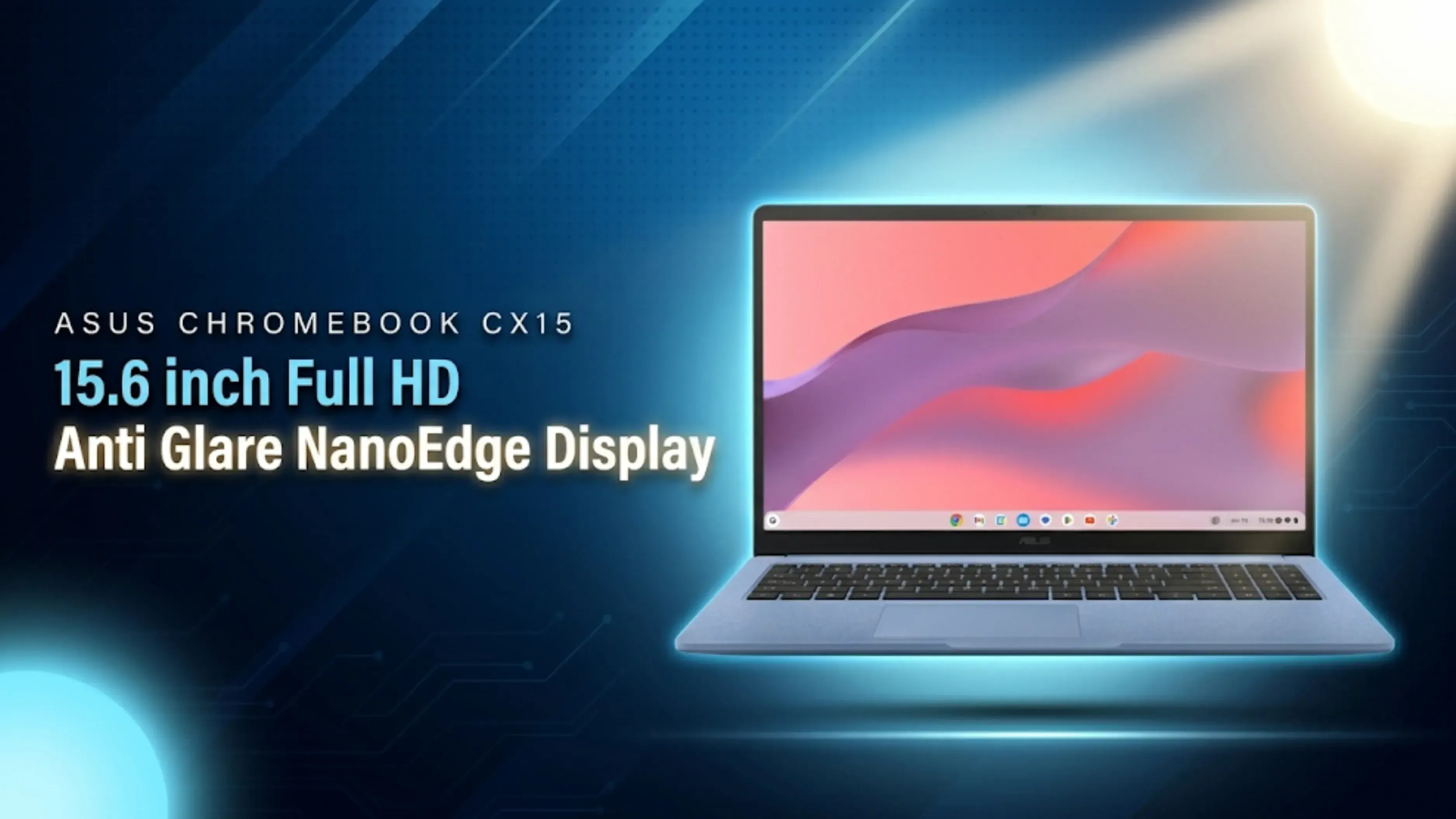
The Intel Processor N50 powers the Chromebook with Intel UHD Graphics, paired with 8GB of LPDDR5 RAM and 128GB of eMMC storage, running ChromeOS.
What’s important to know is that the N50 is a basic dual-core chip that would have trouble running Windows, but ChromeOS is much lighter. This setup works well for web browsing, Google Docs, online meetings, streaming, and Android apps from the Play Store. The 8GB of fast LPDDR5 RAM is enough for lots of open tabs, and ChromeOS starts up quickly and stays fast over time, unlike many budget Windows laptops.
There are clear limits too: 128GB of eMMC storage is both slow and small compared to most laptops, and ChromeOS can’t run Windows software like full desktop Microsoft Office, Tally, or other Windows-only tools. This laptop is designed for people who mainly use cloud services.
The biggest highlight of the Chromebook CX15 is the bundled three-month Google AI Pro membership, which includes Gemini AI and Gemini Notebook, AI assistance in Gmail, Docs, and Sheets, Google Flow, Nano Banana image generation, advanced Google Photos editing, YouTube Premium Lite, and 5TB of Google cloud storage.
The 5TB of cloud storage is a big advantage, helping to make up for the limited 128GB local storage during the three-month bundle. Gemini’s integration with Google apps also gives students and professionals useful tools for writing, summarizing, and productivity. However, after three months, you’ll need to pay for a Google AI Pro subscription to keep these benefits, so remember to consider that extra cost.
The Asus Chromebook CX15 packs a 42Wh lithium-ion battery with 45W USB Type-C fast charging and a claimed battery life of up to 12.5 hours.
ChromeOS is efficient, so long battery life is realistic. Even if you get a bit less than the claimed time, it should easily last a full school or work day. USB Type-C charging is also handy, you can use the same charger as your phone, and power banks can keep you going when you’re out.
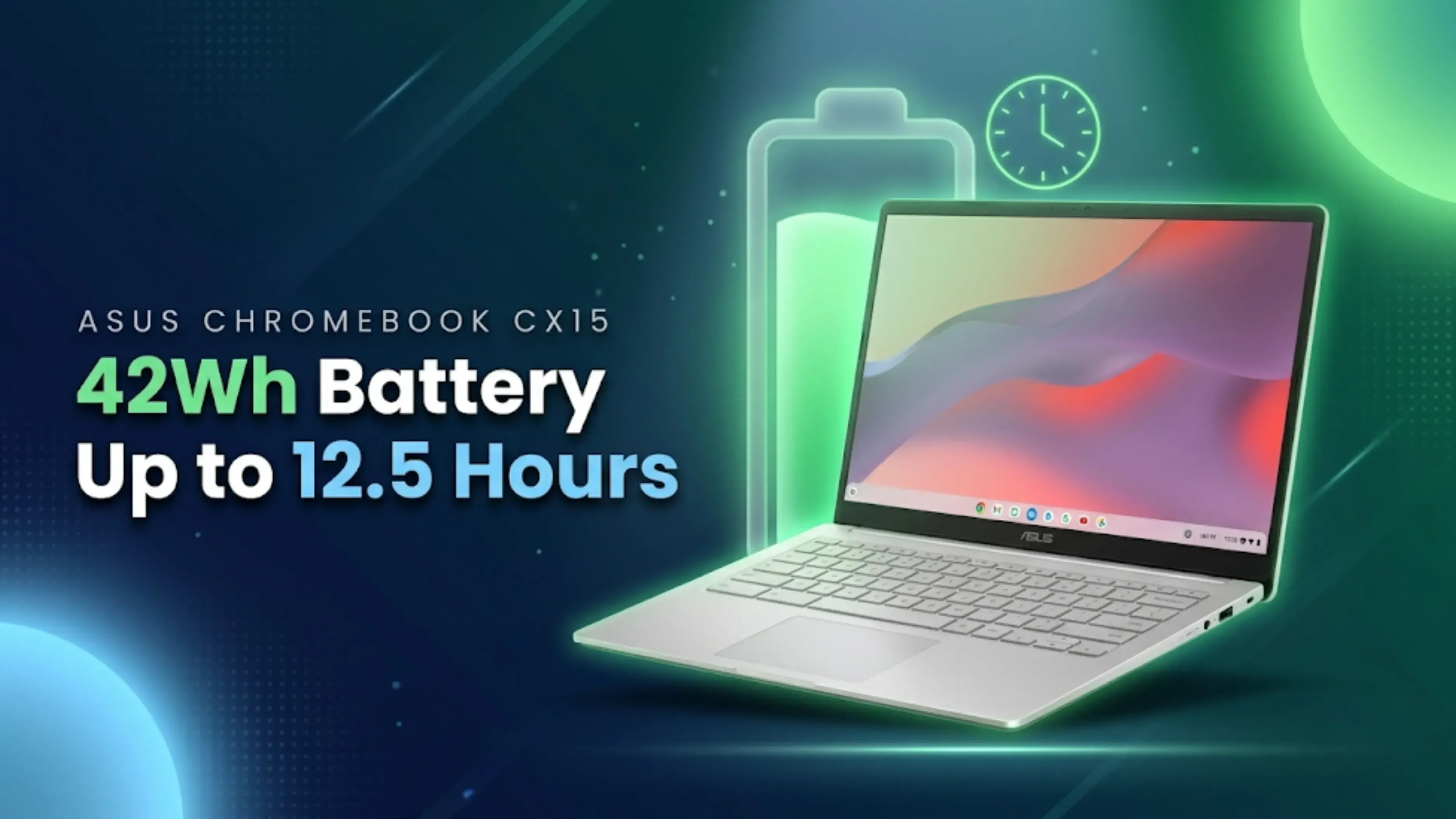
Ports include two USB 3.2 Gen 1 Type-C with Power Delivery and display output, one USB 3.2 Gen 1 Type-A, HDMI 1.4, and a 3.5mm headphone jack, with Wi-Fi 6 and Bluetooth 5.4 for wireless, both current standards that many budget laptops skip.
Security is another strong point. The Titan C security chip gives hardware-level protection, and ChromeOS gets automatic security updates for years. The 720p webcam has a physical privacy shutter, and there’s a Kensington Nano lock slot for extra safety in shared spaces.
The laptop is built to last, with US MIL-STD-810H military-grade durability and a spill-resistant chiclet keyboard with 1.35mm key travel. This makes it a good choice for carrying in backpacks. At 1.59kg, it’s still fairly portable for a 15.6-inch laptop.
At Rs. 47,990 MRP, the Chromebook CX15 is priced in a unique spot. Buyers should compare it honestly with two main alternatives:
Budget Windows laptops (Rs. 35,000 to Rs. 45,000): Windows laptops with Intel Core i3 or Ryzen 3 chips and real SSDs have better hardware and can run all of Windows' apps. These laptops are priced at or below this level. They can do more than the CX15. The Chromebook has a much longer battery life, starts up instantly, requires no upkeep, comes with the AI bundle with 5TB of storage, and is built to last with MIL-STD certification and accidental damage cover. These are all things that cheap Windows laptops rarely offer.
Cheaper Chromebooks (Rs. 20,000 to Rs. 35,000): Entry-level Chromebooks are much cheaper than the CX15, but they usually have smaller, darker screens, 4GB of RAM, slower storage, and plastic bodies that aren't certified to last. The CX15's 15.6-inch Full HD screen, 8GB LPDDR5, Wi-Fi 6, and rugged design make it worth more than them, but whether that extra cost is worth the full MRP depends a lot on how much it costs on the street during deals.
| Feature | Details |
|---|---|
| Display | 15.6-inch Full HD (1920 × 1080) IPS NanoEdge, Anti-glare, 300 nits |
| Processor | Intel Processor N50 |
| Graphics | Intel UHD Graphics |
| RAM | 8GB LPDDR5 |
| Storage | 128GB eMMC |
| Operating System | ChromeOS |
| AI Bundle | 3 Months Google AI Pro (Gemini, 5TB Cloud Storage, YouTube Premium Lite) |
| Battery | 42Wh (Up to 12.5 Hours Claimed) |
| Charging | 45W USB Type-C |
| Ports | 2 × USB-C 3.2 Gen 1 (PD & Display), 1 × USB-A, HDMI 1.4, 3.5mm Audio Jack |
| Wireless Connectivity | Wi-Fi 6, Bluetooth 5.4 |
| Security | Titan C Security Chip, Webcam Privacy Shutter, Kensington Nano Lock Slot |
| Build | MIL-STD-810H Certified, Spill-resistant Keyboard |
| Weight | 1.59kg |
| Colour | Pure Grey |
The Asus Chromebook CX15 is a great fit for people who mostly work online and use Google’s ecosystem. It’s ideal for students in online classes, professionals who use Gmail, Docs, and Meet, and families who want a simple laptop for browsing and streaming. The big anti-glare display, long battery life, tough build, spill-resistant keyboard, and Gemini AI bundle with 5TB cloud storage all make it a strong choice for these users.
But if you need Windows software, lots of local storage for big files, or do color-accurate work, a Windows laptop is a better choice. If you’re looking for the best deal, wait for sale prices below the Rs. 47,990 MRP.
Asus Chromebook CX15 offers you the right combination of screen size, battery life, build quality, and AI-powered capabilities. With Intel N50 and 8 GB LPDDR5 RAM, ChromeOS will run smoothly; an additional benefit of this Chromebook is its anti-glare 15.6-inch screen. A three-month Google AI Pro bundle with Gemini and 5 TB cloud storage comes in handy at the time of purchase, along with a year-long accidental damage warranty.
If the CX15 works for you or not depends upon your requirements and financial situation. It is a good option for those who use Google services and want a durable laptop that will last longer. If you want Windows software on your laptop, then CX15 won’t be a suitable choice for you. At Rs. 47,990 MRP, it is quite expensive for a Chromebook; so, a little patience would do wonders for you.
Bottom line: Asus Chromebook CX15 has a price tag of Rs. 47,990 with No Cost EMI and a 1-year warranty with accidental damage protection. Features such as a 15.6-inch full HD anti-glare screen, 12.5 hours battery life, MIL-STD build, Gemini AI with 5 TB storage capacity, make it an excellent choice for students and people using Google. However, for Windows and best value, check out other alternatives.
1. What is the Asus Chromebook CX15 price in India?
The price of the Asus Chromebook CX15 (CX1505CTA) in India comes out to be Rs. 47,990, with No Cost EMI from Rs. 3,999/month, warranty for one year, and accidental damage coverage for one year as well. The device is available in Pure Grey color at Asus outlets and Reliance Digital.
2. What are the specifications of the Asus Chromebook CX15?
It features a 15.6-inch Full HD IPS anti-glare display, the Intel Processor N50 with Intel UHD Graphics, 8GB LPDDR5 RAM, 128GB eMMC storage, ChromeOS, a 42Wh battery with 45W USB-C charging, Wi-Fi 6, Bluetooth 5.4, and MIL-STD-810H durability at 1.59kg.
3. What Google AI features come with the Chromebook CX15?
A bundled three-month Google AI Pro membership including Gemini AI, Gemini Notebook, AI assistance in Gmail, Docs, and Sheets, Google Flow, Nano Banana image generation, advanced Google Photos editing, YouTube Premium Lite, and 5TB of Google cloud storage. Continuing after three months requires a paid subscription.
4. Is the Intel N50 processor good enough?
For ChromeOS, yes. The lightweight operating system runs smoothly on the N50 with 8GB LPDDR5 RAM for browsing, Google Workspace, online meetings, streaming, and Android apps. It is not suited to heavy computing, and the same chip would struggle under Windows.
5. What is the battery life of the Asus Chromebook CX15?
Asus says the 42Wh battery can last up to 12.5 hours, which is a reasonable claim for ChromeOS and should be enough for a full school or work day. Chargers and power banks that are compatible with the 45W USB Type-C port can also be used.
6. Can the Chromebook CX15 run Windows software like MS Office?
No. ChromeOS cannot run Windows desktop applications. It uses web apps and Android apps instead, including web versions of Office and the full Google Workspace suite. Buyers dependent on Windows-only software should choose a Windows laptop.
7. Is the Asus Chromebook CX15 durable?
Yes. It carries US MIL-STD-810H military-grade certification, a spill-resistant keyboard, and a webcam privacy shutter, and Asus bundles one year of accidental damage protection covering mishaps standard warranties exclude.
8. Is 128GB storage enough on a Chromebook?
Yes, for a cloud-first workflow. ChromeOS stores most of its data online, and the 5TB of Google cloud storage that comes with the membership covers large files while it's active. Laptops with bigger SSDs are better for people who need a lot of local storage for videos or large files.
9. Who should buy the Asus Chromebook CX15?
People who use Google's services and want a big screen, a battery that lasts all day, security that doesn't need any maintenance, and a tough build. It's not good for gamers, video editors, or people whose jobs need Windows apps.
10. Is the Asus Chromebook CX15 worth Rs. 47,990?
It costs more than entry-level Chromebooks and similar cheap Windows laptops, but this is partially because of the bigger screen, LPDDR5 RAM, durability certifications, damage protection, and AI package. It's easier to recommend when it's on sale, so keep an eye on e-commerce events before you buy.
Also Read: Oppo A7 Pro Max Price: Launched With Huge Battery & Specs
Also Read: Poco M8 Power Price in India: Launched With 8,000mAh Battery
Also Read: iPhone 17 Pro Second-Hand Price in India 2026: Resale Value
Sell with Cashkr
Cashkr buys used devices at a fair price with free doorstep pickup and same-day payment across 2,000+ pincodes. Get an upfront quote in seconds.
Sell Old Laptop OnlineCheck your laptop's value in seconds
Written by

Top gaming laptops for every budget in India tested 2026.

Dell XPS 13 price in India starts at Rs. 79,990. See full specs here.
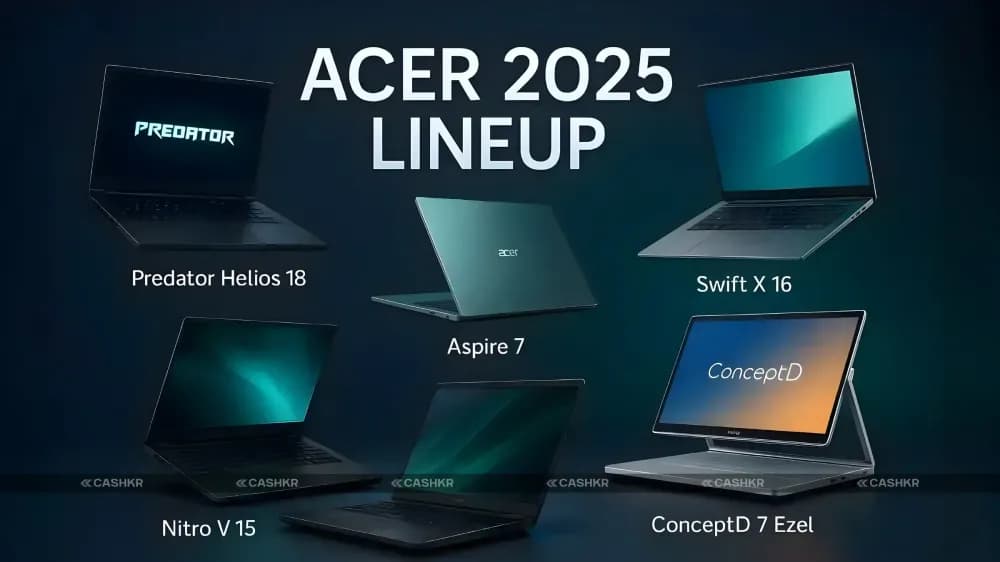
Explore top Acer laptops of 2025 for gaming, work & more.

Alienware 15 price in India starts at Rs. 1,15,990. See full specs.

Best laptops under Rs. 50,000 India 2026 — top 5 ranked.
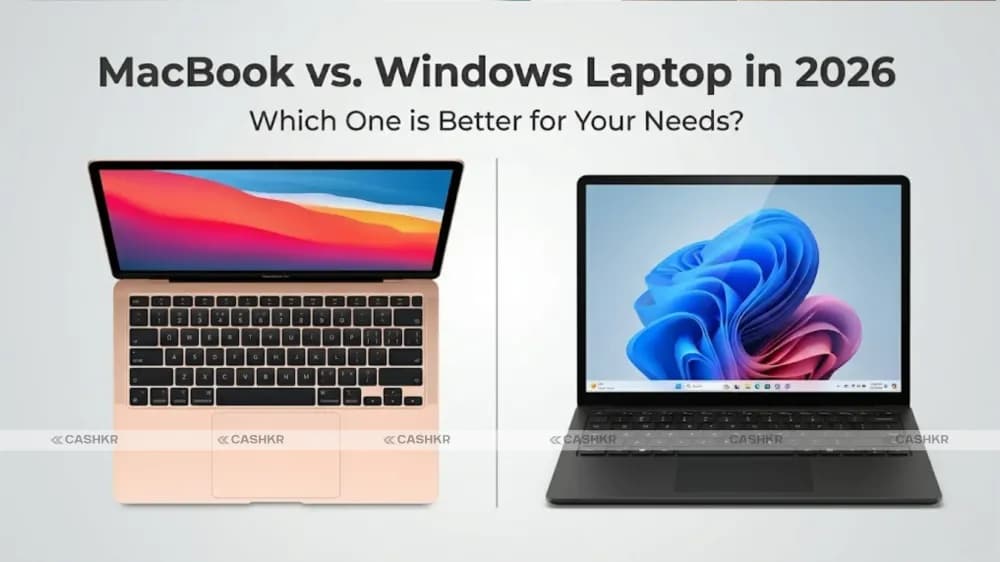
MacBook vs Windows laptop in 2026: Compare performance, design, price, and more.


