How to Sell Your Old Laptop for Maximum Cash in India
 Yaskar Jung ShahUpdated: Aug 21, 2026·15 min read
How to sell your old laptop in India and get the maximum cash for it.

Get the Cashkr app for faster payouts

If you have a laptop collecting dust after an upgrade, that's money going to waste. Its value drops every month it sits unused. No matter if you have a MacBook, ThinkPad, or gaming laptop, understanding what affects resale value, how to get your device ready, and where to sell it will help you get a fair price instead of missing out on thousands of rupees.
The good news is that selling your laptop can be easy. Just find out what it's worth, erase your data properly, and use a service that gives you a fixed price upfront instead of making you bargain in person.
Here’s a detailed guide on what affects your laptop’s resale value, how to get it ready, where to sell it in India, and the best time to sell for the most money.
Quick Summary: Your laptop’s resale value depends on its brand, processor generation, condition, and when you sell it. MacBooks and business laptops keep their value best. Back up your data, fully wipe the drive, keep the charger, and sell while it still works well using a platform that offers a fixed price, free pickup, and same-day payment.
A laptop loses value every month it goes unused. Each new processor generation makes older laptops worth even less. The laptop you haven’t used since your last upgrade is most valuable right now. If you wait a year, it will be worth much less, but selling it today can help pay for your next upgrade.
Put simply, every month you wait is like giving the next buyer a discount. Selling now turns your old laptop into cash that keeps its value.
There’s another downside to holding onto your old laptop. Even if you don’t use it, the battery loses power, thermal paste dries up, and the hinges can get stiff. A laptop stored for two years often works worse than one that’s been used gently. So waiting can cost you both in value and in the laptop’s condition.
A working laptop that gets resold serves another user for years — usually a student or a family buying their first computer. That reuse delays new manufacturing, which is where most of a laptop's environmental footprint lives, and keeps hardware out of India's e-waste stream. More on that in our piece on e-waste and recycling in India.
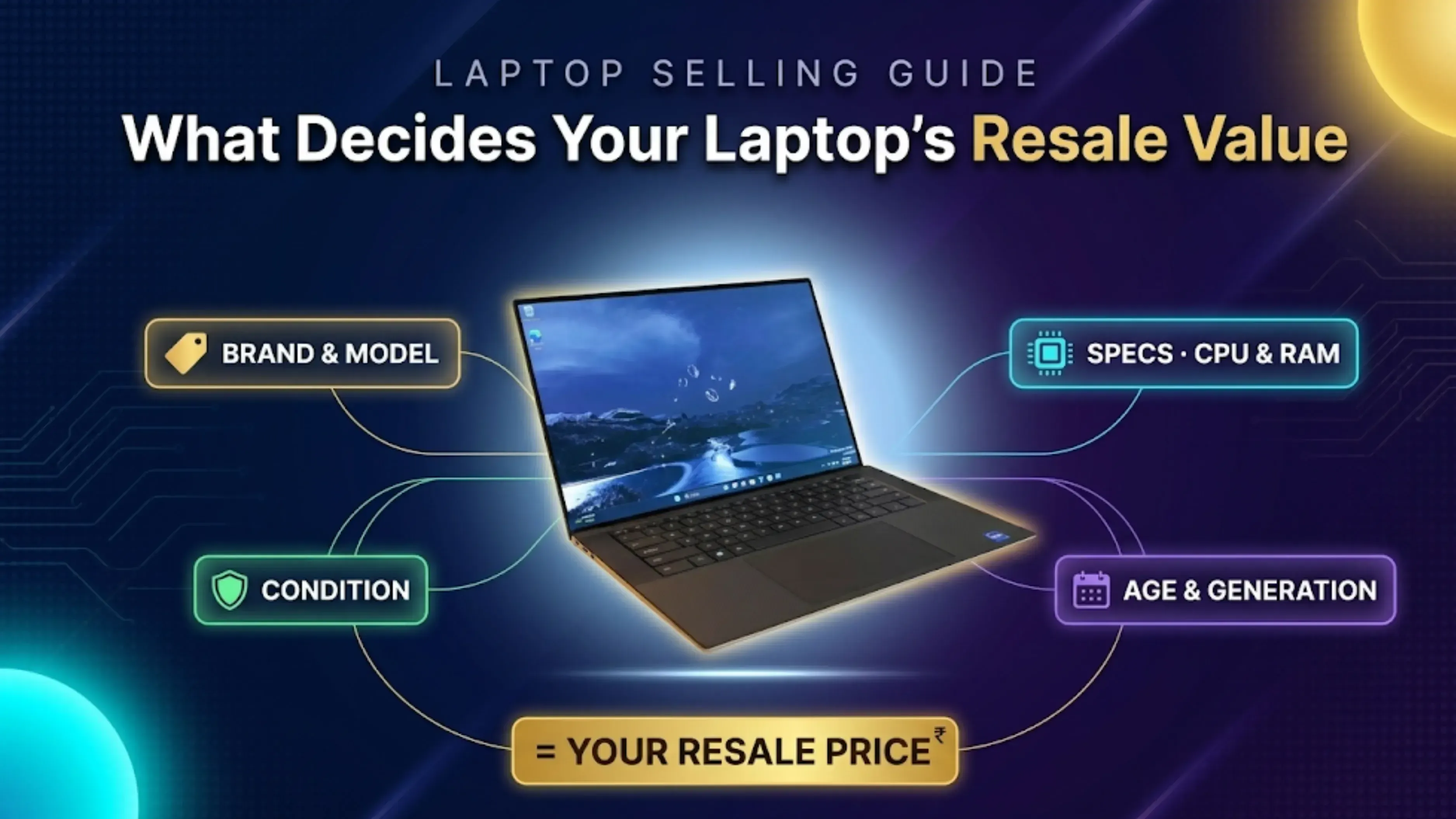
Apple MacBooks keep their value best in India. For Windows laptops, business models like Dell Latitude and XPS, Lenovo ThinkPad, and HP EliteBook, as well as popular consumer models, sell for more than entry-level or lesser-known brands. This is because buyers look for brands they know and trust, and business laptops are made to last.
Physical: Screen condition first, then body damage, hinge condition, and keys. It is the first thing every buyer will check.
Functional: Battery backup, keyboard and touchpad, ports, speakers, and camera.
Extras: Original charger comes with the laptop; the box and invoice do the job.
The processor generation is the most important factor. For example, an 11th-gen i5 usually sells better than an 8th-gen i7, because newer generations are more valuable. Next is RAM, with 8GB being the minimum for good resale. Laptops with SSDs are much easier to sell than those with only HDDs. Gaming laptops with dedicated graphics cards, higher screen resolutions, and metal bodies also command higher prices.
Curious how quotes weigh all this? See how pricing works.
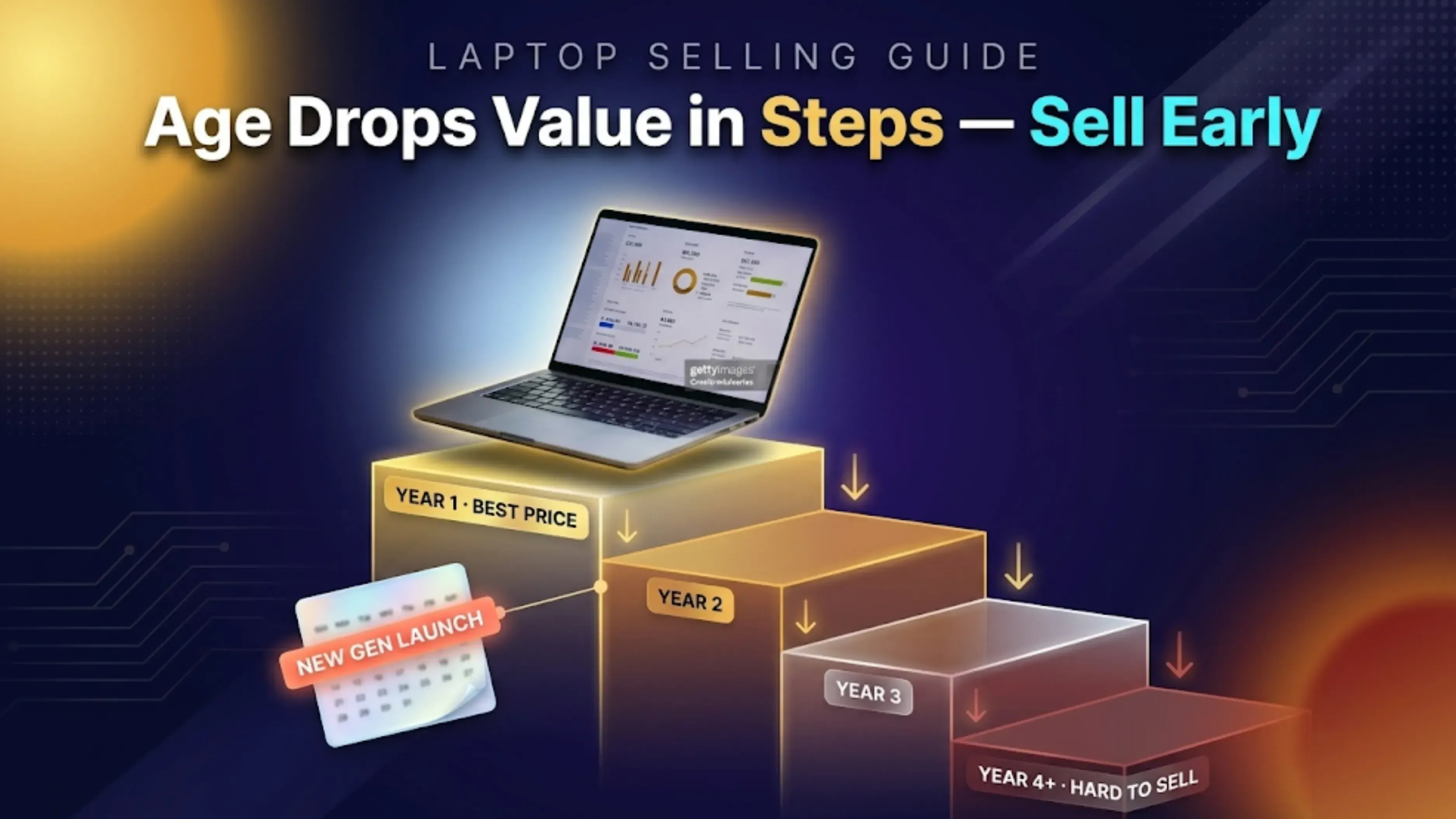
As a general pattern in the Indian resale market, a laptop's value falls in steps rather than a smooth line:
| Laptop Age | Resale Value |
|---|---|
| Under 1 Year | Strongest resale value; near the top of its price bracket |
| 1–2 Years | Sweet spot with high demand and modest depreciation |
| 2–3 Years | Good resale value, especially with SSD and 8GB+ RAM |
| 3–5 Years | Value drops noticeably; brand and condition matter most |
| 5+ Years | Modest resale value; working laptops still sell, mainly based on brand |
These are general trends, not exact numbers. For example, a well-maintained 3-year-old MacBook can sell for more than a poorly kept 1-year-old budget laptop. The main point is that selling sooner is always better.
Quotes are spec-specific, so know your configuration before you start. It takes under a minute:
Windows: Click on the Windows logo + R, enter “msinfo32” and press the Enter button. You will be shown your processor generation and RAM. To determine whether you have an SSD or HDD, open Task Manager, navigate to the Performance tab, and see what’s written next to disk.
MacBook: click the Apple menu → About This Mac — this shows the chip, memory, and model year in one screen.
Note down the processor model, RAM, storage size and type, and the model number (usually on a sticker underneath the laptop). Entering these accurately gets you a precise quote and avoids any mismatch at verification.
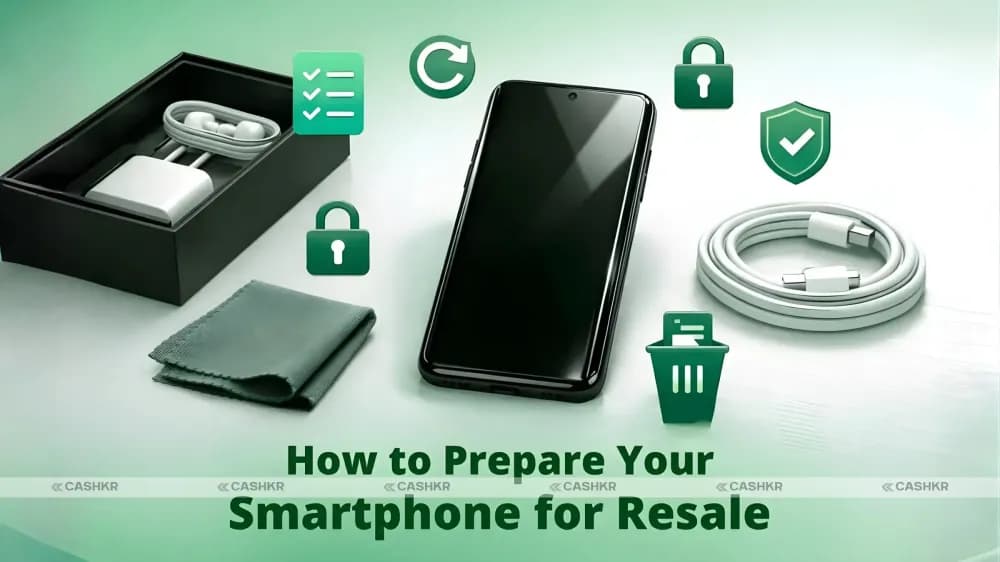
Back up your Documents, Desktop, Downloads, and Pictures to an external drive or cloud storage. If you're a Mac user, make a Time Machine backup. Before erasing your laptop, open a few files from the backup to make sure they are all there. Also, don’t forget to save your browser bookmarks and any local project files, which are commonly neglected.
Windows: Settings → System → Recovery → Reset this PC → Remove everything, and choose "Clean the drive fully." Simple deletion is recoverable; the full clean isn't.
MacBook: System Settings → General → Erase All Content and Settings (Ventura and later), or Recovery Mode → Disk Utility → Erase, then Reinstall macOS.
Sign out and deauthorize your accounts first, such as Microsoft, Adobe, iCloud/iMessage, and Steam, or any service with device limits. An iCloud-locked MacBook cannot be sold, just like an iCloud-locked iPhone.
The complete walkthrough: remove personal data from a laptop before selling.
Spend five minutes cleaning your laptop with a microfiber cloth and a bit of isopropyl alcohol on the body, use compressed air for the vents and ports, and wipe the screen. This can really improve how your laptop is graded. Good presentation shows the laptop was well cared for.
Data backed up and backup verified
All accounts signed out and deauthorized (Microsoft, Adobe, iCloud, Steam)
Drive wiped with a full clean, not just deleted files
Laptop physically cleaned: chassis, screen, and vents
Original charger kept aside with the laptop
Box and invoice ready if available
Government ID handy for verification
Spending ten minutes on this checklist can mean the difference between a smooth sale at the agreed price and unexpected deductions when you hand over your laptop.
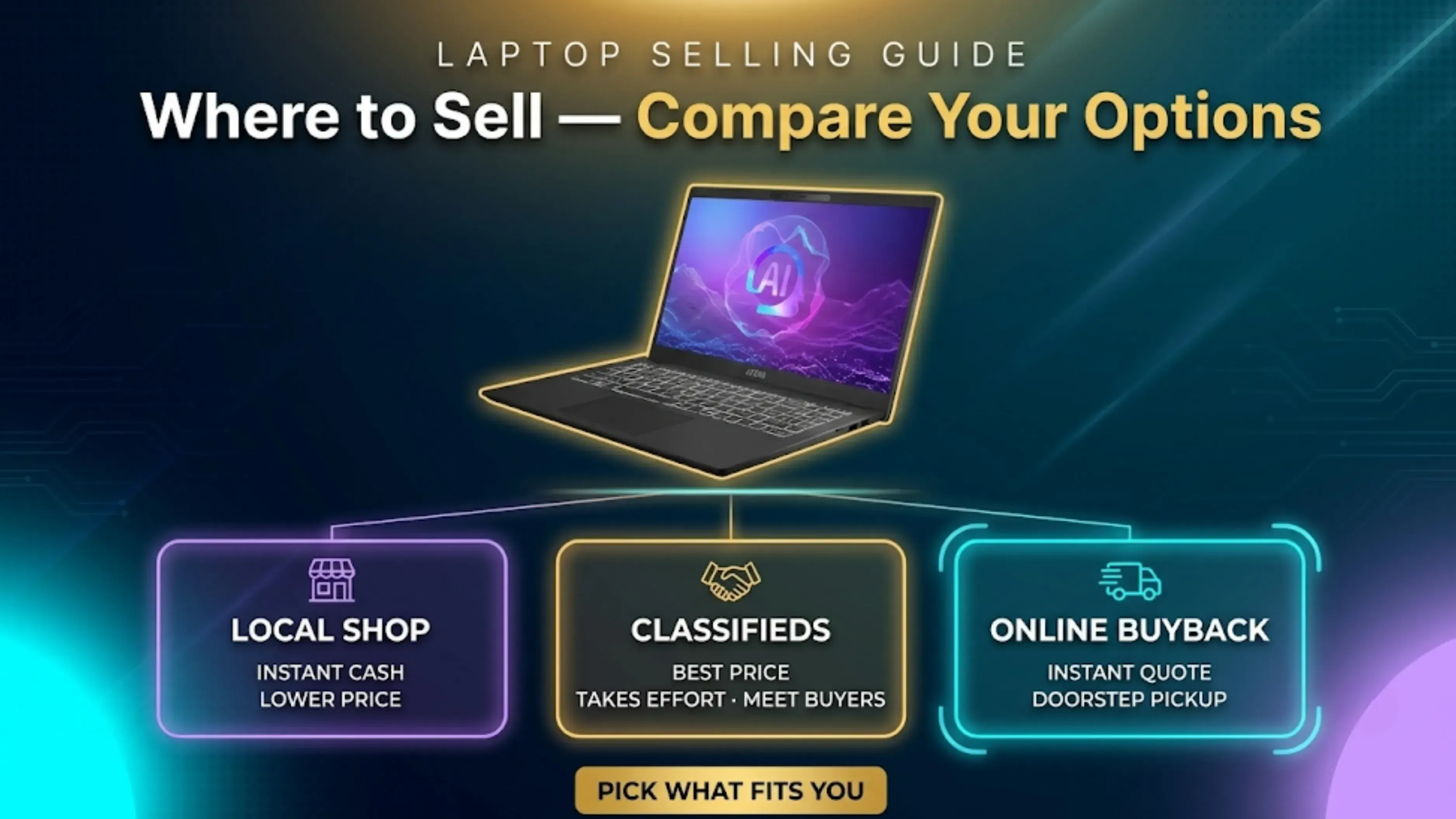
Local retailers will buy immediately but they pay far below market value. If you have the patience, you could get more for it by listing it in the classifieds. But that means dealing with haggling, no-shows, and payment risks when meeting strangers. An online buyback offers you a predetermined price up front, free pickup at your door and payment before the pickup executive leaves.
Most sellers face a clear trade-off: ads might bring in a little more on a good day, but online buyback removes all the risk and gets the sale done in a day.
During discounts, exchange offers may seem like a great deal, but they have disadvantages. The exchange value is usually less than what you’d get from a straight buyback, and it can only be used if you’re buying a new device from the same platform at that time. The reduction is generally off of higher listed prices. Almost often, selling your laptop for cash first and then buying yobestew one whhe price is best gets you more money and allows you to choose any retailer.
Get an instant quote from the sell-old-laptops calculator. The price is locked, with no hidden deductions when you hand over your laptop.
Free doorstep pickup across 2,000+ pincodes in India by verified executives
Same-day payment via UPI, bank transfer or cash after verification
Certified data wipe on every device processed
Selling a MacBook? There's a dedicated flow at sell-old-macs
Choose your brand and model, then answer the questions about condition: age, screen, battery, dents, and charger. Price updates live and are locked in as you confirm.
Choose a date and time slot that suits you. Keep the laptop, charger, and (if available) box and invoice ready. Details on what to expect: pickup and verification.
The pickup executive verifies the laptop against your answers at your door. If the condition matches what you declared, the locked price holds — and you're paid the same day, before the sale is done, via UPI, bank transfer, or cash. You also receive a valid invoice for the sale.
Incomplete Data Removal: Deleting files and emptying the Recycle Bin won’t delete your data. And log out of all accounts first. Use the 'clear the drive thoroughly' option. An iPhone is a similar example – you can't sell a MacBook that's linked to iCloud.
Accepting Below-Market Offers: Get a buyback quote before visiting a local shop. This gives you a guaranteed minimum price to compare. Watch out for buyers who won’t commit to a price, want to take the device home to test, or suggest unusual payment methods.
Ignoring Presentation and Accessories: Not including the charger or handing over a dusty laptop can lower your payout. Spending ten minutes to prepare your laptop can help you get the best price.
Overstating the Condition: Saying your laptop is "like new" when it has dents won’t get you a better price. Instead, you’ll get a lower offer when it’s checked. Being honest about the condition helps keep your quoted price.
Waiting for "One More Use": Many people keep an old laptop as a backup but never actually use it. If you haven’t turned it on in three months, it’s not really a backup—it’s just losing value.
Verified laptops are wiped of data, refurbished, and resold to buyers looking for good machines at fair prices. This extends the life of each device by years. Laptops that can’t be repaired are taken apart for usable parts, and the rest is sent to recyclers. This process is similar to what happens to your old phone after you sell it.
Budget laptops (entry i3/Celeron class): modest but real value while they still boot fast on an SSD.
Mid-range laptops (i5/Ryzen 5, 8–16GB): These are the most popular in the resale market, with strong demand from students and people working from home.
Premium and gaming laptops (XPS, ThinkPad X1, ROG/Legion with dedicated GPUs): the highest absolute payouts, especially under 3 years old.
MacBooks keep their value best, followed by Dell, Lenovo, and HP business models. Asus and gaming brands like MSI and Acer Predator also hold value as long as their graphics cards are still current. Instead of guessing based on averages, use the calculator to check your exact model, specs, and condition. Getting a quote is free.
Laptop lines refresh around new processor generations, typically announced early in the year. Selling before your model becomes "two generations old" preserves a full-price step — the same launch-cycle logic as in our guide on the best time to sell an old smartphone.
The best time to sell is when you’ve stopped using your laptop, not when the battery is dead or the hinge is broken. A working laptop with a good battery is worth much more than one that’s failing.
Selling several machines at once? For offices upgrading in bulk, corporate buyback handles multi-device pickups with a single quote.
If you’re not using your old laptop anymore, you can easily turn it into real money by selling it. Planning early is worth the effort. The brand and version of the processor put a ceiling on the value, but your laptop’s condition, accessories and timing determine how much you’ll actually get.
The formula is simple: back up your data, wipe the drive fully, sign out of every account, keep the charger, and sell while the machine still works well — before it slips another processor generation behind. Lock a quote on Cashkr first so you always have a guaranteed floor, and let doorstep pickup and same-day payment handle the rest.
Bottom line: Sell your laptop when it still functions well and is not two generations old. Completely wipe the drive, save the charger and obtain a quote beforehand so you don’t wind up taking less than it’s worth.
1. How long does it take to sell my laptop on Cashkr?
Locked quote in about 2 minutes, pickup at your choice of slot, same day payment on verification. Most sales close a day or two after booking.
2. Do I need the original box and accessories to sell?
No, but add the original charger (if expected) and the box and invoice if you have them; entire sets grade better.
3. What if my laptop has minor physical damage?
Declare it in the condition questions. Scratches and small dents reduce the quote modestly; they don't block the sale.
4. Can I sell a laptop with a cracked screen or battery issues?
Yes. Both are priced-in deductions, not disqualifiers. Describe the condition accurately and the doorstep verification will match your quote.
5. Is it safe to sell my laptop online through Cashkr?
Yes, verified pickup executives, payment before handover is complete, and a certified data wipe on processed devices. Wipe your own data first as well; this guide shows how.
6. How is the final price determined during verification?
The executive cross-checks the laptop with your claimed condition. If the match occurs, the locked online quote is paid out. Adjustments are made only when the declaration and the reality diverge.
7. What payment methods does Cashkr offer?
UPI, bank transfer, or cash paid the same day, at your door.
8. Can I sell multiple laptops at once?
Yes. Add each device for individual quotes, or use corporate buyback for office-scale lots.
9. Do you accept laptops from all brands?
All major brands, Apple, Dell, HP, Lenovo, Asus, Acer, MSI, Samsung, Xiaomi and more.
10. What documents do I need to sell my laptop?
Just a government ID for the pickup verification. The purchase invoice is optional but helps.
Also Read: How New Smartphone Launches Affect Old Phone Resale Value
Also Read: Selling a Broken Phone vs Repairing It First: What's Actually Worth It?
Also Read: Moto G77 Power vs OnePlus Nord CE 6 Lite Price: Which to Buy?
Sell with Cashkr
Cashkr buys used devices at a fair price with free doorstep pickup and same-day payment across 2,000+ pincodes. Get an upfront quote in seconds.
Sell Old Phone OnlineCheck your phone's value in seconds
Written by
Learn how to sell refurbished devices online and maximize profit.