HyperOS 3 Issues Fix: Updates for Xiaomi 17 & Redmi K90
 Yaskar Jung ShahUpdated: Aug 11, 2026·12 min read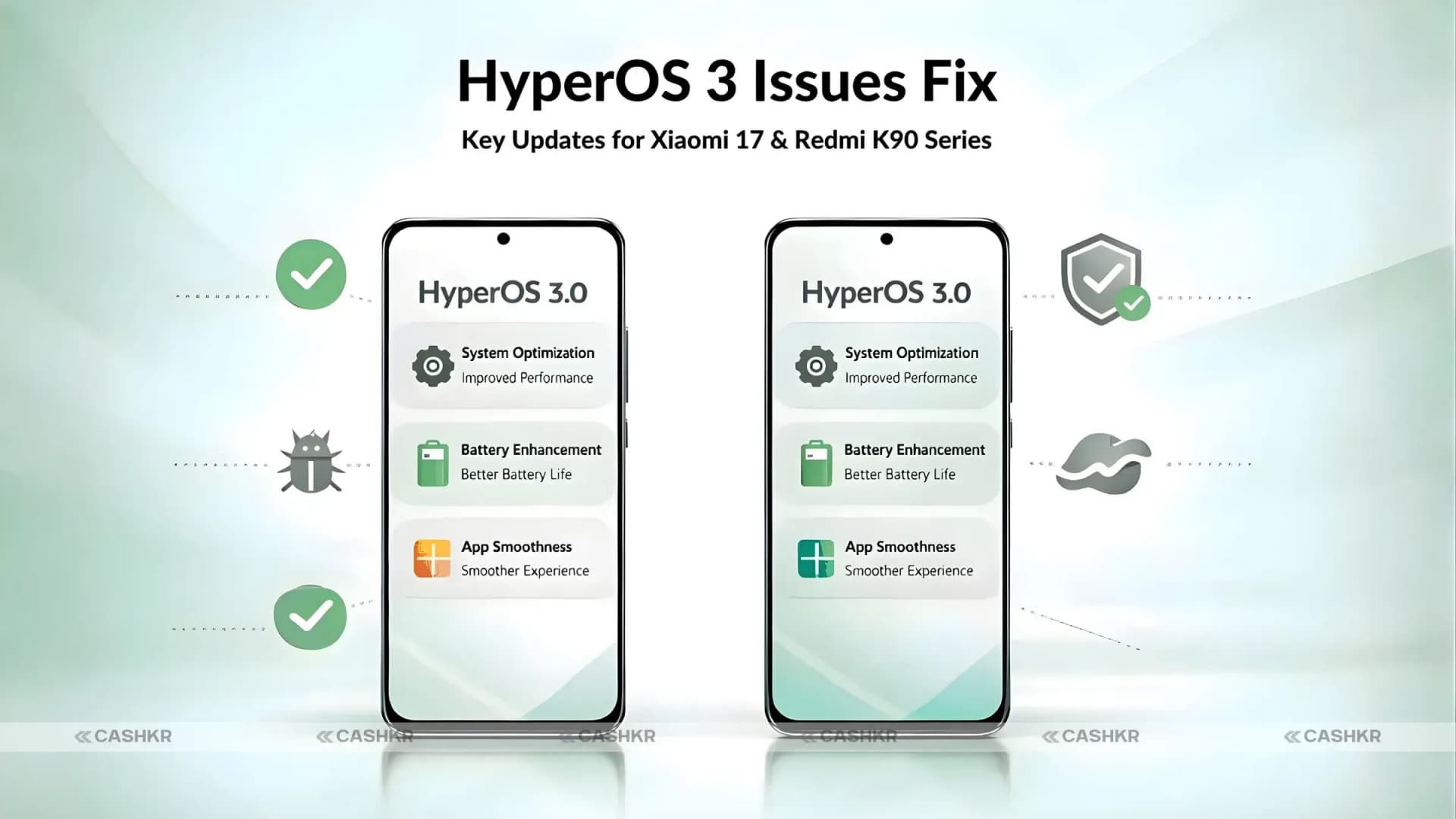
HyperOS 3 issues fixed with new updates for Xiaomi users

Get the Cashkr app for faster payouts

Enthusiasts have something to celebrate about with the release of the HyperOS 3.0 update now available for their devices. The recent update is designed to help fix some of the annoying bugs on your device, including the Xiaomi 17 series and Redmi K90 series. If you are experiencing some problems on your device, such as apps crashing, device glitches, and slow performance, this update is here to fix them.
Whether you are using the Xiaomi 17 series or the Redmi K90 series, this update is designed to help fix some of the annoying problems on your device. Let’s take a closer look at some of the problems this update is designed to fix on your device and how it will make your experience better.
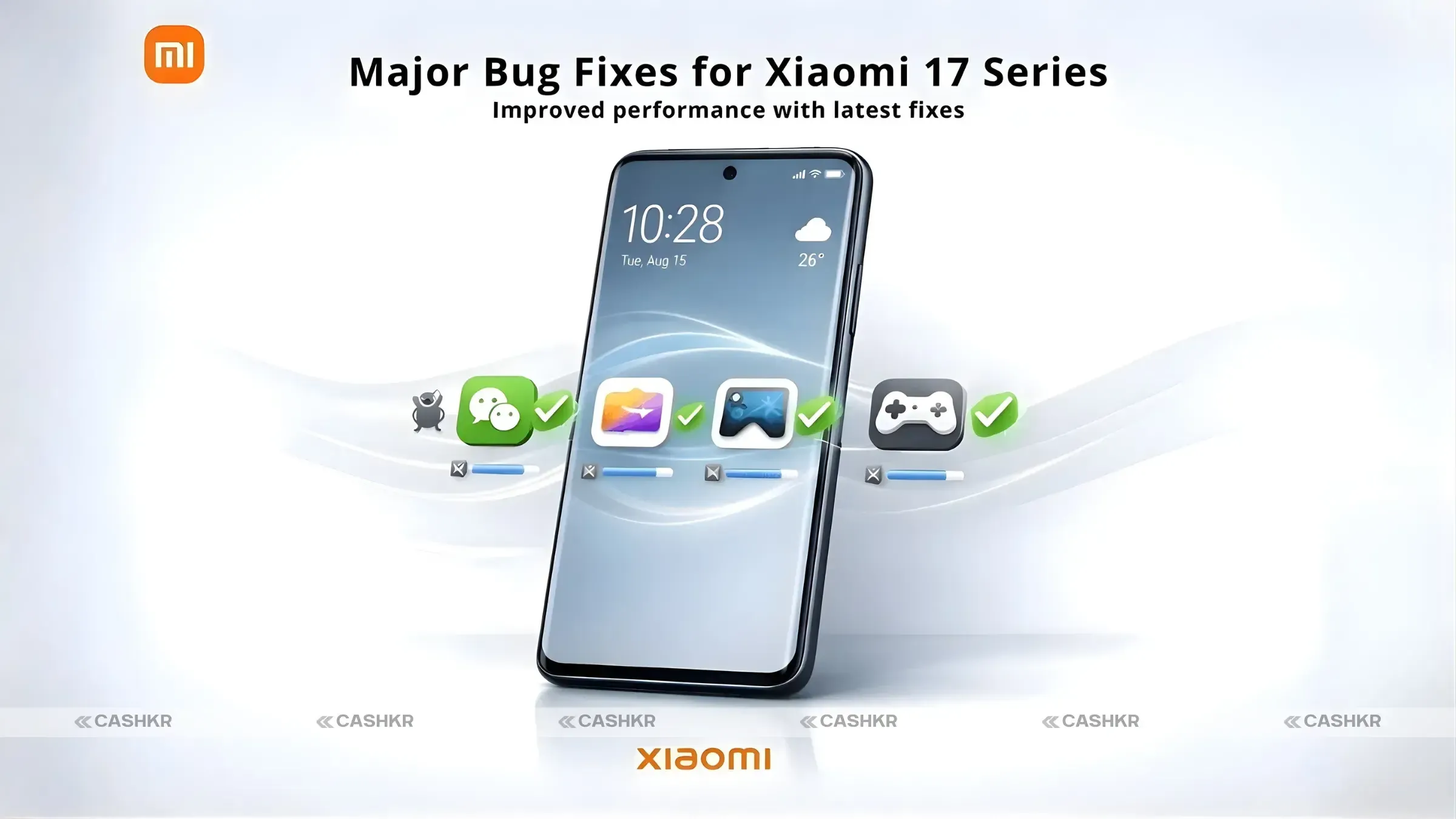
Xiaomi 17 series owners can now breathe easy as the HyperOS 3.0 update directly tackles several reported issues. Xiaomi has taken feedback seriously and quickly rolled out these fixes to improve the overall usability of these devices.
One common issue faced by users was the automatic scrolling up glitch while typing in WeChat chats. This frustrating bug made conversations difficult to follow. With this update, Xiaomi has resolved the issue, allowing users to type and chat seamlessly without this interruption.
Another annoying problem that popped up for some users was the disappearance of the “Overwrite Original Image” option in album settings. This option would vanish in certain scenarios, leaving users confused. Now, with HyperOS 3.0, this feature is restored and works reliably.
A bug causing cloud service crashes during device searches has also been addressed. This issue often disrupted the process of backing up or searching through cloud files, but Xiaomi has resolved it with the latest patch.
Gamers will appreciate that HyperOS 3.0 fixes the issue with the game acceleration sensor switch not working correctly. This feature is essential for optimizing gaming performance, and the update ensures it functions properly for a smoother gaming experience.

Also Read: OnePlus Nord 6 India Launch: Price, Specs and Key Features
Some users complained about the vignetting effect appearing in screenshots. With this update, Xiaomi has corrected this issue, ensuring that screenshots are now clear and free from unwanted effects.
A rather odd glitch caused a pop-up window to force portrait mode when connecting AirPods in landscape orientation. This update fixes that issue, allowing users to enjoy their AirPods without having to switch to portrait mode unexpectedly.
Lastly, the update fixes a problem where the game acceleration sidebar would disappear unexpectedly. This has been patched, making the gaming experience smoother and more stable.
In addition to the improvements in the Xiaomi 17 series, HyperOS 3.0 also brings crucial fixes to the Redmi K90 series, with a focus on privacy indicators and haptic feedback issues.
For Redmi K90 users, the green dot privacy notification would sometimes stay visible in the status bar even when it should disappear. This privacy indicator is meant to signal when an app is using your camera or microphone, but it was mistakenly staying on screen. The latest update resolves this bug and ensures the privacy notification behaves as it should.
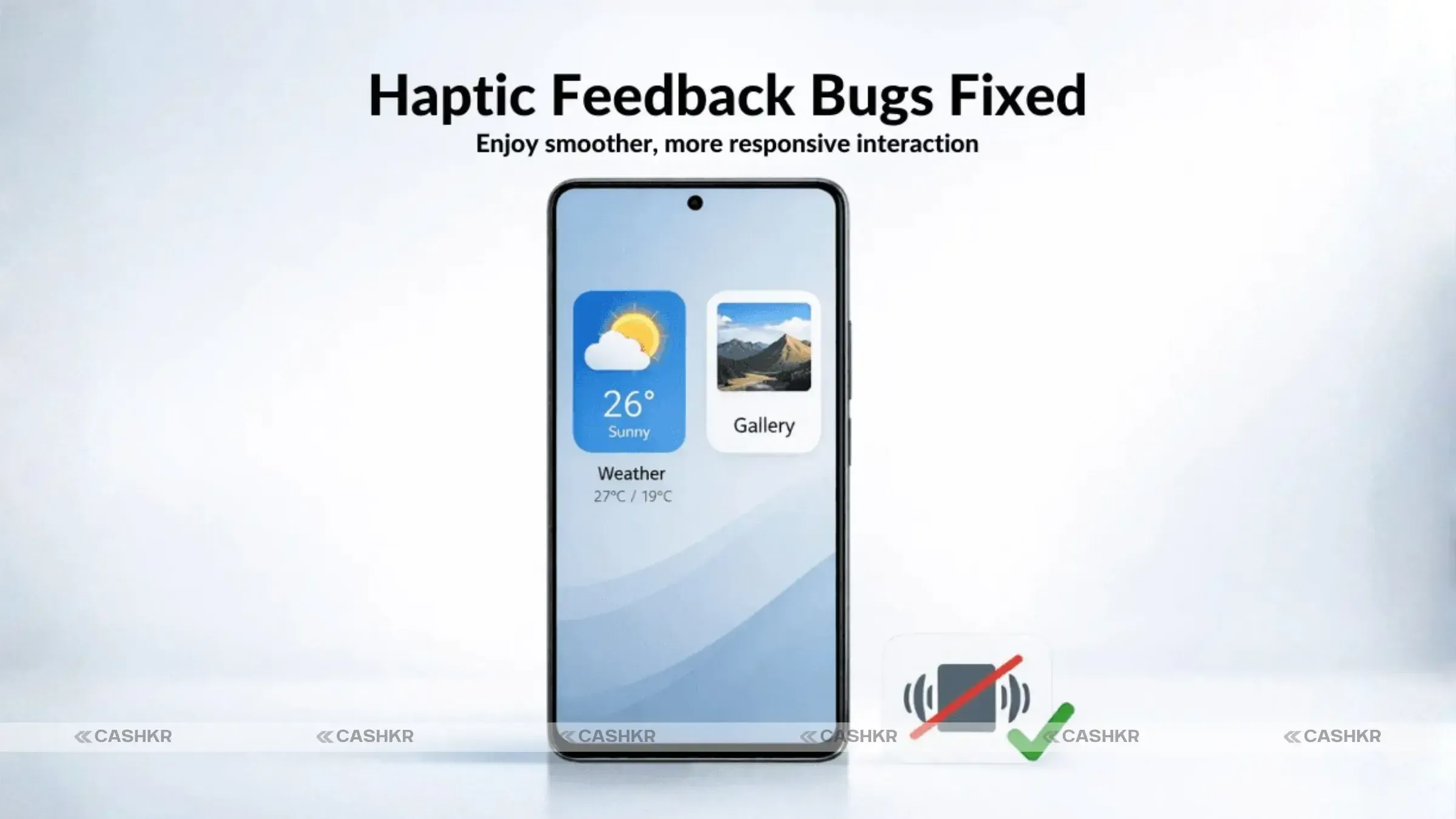
Even though haptic feedback was disabled in the system settings, a lot of users still felt unwelcome vibrations in the Weather app and Photo album. The issue has been fixed in HyperOS 3.0, and users can now enjoy a quieter experience without any weird vibrations from these programs.
Also Read: Cashkr Old Phone Price Calculator | Check Phone Value Instantly
While new features are not in the spotlight in this release, Xiaomi’s emphasis on security and stability has improved the overall user experience. The HyperOS 3.0 update brings several security patches that ensure your data is safe and your device is secure for usage. With an emphasis on bug fixes and privacy enhancements, Xiaomi is prioritizing reliability in this release.
To get the latest updates and bug fixes, follow these simple steps:
Go to Settings on your Xiaomi 17 or Redmi K90 device.
Scroll down and tap on Software Update.
If the HyperOS 3.0 update is available, click Download and Install.
Wait for the update to complete, then restart your phone.
Note: The update may not be available in your area or on your specific device, so if you don't see it right away, check back later.
You need to get the HyperOS 3.0 update if you have a Xiaomi 17 or Redmi K90 line. It fixes a bunch of annoying bugs and makes security and privacy better, which makes your device safer and more secure. After you fix these things, your Xiaomi phone will work better and be ready for daily tasks without any problems.
With HyperOS 3.0, Xiaomi has once again proven its commitment to providing users with a smoother and more secure software experience. By addressing key issues such as app crashes, haptic feedback problems, and privacy notifications, Xiaomi has made sure its Xiaomi 17 and Redmi K90 series users have a stable and reliable phone experience.
If you're experiencing any of the problems mentioned in this update, don't wait—head over to your Software Update section and get your device updated to HyperOS 3.0.
1. What issues does HyperOS 3.0 fix for the Xiaomi 17 series?
HyperOS 3 brings fixes for a number of problems reported by users of the Xiaomi 17 series. Specifically, the update tackles issues such as:
Automatic scrolling within WeChat.
The absence of the "Overwrite Original Image" option.
Furthermore, HyperOS 3 resolves cloud service crashes, a malfunctioning game acceleration sensor switch, vignetting effects in screenshots, unintended portrait mode activation with AirPods, and instability with the game acceleration sidebar, thereby addressing a range of user concerns.
2. How can I update my Xiaomi phone to HyperOS 3.0?
To update your Xiaomi phone to HyperOS 3, navigate to the Settings menu, then select "Software Update." The device will check for available updates. If the hyper os 3.0 update is available, tap "Download and Install." Ensure your device is connected to Wi-Fi and has sufficient battery life for a smooth update process, to resolve update issues.
3. What privacy fixes does HyperOS 3.0 bring to the Redmi K90?
The hyper os 3 update brings essential privacy enhancements to the Redmi K90 series. It fixes the issue where the green dot privacy notification remained visible even when the camera or microphone were not in use. This ensures that the privacy indicator accurately reflects when apps are actively accessing these permissions, offering reassurance to Xiaomi users.
4. Will HyperOS 3.0 improve my Xiaomi phone’s performance?
Yes, the HyperOS 3 update does make your Xiaomi phone work better. By fixing bugs and making the system more stable, the update makes things run faster and smoother. This makes your device work better and the user interface better, which is good for everyone.
5. Does HyperOS 3.0 include new features?
The main purpose of HyperOS 3 is fix issues and performance enhancements, not the addition of new features. Even though there are slight enhancements to existing features, the main purpose of this version is stability and security enhancements. This is important in creating a better experience for Xiaomi users.
6. Will HyperOS 3.0 be available for all Xiaomi 17 and Redmi K90 users?
The Hyper OS 3 update is slowly being sent out to all owners of the Xiaomi 17 and Redmi K90 series. The software update may happen at different times depending on where you are and what kind of gadget you have, though. Xiaomi users should check the Software version section of their device settings from time to time to make sure they get the newest version right away.
7. How do I fix the automatic scrolling issue on my Xiaomi 17?
The automatic scrolling issue on the Xiaomi 17 can be resolved by updating to HyperOS 3. This update brings a specific fix for this bug, ensuring that the scrolling function works correctly in apps like WeChat. Make sure to download and install the latest hyper os to eliminate this problem and improve your messaging experience.
8. Is my data safe after updating to HyperOS 3.0?
Yes, your data is generally safe after updating with the new HyperOS 3. The hyper os 3 update includes security patches that will ensure the safety of your device and data from potential threats. It is always best to back up your data before updating the software as a precautionary measure in case of unexpected problems.
9. How does the update affect battery life?
The Hyper OS 3 update is intended to help your Xiaomi device consume less battery. The update can help improve battery life by fixing problems and ensuring that the system runs smoothly.Xiaomi users may notice that their device lasts longer on a single charge, thanks to these performance optimizations and stability fixes for 11 xiaomi devices.
10. Will HyperOS 3.0 work on older Xiaomi models?
The Xiaomi 17 and Redmi K90 series are the primary devices that HyperOS 3 is designed for. Xiaomi always provides similar upgrades with bug fixes and security patches for the older devices, even if they are not receiving this update. You can check the xiaomi hyperos weekly bug reports for any available updates for older devices.
If you want to sell your old devices then, click here.
Sell with Cashkr
Cashkr buys used devices at a fair price with free doorstep pickup and same-day payment across 2,000+ pincodes. Get an upfront quote in seconds.
Sell Old Phone OnlineCheck your phone's value in seconds
Written by
Best camera phones 2026 — ranked for every type of shooter.

Top Google Gemini AI photo editing prompts to boost creativity
Xiaomi HyperOS update 3.1 : Check the full list of eligible devices.

Reduce e-waste by selling old devices responsibly with Cashkr.
Cashkr makes it easy and safe to sell your used phone. No hassle!

Phone recycling with Cashkr helps reduce e-waste and support sustainability.


