Best MacBook for Video Editing 2026: Every Budget Compared
 Yaskar Jung ShahUpdated: Aug 6, 2026·19 min read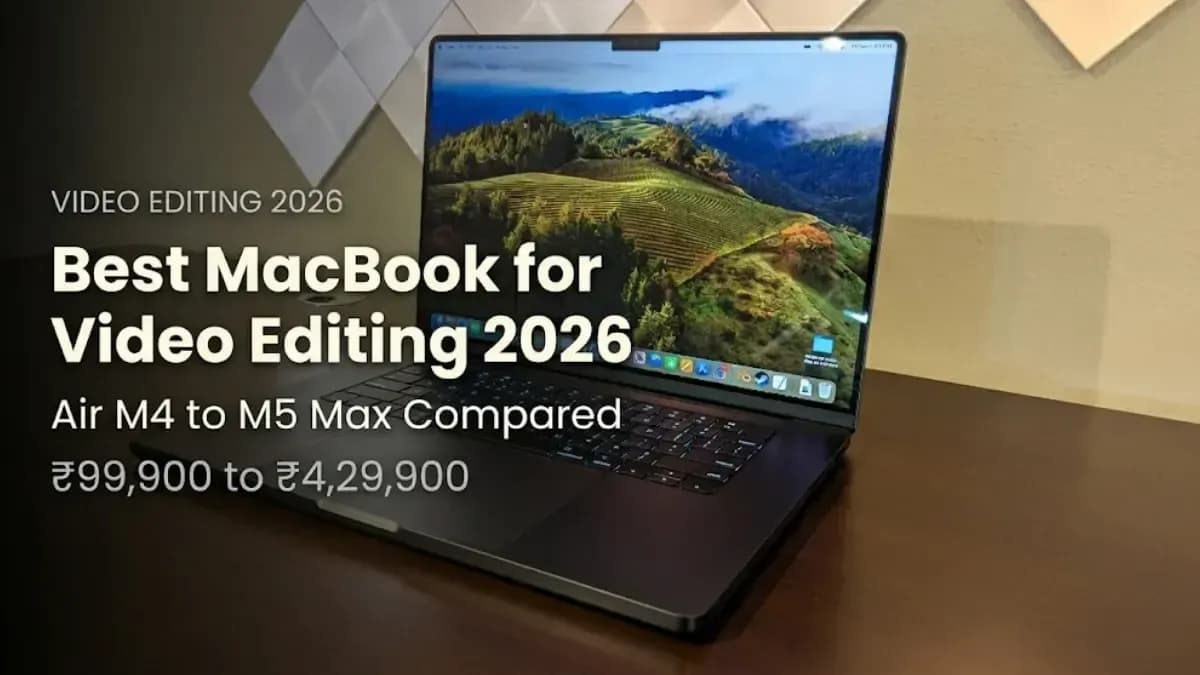
Best MacBook for video editing 2026: Air M4 to M5 Max, India prices compared.

Get the Cashkr app for faster payouts

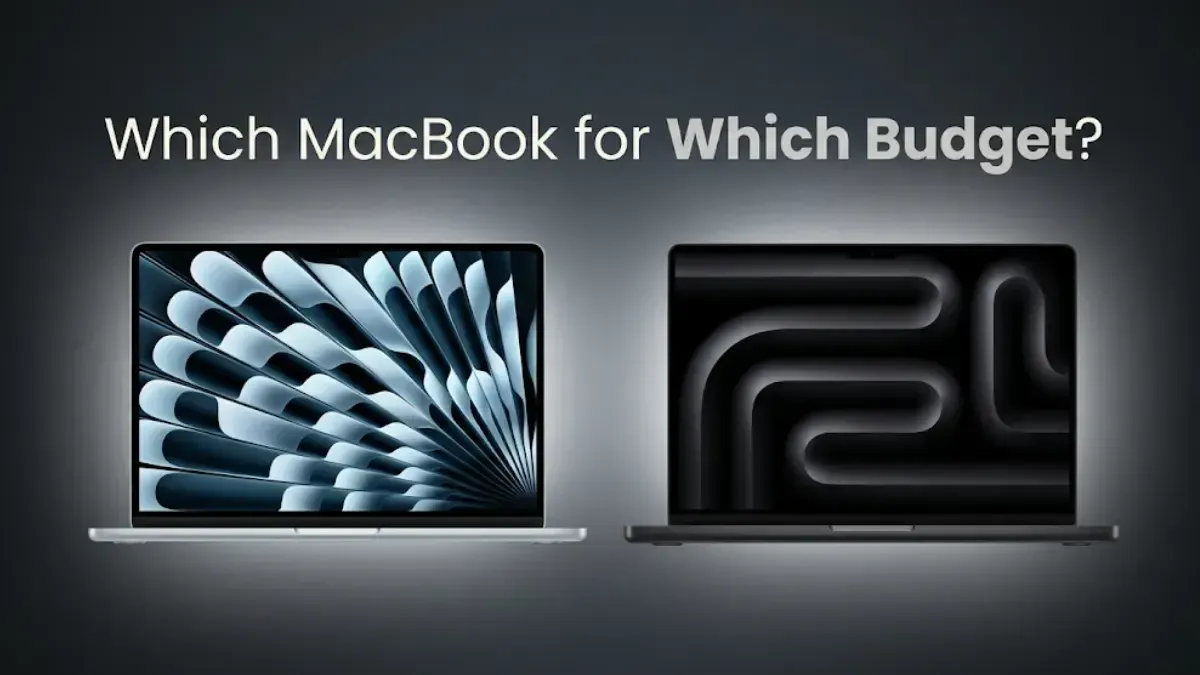
| MacBook | India Price Starts At | Best For |
|---|---|---|
| MacBook Air M4 13-inch | Rs. 99,900 | Beginners, YouTube creators, 1080p editing, casual 4K projects |
| MacBook Air M4 15-inch | Rs. 1,24,900 | Beginners who want a larger display without moving to the Pro lineup |
| MacBook Pro 14-inch M5 | Rs. 1,89,900 | Intermediate creators upgrading from MacBook Air for faster rendering and editing |
| MacBook Pro 14-inch M5 Pro | Rs. 2,49,900 | Professional editors working with multi-stream 4K footage and demanding timelines |
| MacBook Pro 16-inch M5 Pro | Rs. 2,99,900 | Professionals needing sustained performance and a larger editing workspace |
| MacBook Pro 16-inch M5 Max | Rs. 4,29,900 | Power users handling 8K editing, VFX, color grading, and heavy DaVinci Resolve workloads |
Also Read: OnePlus Pad 3 Pro Price in India, Specs, Launch Date
| Specification | M5 | M5 Pro | M5 Max | Video Editing Impact |
|---|---|---|---|---|
| CPU Cores | 10-core | 14-core or 18-core | 18-core | More CPU cores improve rendering, exporting, effects processing, and multitasking |
| GPU Cores | 10-core | 20-core or 24-core | 32-core or 40-core | GPU power directly affects timeline playback, color grading, effects, and export speed |
| Unified Memory | Up to 24GB | Up to 64GB | Up to 128GB | For professional 4K and 8K editing, 36GB+ is recommended |
| Memory Bandwidth | ~100 GB/s | ~273 GB/s | ~546 GB/s | Higher bandwidth allows smoother handling of multiple high-resolution video streams |
| Media Engines | 1 | 2 | 4 | Dedicated ProRes encode/decode engines significantly accelerate Final Cut Pro workflows |
| Neural Engine | 16-core | 16-core | 16-core | AI-based editing features perform similarly across all M5 variants |
Hardware media engines: the most important spec most buyers miss Apple’s media engines are dedicated hardware blocks that handle ProRes and ProRes RAW encoding and decoding without using CPU or GPU cycles. On a MacBook Pro M5 Max with four media engines, exporting a 4K ProRes timeline in Final Cut Pro completes in a fraction of the time it takes on the M5 Air with one media engine, while the CPU and GPU remain completely free for real-time playback. For editors working in ProRes, the jump from one to two to four media engines makes a more tangible daily difference than extra CPU cores.
| Specification | Details |
|---|---|
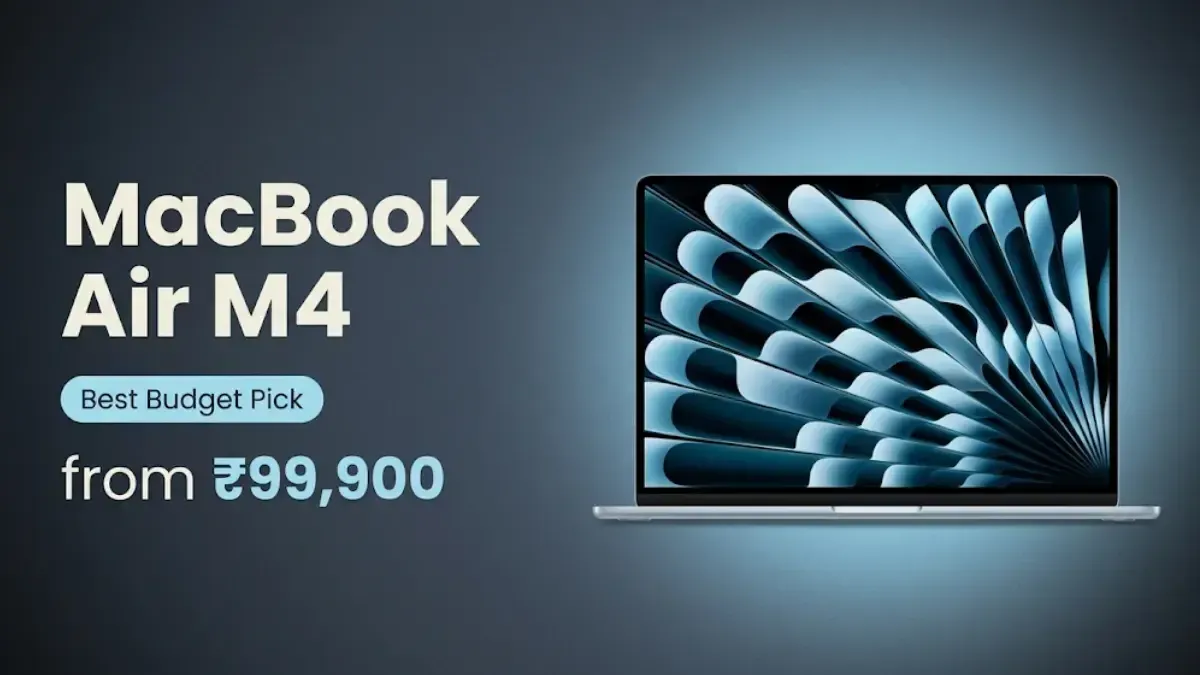
| India Price | 13-inch: From Rs. 99,900 (16GB/256GB) | 15-inch: From Rs. 1,24,900 |
| Chip | Apple M4 (10-core CPU, 10-core GPU, 16-core Neural Engine) |
| RAM | 16GB unified memory (up to 24GB) |
| Storage | 256GB, 512GB, or 1TB SSD |
| Display (13-inch) | 13.6-inch Liquid Retina, 2560 × 1664 |
| Display (15-inch) | 15.3-inch Liquid Retina, 2880 × 1864 |
| Brightness | 500 nits (SDR) |
| HDR Support | No |
| ProMotion | No (60Hz refresh rate) |
| Media Engines | 1 hardware media engine |
| Battery Life | Up to 18 hours (13-inch and 15-inch) |
| Cooling | Fanless passive cooling |
| Weight | 1.24kg (13-inch) | 1.51kg (15-inch) |
| Ports | 2× Thunderbolt 4, MagSafe 3, 3.5mm headphone jack |
| Camera | 12MP Center Stage camera |
| Wireless Connectivity | Wi-Fi 6E, Bluetooth 5.3 |
MacBook Air M4 RAM advice for video editing: The 16GB base model is enough for 1080p and basic 4K editing. If you edit 4K videos often, use several apps at once, or want to keep the laptop for 3 to 4 years, consider upgrading to 24GB. Remember, you can’t upgrade the RAM after buying, so choose your configuration carefully.
Also Read: iPhone Ultra Leaked: Foldable Design, 4.5mm, Crease-Free
| Specification | Details |
|---|---|
| India Price | From Rs. 2,49,900 (24GB RAM + 1TB SSD) |
| Chip | Apple M5 Pro |
| CPU | Up to 18-core CPU (6 super-performance + 12 performance cores) |
| GPU | 20-core or 24-core GPU |
| RAM | 24GB unified memory (up to 64GB) |
| Storage | 1TB SSD base (up to 4TB SSD) |
| SSD Speed | Up to 14.5GB/s read speed |
| Display | 14.2-inch Liquid Retina XDR |
| Resolution | 3024 × 1964 pixels |
| Refresh Rate | ProMotion adaptive 24Hz–120Hz |
| Sustained Brightness | 1,000 nits |
| Peak HDR Brightness | 1,600 nits |
| Contrast Ratio | 1,000,000:1 |
| Media Engines | 2 dedicated ProRes encode/decode engines |
| Battery Life | Up to 24 hours |
| Cooling | Active fan cooling |
| Weight | 1.62kg |
| Ports | 3× Thunderbolt 5 (120Gb/s), HDMI 2.1, SD Card Reader, MagSafe 3, 3.5mm headphone jack |
| Camera | 12MP Center Stage camera |
| Wireless | Wi-Fi 7, Bluetooth 6 (N1 chip) |
| ProMotion | Yes (24Hz–120Hz adaptive) |
M5 Pro RAM for video editing: The 24GB base configuration handles 4K editing comfortably. Upgrade to 48GB if you edit 4K in DaVinci Resolve with complex colour science and noise reduction, or if you use the machine for 3D compositing alongside editing. The 64GB maximum is for heavy AI workflows, large-scale machine learning and multi-stream 8K editing. For Final Cut Pro 4K work, 24GB is excellent.
| Specification | Details |
|---|---|
| India Price | From Rs. 4,29,900 (48GB RAM + 2TB SSD) |
| Chip | Apple M5 Max |
| CPU | 18-core CPU (6 super-performance + 12 performance cores) |
| GPU | 40-core GPU |
| RAM | 36GB unified memory base (up to 128GB) |
| Storage | 2TB SSD base (up to 8TB SSD) |
| SSD Speed | Up to 14.5GB/s |
| Memory Bandwidth | Up to 546 GB/s |
| Display | 16.2-inch Liquid Retina XDR |
| Resolution | 3456 × 2234 pixels |
| Refresh Rate | ProMotion adaptive 24Hz–120Hz |
| Sustained Brightness | 1,000 nits |
| Peak HDR Brightness | 1,600 nits |
| Contrast Ratio | 1,000,000:1 |
| Media Engines | 4 dedicated ProRes encode/decode engines |
| Battery Life | Up to 22 hours |
| Cooling | Active dual-fan cooling |
| Weight | 2.14kg |
| Ports | 3× Thunderbolt 5 (120Gb/s), HDMI 2.1, SD Card Reader, MagSafe 3, 3.5mm headphone jack |
| Camera | 12MP Center Stage |
| Wireless | Wi-Fi 7, Bluetooth 6 (N1 chip) |
| External Displays | Supports up to 5 external displays simultaneously |
Who should not buy the MacBook Pro M5 Max? If you mostly use Final Cut Pro to edit 4K videos, the M5 Max isn't the best pick at Rs. 4,29,900. The M5 Pro is cheaper and can do that work. People who edit 8K RAW professionally, VFX artists who do 3D compositing every day, music producers who do a lot of Logic Pro work along with video, or anyone else who needs 128GB RAM for advanced AI and machine learning jobs should get the M5 Max. It's better to get the M5 Pro if that's not how you work.
Bottom Line: Best MacBook for video editing 2026 by budget. Beginners: MacBook Air M4 from Rs. 99,900. Intermediate: MacBook Pro 14-inch M5 from Rs. 1,89,900. Professional: MacBook Pro 14-inch M5 Pro from Rs. 2,49,900. Large screen pro: MacBook Pro 16-inch M5 Pro from Rs. 2,99,900. Power users: MacBook Pro 16-inch M5 Max from Rs. 4,29,900. All M5 Pro and M5 Max: Thunderbolt 5, Wi-Fi 7, Bluetooth 6, 24-hour battery, Liquid Retina XDR ProMotion.
1. Which is the best MacBook for video editing in 2026?
For most professional editors, the 14-inch or 16-inch MacBook Pro with M5 Pro (from Rs. 2,49,900 to Rs. 2,99,900) is the best MacBook for video editing. It delivers two hardware media engines, up to 64GB RAM and sustained performance without the M5 Max’s price. For beginners, the MacBook Air M4 at Rs. 99,900 handles 4K Final Cut Pro editing comfortably.
2. Is MacBook Air M4 good for video editing?
Yes for 1080p and casual 4K editing in Final Cut Pro. The M4 chip handles these workloads well. The fanless design means it slows during long sustained exports, and the display does not show true HDR. For professional 4K and 8K editing with sustained performance, the MacBook Pro M5 Pro is the step up.
3. What is the difference between M5, M5 Pro and M5 Max for video editing?
The M5 has 10 GPU cores, one media engine and up to 24GB RAM. The M5 Pro has up to 24 GPU cores, two media engines and up to 64GB RAM. The M5 Max has up to 40 GPU cores, four media engines and up to 128GB RAM. For Final Cut Pro 4K: M5 is good, M5 Pro is professional, M5 Max is for 8K and VFX power workflows.
4. How much RAM do I need for video editing on a MacBook?
16GB handles 1080p. 24GB is the recommended minimum for professional 4K editing. 48GB for 4K DaVinci Resolve with complex colour science. 64GB or 128GB for 8K RAW, multi-stream professional editing and simultaneous AI workloads.
5. What are the prices of the MacBook Pro M5 Pro and M5 Max in India?
As announced by Apple India in March 2026: MacBook Pro 14-inch M5 Pro starts at Rs. 2,49,900. MacBook Pro 16-inch M5 Pro starts at Rs. 2,99,900. MacBook Pro 14-inch M5 Max starts at Rs. 3,99,900. MacBook Pro 16-inch M5 Max starts at Rs. 4,29,900.
6. Does the MacBook Air M4 have ProMotion 120Hz?
No. The MacBook Air M4 has a 60Hz Liquid Retina display without ProMotion. The MacBook Pro M5 series all feature ProMotion Liquid Retina XDR displays that adapt from 24Hz to 120Hz.
7. Is the MacBook Pro M5 Max worth the price for video editing?
For 8K RAW editing, VFX compositing, DaVinci Resolve with heavy noise reduction and multi-stream grading daily, yes. For 4K Final Cut Pro editing, the M5 Pro offers better value at a lower cost.
8. Does the MacBook Pro M5 Pro have Thunderbolt 5?
Yes. All MacBook Pro models with M5 Pro and M5 Max chips include three Thunderbolt 5 ports at 120 Gb/s. The base 14-inch MacBook Pro with M5 chip has Thunderbolt 4 at 40 Gb/s.
9. What video editing software should I use on a MacBook?
Final Cut Pro (Rs. 8,999 one-time from Mac App Store) is the most optimised for Apple silicon and delivers the fastest export and playback performance on any M-series MacBook. DaVinci Resolve Free is also excellent and free. Adobe Premiere Pro requires a Creative Cloud subscription and performs best on M5 Pro and above.
10. Where can I buy the best MacBook for video editing in India?
Apple India’s official website at apple.com/in/shop, Apple Authorized Resellers (iPlanet, Imagine Store, Croma) and select Amazon and Flipkart listings from authorized sellers. Buy only from Apple-authorized sources to ensure full Apple India warranty.
If you want to sell your old devices, then click here.
Sell with Cashkr
Cashkr buys used devices at a fair price with free doorstep pickup and same-day payment across 2,000+ pincodes. Get an upfront quote in seconds.
Sell Old Laptop OnlineCheck your laptop's value in seconds
Written by

Top gaming laptops for every budget in India tested 2026.

Dell XPS 13 price in India starts at Rs. 79,990. See full specs here.
Explore top Acer laptops of 2025 for gaming, work & more.

Alienware 15 price in India starts at Rs. 1,15,990. See full specs.

Best laptops under Rs. 50,000 India 2026 — top 5 ranked.
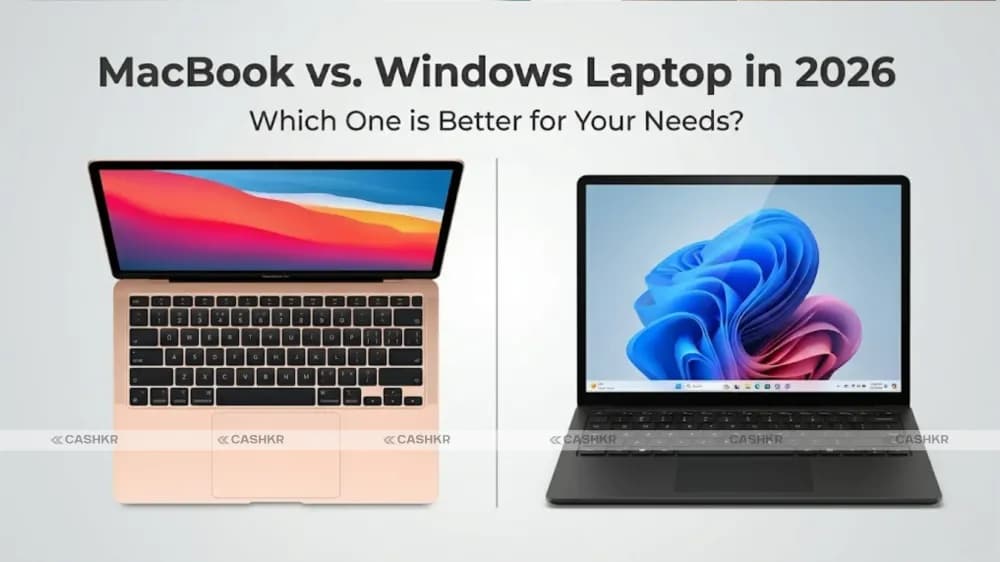
MacBook vs Windows laptop in 2026: Compare performance, design, price, and more.


