How to Check Battery Health on Android and iPhone in a Minute
Your phone has tracked battery wear since you first got it, but most people never check.
It only takes a minute to check. On an iPhone, it’s just two taps. On Android, it depends on the manufacturer, which is where most guides get it wrong.
This number is one of the first things checked during an inspection, so it’s good to know it before someone else does.
Advertisement
Disclosure: Cashkr is our own device buyback service. We buy used phones, so we do have an interest if you decide to sell. However, the checks below are built into your phone and are not connected to us.
Yaskar Jung Shah leads content at Cashkr, an Indian device buyback service. He writes about resale value, data safety and what actually happens to a device after it is sold. He checks every figure against a dated, named source, and says so when a number cannot be verified.
Advertisement
Advertisement
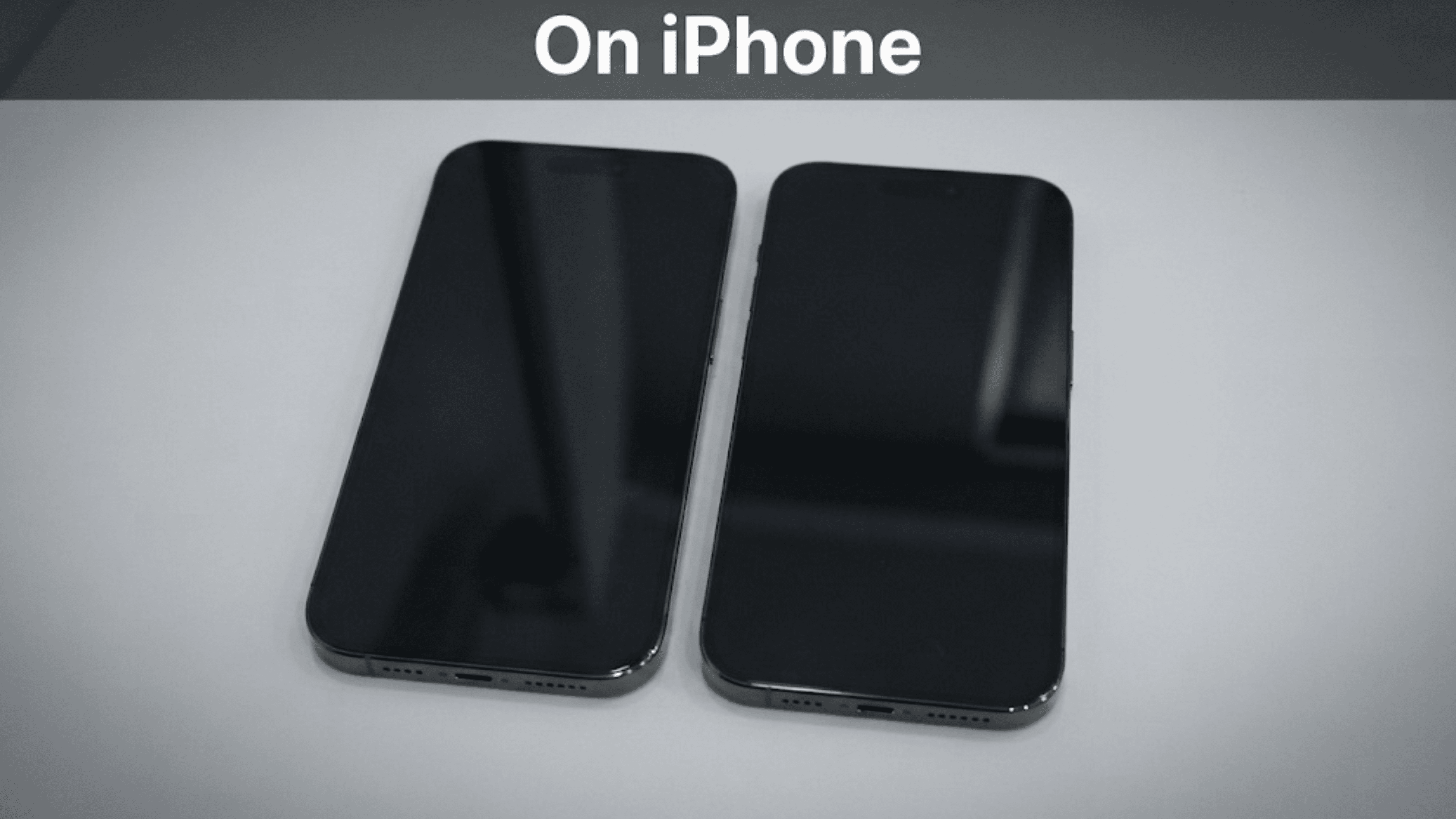
The steps depend on your iPhone model, which can be confusing.
iPhone 15 and later, on iOS 17.4 or later: Settings, then Battery, then Battery Health.
iPhone 11 to iPhone 14: Settings, then Battery, then Battery Health & Charging.
In both cases, you’ll see Maximum Capacity as a percentage. This shows how much charge your battery can hold now compared to when it was new.
What the number should be
Apple shares its design targets, which changed starting with the iPhone 15.
iPhone 14 and earlier
500 complete charge cycles
iPhone 15 and later
1,000 complete charge cycles
A complete cycle means using a total amount equal to 100 percent of the battery’s capacity, even if it takes more than one day.
For example, an iPhone 13 at 80 percent has reached the end of its designed life. An iPhone 16 at 80 percent has gone through about twice as many cycles to reach that point.
Apple's own framing is worth keeping in mind: "All rechargeable batteries are consumable components that become less effective as they chemically age."
What Apple says you will notice
As batteries age, Apple says you might notice longer app launch times, lower frame rates, slower processing, reduced wireless speeds, a dimmer screen, lower speaker volume, and sometimes the camera flash may be disabled temporarily.
If your phone shows several of these signs, check the battery health number before deciding it’s time for a new phone.
On Android, There Is No Single Answer
Here’s the honest truth that most guides don’t mention.
Android doesn’t show battery health in a consistent way. Google only recently added a Battery Health page, and it’s only on a few Pixel models so far. Other manufacturers decide for themselves whether to show the number and where to put it.
So, there’s no single method. Here’s what you can try, step by step.
1. Search in your Settings. Open Settings, use the search bar at the top, and type “battery.” If your phone has a health or battery info screen, this will find it faster than any guide. Try searching for “battery health,” “battery information,” and “battery status.”
2. On a recent Pixel: Go to Settings, then Battery, then Battery health. Google added this feature with Android 16 on the Pixel 8a and Pixel 9 family, and it won’t come to older Pixels. It shows your battery capacity as an estimated percentage compared to a new battery.
3. On a recent Samsung: Check under Settings, then Battery, for a battery information screen. You can also use the Samsung Members app, under device diagnostics, to run a battery test and see the status.
4. On other brands: Many, including some popular in India, don’t provide a battery health reading. If you can’t find anything in Settings, your phone likely doesn’t have this feature.
The code that does not work
You’ll see many guides telling you to dial ##4636#*#* to open a testing menu that shows battery health.
On most current phones, this either does nothing or opens a menu without a battery health number. It worked on older Android versions, but it’s not reliable now. This is the most common outdated advice on the topic.
Some brands have their own diagnostic codes, but these vary by manufacturer and model. Searching in Settings is usually more reliable than looking for a code.
Third party apps
Some apps claim they can show battery health on any Android phone.
Be cautious with these apps. Most only estimate the number because Android doesn’t give them the real data. Showing an estimate as a real measurement can be misleading, and these apps often ask for lots of permissions.
If your phone doesn’t show battery health, use practical signs instead: notice how long a full charge lasts compared to a year ago, and watch for unexpected shutdowns above 20 percent.
What Counts as Bad
There’s no set industry standard, but here’s how inspections usually look at battery health.
Above 90 percent is healthy on a phone of any age.
80 to 90 percent is normal wear. Most buyers accept it without comment.
Below 80 percent, your phone’s resale value drops. The phone still works, but it won’t last as long, and you’ll notice the difference quickly.
If it’s below 70 percent, or if your phone shuts down unexpectedly, the value drops even more.
Swelling is a separate issue. If the screen lifts from the frame or the phone rocks on a flat surface, stop charging it and let the collector know. This is a safety concern, not just a value issue.
Should You Replace the Battery Before Selling?
Usually not. The math is similar to any other repair before selling.
Compare three things: your phone’s current value, its value with a healthy battery, and the cost of replacement.
Most of the time, replacing the battery isn’t worth it. Replacement costs stay about the same, but your phone’s value keeps dropping as it gets older.
There’s one important catch: using a non-original battery can lower your phone’s value instead of increasing it. On iPhones, a non-genuine battery can also trigger a service message in settings that buyers will notice. If you’re replacing the battery to keep using the phone, go through an authorized service. If you’re replacing it to sell, consider carefully.
Battery health is just one factor that affects price. Our guide on what impacts a phone’s resale value lists all the factors, and battery health is fourth on the list.
How to Slow It Down
You can’t stop your battery from aging, but these habits can slow it down.
Avoid leaving your phone at 100 percent in hot conditions. Heat is tougher on batteries than charging cycles. Charging overnight in a warm room or gaming while charging is especially hard on the battery.
If your phone has a charging limit, use it. Many phones now let you cap charging at 80 percent or use an optimized charging setting. These features help protect your battery.
Don’t worry about always reaching a full charge. Topping up during the day is fine and better for your battery than letting it drain completely before charging.
If you’re storing a phone, leave it about half charged and keep it somewhere cool. Storing it fully charged or completely empty can cause the battery to swell.
Before You Sell, Whatever the Battery Says
Make sure to sign out before doing a factory reset.
the phone will lock to your account. Factory Reset Protection on Android, Activation Lock on iPhone.. No one else will be able to set it up. Even a perfect battery won’t help if the phone is locked.
1. How do I check battery health on an Android phone?
There is no single path, because Android does not expose it consistently. Open Settings, search for "battery", and look for a battery health or battery information screen. Recent Pixels have Settings, Battery, Battery health. Recent Samsungs have a battery information screen and a diagnostics test inside Samsung Members. Many other brands don't provide this figure at all.
2. How do I check battery health on an iPhone?
On iPhone 15 and later running iOS 17.4 or later: Settings, Battery, Battery Health. On iPhone 11 to 14: Settings, Battery, Battery Health & Charging. Look for Maximum Capacity.
3. Does the code ##4636#*#* show battery health?
Not on most current phones. It either does nothing or opens a menu with no battery health figure. It worked on older Android versions, which is why so many pages still recommend it.
4. What is a good battery health percentage?
Above 90 percent is healthy. 80 to 90 percent is normal wear that most buyers accept. Below 80 percent affects resale, and below 70 percent, or any unexpected shutdowns, affects it considerably.
5. How many charge cycles should an iPhone battery last?
Apple designs iPhone 14 and earlier to retain 80 percent of original capacity at 500 complete cycles, and iPhone 15 and later to retain 80 percent at 1,000 cycles. A complete cycle means using an amount equal to the full battery capacity, which can happen across several days.
6. Are battery health apps on the Play Store accurate?
Usually not. Android does not give most apps the real figure, so they estimate it. An estimate shown as a measurement is misleading, and these apps often ask for broad permissions. Search your own Settings first.
Sources
Apple, "About the battery and performance of iPhone 11 and later", for the Settings paths by model, the 500 and 1,000 cycle design targets, the 80 percent retention figure, and the list of effects as a battery ages
Google, Android 16 battery health page on Pixel, for the Settings path and the supported Pixel models


 Yaskar Jung ShahPublished at: Nov 10, 2026·10 min read