iOS 27 Developer Beta 2 Update: Write with Siri, RCS
 Yaskar Jung ShahUpdated: Aug 6, 2026·16 min read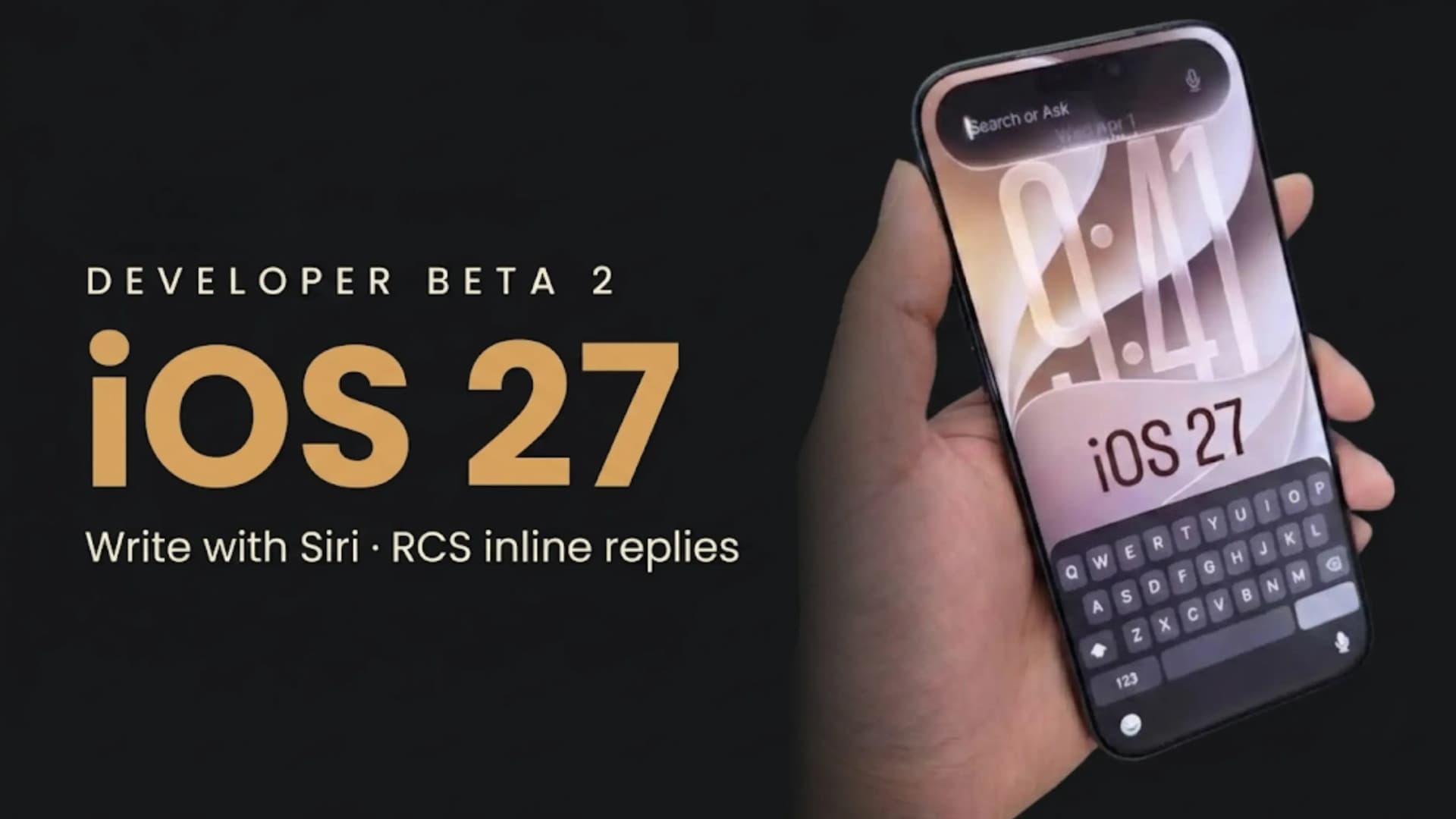
iOS 27 Developer Beta 2 update brings Write with Siri & RCS inline replies.
- iOS 27 Developer Beta 2 Update: Availability and Release Timeline
- Write with Siri: The Headline Change
- RCS Messaging Gets Inline Replies
- Wallet App Gains a Hidden Insights Section
- Apple Intelligence: RAW Photo Editing
- Home and HomeKit Improvements
- Camera, Siri and Weather Refinements
- iOS 27 Developer Beta 2 vs iOS 26 and Android
- Supported iPhone Models
- Update Size
- iOS 27 Developer Beta 2 Update: Key Details
- Final Verdict
- FAQs
iOS 27 Developer Beta 2 Update Released: Write with Siri, RCS Inline Replies
iOS 27 Developer Beta 2: Build 24A5370h | Released June 22, 2026 | Developers now, public beta July, stable September | Free with developer account | Write with Siri (replaces Writing Tools) | RCS inline replies and proper reactions | Wallet Insights (coming) | RAW photo editing | Apple TV remote update | HomeKit video previews | Camera, Siri and Weather tweaks | iPhone 11 and later, SE 2 and later | ~5.23GB
iOS 27 Developer Beta 2 Update: Availability and Release Timeline
Testers say iOS 27 Developer Beta 2 feels more stable than most second betas, and reports suggest the main features are set for the September launch. Still, this is developer software. Some features, like Wallet Insights and Siri voice customization, are visible but not working yet, and the new RCS inline reply is still buggy. Think of this as a preview, not a final release.
Write with Siri: The Headline Change
Replacing Writing Tools is more than just adding a new feature. Writing Tools used to be a separate menu with fixed options. Now, Write with Siri does the same job inside Siri, lets you use natural language, and can use context from your messages and emails. This means most people will have fewer steps and more flexibility, since you can describe what you want instead of picking from a short list. However, those who liked the simple presets will need to get used to giving more open-ended instructions. Also, the results now depend on how much context Siri can access and how well its on-device model works.
Advertisement
RCS Messaging Gets Inline Replies
Inline replies make group chats between iPhone and Android users clearer. Without them, replies to older messages just appear at the bottom, which can be confusing. Now, each reply is linked to the original message, and emoji reactions show up properly instead of as text like "loved an image." It's important to note that Apple is catching up here, since Android users have had these features for a while. Both phones and their carriers need to support RCS, and the inline reply feature is still buggy in this beta.
Wallet App Gains a Hidden Insights Section
Apple Intelligence: RAW Photo Editing
Home and HomeKit Improvements
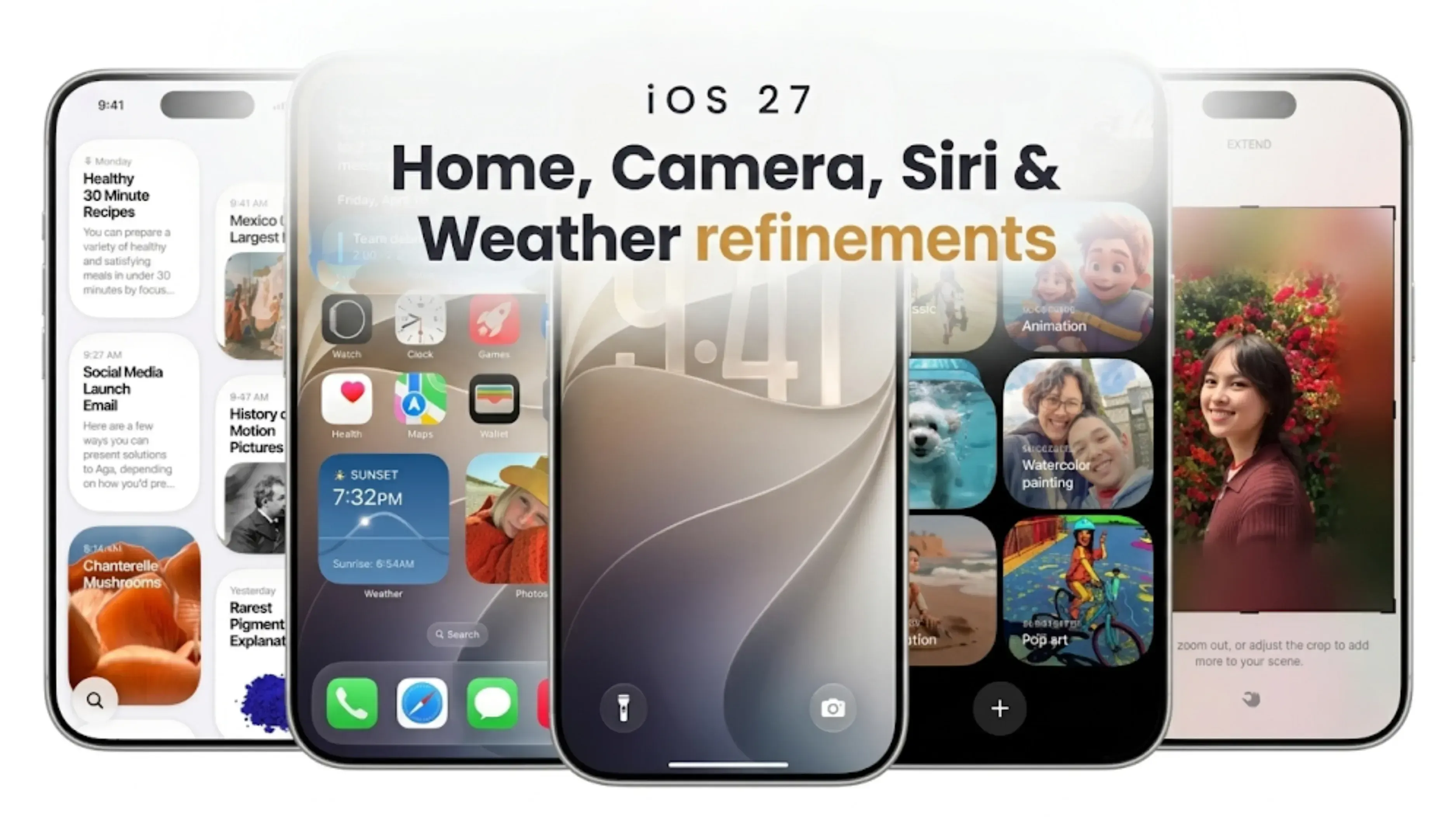
Camera, Siri and Weather Refinements
iOS 27 Developer Beta 2 vs iOS 26 and Android
| Feature | iOS 27 Developer Beta 2 | iOS 26 | Android 17 / One UI 9 |
|---|---|---|---|
| AI Writing Assistant | Write with Siri (Siri integrated, on-device) | Writing Tools (preset tones) | Gemini / Galaxy AI tools |
| RCS Reply to a Message | Yes (new, still buggy) | No | Yes (long-standing support) |
| RCS Reactions on Images | Shown directly on the image | Shown as text description | Shown directly on the image |
| Wallet Spending Insights | Insights section (coming, not yet active) | No | Google Wallet and third-party finance apps |
| AI Editing on RAW Photos | Yes | No | Varies by manufacturer |
| Update Apple TV from Phone | Yes | No (TV must be powered on) | Not applicable |
| Supported Devices | iPhone 11 and later, iPhone SE (2nd Gen) and later | Same | Varies by brand and model |
Supported iPhone Models
Update Size
iOS 27 Developer Beta 2 Update: Key Details
| Specification | iOS 27 Developer Beta 2 |
|---|---|
| Update Name | iOS 27 Developer Beta 2 |
| Build Number | 24A5370h |
| Release Date | June 22, 2026 (Developers) |
| Public Beta | Expected July 2026 |
| Stable Release | Expected September 2026 (with iPhone 18 series) |
| Cost | Free |
| Main Feature | Write with Siri (replaces Writing Tools) |
| Messages Upgrade | RCS inline replies and image reactions |
| Photos | Apple Intelligence editing supports RAW files |
| Home App | Remote Apple TV software updates |
| HomeKit | Video previews and light controls from notifications |
| Camera | Highlighted advanced settings menu |
| Siri App | Multi-select delete for conversations |
| Weather App | Improved readability with brighter text |
| Other Changes | Persistent Lock Screen media controls, Wallet pass textures, iPhone Mirroring fixes |
| Coming Soon | Siri Pace and Expressivity voice options (iPhone 17 Pro & iPhone Air) |
| Supported Devices | iPhone 11 and newer, iPhone SE (2nd Gen) and newer |
| Update Size | Approx. 5.23GB (iPhone 15 Pro from Beta 1) |
Final Verdict
Bottom line: iOS 27 Developer Beta 2 (build 24A5370h) released to developers June 22, 2026. We will have a public beta in July and a stable release in September, timed to the iPhone 18. Write with Siri replaces the old Writing Tools, and now RCS chats with Android have inline replies and improved image reactions. Other updates include Wallet Insights (coming soon), RAW photo editing, remote Apple TV updates, HomeKit video previews, and tweaks to Camera, Siri, and Weather. It is functional on iPhone 11 and later, and SE 2 and later, but full AI features require newer hardware. The update is around 5.23GB. In short, this is a refinement and catch-up release, with some features not quite finished and buggy. Not for your main device.
FAQs
1. What is the iOS 27 Developer Beta 2 update?
It is the second developer beta of iOS 27 (build 24A5370h), released on June 22, 2026, refining the features shown at WWDC 2026. It adds Write with Siri, RCS inline replies, a hidden Wallet Insights section, RAW photo editing and several system tweaks.
2. When will iOS 27 be released to everyone?
A public beta is expected in July 2026, and the stable iOS 27 release is expected in September 2026 alongside the iPhone 18 series.
3. What is Write with Siri?
A new on-device AI writing assistant that appears as a button above the keyboard in apps like Notes, Mail, and Messages. It can generate, proofread and rewrite text from natural language instructions, and it fully replaces the older Writing Tools feature.
4. What RCS features does the iOS 27 Developer Beta 2 update add?
You can now long-press a message in an RCS chat with an Android user to reply to it directly, similar to iMessage, and emoji reactions now appear correctly on images and videos instead of as text descriptions. The inline reply is reported to be buggy in this beta.
5. What is Wallet Insights?
A new section in the Wallet app that will let users connect their financial accounts to view spending insights, recurring transactions, and balances. It is present in this build but not yet functional, and Apple says account data is handled by an Apple-owned subsidiary rather than stored by Apple.
6, Does the iOS 27 Developer Beta 2 update improve the Photos app?
Yes. Apple Intelligence editing tools now support RAW image formats, benefiting photographers and creators who shoot in RAW.
7. Which iPhones support iOS 27?
The same devices as iOS 26, namely iPhone 11 series and later plus iPhone SE (2nd generation) and later. The more advanced Apple Intelligence and Siri AI features require newer hardware.
8. How big is the iOS 27 Developer Beta 2 update?
Approximately 5.23GB on an iPhone 15 Pro updating from the first developer beta, though the size varies by device and current software version.
9. Should I install the iOS 27 Developer Beta 2 update on my main iPhone?
Nope. Apple recommends that you do not install beta software on your main device, as you should expect bugs, battery depletion and app incompatibilities. It’s safer to wait for the July public beta or September release.
10. Is the iOS 27 Developer Beta 2 update a major update?
Not really. It is more of a refinement and catch-up release, consolidating Apple's AI writing tools, bringing RCS messaging closer to what Android already offers, and adding conveniences like remote Apple TV updates, with some features still incomplete.
If you want to sell your old devices, then click here.
Sell with Cashkr
Got an old phone lying around?
Cashkr buys used devices at a fair price with free doorstep pickup and same-day payment across 2,000+ pincodes. Get an upfront quote in seconds.
Sell Old Phone OnlineCheck your phone's value in seconds
Written by