How to Factory Reset a Laptop Before Selling: Turn On Clean Data
Resetting a laptop is not hard. The part people get wrong is a single setting buried one screen deeper than the one they stop at, and skipping it is the difference between deleting your files and actually clearing them.
Disclosure: Cashkr is our own device buyback service. We buy used laptops, so we see what state they arrive in. A laptop that arrives still signed in to somebody's account is a problem for everyone involved.
Before You Touch Anything
Three things, and the second one stops more resets than any other problem.
Advertisement
Back up, then open the backup. Copy what you want to keep to an external drive or a cloud service, then actually open a few files from the copy. A backup you have not checked is not a backup.
Find your BitLocker recovery key. Microsoft says plainly that if your device is encrypted, you need to have this key before you reset. Most modern Windows laptops are encrypted whether the owner knows it or not. The key is usually saved to your Microsoft account, so sign in at your account page on another device and find it there before you start. People discover they need it halfway through, when the laptop is already in a recovery screen and they cannot look it up on it.
Rabin Khadka covers smartphones, laptops and India’s growing market for used devices. She spends most of her time tracking launch prices, price drops and resale values, and has a particular interest in why two phones that cost the same on launch day can be worth very different amounts two years later.
Advertisement
Advertisement
Sign out of the things that are signed in. Your browser, your email, your Microsoft or Apple account, and anything with a licence attached, such as Office or Adobe software. A reset will clear these, but signing out properly releases the licence so you can use it on your next laptop.
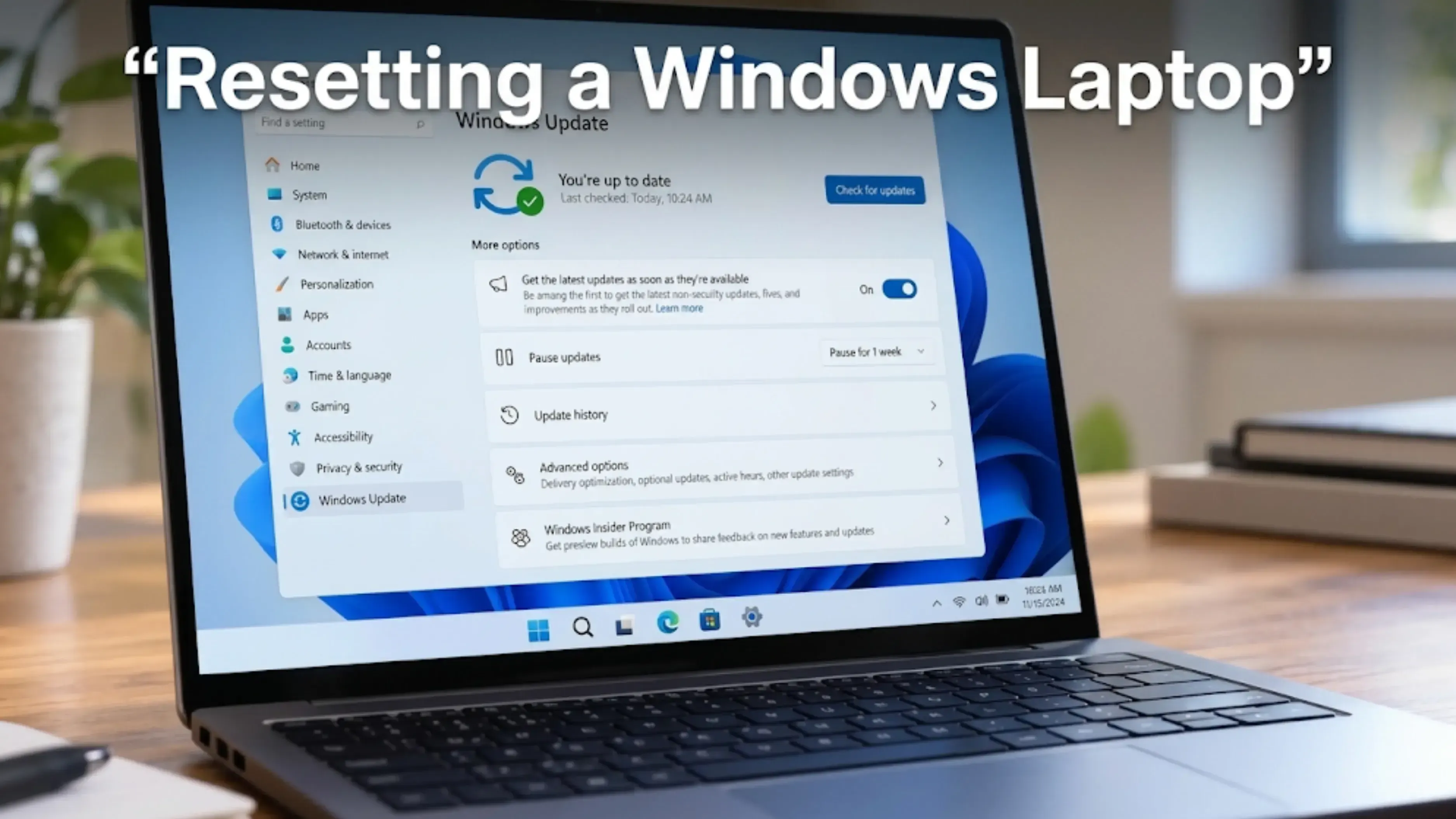
Resetting a Windows Laptop
Go to Settings, then System, then Recovery. Under Recovery options, select Reset PC.
You get two choices. Keep my files reinstalls Windows but leaves your documents and photos where they are. Remove everything reinstalls Windows and removes your files, apps and settings. Microsoft's own description says this second one "is ideal for a fresh start or when you are giving away or selling your PC". That is the one you want.
The setting almost everyone misses
After you choose Remove everything, do not just click through to the end. There is a settings screen with a toggle called Clean data, and it is usually off.
Microsoft describes it in one line: "when enabled, it removes files and cleans the drive." And then adds the part that matters here: "If you're planning to donate, recycle, or sell your PC, use this option."
With Clean data off, a reset removes your files quickly. With it on, Microsoft says it "makes it harder for other people to recover files you've removed". It takes longer. Turn it on anyway. You are not in a hurry, and this is the whole reason you are resetting rather than just deleting.
Cloud download or local reinstall
You will also be asked how to reinstall Windows. Cloud download fetches a fresh copy from Microsoft with the latest updates. Local reinstall uses the files already on the laptop, which is faster on a slow connection but may not include the latest updates.
For a laptop you are selling, cloud download is the tidier result, as long as you have the bandwidth. Either works.
What to expect while it runs
Microsoft warns that the screen may go black for a long time during a reset, sometimes for more than fifteen minutes. That is normal. Do not assume it has frozen and do not pull the power. Keep the laptop plugged in and leave it alone.
Honest Note on What a Reset Does Not Do
Microsoft says this about its own Clean data option, and it is worth repeating because almost nobody does: "The data erasure functionality is targeted at consumers and does not meet government and industry data erasure standards."
In plain terms, this is a good consumer-level wipe. It is not a certified erase, and it is not what a bank or a hospital would use to retire a laptop. For a personal laptop with holiday photos, tax returns and a browser full of saved passwords, a reset with Clean data turned on is genuinely enough.
If your laptop held something that really is sensitive, that is a different conversation and you should be talking to whoever is responsible for it at work, not following a blog post.
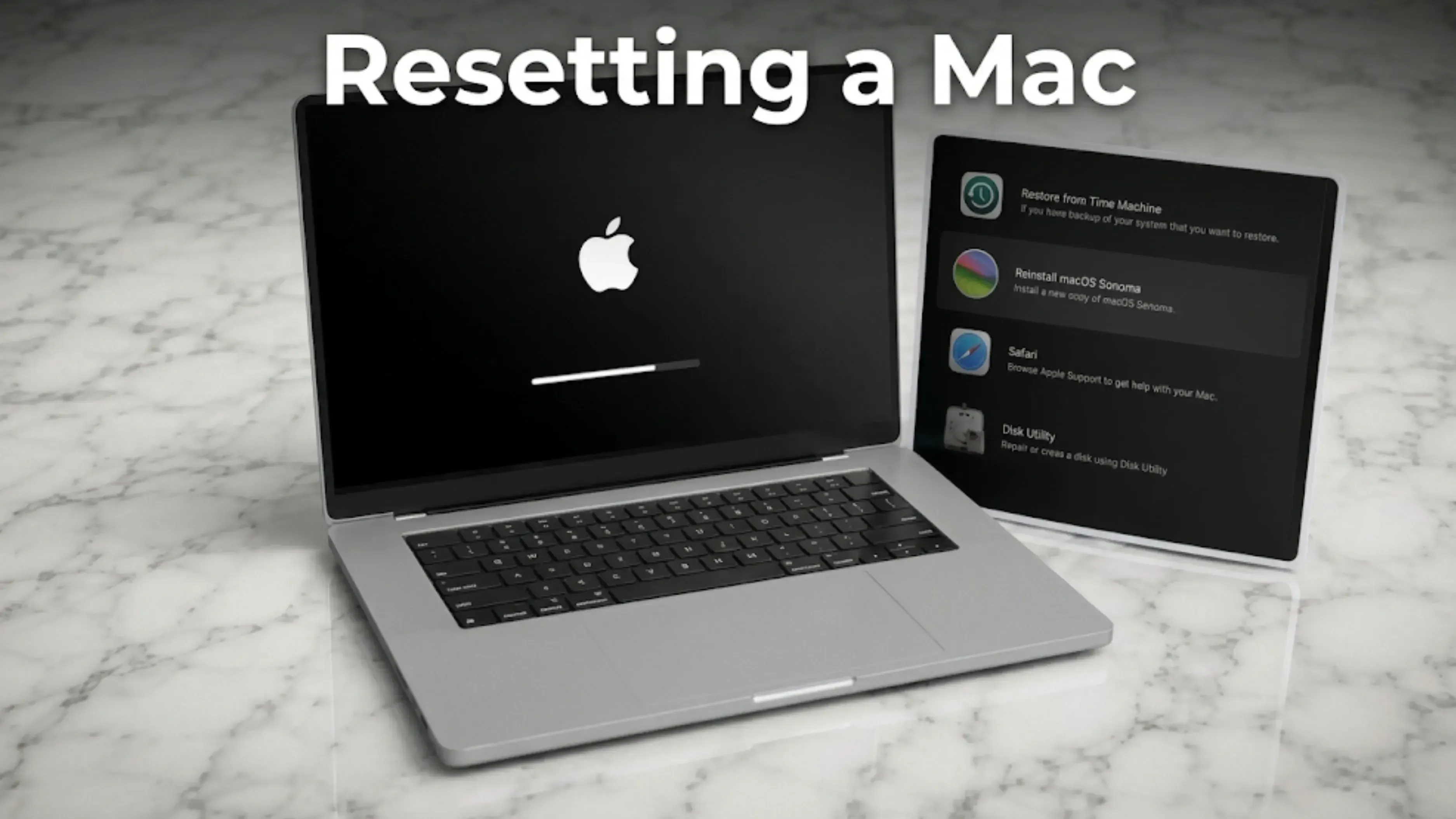
Resetting a Mac
Macs are simpler, and on a modern one it is a single menu item.
On an Apple silicon Mac, or an Intel Mac with the T2 security chip, go to System Settings, then General, then Transfer or Reset, and choose Erase All Content and Settings. It signs you out, erases the disk and returns the Mac to its out-of-the-box state in one step.
Sign out of your Apple Account first if you want to be certain, though the erase handles it. Remove the Mac from your account's device list afterward.
On an older Intel Mac without the T2 chip, there is no Erase All Content and Settings option, and the process is longer: start up in macOS Recovery, erase the disk in Disk Utility, and reinstall macOS. Sign out of iCloud, iMessage and your Apple Account manually before you do it.
After the Reset
Switch it on. You should see the first-time setup screen, the one you saw when the laptop was new. If it asks for an account or a password instead, something did not complete and you need to go back.
Then remove the laptop from your account's device list, on your Microsoft account page or your Apple Account page. This is the step everyone skips, and it is why people still see a laptop they sold years ago listed in their account.
Find the charger. A laptop without its charger is worth less, and it is almost always still in the house somewhere.
Should You Reset Before Getting a Quote?
No. Get the quote first.
Whoever is valuing the laptop needs to know the processor, memory, storage, and battery health, and all of that is easier to read off a working laptop than off a reset one. Our guide on laptop battery health check covers how to pull the battery report, which is worth doing before you wipe anything.
Reset it once you have agreed a price and you know the laptop is going. Our guide on selling an old laptop in India covers the rest, including where the value actually sits.
Go to Settings, then System, then Recovery, and select Reset PC. Choose Remove everything. On the next settings screen, turn on Clean data, which Microsoft recommends for a PC you are selling. Then pick cloud download or local reinstall and let it run.
2. What is the Clean data option and do I need it?
It is a toggle that appears after you choose Remove everything, and it is usually off. Microsoft says it removes files and cleans the drive, and recommends it if you are donating, recycling or selling the PC. It takes longer but makes recovering your old files harder. Turn it on.
3. Does a factory reset delete everything permanently?
With Clean data on it is a solid consumer wipe, but Microsoft itself says the feature "does not meet government and industry data erasure standards". For personal files it is enough. For genuinely sensitive material, this is not the right tool.
4. Do I need my BitLocker key to reset a laptop?
If the laptop is encrypted, yes, and most modern Windows laptops are. Microsoft says to make sure you have the recovery key before you start. It is usually saved to your Microsoft account, so look it up on another device first.
5. How do I factory reset a MacBook?
On an Apple silicon Mac or an Intel Mac with the T2 chip, go to System Settings, General, Transfer or Reset, and choose Erase All Content and Settings. On an older Intel Mac you have to start up in macOS Recovery, erase the disk and reinstall macOS.
6. How long does a laptop reset take?
Anything from twenty minutes to a couple of hours, depending on the drive and whether Clean data is turned on. Microsoft warns the screen can go black for more than fifteen minutes during the process. Leave it plugged in and leave it alone.
Sources
Microsoft, "Reset your PC", for the Settings path, the Keep my files and Remove everything descriptions, the Clean data toggle and its recommendation for a PC you are selling, the cloud download and local reinstall descriptions, the BitLocker recovery key requirement, the black screen warning, and the statement that the data erasure functionality does not meet government and industry data erasure standards
Microsoft, "Recovery options in Windows", for BitLocker key requirements in recovery


 Rabina KhadkaPublished at: Nov 16, 2026·10 min read