How to Sell an Old Smartwatch in India: Which Ones Are Worth It
Most people have a couple of these sitting in a drawer. Maybe one came free with a phone and the other was bought separately, but neither has been charged in a year.
Not all smartwatches have the same value, and the difference is even bigger than with phones. Here is how to figure out if yours is worth selling, and how to make sure the buyer can use it.
Disclosure: Cashkr is our own device buyback service. We buy used watches and wearables, so we benefit when people sell rather than store. We will not tell you what yours is worth, because that depends entirely on what it is.
Advertisement
The Honest Part First
Smartwatches fall into two main groups, and the difference between them is clear.
Apple Watches and higher-end Samsung and Garmin models keep their value. People are looking for used ones, they get software updates for years, and you can usually replace the battery. These are worth selling.
Yaskar Jung Shah leads content at Cashkr, an Indian device buyback service. He writes about resale value, data safety and what actually happens to a device after it is sold. He checks every figure against a dated, named source, and says so when a number cannot be verified.
Advertisement
Advertisement
Most budget watches are not worth selling one by one. If your watch cost two or three thousand rupees new and comes from a brand that releases many models each year, there is almost no used market for it. Nobody is searching for a two-year-old model by name. This is not about whether the watch is good. It is about whether a second buyer exists, and usually one does not.
If your watch falls into the second group, it is better to give it to someone who will use it, or to recycle it properly. Trying to sell it usually takes more time than it is worth.
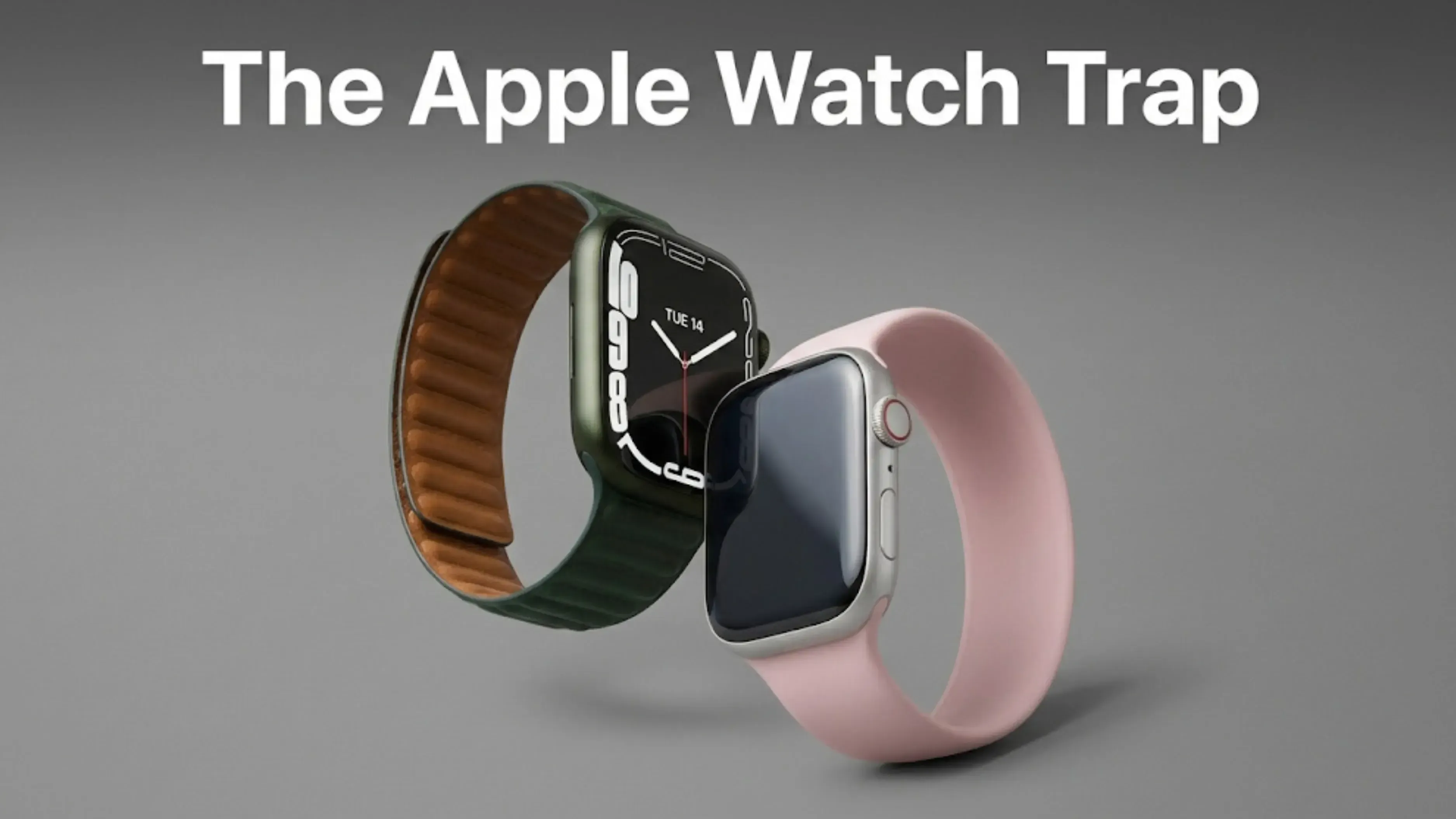
The Apple Watch Trap, Which Is Different From the iPhone One
This is where many people get tripped up. The process is different from how it works with phones, so even those familiar with iPhones can make mistakes.
On an Apple Watch, erasing the watch itself does not clear Activation Lock. Apple says it plainly: doing it that way "erases your Apple Watch and restores it to factory settings, but doesn't remove Activation Lock."
If you reset the watch from its own settings menu, it might seem like you have done everything, but the watch will still be locked to your Apple Account. No one else can pair it. Not a buyer, not a buyback service, not even an Apple Store.
The right way is to unpair the watch from your paired iPhone. As Apple says: "Unpairing erases your Apple Watch, restores it to factory settings, and removes Activation Lock." This single step does all three things, and you will be asked for your Apple Account password to confirm it is you.
Apple is clear about what to do: "If you're selling or giving away your Apple Watch, it's best to use your iPhone to unpair it."
The steps Apple gives
Keep your watch and iPhone close. Open the Apple Watch app on your iPhone and tap the My Watch tab. Tap All Watches at the top, then tap the information button next to your watch's name. Tap Unpair Apple Watch and confirm.
If your watch is a cellular model, you will see the option to Remove Cellular Plan. Go ahead and select it.
Next, enter your Apple Account password to turn off Activation Lock, and confirm.
When you unpair, Apple says the iPhone "will try to create a backup" of your watch, which you can use if you get a new one. But keep in mind that it only tries. Do not count on it for anything important.
If you no longer have the paired iPhone
You can still sort this out using a browser. Sign in to iCloud, find your watch under All Devices, erase it, and then remove it from your device list. Apple explains this method for when you cannot access the iPhone, or the watch is not paired any more.
If you already gave the watch away
Use the same method, and it still works. Erase the watch from Find My on iCloud, then remove it from your device list. Do this as soon as possible, since the new owner cannot use the watch until you have done it.
Samsung and Wear OS Watches
It is simpler for these watches, but there is one thing to remember afterwards.
For a Galaxy Watch, go to Settings, then General, then Reset. You can also reset it from your phone using the Galaxy Wearable app, under Watch settings, General, Reset. Samsung says a reset means "All of your personal data will be removed and the watch will restore back to its default settings."
Samsung's page does not mention an activation lock like Apple's, and it does not tell you to remove your Samsung account first. That is not the same as saying you do not need to, so sign out of your accounts on the watch if you can, and treat it as good practice rather than a documented step.
If you are giving the watch away, Samsung says that after resetting you should "be sure to unpair the Bluetooth connection between the watch and your phone." To do this, go to Settings, Connections, Bluetooth on your phone, tap the gear icon next to the watch, then Unpair.
Samsung does not say a backup happens automatically, so if there is anything on the watch you want to keep, back it up first.
If your watch is an LTE model, contact your operator about the plan, just as you would with a cellular Apple Watch.
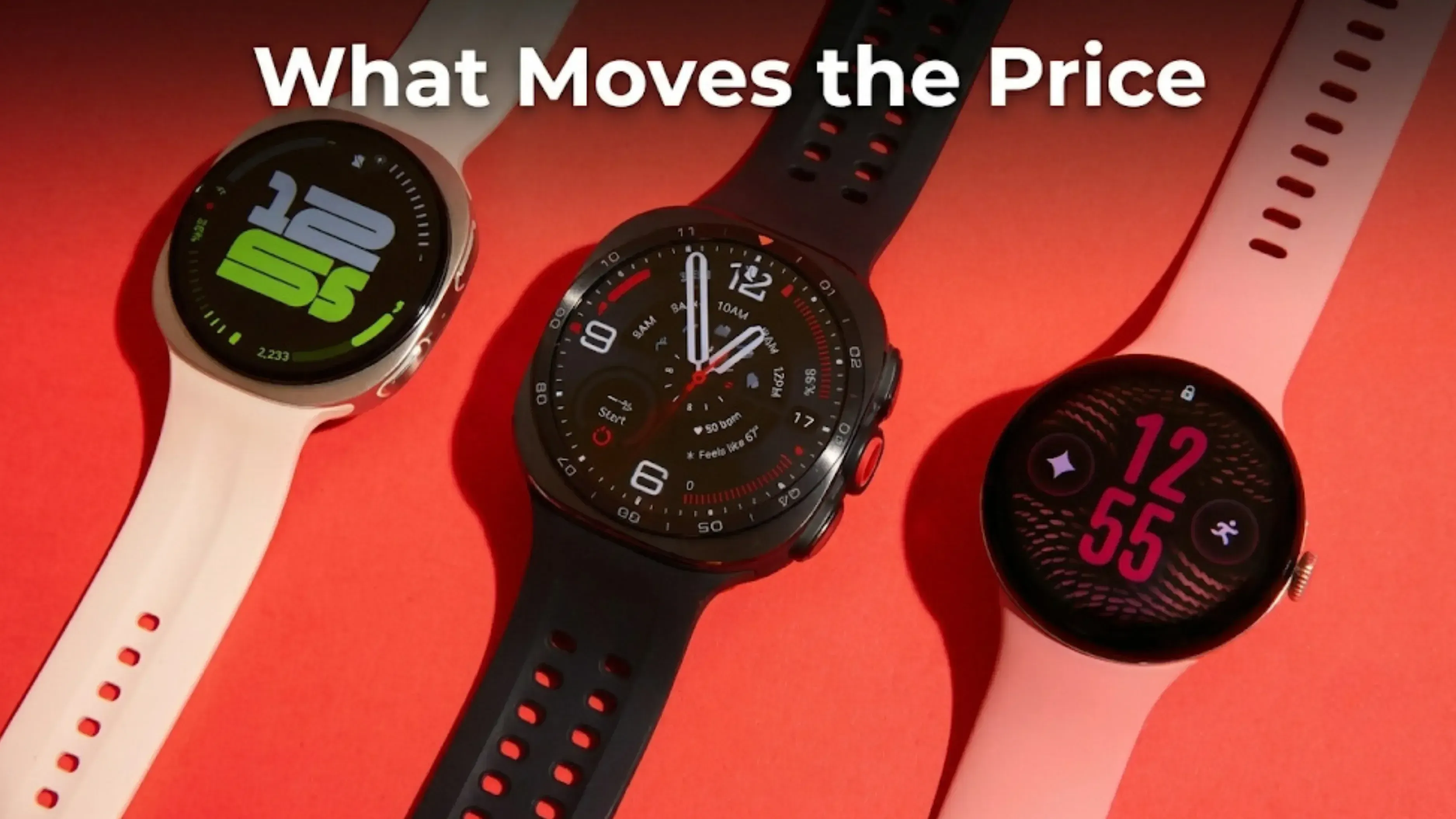
What Moves the Price
Brand matters most. It is the first thing that determines the value.
Whether the watch still gets software updates. If updates have stopped, the value drops quickly, and you can usually find the date online.
Battery life, which ages faster on watches than on phones. Watch batteries are small and get charged almost every day, so they wear out quickly. A four year old watch that needs charging twice a day is much harder to sell, even if it looks fine.
Screen condition. Watch screens get bumped more than phone screens, since your wrist hits things like doorframes. Scratches are normal and priced accordingly, but a crack is a bigger issue.
Whether the watch is cellular or not. LTE models are usually worth more than Wi-Fi only versions, as long as the plan has been removed.
The band usually does not matter, unless it is an expensive original one. Third party bands do not add value. Keep the original band if you have it, since it makes the watch look complete, but do not worry if you cannot find it.
The charger is important, more than you might expect. Watch chargers are often proprietary, easy to misplace, and a hassle to replace. Make sure you have it.
Most of this follows the same logic as phones, where condition, age and update support do the heavy lifting. Our guide on what affects a phone's resale value sets out that order in full, and watches sit on the same curve with a shorter runway.
Before You Get a Quote
Charge your watch so it can be turned on and checked. Find the model. On an Apple Watch this is in the Watch app under General, About, and it includes the size in millimetres, since a 41mm and a 45mm are different products at different prices. Check whether it is the GPS or the cellular version. Inspect the screen in daylight, tilted, with the watch off. Find the charger and the original band if you still have them.
Once you have agreed on a price, unpair the watch following the steps above.
It mostly depends on the brand. An Apple Watch or a good Samsung or Garmin model has a real used market and is worth selling. A budget watch that cost a few thousand rupees usually does not have a second buyer, so passing it on or recycling it makes more sense.
2. How do I reset an Apple Watch before selling it?
Unpair the watch from your iPhone, not from the watch itself. Open the Apple Watch app, tap My Watch, then All Watches, tap the information button, and choose Unpair Apple Watch. Enter your Apple Account password when prompted to turn off Activation Lock.
3. Why does erasing the Apple Watch on the watch not work?
Apple says erasing the watch this way restores factory settings "but doesn't remove Activation Lock." The watch will be erased but still linked to your Apple Account, so the next owner cannot pair it. Unpairing from the iPhone is what actually removes the lock.
4. What if I already sold the watch without unpairing it?
Sign in to iCloud, find your watch under All Devices, erase it, and then remove it from your device list. Apple explains this process for exactly this situation. Do it quickly, since the new owner cannot use the watch until you have done it.
5. How do I factory reset a Samsung Galaxy Watch?
On the watch, go to Settings, then General, then Reset. You can also reset it from the Galaxy Wearable app on your phone under Watch settings, General, Reset. If you are giving the watch away, Samsung also says to unpair the Bluetooth connection on your phone afterwards.
6. Does the band affect the price?
The band hardly matters, unless it is an expensive original one. Third party bands do not add value. The charger is more important, since watch chargers are proprietary and easy to lose.
Sources
Apple, "What to do before you sell, give away, or trade in your Apple Watch", for the ordered unpairing steps, the cellular plan removal, and the backup wording
Apple, "Unpair and erase your Apple Watch", for the statement that unpairing removes Activation Lock and that erasing on the watch does not
Apple, "About Activation Lock on your Apple Watch", for the iCloud route when the paired iPhone is unavailable
Samsung, "Perform a reset on your Samsung smart watch", for the reset paths, what a reset removes, and the advice to unpair Bluetooth when giving the watch away


 Yaskar Jung ShahPublished at: Nov 16, 2026·11 min read