Eight Myths About Selling a Used Phone in India, and What Is True
Many common beliefs about selling a used phone are outdated or just incorrect. Some of these mistakes can even cost you money.
We often hear these eight myths, so here’s what’s actually true. Two of these mistakes can leave a phone unusable, which is the costliest error when selling a used phone.
Disclosure: Cashkr is our own device buyback service. We buy used phones, so we benefit when people sell. Two of the myths below argue against our own interest, and we have left them in.
Yaskar Jung Shah leads content at Cashkr, an Indian device buyback service. He writes about resale value, data safety and what actually happens to a device after it is sold. He checks every figure against a dated, named source, and says so when a number cannot be verified.
Advertisement
Advertisement
Not true, and this one is expensive.
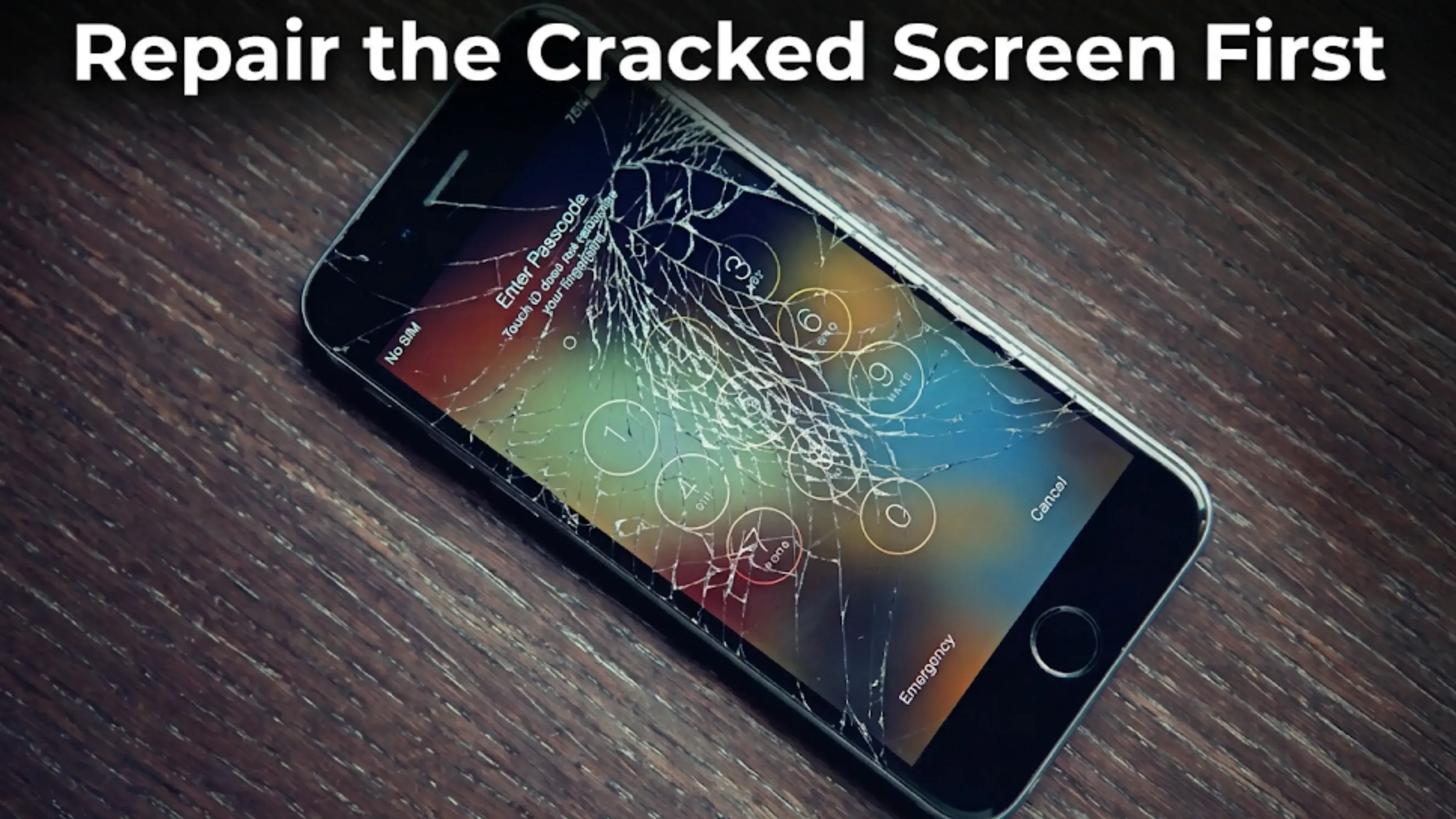
Getting an authorised screen repair usually costs more than it adds to your phone’s value. A cheap third-party repair is even worse, since a non-genuine part can show up as Unknown in the phone’s repair history, and that record stays with the phone.
This matters because a buyer can see a cracked screen and know exactly what’s wrong. But if there’s a parts warning, they don’t know what was replaced or if anything else was changed. Uncertainty lowers the value more than visible damage.
It’s better to sell the phone with a cracked screen and be upfront about it. Damaged phones still sell, since refurbishers can fix them for less than you would spend.
There’s one exception that’s non-negotiable. If the battery is swelling, the screen is lifting from the frame, or the phone won’t sit flat on a table, you must fix it no matter the cost. That’s a safety issue.
That’s not correct. Deleting a file only removes the pointer to it, not the actual file itself.
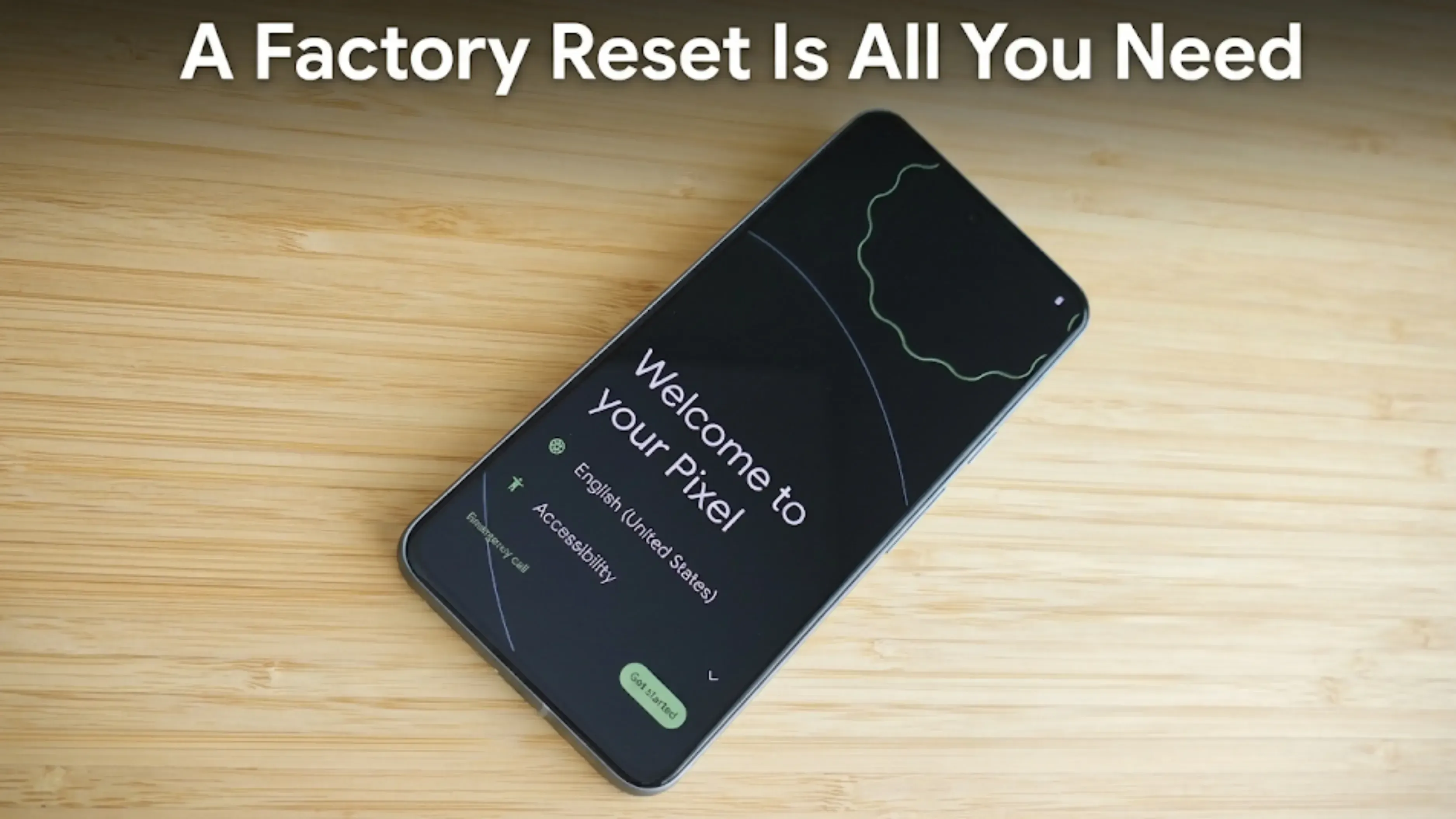
What actually works is the factory reset. Modern phones encrypt their storage, and the reset destroys the encryption key. Without the key, whatever is left cannot be read.
So the reset is what matters. Deleting your photos first adds nothing.
Myth 3: You Need Special Data Wiping Software
Not true for an ordinary phone. Be careful of anyone selling it to you.
Android has encrypted storage by default since version 6 and has required it from version 10. iPhones have done it longer. The factory reset destroys the key.
Multi pass overwriting is a technique for mechanical hard drives. Phone storage works differently because it moves data to spread wear, so repeated overwrites do not reliably land on the same physical cells.
The step that actually matters is the next myth.
Myth 4: A Factory Reset Is All You Need
This is the one that stops sales. It is also the one most often explained wrongly, including by us until recently. Here is the accurate version.
Doing it the normal way works. If you erase the phone from its Settings menu after unlocking it and enter your account password when asked, the lock is cleared. Apple's page confirms erasing an iPhone this way turns off Find My and Activation Lock. The phone is ready for the next owner.
The lock activates when the phone is wiped another way: through recovery mode, the bootloader, from a computer because the passcode was forgotten, or handed over without being erased. In those cases the phone stays tied to the account and nobody can set it up without that password.
Apple Watches work differently and catch people out. On a watch, erasing it on the watch itself does not clear Activation Lock. Apple says so directly. You have to unpair it from the paired iPhone.
So the practical rule is simple: reset the phone yourself from Settings before it leaves your hands. Sign out first as well; it takes thirty seconds and removes all doubt.
The full order: back up, move your authenticator codes, deal with the eSIM, sign out, remove the SIM and memory card, then reset.
Myth 5: Keeping It as a Spare Preserves Its Value
Not true. A phone in a drawer loses value nearly as fast as one in daily use.
Lithium batteries age by the calendar, not only by use. New launches step prices down whether you switch the phone on or not. Software support ends on schedule.
Most spare phones never get used. When the main phone breaks, people find the spare has a flat battery and a two-year-old operating system, so they go to a shop anyway.
If you want a backup, it needs charging to about half every few months and updating. If you do not do that, it is not a backup. It is a phone you are slowly throwing away.
Myth 6: More Storage Always Means More Money
Not reliably, especially on an older phone.
Most tablets cannot take a memory card, but most Android phones can. On the used market, the storage premium is far smaller than people assume. On an older iPhone, the gap between 128GB and 256GB versions is often small rather than several thousand rupees, and occasionally a 256GB unit is listed below a 128GB one.
On an older phone, condition beats capacity. Battery health, screen condition, repair history, and how keen the seller is affect the price more than storage.
Myth 7: Charging Overnight Ruins the Battery
This one is about ten years out of date.
A modern phone stops charging at 100 percent. Both iOS and recent Android versions offer charging features that hold the battery near 80 percent overnight and finish shortly before you wake. If your phone has that setting, use it.
What actually wears a battery out is heat: gaming while fast charging, a phone on a car dashboard, charging under a pillow. In an Indian summer this matters more than in cooler places.
Myth 8: Exchange Offers Always Pay Less Than Cash
Not always, which surprises people.
Manufacturers and retailers run bonus windows, usually around a launch or a festive sale, where an extra amount is added to the normal exchange value. A cash buyback has no equivalent.
So if you were already going to buy that phone and a bonus window is running, the exchange can beat a cash sale. Outside those windows, cash usually wins. We are not going to quote the current figures, because these offers change every few weeks and a number printed here would be wrong by the time you read it. Check the offer page on the day you are deciding, and compare it against a cash quote for the same handset.
Two Things People Assume Are Myths, and Are Not
Worth being straight about these, because pretending otherwise helps nobody.
Selling privately really takes time: writing the listing, taking photographs, answering questions, people who do not turn up, meeting strangers. That is not a story invented to push you towards buyback services. It is just what it involves, and for many people the extra money is worth it.
The payment risk in private sales is real: fake payment screenshots, UPI collect requests that take money instead of sending it, overpayment and refund tricks, and swaps at handover. Our guide on selling your phone safely covers these in detail, and the honest summary is this. Selling privately pays more, takes longer, and carries risk. A buyback pays less and removes both. Which is better depends on what you care about, and that is your call. your call rather than ours.
What We Do
We give you an online quote, collect the phone from your address, inspect it to confirm its condition, and pay by UPI or bank transfer once you accept.
We buy the phone directly, so there is no listing, no negotiating and no meeting strangers. We pay less than a good private sale would. What you get instead is certainty.
1. Should I repair my phone before selling a used phone?
Usually no. An authorised repair rarely adds more than it costs, and a cheap third party repair can leave a parts warning in the phone's own repair history that makes buyers more cautious than a visible crack would. Fix a swelling battery regardless, because that is a safety issue.
2. Is deleting my photos enough before selling?
No. Deleting removes the signpost, not the file. The factory reset is what does the work, because the phone encrypts its storage and the reset destroys the key.
3. Do I need to buy data wiping software?
Not for an ordinary phone. The built in reset is enough on any device from the last decade. Signing out of your accounts first is the step that actually matters.
4. Is a factory reset all I need to do?
Almost. Erasing the phone from its own Settings, after unlocking it, does clear the account lock. The problem comes from wiping through recovery mode or a computer, or handing the phone over unwiped. Sign out first anyway, and do the reset yourself before the phone leaves your hands.
5. Does keeping a phone unused protect its value?
No. Batteries age by the calendar, new launches step prices down regardless, and software support runs out on schedule. A stored phone loses value at close to the rate of a used one.
6. Is a 256GB phone always worth more than a 128GB?
Not reliably on an older phone. The used market premium for extra storage is usually much smaller than people expect, and sometimes it is not there at all. Condition matters more than capacity.
Sources
Apple, "What to do before you sell, give away or trade in your iPhone or iPad," for the statement that erasing an iPhone from Settings turns off Find My and Activation Lock
Apple, "Unpair and erase your Apple Watch," for the statement that erasing a watch on the watch itself does not remove Activation Lock
Apple, "iPhone Parts and Service History," for the repair history labels including Unknown and for the statement that a new owner can see a device's repair history
Android storage encryption by default from Android 6 and required from Android 10
Advertisement
Stay in the loop
Weekly tech insights in your inbox. No spam, ever.


 Yaskar Jung ShahPublished at: Nov 19, 2026·10 min read