Many people don't know whether their phone is still under warranty. When something goes wrong, they often cannot answer the first question anyone asks.
You can check your phone warranty in less than a minute. On an iPhone, the information is already on the device.
Disclosure: Cashkr is our own device buyback service. We buy used phones, so the last section of this page is where our interest sits, and we have said so again there.
Advertisement
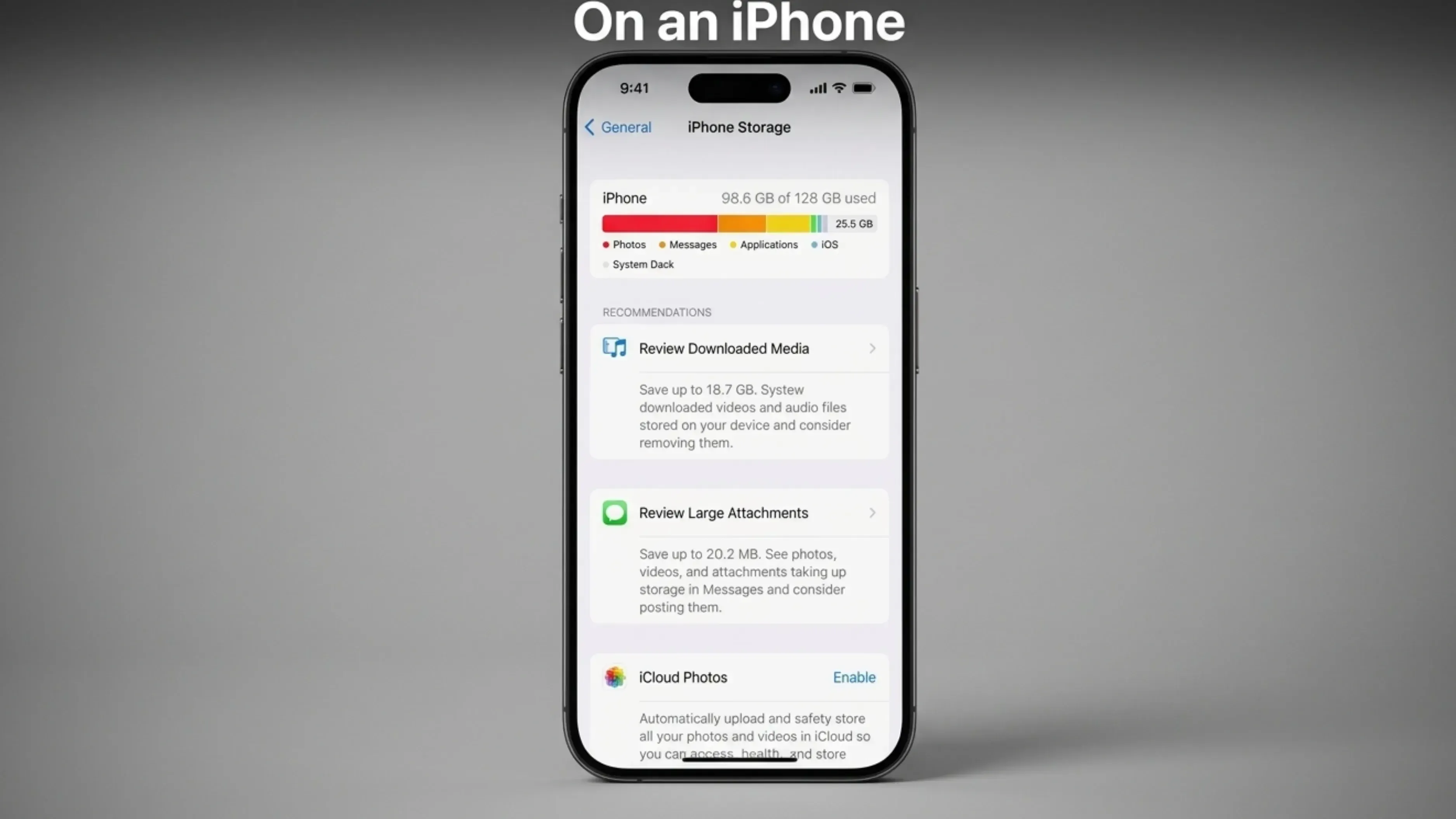
On an iPhone
Apple includes this in Settings, but the entry has a different name than most guides suggest.
Go to Settings, then General, then tap AppleCare & Warranty, then tap your device.
That shows your AppleCare coverage expiration date and what support you are eligible for.
Pay attention to the name. It is "AppleCare & Warranty", not "Coverage". Many articles tell you to look for a Coverage entry, which is why people search Settings and find nothing.
Rabin Khadka covers smartphones, laptops and India’s growing market for used devices. She spends most of her time tracking launch prices, price drops and resale values, and has a particular interest in why two phones that cost the same on launch day can be worth very different amounts two years later.
Advertisement
Advertisement
Two other ways, which work when the phone does not
checkcoverage.apple.com is the site Apple provides for checking your coverage online.
mysupport.apple.com, where you sign in with your Apple Account and choose your device.
The second option is helpful if your phone is dead, lost, or already sold, since it works through your account instead of the device itself.
A practical note from Apple: if you cannot see your coverage, check that your Apple Account has two-factor authentication set up.
On a Mac
It is a similar process. Go to System Settings, then General, then AppleCare & Warranty.
On an Android Phone
There is not one standard way to check your phone warranty on Android, since each manufacturer handles it differently. Android itself does not have a warranty screen.
What stays the same is what you need: the IMEI or serial number. Dial *#06# to see your IMEI, and write it down before you begin.
Here are the options, listed by how reliable they are.
The manufacturer's own website is the best option. Samsung, Xiaomi, OnePlus, Vivo, Oppo and Realme all have support pages where you enter your serial number or IMEI to check coverage. Since the page is different for each brand, start with your manufacturer's India support site instead of a third-party tool.
You can also use the manufacturer's own app, if your phone has one. Apps like Samsung Members often show device and service information.
Your purchase invoice is also important. The warranty usually starts from the purchase date, so the invoice can confirm coverage even if no website does. This is why you should keep the bill, and it also adds to the resale value.
Be careful with third-party sites that offer to check your phone's warranty using your IMEI. Use the manufacturer's own page instead. Your IMEI is unique to your device, so don't share it with anyone who doesn't need it.
What a Warranty Usually Does Not Cover
It is important to know this before you rely on your warranty.
Accidental damage. A cracked screen or a drop is generally not a manufacturing defect, and a standard warranty does not cover it. That is what separate damage protection plans are for.
Liquid damage, in most cases, for the same reason.
Battery wear. Batteries are consumable, and Apple says all rechargeable batteries become less effective as they chemically age. If a battery just declines with use it is usually not covered by warranty, but if it fails abnormally, it might be.
Repairs done outside the authorized network. Apple states that repairs performed by Apple and Apple Authorized Service Providers are covered by Apple's warranty. Repairs by independent providers are not covered by Apple's warranty or AppleCare plans, though they might be covered by that provider's own warranty.
That last point is more important than many people realize, and it connects to the next section.
What Warranty Status Does to Resale Value
Here is the honest position, and it is less dramatic than you might expect.
Having some warranty left can help, but it is not a big factor. Most used phones are sold after their warranty has expired, so it usually does not matter for most sellers. If there is still time left, it is a selling point, especially on a newer phone.
The bill is more important than the warranty. An invoice proves the phone belongs to you and shows the purchase date. Both are more valuable to a buyer than a few months of remaining warranty.
Repair history is the most important of the three. If a phone was repaired outside the authorized network, it might show a parts warning that buyers can see. On an iPhone, you can check this in Settings, then General, then About. A non-original part may appear as Unknown, which affects the price more than warranty status does.
While you are in Settings to check your phone warranty, gather all three details at once. Any quote will need these.
The exact model and storage. On an iPhone, Settings, General, About.
The battery health. On an iPhone, Settings > Battery> Battery Health.
The warranty status, as above.
Then find the box and the bill.
Why it is worth the two minutes. An accurate description is what stops the number from moving later. Any online quote is given on what you enter and confirmed after an inspection, so the closer your description is to the phone in front of you, the closer the two figures will be.
This is where our interest comes in, so keep that in mind. A phone with the bill, a known battery figure and a clean repair history is worth more than one without them, and all three are free to establish. If you want to know what your phone is worth with those details to hand, the calculator asks for the model, storage, age and condition.
On an iPhone, go to Settings, then General, then AppleCare & Warranty, then tap your device. You can also use checkcoverage.apple.com, or sign in at mysupport.apple.com. On Android there is no single screen, so get your IMEI by dialling *#06# and enter it on your manufacturer's own India support site.
2. Where is the warranty information in iPhone Settings?
Settings, then General, then AppleCare & Warranty, then tap your device. The entry is called AppleCare & Warranty rather than Coverage, which is why searching for Coverage finds nothing.
3. How do I check an Android phone's warranty?
Dial *#06# for the IMEI, then use the manufacturer's own support website for your brand. Samsung, Xiaomi, OnePlus, Vivo, Oppo, and Realme all do. Some brands also show it in their own app. Your purchase invoice is the fallback, because the warranty normally runs from the purchase date.
4. Can I check my warranty if the phone will not switch on?
Yes. Sign in at mysupport.apple.com for an Apple device, or use the manufacturer's site with the IMEI or serial number, which you can find on the original box or the invoice.
5. Does a warranty cover a cracked screen?
Generally no. Accidental damage is not a manufacturing defect, so a standard warranty does not cover it. That is what separate damage protection plans exist for.
6. Does a warranty cover battery wear?
Normally not. Batteries are consumable and lose capacity as they age chemically, which is expected rather than a fault. A battery that fails abnormally can be a different matter, so it is worth asking.
7. Does a third-party repair void my warranty?
For Apple devices, Apple says repairs by Apple and Apple Authorized Service Providers are covered by its warranty, and repairs by independent providers are not, though the provider's own warranty may apply. Check your own manufacturer's position before having a repair done outside their network.
Sources
Apple, "Find information about your warranty or AppleCare plan", for the Settings, General, AppleCare & Warranty path, the Mac equivalent, the checkcoverage.apple.com and mysupport.apple.com routes, what the Settings entry shows, and the two-factor authentication note
Apple, "iPhone Parts and Service History", for the statement that repairs by Apple and Apple Authorized Service Providers are covered by Apple's warranty while repairs by independent providers are not, and for the repair history labels including Unknown
Apple, "About the battery and performance of iPhone 11 and later", for the statement that rechargeable batteries are consumable components that become less effective as they chemically age
Android manufacturer warranty pages differ by brand and are not quoted here. Use your own manufacturer's India support site for the current process


 Rabina KhadkaPublished at: Nov 25, 2026·10 min read