How to Transfer WhatsApp to a New Phone, Android or iPhone
For most people WhatsApp is the only thing on the phone they really cannot lose. Photos are saved elsewhere. Contacts update automatically. Years of chats are something else.
The good news is you can move WhatsApp to a new phone in any way, even between Android and iPhone. The bad news is each method has its own rules. Two of these must be done before you start setting up the new phone.
Disclosure: Cashkr is our own device buyback service. We buy used phones, so we see the handover go wrong. People wipe the old phone before checking the chats actually arrived.
Advertisement
The One Rule
Do not erase or give away the old phone until you have opened WhatsApp on the new phone and checked your chats.
WhatsApp is clear that your data stays put until you remove it. For a move to an iPhone: "Your Android phone will still have your data unless you delete WhatsApp or wipe your phone." Going the other way: "Your old device will still have your data unless you wipe it or delete WhatsApp."
Rabin Khadka covers smartphones, laptops and India’s growing market for used devices. She spends most of her time tracking launch prices, price drops and resale values, and has a particular interest in why two phones that cost the same on launch day can be worth very different amounts two years later.
So the old phone is your backup until you erase it. Keep it handy.
WhatsApp also says this about disposal, in its own words: "If you give away or return your old phone to your mobile provider, you should wipe all your data beforehand."
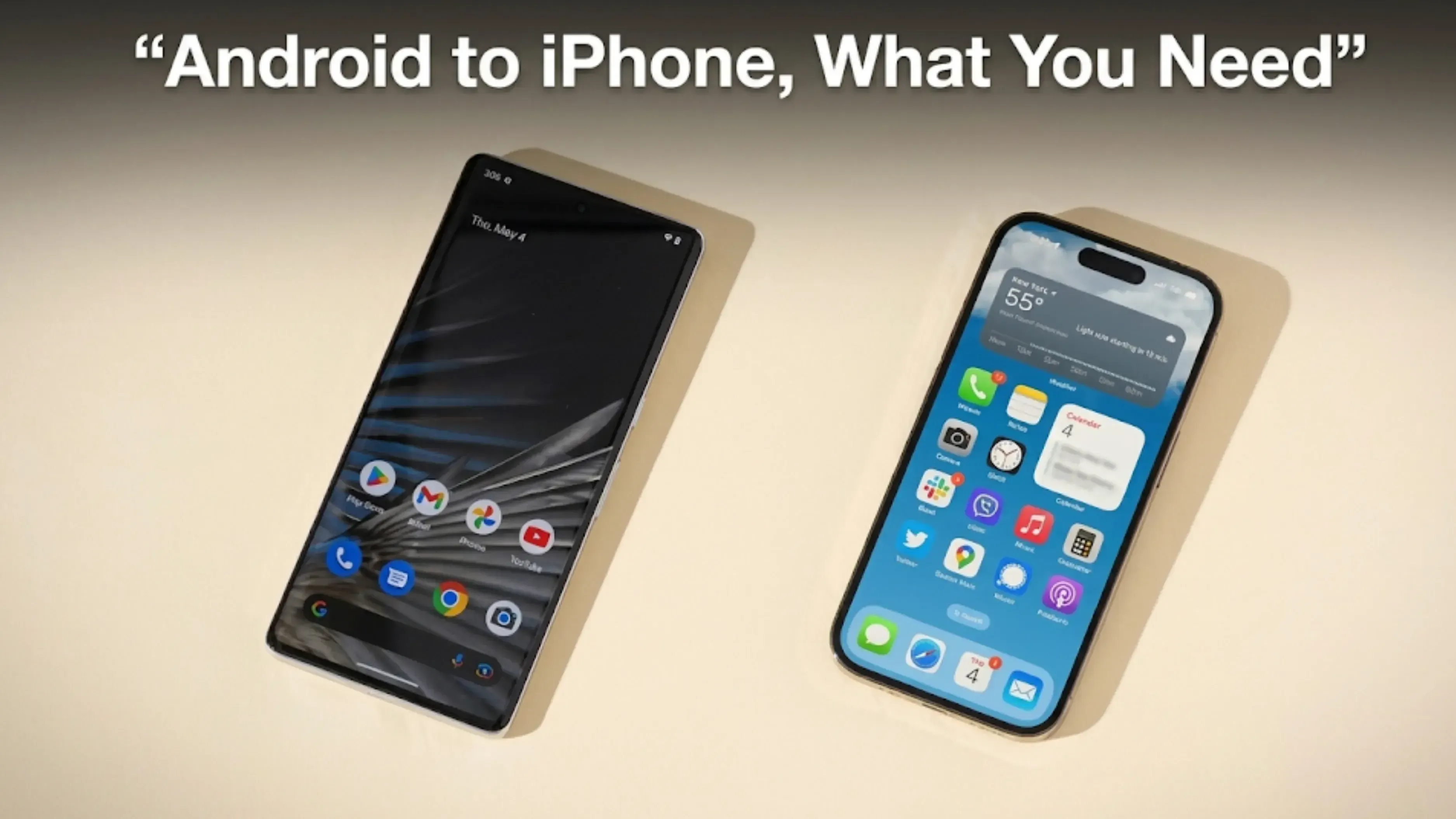
Android to iPhone
This method works, even though many people think it doesn’t. It requires Apple's Move to iOS app.
What WhatsApp requires
Android 5 or above
iOS 15.5 or above on the iPhone
The Move to iOS app installed on the Android phone
The latest WhatsApp version on both phones
The same phone number on the new phone as the old one
The iPhone must be factory new or reset to factory settings to pair with Move to iOS
Both phones plugged into power
Both on the same Wi-Fi, or the Android connected to the iPhone's hotspot
Two of these often cause problems for people.
The iPhone must be new or reset. If you’ve already set it up and used it for a while, you’ll need to erase it and start over.
Only Move to iOS works. WhatsApp says: "Using other data migration apps is not supported and will cause problems." So, other phone makers’ switching apps won’t work here.
This route is also not supported on WhatsApp Business.
The steps
Open Move to iOS on the Android phone and pair it using the code shown on the iPhone. On the Transfer Data screen, select WhatsApp.
Tap START on the Android phone and wait while WhatsApp prepares your data. You are signed out of WhatsApp on the Android phone once this finishes, which is normal.
Tap NEXT, then CONTINUE in Move to iOS, and wait for it to confirm.
Install WhatsApp from the App Store on the iPhone, log in with the same number, and tap Start when prompted. Let it finish, then complete setting up the iPhone.
iPhone to Android
This method requires a cable, which many people find surprising.
What WhatsApp requires
A Samsung phone with the latest Samsung Smart Switch app, a Google Pixel, or any other Android phone running Android 12 or above
A factory reset of the Pixel or the Android 12 phone
A Lightning to USB-C cable, or the right adapters
The same phone number on the new phone
The latest WhatsApp from the Play Store
The steps
Update WhatsApp on the iPhone first.
Begin setting up the new Android phone and choose to restore data when asked. At the "Copy apps and data" screen, connect the two phones using the cable.
Tap Trust on the iPhone and keep it unlocked. When asked, scan the QR code with the iPhone camera, then tap Start.
When it finishes, disconnect. Open WhatsApp on the Android phone, verify with the same number, and tap Start to import your chat history.
The timing trap on this route
WhatsApp is explicit, and this is the thing to read twice:
"You can only restore your chats before you've activated WhatsApp on your new Android device."
If you have already activated WhatsApp on the new Android phone, you have to uninstall it and begin again. WhatsApp also says, "You can't merge new chats from your new phone and old chats from your old phone."
So you cannot add new messages from a few days later to your old chat history. It has to be one or the other.
Android to Android, and iPhone to iPhone
These are the easiest ways to move WhatsApp to a new phone because both systems manage it themselves. WhatsApp lists two methods for Android: "There are two ways to transfer an account from Android to Android, Google Account backups and chat transfer."
We are not going to print the step-by-step for these here. WhatsApp's own help pages are the place to follow them, because the flows change and a stale set of steps on this subject is worse than none. The same applies to iPhone to iPhone.
What does not change is the rule at the top of this page. Get the chats onto the new phone, open the app, scroll back, and only then deal with the old handset.
What Does Not Transfer
Good to know before you search for something that won’t be there.
Moving to an iPhone, WhatsApp says: "You can't transfer your call history or display name, or media received over WhatsApp Channels." Peer-to-peer payment messages do not move either.
Moving to an Android phone, the list is slightly longer: "You can't transfer your call history, display name, status updates, or media received over WhatsApp Channels." Payment messages again do not move.
So your chats and their media transfer over. Your call history does not.
If You Are Changing Your Number
This part has no workaround, so read it before buying a new SIM.
WhatsApp's own words: "It's not possible to transfer your chats to a new phone number."
If you want to keep your chat history and change your number, you must change the number on your old phone first using WhatsApp’s change number feature, then move to the new phone. WhatsApp warns: "If you register with a new number on a new phone without doing this, you'll lose your chat history."
One thing few people know: if you stop using an old number and don’t delete the account, someone else can get it. WhatsApp says that if the new owner activates WhatsApp after 45 days of inactivity, all account info linked to that number is deleted.
So if you are giving up a number for good, delete the WhatsApp account on it on purpose instead of leaving it.
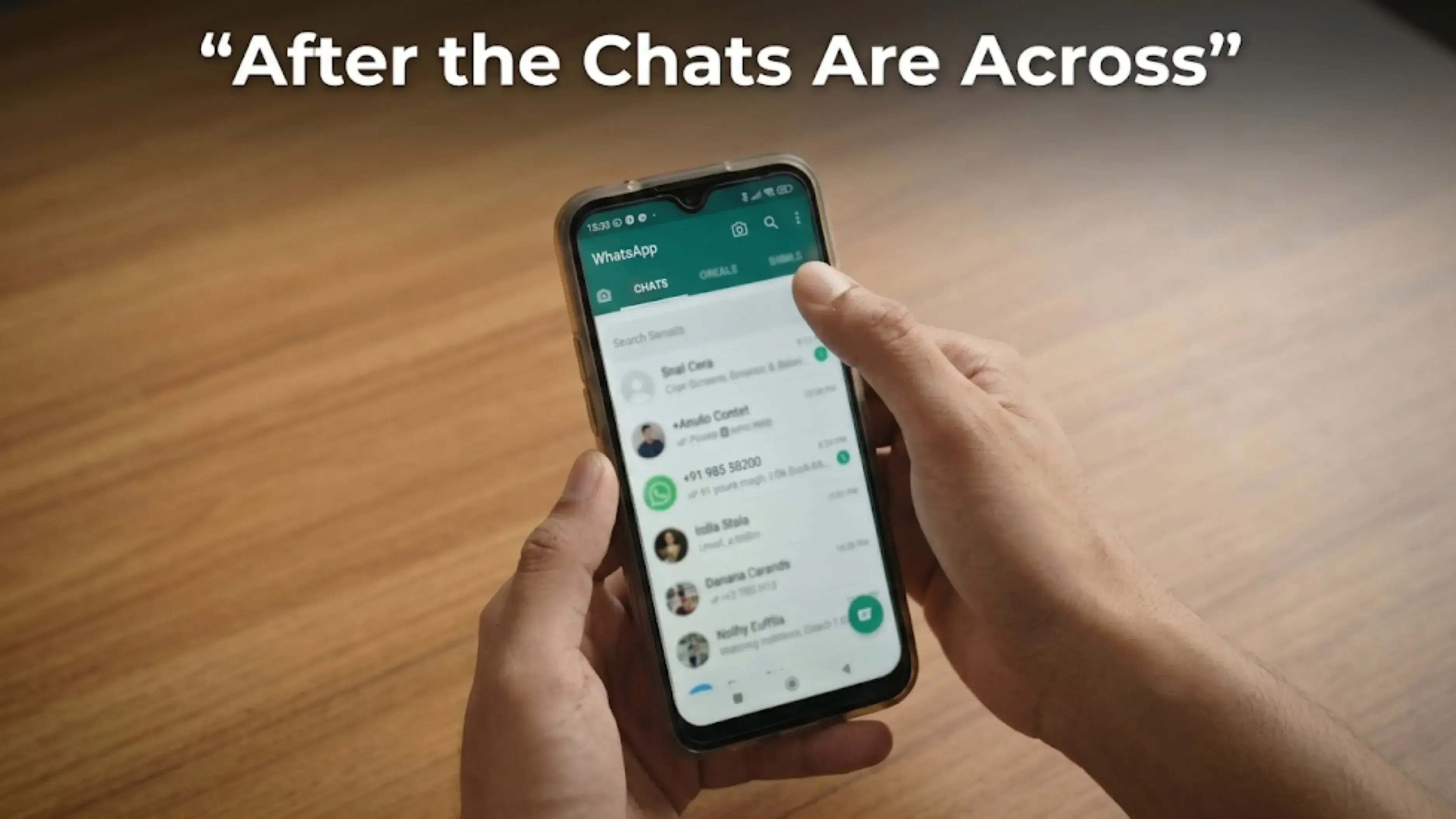
After the Chats Are Across
Open WhatsApp on the new phone and check carefully. Scroll back several months. Open a chat with photos and make sure the pictures load, not just the messages. Check a group chat you care about.
Only when that is true should you start on the old phone.
Two things don’t come back from any backup, and these are what people lose. Your authenticator codes, which aren’t saved in WhatsApp or phone backups. And your eSIM, which is linked to your carrier, not your data, and must be handled while the old phone still has your number.
Then sign out of your accounts, take out the SIM and memory card, and reset the old phone to factory settings from its own menu. Our guide on selling your phone safely explains the steps and handover.
An old phone that still works has value, but it loses worth every month it sits unused. Our guide on what affects a phone’s resale value explains what really matters, and where to sell an old phone compares options honestly, including selling it yourself.
If you want to know how much your old phone is worth now, the calculator asks for the model, storage, age, and condition.
FAQs
1. How do I transfer WhatsApp to a new phone?
It depends on which way you’re moving. Android to iPhone uses the Move to iOS app and requires the iPhone to be new or reset. iPhone to Android requires a Lightning-to-USB-C cable and a factory-reset Android 12 phone. For the same platform, WhatsApp uses a Google Account backup or chat transfer. In all cases, you need the same phone number on the new device.
2. Do WhatsApp chats transfer from Android to iPhone?
Yes. You need Android 5 or above, iOS 15.5 or above, the Move to iOS app, the same phone number, and the iPhone must be factory new or reset. WhatsApp says other migration apps are not supported and will cause problems.
3. Can I transfer WhatsApp if my iPhone is already set up?
Not by this route. WhatsApp requires the iPhone to be factory new or reset to factory settings to pair with Move to iOS. If you have already set it up, you would need to erase it and start again.
4. Do I need a cable to move WhatsApp from iPhone to Android?
Yes. WhatsApp lists a Lightning-to-USB-C cable, or equivalent adapters, as a requirement for that direction.
5. What does not transfer with WhatsApp?
Your call history and display name do not move in either direction, and neither does media received over WhatsApp Channels or peer-to-peer payment messages. Moving to Android, status updates do not transfer either.
6. Can I move my chats to a new phone number?
No. WhatsApp says it is not possible to transfer chats to a new phone number. To keep your history, you have to change the number on the old phone first using WhatsApp's change number feature, then move to the new handset.
7. What happens to WhatsApp on my old number if I stop using it?
If you do not delete the account, the number can be reassigned. WhatsApp says that if the new owner activates WhatsApp on it after 45 days of inactivity, all the account information tied to that number is deleted. Delete the account deliberately if you are giving up the number.
Sources
WhatsApp Help Center, "How to move chats from an Android device to an iPhone", for the requirements list including iOS 15.5, the Move to iOS app, the same phone number, the factory reset iPhone, the statement that other migration apps are not supported, and what does not transfer
WhatsApp Help Centre, "How to move chats from an iPhone to an Android device", for the device and Android 12 requirements, the Lightning to USB-C cable, the steps, the restriction that chats can only be restored before activating WhatsApp, the statement that chats cannot be merged, and the statement that chats cannot be transferred to a new phone number
WhatsApp Help Centre, "About changing phones", for the two Android-to-Android methods, the guidance on keeping or changing a number, the advice to wipe a phone before giving it away, and the 45 day reassignment rule


 Rabina KhadkaPublished at: Nov 20, 2026·11 min read