There is one rule you need to get right, because if you get it wrong you cannot fix it later.
Sony only lets you deactivate your consoles once every six months. That is Sony's own wording. If you sell a PlayStation without deactivating it first, and you have already used your deactivation this year, your new console may not be able to use the games you paid for until that window reopens.
Most people do not talk about this. It is the single most expensive mistake in selling a PlayStation, and it is easy and free to avoid.
Advertisement
Disclosure: Cashkr is our own device buyback service. We buy used consoles, so the last section of this page is where our interest sits, and we have said so again there.
The Order That Matters
Follow these steps in order. The sequence is the whole point.
1. Back up your saves. Once the console is reset, anything not backed up is gone.
Rabin Khadka covers smartphones, laptops and India’s growing market for used devices. She spends most of her time tracking launch prices, price drops and resale values, and has a particular interest in why two phones that cost the same on launch day can be worth very different amounts two years later.
Advertisement
Advertisement
2. Sync your trophies if you are on PlayStation. Sony lists this as a separate step because trophy data is not part of a normal backup.
3. Deactivate the console. Many people forget this step.
4. Then factory reset it.
5. Note the serial number before it leaves. Sony's own advice is to record it and store it somewhere safe, because it can be useful later to prove ownership.
The problem comes if you reset without deactivating first. Resetting erases the console, but your account is still linked to it on Sony's or Microsoft's side.
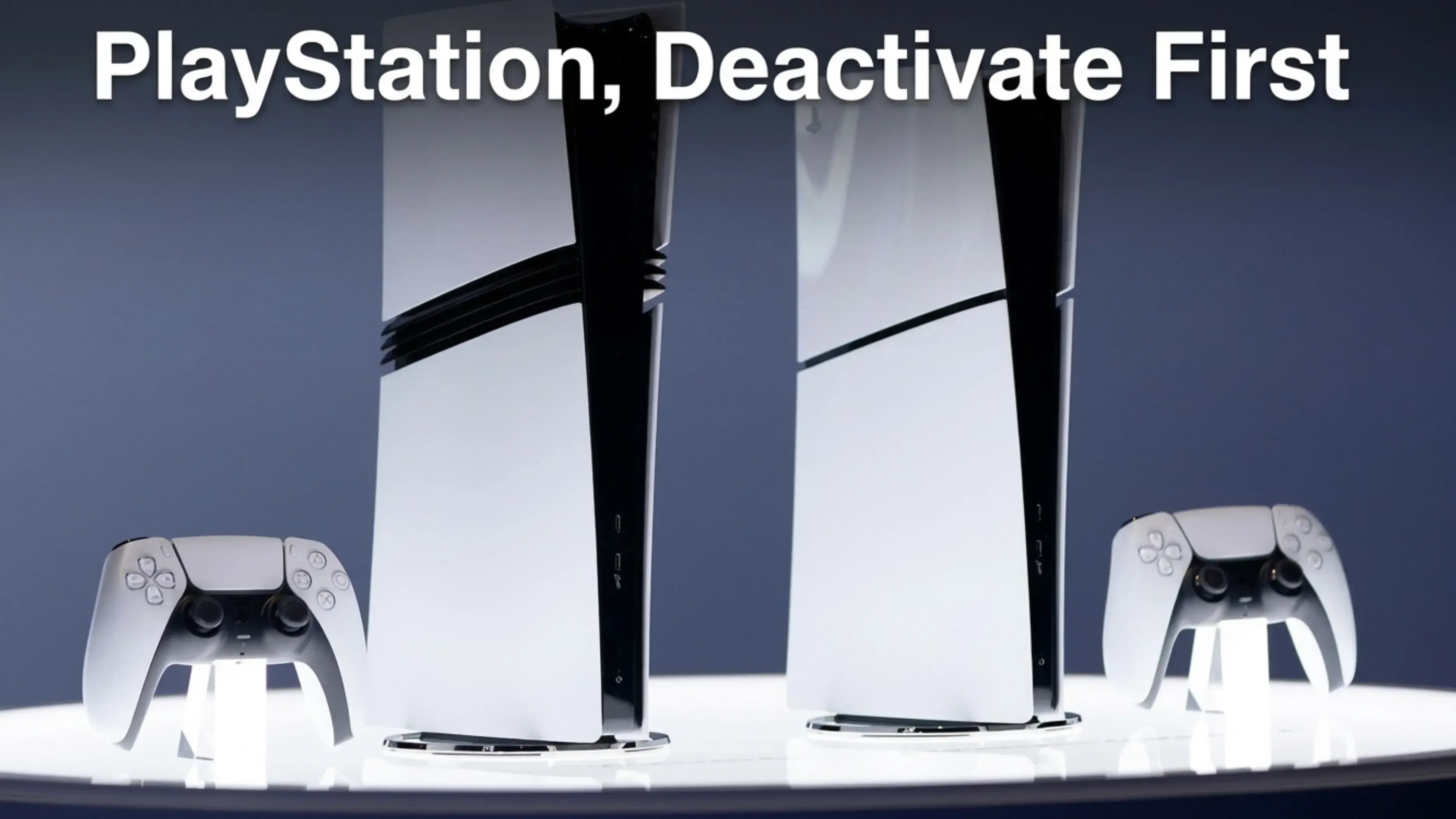
PlayStation: Deactivate First
On a PS5, go to Settings, then Users and Accounts, then Other. Select Console Sharing and Offline Play, then Disable.
Sony is clear that this is harmless to your data: "deactivating your console does not delete your data or damage your console."
If you no longer have the console, you can do it from a browser. Sign in to Account Management, then Device Management, then PlayStation Consoles, then Deactivate All Devices.
There are two important limits on that remote option.
You cannot deactivate one console remotely. It is all of them or none. Sony says so directly: "You can't remotely deactivate individual PlayStation consoles."
And the one at the top of this page: "You can only deactivate your consoles once every six months." Use it without thinking and you wait.
Why does deactivating matter? Activating a console links it to your account and lets that console use your PlayStation Store purchases. Sony allows one PS5 activation and one PS4 activation per account, two on PS3, and three on PS Vita or TV. A sold console that is still activated takes up a slot you need for your next one.
If you cannot deactivate, Sony's advice for signing out of consoles you cannot reach is to change your password.
Then reset the PlayStation
Sony's warning is blunt, and worth reading before you tap anything: when you reset a PS5 or initialise a PS4, all settings and information saved on the console are deleted, the process cannot be undone, and deleted data cannot be restored.
That is why the backup comes first, every time.
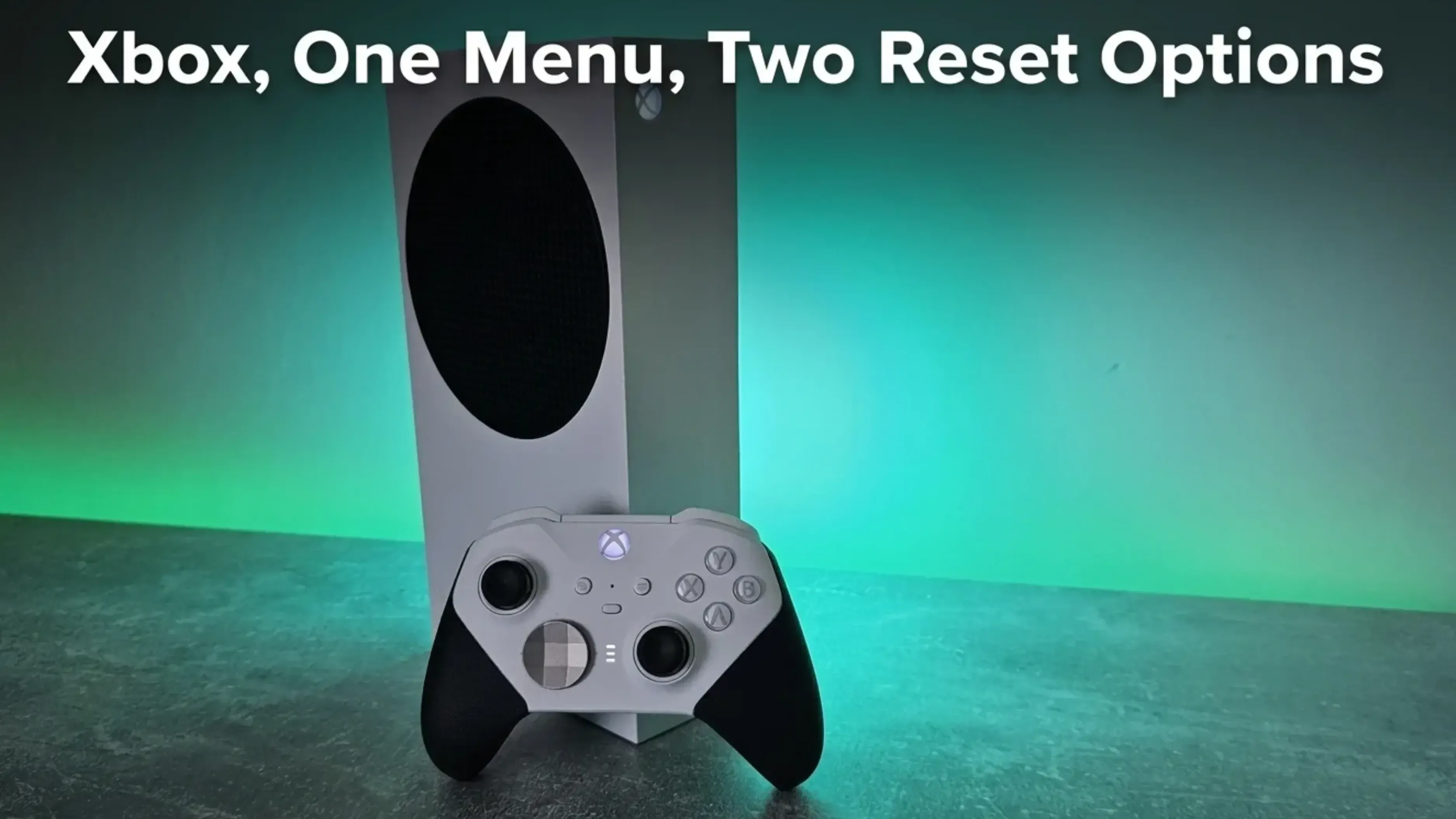
Xbox: One Menu, Three Options
Xbox keeps everything in one menu, which is simpler, but the option you pick matters.
Press the Xbox button to open the guide, then go to Profile & system, then Settings, then System, then Console info. Select Reset console.
You will be offered three choices.
Reset and remove everything
Resets to factory settings and deletes all user data, including accounts, saved games, settings, home Xbox associations and all installed content. Microsoft says to use this when selling or gifting the console
Reset and keep my games & apps
Resets the operating system without deleting your games or apps. This is a troubleshooting option, not a selling one
Cancel
Backs out with nothing changed
If you are selling, choose the first one. The second one leaves your installed content on the machine.
One thing to do before you reset. Microsoft warns that resetting erases anything not uploaded to the Xbox network, and advises connecting to the network first if the console has been offline for a while, so it can sync. A console that has been offline for months is the one that loses saves.
Nintendo Switch
We buy these too, but Nintendo has its own deregistration process, so we have not listed the steps here rather than guess at them. Check Nintendo's support pages for your model before you reset, and follow the same idea: unlink your account first, then reset.
This is where sellers make the other mistake: assuming all working consoles are worth about the same.
The generation and the model. A PS5 or an Xbox Series machine sits well above a PS4 or an Xbox One, and storage size separates units within a model.
Disc drive or digital. Consoles with a disc drive usually sell for more than digital only versions, because the buyer can use second-hand discs.
Controllers. A working controller in the box raises the quote, and a second one raises it further. A console sold bare is worth noticeably less, which surprises people.
The faults buyers check for. Disc read errors, stick drift on the controller, a loud or failing fan, and damaged HDMI or other ports. None of these make a console unsellable. All of them change the price.
The cables and the dock. The original power brick and HDMI cable are worth including. They are cheap individually and a hassle to find separately, which is exactly why they add value.
What matters less than people think is the box and the bill. They help, but on a console the working condition and the controllers decide far more. Our guide on what affects a phone's resale value explains the same ordering on phones, and eight myths about selling a used device deals with the beliefs that cost people money in every category.
Timing, Honestly
Console prices do not drift down slowly the way phone prices do. They fall in steps, and the steps follow events.
A new generation launching, or an official price cut, is what moves the floor. Between those events a console holds reasonably well. After one, it does not recover.
So the useful question is not "has my console lost value this month" but "is the next step down close". Our guide on when to sell your phone works through the same logic for phones, and the reasoning is the same here.
This goes against the usual advice to wait and see. With consoles, holding through a generation change is the one thing that reliably costs you money.
And if you are selling to Us
This is where our interest comes in, so weigh it accordingly.
Any buyer can run the checks above, so it makes sense to run them yourself and describe the console honestly. A machine that is deactivated, reset, and listed with its real faults gets a quote that holds at the door.
Even faulty consoles have value. A disc drive that will not read, a controller with stick drift, a noisy fan, a damaged port: these are priced in, not refused.
If you want to see what your console is worth, the calculator asks for the model, storage and condition.
Before you hand it over, the general selling advice is the same as for any device. Our guide on selling your phone safelycovers the handover and the payment scams.
FAQs
1. How do I sell a PS5 or PS4 safely?
Back up your saves, sync your trophies, deactivate the console, then factory reset it. Deactivating is the step people miss, and it affects your account rather than the machine. Record the serial number before the console leaves, which is Sony's own advice.
2. What happens if I sell a PlayStation without deactivating it?
The sold console keeps using one of your account's activation slots, and Sony allows only one PS5 and one PS4 activation per account. You can deactivate remotely, but only all consoles at once, and only once every six months. If you have used that window, you wait.
3. How do I deactivate a PS5?
Settings, then Users and Accounts, then Other, then Console Sharing and Offline Play, then Disable. Sony confirms that deactivating does not delete your data or damage the console.
4. Can I deactivate a PlayStation I have already sold?
Yes, from a browser. Sign in to Account Management, then Device Management, then PlayStation Consoles, then Deactivate All Devices. It deactivates every console on the account, not just one, and the six month limit applies.
5. Does resetting a PS5 delete everything?
Yes. Sony says that when you reset a PS5 or initialise a PS4, all settings and information saved on the console are deleted, the process cannot be undone, and deleted data cannot be restored. Back up first.
6. How do I factory reset an Xbox before selling it?
Press the Xbox button, go to Profile & system, then Settings, then System, then Console info, then Reset console. Choose Reset and remove everything, which Microsoft identifies as the option to use when selling or gifting.
7. What is the difference between the two Xbox reset options?
Reset and remove everything deletes accounts, saved games, settings, home Xbox associations and all installed content. Reset and keep my games & apps resets the operating system but leaves your games installed, which is a troubleshooting option rather than a selling one.
Sources
PlayStation Support, "Transfer or dispose of your PlayStation console", for the order of steps before disposal, the advice to record the serial number, the trophy sync step, and the statement that resetting a PS5 or initialising a PS4 deletes all settings and information saved on the console, cannot be undone, and that deleted data cannot be restored
PlayStation Support, "How to deactivate a PlayStation console", for the PS5 deactivation path, the statement that deactivating does not delete your data or damage your console, the remote Deactivate All Devices route, the statement that individual consoles cannot be remotely deactivated, the limit of one deactivation every six months, the activation limits by console type, and the advice to change your password to sign out of consoles you cannot reach
Xbox Support, "How to reset your Xbox console to factory defaults", for the Profile & system, Settings, System, Console info, Reset console path, the three reset options and what each does, the identification of Reset and remove everything as the option for selling or gifting, and the warning that anything not uploaded to the Xbox network will be lost


 Rabina KhadkaPublished at: Nov 29, 2026·11 min read