Many people think earbuds are too small to be worth selling. They can be worth more than you expect, and there is an important first step that often gets overlooked.
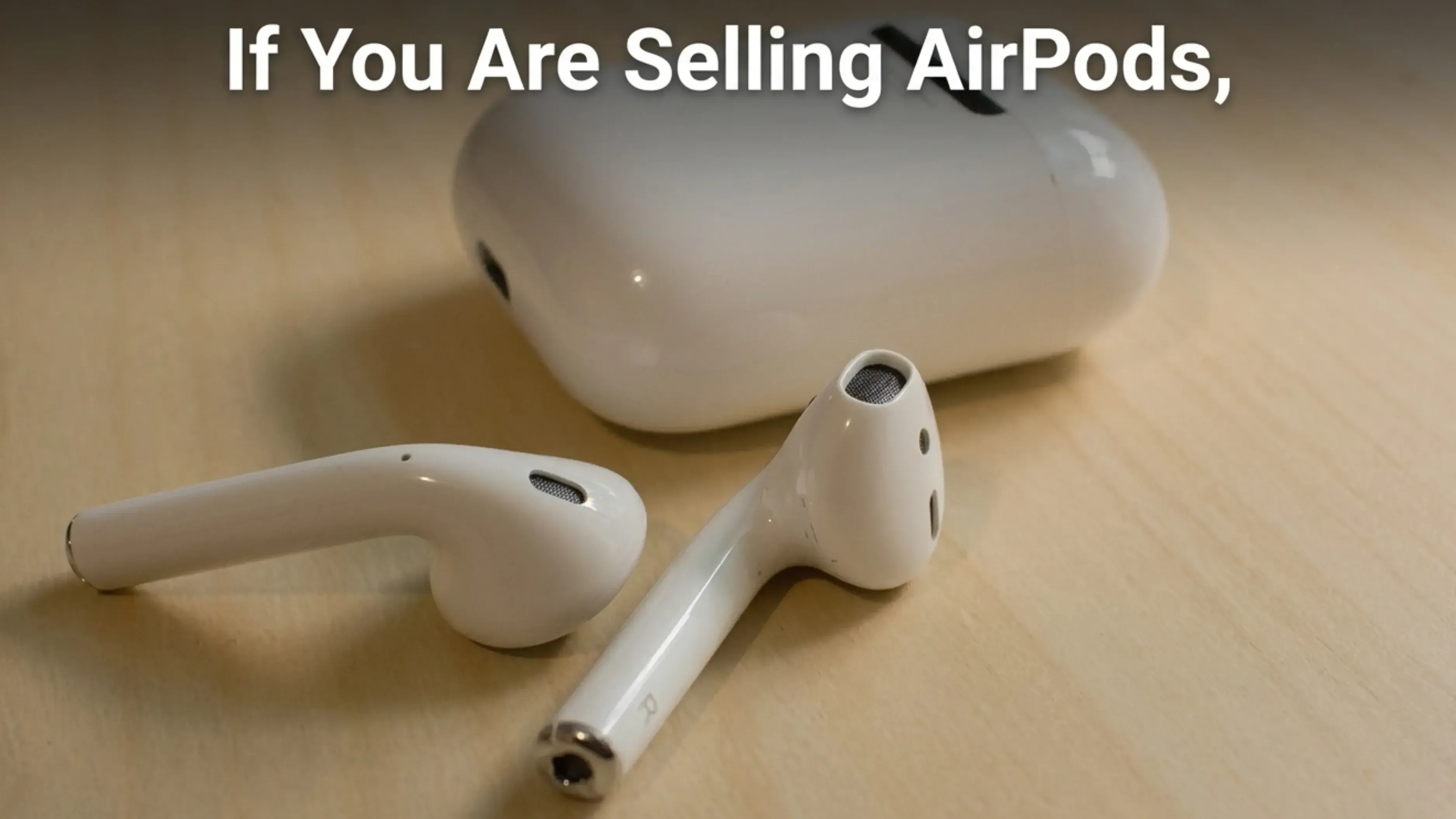
AirPods can only be paired with one Apple Account at a time. That is Apple's own wording. If you sell them without removing them from your account, the buyer cannot pair them to their own account, and features including Find My will not work for them.
This is the same problem as selling a phone without removing your account first. It just happens to a device nobody thinks of as having an account. Our guide on removing an Apple ID from an iPhone covers the phone version of the same step.
Advertisement
Disclosure: Cashkr is our own device buyback service. We buy used earbuds and headphones, so the last section of this page is where our interest sits, and we have said so again there.
Yaskar Jung Shah leads content at Cashkr, an Indian device buyback service. He writes about resale value, data safety and what actually happens to a device after it is sold. He checks every figure against a dated, named source, and says so when a number cannot be verified.
Apple is direct about it: you need to remove AirPods from your Apple Account before selling or giving them away, so the new owner can pair them to their own account and use all the features.
On an iPhone or iPad, open the Find My app, select the Devices tab, tap your AirPods, then swipe up. Tap Remove This Device, then Remove to confirm.
On a Mac, open Find My, select the Devices tab, select your AirPods, click the More Info button on the map, then click Remove This Device.
Two useful details from Apple. You only need to do this on one device to unpair, not on every device you own. And the AirPods do not have to be connected over Bluetooth for it to work, though Apple notes it may happen faster if they are connected and in range.
That Find My entry is why this matters. AirPods sit in the same device list as your iPhone, and our guide on how to find my iPhone and when to turn Find My off explains what that list does and when you want a device out of it.
While you are there, deal with AppleCare.
If your AirPods are covered by an AppleCare plan, you can either cancel it or transfer it to the new owner.
Transferring it is usually the better move if you are selling. The remaining cover is a real selling point on a recent pair, and it costs you nothing you were going to use.
And clean them.
Apple suggests this and we are going to agree, for a blunter reason than hygiene.
A pair of earbuds that looks cared for gets a better price than an identical pair that does not. On a device this small, appearance is most of what a buyer can judge at a glance.
If You Are Selling Android Earbuds or Over-Ear Headphones
The good news is that this is simpler.
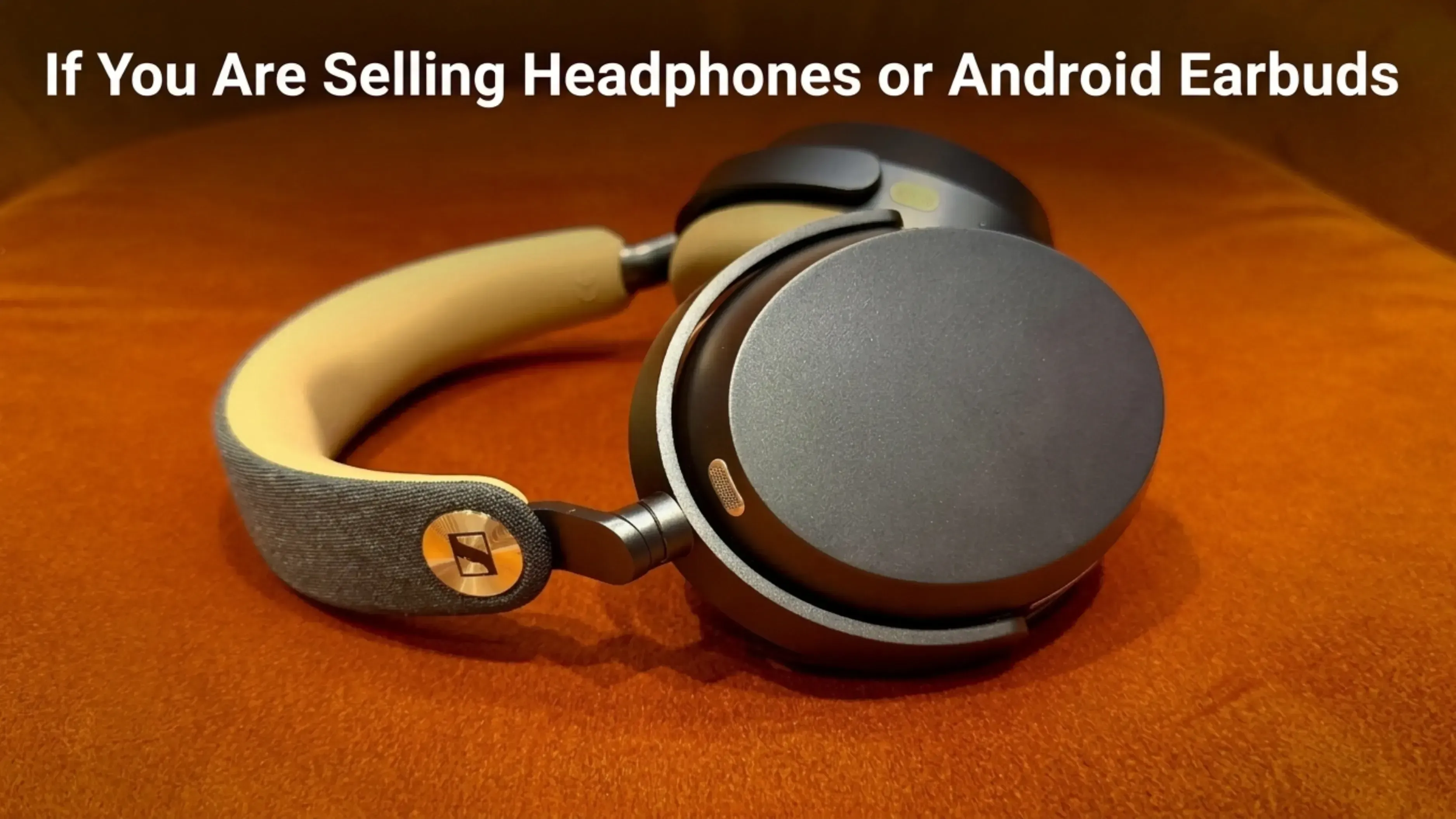
Most non-Apple headphones have no account attached to them. Galaxy Buds, Pixel Buds, OnePlus, Nothing, boAt, Bose, Marshall and the rest pair over Bluetooth without being tied to an account the way AirPods are.
What you should still do is reset them and remove them from your phone's Bluetooth list, so they are not trying to connect to your phone when the buyer tests them.
The reset button combination differs by brand and model, and we are not going to guess at yours. Check your manufacturer's support page for your exact model. If your earbuds have a companion app, the reset is usually in there.
What Actually Decides the Price
Being honest about this saves you a disappointment at the door.
The model, far more than the brand. AirPods Pro 2 and Galaxy Buds Pro sit well above entry level buds from the same makers. The gap between tiers is larger than the gap between brands.
Battery life is the real condition test. It is what buyers care about most. Earbud batteries are tiny, and they age faster than phone batteries do. A pair that now runs two hours instead of six is worth much less. There is no way to hide it either, because the buyer finds out on day one.
So test them honestly before you ask for a quote. Charge them fully, use them normally, and note roughly how long they last.
Phones work the same way, and there you can read the number off a screen. Our guide on checking battery health on Android and iPhone covers that. Earbuds give you no such screen, so the timing test is all you have.
Both buds, and the case. This is where earbuds differ from every other device. A single missing bud or a missing charging case does not reduce the value, it collapses it, because the remaining pieces are not a usable product. Find the case before you list.
The ear tips, the cable and the box. Minor individually, worth including. Silicone tips in particular are something buyers would otherwise have to replace.
Visible wear. Scuffing on the case, discoloured tips, a grille that needs cleaning. All fixable in five minutes, all visible in the first five seconds.
Are They Even Worth Selling?
A fair question, and the answer is not always yes.
Premium earbuds and headphones hold useful value. AirPods Pro, Galaxy Buds Pro, Pixel Buds Pro, Bose, Marshall and similar are worth selling rather than leaving in a drawer.
Budget buds usually are not worth much individually. If you have a pair that cost under a couple of thousand rupees new and has been used for two years, expect the number to be small.
But the drawer argument still applies. A pair sitting unused loses the rest of its value slowly and silently, and the battery degrades whether you use them or not. Something now beats nothing later.
Our guide on selling an old smartwatch works through the same question for wearables, and the conclusion is similar: small devices are worth less than people hope and more than they assume.
If You Are Buying Used Instead
Two checks, both quick, both worth doing before you pay.
Ask the seller to show you both buds connecting and playing. Not one. Both. A single dead bud is easy to hide and expensive to discover later, and this is the check that catches it.
For AirPods, take them through pairing on your own iPhone. If they are still on the seller's Apple Account, you will find out immediately, and the seller can fix it from the Find My app in under a minute. It is the same check we recommend for a used iPhone, which our guide on checking whether an iPhone is original sets out in full.
And If You Are Selling to Us
This is where our interest comes in, so weigh it accordingly.
Remove them from your Apple Account, find the case, charge them, give them a clean, and describe the battery life honestly. Those five things take ten minutes and they are the difference between a quote that holds and one that moves at the door.
Remove them from your Apple Account first. Open the Find My app, select the Devices tab, tap your AirPods, swipe up, then tap Remove This Device and confirm. Then clean them, find the charging case, charge them, and describe the battery life honestly when you get a quote.
2. Why do I have to remove AirPods from my Apple Account?
Apple says AirPods can only be paired with one Apple Account at a time, and that you need to remove them before selling so the new owner can pair them to their account and use all the features, including Find My.
3. Can I remove AirPods from my account without having them with me?
Yes. Apple says the AirPods don't have to be connected over Bluetooth, although the process may go faster if they are connected and within range. You also only need to do it on one of your devices.
4. How do I remove AirPods from my Apple Account on a Mac?
Open Find My, select the Devices tab, select your AirPods, click the More Info button on the map, then click Remove This Device.
5. What happens to my AppleCare plan when I sell AirPods?
You can either cancel it or transfer it to the new owner. Transferring is usually better if you are selling, because remaining cover adds to what a buyer will pay.
6. Do Android earbuds need the same step?
No. Galaxy Buds, Pixel Buds, OnePlus, Nothing and most other brands are not tied to an account the way AirPods are. Reset them and remove them from your phone's Bluetooth list so they don't try to reconnect when the buyer tests them.
7. Can I sell AirPods with only one bud or no case?
You can, but the value drops sharply rather than partly, because the remaining pieces are not a usable product on their own. Look for the missing piece before you accept a low quote.
Sources
According to Apple’s guide "Before you sell, give away, return or recycle your AirPods", AirPods can only be paired with one Apple Account at a time. Remove them from your account before selling so the new owner can pair them and use all features, including Find My. The guide explains how to remove AirPods from Find My on iPhone, iPad, or Mac, and notes that you only need to do this on one device. It also mentions that AirPods don't need to be connected via Bluetooth to remove them. You can also cancel or transfer an AppleCare plan, and it’s a good idea to clean your AirPods before handing them over.
Reset steps for headphones from other brands vary by brand and model, so they are not included here. Please check your manufacturer’s support page for instructions specific to your device.


 Yaskar Jung ShahPublished at: Nov 29, 2026·11 min read